
1. Киришүү
This manual provides detailed instructions for the safe and effective use of your mifa X180 True Wireless Earbuds. Please read this manual thoroughly before using the product and retain it for future reference. The mifa X180 earbuds feature Bluetooth 5.0 connectivity, 4-microphone Environmental Noise Cancellation (ENC) for clear calls, and IPX7 water resistance.
2. Пакеттин мазмуну
Төмөндө тизмеленген нерселердин баары сиздин продукт таңгагыңызда бар экенин текшериңиз:
- mifa X180 True Wireless Earbuds (Left and Right)
- Заряддоо кутусу
- USB заряддоо кабели
- User Manual
- Replaceable Ear Tip Set (various sizes)
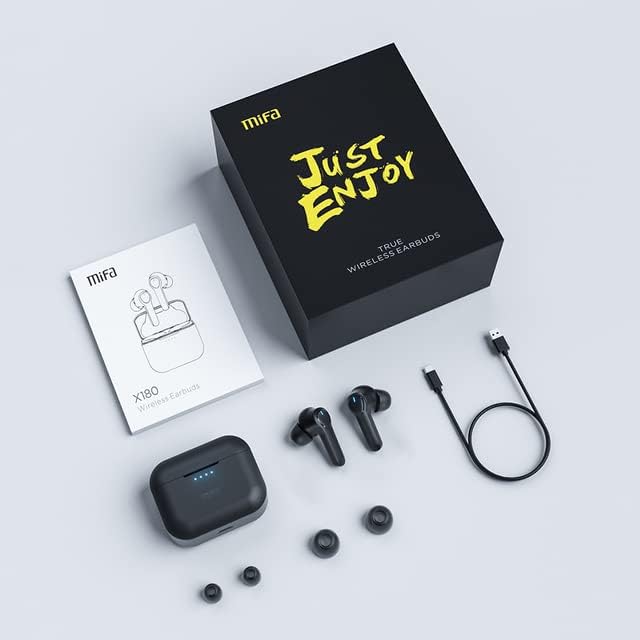
Image: The mifa X180 earbuds, charging case, USB cable, user manual, and extra ear tips laid out on a surface.
3. Продукт бүтүп калдыview
The mifa X180 earbuds are designed for comfort and a secure fit, ensuring stability during various activities.

Image: A person wearing a mifa X180 earbud, demonstrating a comfortable and secure fit.
Наушник компоненттери:
- Сенсордук башкаруу аймагы: For playback, call management, and other functions.
- Микрофондор: Multiple microphones for voice pickup and Environmental Noise Cancellation (ENC).
- Заряддоо байланыштары: Кулакчын сабынын түбүндө жайгашкан.
- LED көрсөткүчү: Displays status such as pairing, charging, and connection.
Заряддоо кутусунун компоненттери:
- Кулакчын кубаттоо уячалары: Кулакчындарды коопсуз кармап, кубаттайт.
- USB-C заряддоо порту: Ишти заряддоо үчүн.
- LED көрсөткүчтөрү: Shows the charging status and battery level of the case.
4. Орнотуу
4.1. Кулакчындарды жана кутуну кубаттоо
Биринчи колдонуудан мурун, кулакчындарды да, кубаттоочу кутучаны да толук заряддаңыз.
- Кулакчындарды заряддоо кутусуна салыңыз. Алардын туура отурушун текшериңиз; кулакчындардагы LED индикаторлору күйүп турушу керек.
- Connect the charging case to a power source using the provided USB charging cable. The case's LED indicators will show the charging progress.
- A full charge provides approximately 5 hours of playback for the earbuds, with the charging case offering an additional 25 hours, totaling up to 30 hours of playback. The earbuds can fast charge in about 1.2 hours.
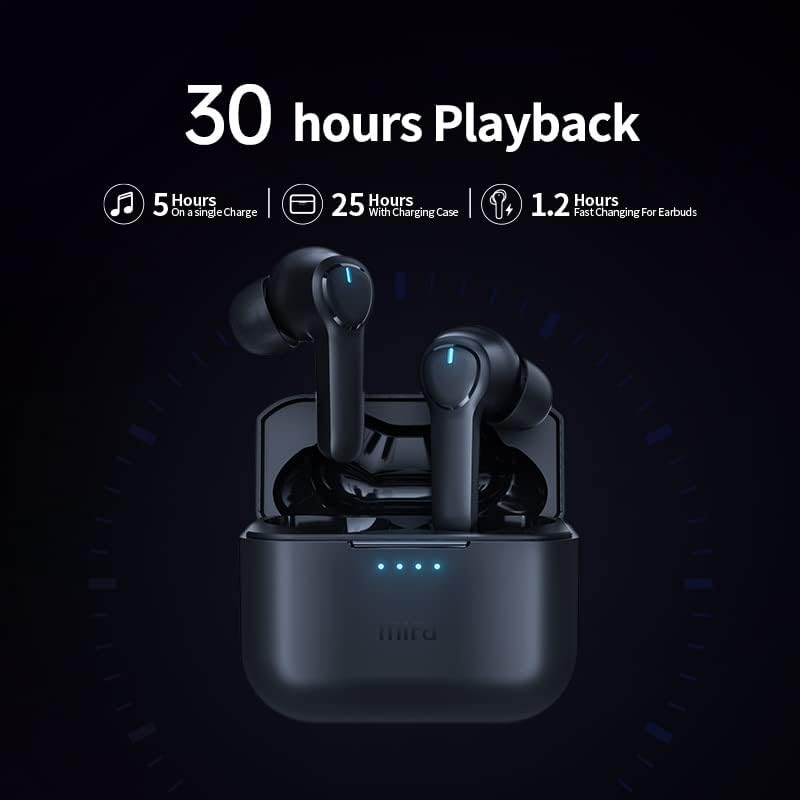
Image: The mifa X180 earbuds in their charging case, illustrating the 30-hour total playback time (5 hours on a single charge + 25 hours with charging case).
4.2. Түзмөк менен жупташтыруу
The mifa X180 earbuds feature one-step pairing for convenience.
- Заряддоо кутучасын ачыңыз. Кулакчындар автоматтык түрдө жупташтыруу режимине өтөт, бул кулакчындарда жарк эткен LED менен көрсөтүлөт.
- Түзмөгүңүздө (смартфон, планшет ж.б.) Bluetooth иштетиңиз.
- Издөө available Bluetooth devices and select "mifa X180" from the list.
- Once connected, the earbud LED indicator will stop flashing, and your device will confirm the connection.
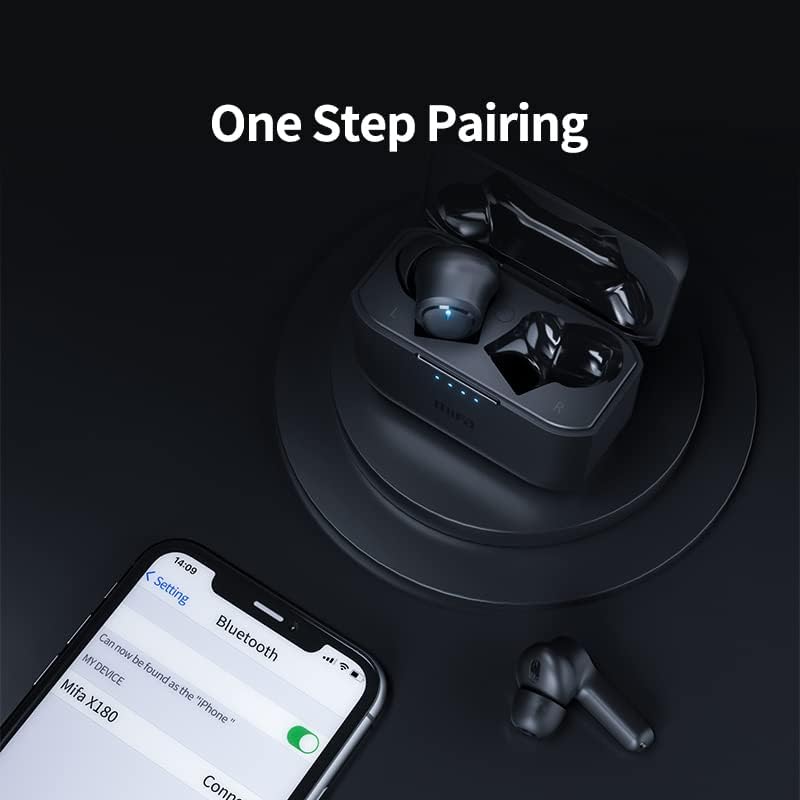
Image: A smartphone displaying the Bluetooth settings with "mifa X180" available for connection, demonstrating the one-step pairing process.
5. Иштөө нускамалары
5.1. Basic Functions (Touch Controls)
The mifa X180 earbuds utilize touch controls for various functions. Refer to the specific touch patterns in the quick start guide included in your package for detailed operations such as:
- Музыканы ойнотуу/тындыруу
- Кийинки/Мурунку трек
- Үнүн жогорулатуу/төмөндөтүү
- Үн жардамчысын иштетүү
5.2. Call Functions with ENC Noise Cancelling
The earbuds are equipped with 4 microphones and Environmental Noise Cancellation (ENC) technology to ensure clear call quality by reducing background noise.
- Чалууга жооп берүү/аяктоо: Tap the touch control area once.
- Чакырууну четке кагуу: Сенсордук башкаруу аймагын 2 секунд басып туруңуз.

Image: A diagram illustrating the placement and function of the four microphones on the mifa X180 earbuds, highlighting their role in Environmental Noise Cancellation (ENC) for calls.
5.3. Gaming Mode with Low Latency
Activate Gaming Mode for a low-latency audio experience, ideal for gaming and video playback where audio-visual synchronization is critical. Refer to the quick start guide for instructions on how to toggle Gaming Mode.
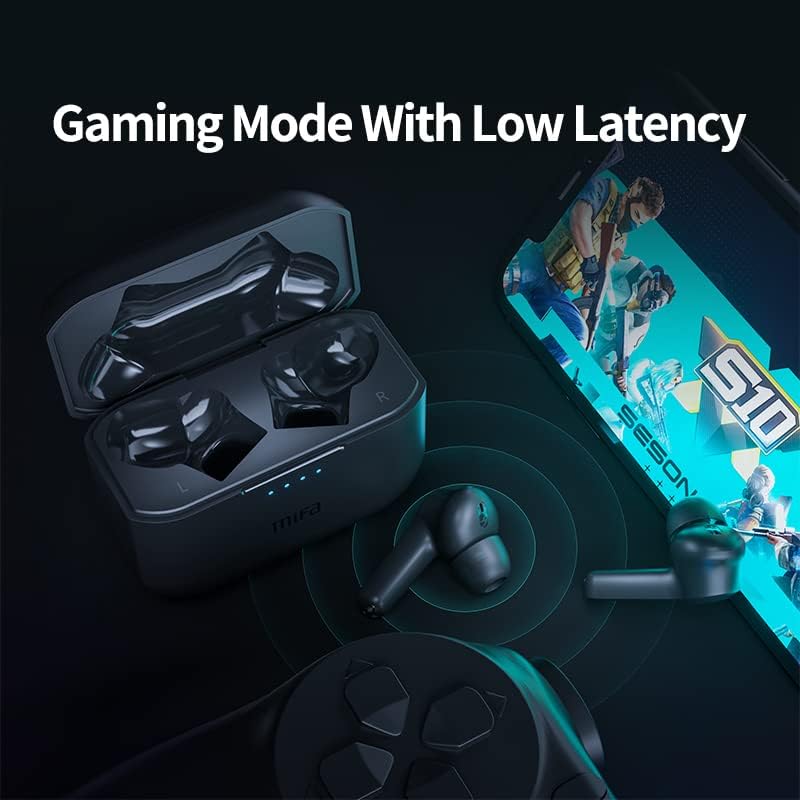
Image: The mifa X180 earbuds and charging case alongside a smartphone displaying a game, emphasizing the low-latency gaming mode feature.
6. Сууга туруктуулук (IPX7)
The mifa X180 earbuds are rated IPX7 waterproof, meaning they can withstand immersion in water up to 1 meter for 30 minutes. This makes them suitable for workouts and light rain. However, the charging case is not waterproof. Do not expose the charging case to water or moisture.
- Do not use the earbuds for swimming or showering.
- Ensure the earbuds are completely dry before placing them back into the charging case to prevent damage.
7. Техникалык тейлөө жана кам көрүү
To ensure the longevity and optimal performance of your mifa X180 earbuds:
- Тазалоо: Кулакчындарды, айрыкча кулактын учтарын жана кубаттоочу контакттарды жумшак, кургак, түксүз чүпүрөк менен дайыма тазалап туруңуз. Катуу химиялык заттарды же абразивдүү материалдарды колдонбоңуз.
- Сактагыч: Колдонулбаганда, кулакчындарды чаңдан жана бузулуудан коргоо үчүн кубаттоочу кутуга салып сактаңыз.
- Температура: Avoid exposing the earbuds and charging case to extreme temperatures (hot or cold) or direct sunlight.
- Заряддоо: Берилген заряддоо кабелин же тастыкталган эквивалентти гана колдонуңуз.
8. Кыйынчылыктарды
If you encounter issues with your mifa X180 earbuds, try the following solutions:
| Көйгөй | Чечим |
|---|---|
| Кулакчындар жупташкан жок |
|
| Бир кулактын үнү чыкпайт |
|
| Заряддоо куту заряддалбай жатат |
|
9. Техникалык шарттар
| Өзгөчөлүк | Деталь |
|---|---|
| Модел | X180 |
| Bluetooth версиясы | 5.0 |
| Наушниктердин түрү | Жарым ачык |
| Импеданс диапазону | 32 Омга чейин |
| Чыгуу | 10мВт |
| Заряддоо ыкмасы | Заряддоо корпусу |
| Наушник пластинкаларынын материалы | Силикон |
| Магнит түрү | Неодим |
| Суу каршылык | IPX7 (Кулакчындар гана) |
| Noise Control | Sound Isolation, Active Noise Cancelling (ENC for calls) |
| Батареянын иштөө мөөнөтү | Approx. 5 hours (earbuds), 25 hours (with charging case) |
10. Кепилдик жана колдоо
Your mifa X180 True Wireless Earbuds come with a 12-month warranty. This warranty covers manufacturing defects and ensures that the product is free from defects in material and workmanship under normal use.
For warranty claims, technical support, or any inquiries, please refer to the contact information provided on the product packaging or the official mifa webсайт.