
Introduction
This manual provides essential information for the setup, operation, maintenance, and troubleshooting of your iRobot Roomba i1 Vacuum Cleaning Robot. Please read this guide thoroughly to ensure optimal performance and longevity of your device.
The Roomba i1 robot vacuum is designed to provide efficient floor cleaning with powerful suction. It features intelligent navigation and can be controlled via a mobile application or voice commands, adapting to your cleaning habits and schedule.
Продукт бүттүview

1-сүрөт: Жогорку view of the iRobot Roomba i1 robot vacuum, showing its circular design and control buttons.

2-сүрөт: Бурчтуу view of the iRobot Roomba i1 robot vacuum, highlighting its sleek profile and side brush.

3-сүрөт: Асты view of the iRobot Roomba i1, revealing the AeroForce Cleaning System with dual multi-surface rubber brushes and the edge-sweeping brush.
Жайгашуу
1. Баштапкы заряддоо
Place the Roomba i1 on its Home Base charging station. Ensure the base is against a wall in an open, uncluttered area. The robot will automatically begin charging. Allow at least 3 hours for a full charge before first use.
2. Колдонмо туташуусу
- Download the iRobot Home App from your device's app store.
- Follow the in-app instructions to connect your Roomba i1 to your home Wi-Fi network.
- Once connected, you can access advanced features, schedule cleanings, and monitor your robot's status.
Иштөө нускамалары
1. Таза циклди баштоо
- Кол менен баштоо: Press the large 'CLEAN' button on the top of the robot.
- Колдонмону баштоо: Open the iRobot Home App and select 'CLEAN'.
- Үн буйругу: If integrated with a smart home assistant (e.g., Google Assistant, Alexa), use a command like "Alexa, tell Roomba to start vacuuming."
4-сүрөт: The Roomba i1 positioned near kitchen cabinets, illustrating its ability to respond to voice commands for cleaning initiation.
2. Scheduling Cleanings
Use the iRobot Home App to set up recurring cleaning schedules. The robot can learn your cleaning habits and suggest optimal times.
3. Navigation and Cleaning Patterns
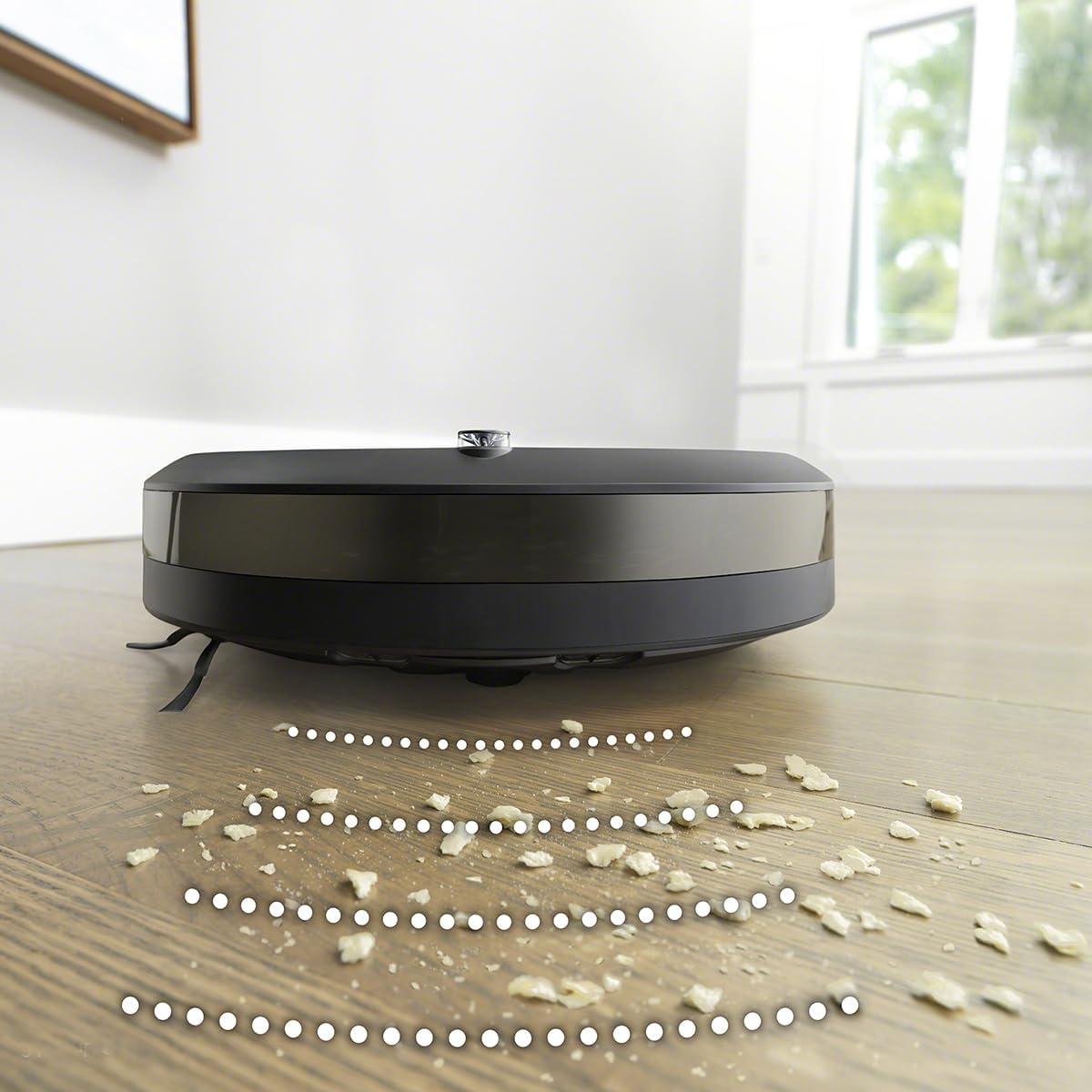
The Roomba i1 uses reactive sensor technology to navigate your home, avoiding obstacles and focusing on areas that require more attention. It cleans purposefully and logically in neat rows.

5-сүрөт: The Roomba i1 demonstrating its ability to clean effectively in tight spaces, such as under a bookshelf, collecting dust and debris.

6-сүрөт: The Roomba i1 operating on a rug in a home environment, showcasing its suitability for households with pets.
4. Автоматтык түрдө кайра заряддоо
When the battery is low, the Roomba i1 will automatically return to its Home Base to recharge. It will resume cleaning if the cycle is not complete.
Видео 1: An overview of the Roomba 105 Vac Robot, demonstrating its cleaning capabilities and automatic features. This video is provided by iRobot.
Техникалык тейлөө
1. Чаң урнасын бошотуу
Regularly empty the dust bin to maintain optimal suction. Press the bin release button and slide out the bin. Open the bin door and discard debris.
2. Cleaning Brushes and Filter
Periodically remove and clean the dual multi-surface rubber brushes and the edge-sweeping brush. Tap the filter clean to remove debris. Replace the filter every 2-3 months, or as indicated by the app.
Проблемаларды чечүү
- Робот заряддалбай жатат: Ensure the Home Base is plugged in and the robot is properly docked. Clean the charging contacts on both the robot and the Home Base.
- Начар тазалоо көрсөткүчтөрү: Empty the dust bin, clean the brushes, and replace the filter if necessary. Check for any obstructions in the cleaning head.
- Робот тыгылып калды: Clear obstacles from the cleaning area. The reactive sensor technology helps prevent this, but some environments may require pre-cleaning.
- Колдонмо туташуу көйгөйлөрү: Ensure your Wi-Fi network is active and the robot is within range. Restart the robot and your router if problems persist.
Техникалык шарттар
| Бренд | iRobot |
| Модель номери | i1 |
| Продукциянын өлчөмдөрү | 18"L x 16"W x 6"H |
| Элемент Салмагы | 13.2 фунт |
| Power Source | Батарея менен иштейт |
| Батареялар камтылган | Ооба (1 литий-иондук батарейка) |
| Чыпка түрү | Картридж |
| Башкаруу ыкмасы | Колдонмо, Үн |
| Шайкеш түзмөктөр | Google Home, Alexa |
| Өзгөчө өзгөчөлүк | Программалануучу |
Кепилдик жана колдоо
For warranty information and customer support, please refer to the official iRobot website or contact iRobot customer service directly. Keep your purchase receipt as proof of purchase for warranty claims.