
1. Киришүү
Thank you for choosing the Jectse Digital Voice Recorder Watch. This portable wristband device is designed for convenient audio recording in various settings, including lectures, meetings, and personal notes. It features advanced noise reduction, voice-activated recording, and a timestamp function for precise record-keeping. Its sleek design and long battery life make it an ideal companion for students, professionals, and anyone needing reliable audio capture.

The Jectse Digital Voice Recorder Watch is discreet and portable, suitable for various recording needs.
2. Пакеттин мазмуну
Сураныч, пакетте төмөнкү нерселерди текшериңиз:
- Digital Voice Recorder Watch
- USB заряддоо кабели
- Earbuds (3.5mm jack)
- User Manual

The package includes the Digital Voice Recorder Watch, USB charging cables, and earbuds for playback.
3. Продукт бүтүп калдыview
Familiarize yourself with the components of your Jectse Digital Voice Recorder Watch:
- Жаздыруу баскычы: Жаздырууну баштайт жана токтотот.
- Кубат которгучу: Аппаратты күйгүзөт же өчүрөт.
- USB порт: Заряддоо жана маалыматтарды өткөрүү үчүн.
- Микрофон: Аудио жаздыруу үчүн орнотулган.
- Гарнитура уячасы: For connecting earbuds for private playback.
- Индикатор жарыгы: Displays device status (recording, charging, low battery).
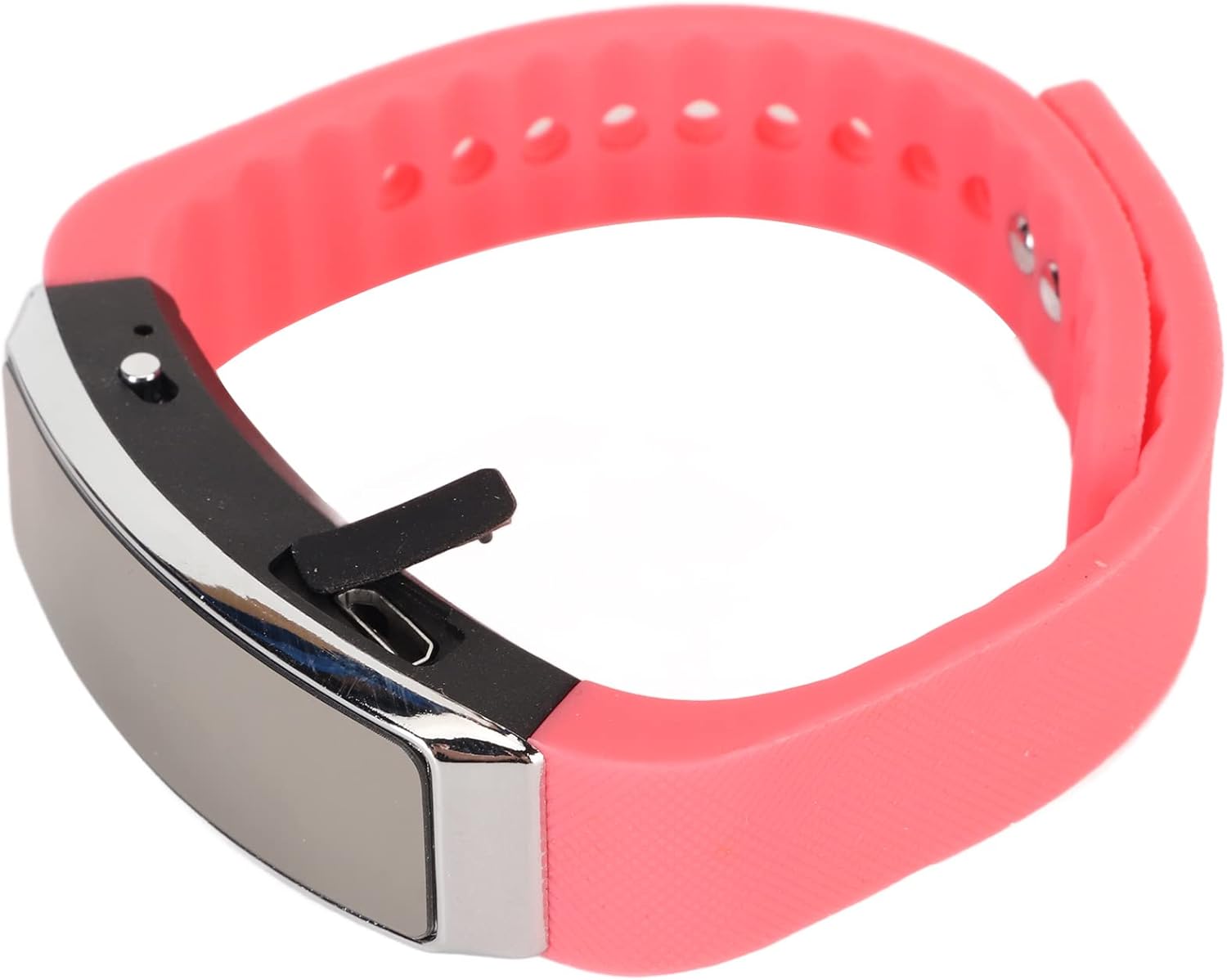
Side view of the recorder watch, highlighting its compact design and accessible controls.

Жогорку view of the recorder watch, showcasing анын заманбап эстетикалык.
4. Орнотуу
4.1. Аппаратты заряддоо
- Connect the small end of the USB charging cable to the USB port on the recorder watch.
- Connect the larger end of the USB cable to a USB power adapter (not included), computer USB port, or other compatible charging device.
- The indicator light will show the charging status. A full charge typically takes a few hours.

The USB port for charging and data transfer is located on the side of the device, protected by a small flap.
4.2. Setting Time and Date (Timestamp)
Так убакытты камсыз кылуу үчүнamps on your recordings, connect the device to a computer. The device will automatically synchronize its time and date with your computer's system time. No manual adjustment is typically required.
5. Иштөө нускамалары
5.1. Күйгүзүү/өчүрүү
- To power on: Slide the power switch to the 'ON' position. The indicator light will briefly illuminate.
- To power off: Slide the power switch to the 'OFF' position. The device will save any active recording before shutting down.
5.2. Voice Activated Recording
The device supports voice-activated recording, which means it will automatically start recording when sound is detected and pause when there is silence, conserving battery and memory.
- Түзмөк күйгүзүлгөнүн текшериңиз.
- The recorder will automatically enter voice-activated recording mode. The indicator light may flash or change color to indicate active recording.
- To stop recording, slide the power switch to the 'OFF' position. The recording will be saved automatically.
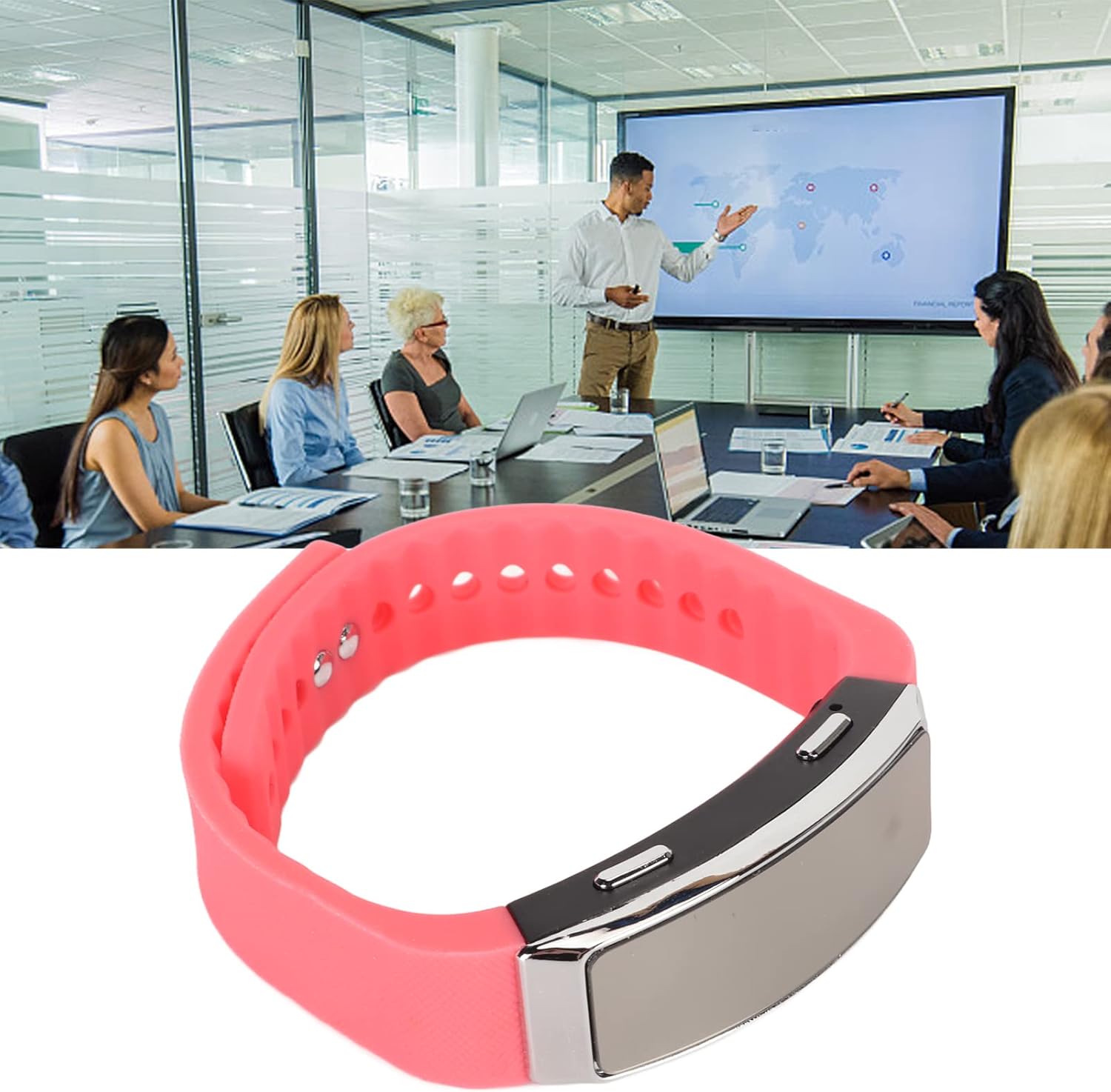
The voice recorder watch is ideal for capturing important discussions in meetings.
5.3. Ойнотуу
Жаздырууларыңызды угуу үчүн:
- Аппараттын өчүрүлгөнүн текшериңиз.
- Plug the included earbuds into the headphone jack on the recorder watch.
- Slide the power switch to the 'ON' position. The device will automatically enter playback mode.
- Use the control buttons (if available on the earbuds or device, refer to specific model instructions) to navigate through recordings, adjust volume, or pause/play.
5.4. Connecting to PC/Transferring Files
- Аппараттын өчүрүлгөнүн текшериңиз.
- Connect the recorder watch to your computer using the USB charging cable.
- The computer should recognize the device as a removable disk.
- Open the device folder to access your recorded audio files (typically in WAV format).
- Сиз көчүрүп, жылдырып же жок кыла аласыз fileкерек болсо.
6. Техникалык тейлөө
- Тазалоо: Түзмөктү тазалоо үчүн жумшак, кургак чүпүрөктү колдонуңуз. Катуу химиялык заттарды же абразивдүү материалдарды колдонуудан алыс болуңуз.
- Сактагыч: Аппаратты түз күн нурунан жана экстремалдык температурадан алыс салкын, кургак жерде сактаңыз.
- Батареяга кам көрүү: Батареянын иштөө мөөнөтүн узартуу үчүн, бат-баттан батарейканы толук зарядсыздандырбаңыз. Аппаратты узак убакыт бою колдонбосо дагы, үзгүлтүксүз заряддаңыз.
7. Кыйынчылыктарды
- Түзмөк күйбөй жатат: Батарея заряддалганын текшериңиз. Кубат булагына туташып, кайра аракет кылыңыз.
- Жаздырууга мүмкүн эмес: Check if the device has sufficient memory. Transfer files to a computer to free up space.
- Аудио сапаты начар: Ensure the microphone is not obstructed. Record in a quieter environment or closer to the sound source. The built-in noise reduction feature helps, but extreme noise can still affect quality.
- Компьютерге туташуу мүмкүн эмес: Try a different USB port or cable. Ensure the device is powered off before connecting.
8. Техникалык шарттар
| Өзгөчөлүк | Деталь |
|---|---|
| Бренд | Jectse |
| Модель номери | Jectsetqeg4s2wir-11 |
| Эстутум сактоо сыйымдуулугу | 8 ГБ |
| Батареянын иштөө мөөнөтү (үзгүлтүксүз жаздыруу) | 20 саат |
| Күтүү убактысы | 30 күнгө чейин |
| Микрофон форма фактору | Камтылган |
| Аудио формат | WAV |
| Аппараттык интерфейс | USB |
| Наушник уясы | 3.5 миллиметр |
| Шайкеш түзмөктөр | Персоналдык компьютер |
| Өзгөчөлүктөр | Voice Activated, Noise Reduction, Timestamp |
9. Кепилдик жана колдоо
The Jectse Digital Voice Recorder Watch comes with a standard manufacturer's warranty. For specific warranty details, returns, or technical support, please refer to the product packaging or contact your retailer. Keep your purchase receipt as proof of purchase.
10. Коопсуздук боюнча маанилүү маалымат
- Аппаратты экстремалдык температурага, түз күндүн нуруна же жогорку нымдуулукка дуушар кылбаңыз.
- Аппаратты түшүрүүдөн же катуу таасирлерден сактаныңыз.
- Балдар жетпеген жерде сактаңыз.
- Түзмөктү өз алдынча бөлүктөргө бөлүүгө же оңдоого аракет кылбаңыз. Бул кепилдикти жокко чыгарат.
- Аппаратты жана анын батареясын жергиликтүү эрежелерге ылайык таштаңыз.