
Cuifati CUIFATIm8zosxag3e-12
Cuifati Unlocked Flip Phone User Manual
Model: CUIFATIm8zosxag3e-12
Продукт бүттүview
The Cuifati Unlocked Flip Phone is a compact and easy-to-use mobile device designed for simplicity and essential communication. It features a 0.66-inch OLED screen, 32MB/64MB memory, and supports 2G GSM networks. Its mini design and clear sound make it a practical choice for basic phone functions.

Image: The Cuifati Unlocked Flip Phone shown in both its open, flip-up position revealing the screen and keypad, and its closed, compact form. The phone is white with a black screen and keypad.
Пакеттин мазмуну
Пакетти ачканда, төмөнкү нерселердин бардыгы бар экенин текшериңиз:
- 1 x Cuifati Flip Phone
- 1 x Data Cable (Micro USB)
- 1 x Instruction Manual
Орнотуу колдонмосу
1. SIM картаны салуу
This phone uses a Micro SIM card. Ensure your SIM card is GSM enabled and supports 2G GSM frequencies (850/900/1800/1900MHz). Compatible carriers include T-Mobile (in some states), LYCAMOBILE, SPEEDTALK, TING GSM, and SIMPLE MOBILE.
- Locate the SIM card slot on the device. This is typically found under the battery cover or on the side.
- Микро SIM картаны алтын контакттары ылдый каратып, анын ордуна чыкылдатуусун камсыз кылуу менен, аны белгиленген уячага кылдаттык менен киргизиңиз.
2. Батареяны заряддоо
The phone comes with a built-in 300mAh Lithium Battery. It is recommended to fully charge the phone before first use.
- Connect the provided Micro USB data cable to the charging port on the phone.
- USB кабелинин экинчи учун туура келген USB кубат адаптерине (кошумча эмес) же компьютердин USB портуна туташтырыңыз.
- The charging indicator on the screen will show the charging status. Disconnect the charger once the battery is full.

Сүрөт: жакын план view of the Cuifati Flip Phone showing the Micro USB charging port located at the bottom of the device when flipped open.
Иштөө нускамалары
Күйгүзүү/өчүрүү
- Күйгүзүү үчүн: Экран күйгөнгө чейин Күйгүзүү/Чалууну бүтүрүү баскычын басып, кармап туруңуз.
- To power off: Press and hold the Power/End Call button until the power off options appear, then select 'Power off'.
Чалууларды жасоо
- Ариптакта аркылуу каалаган телефон номерин териңиз.
- Чалууну баштоо үчүн "Чакыруу" баскычын (жашыл телефон сүрөтчөсү) басыңыз.
- Чалууну аяктоо үчүн, "Чалууну аяктоо" баскычын (кызыл телефон сүрөтчөсү) басыңыз.
Чалууларды кабыл алуу
- When an incoming call rings, press the Call button (green phone icon) to answer.
- To reject a call, press the End Call button (red phone icon).
Кабарлашуу
The phone supports basic SMS messaging. Navigate to the 'Messages' menu to compose, read, and manage your text messages.
Дарек китеби
Store up to 500 contacts in the phone's address book. You can add, edit, and delete contacts, and assign them to a whitelist for call filtering.
Bluetooth байланышы
The phone supports Bluetooth 3.0 for wireless connection. This allows for Bluetooth dialing, call synchronization, phonebook synchronization, and intelligent anti-loss functions when connected to another smartphone.

Image: An illustration showing the Cuifati Flip Phone wirelessly connecting via Bluetooth to a larger smartphone, demonstrating its Bluetooth dialing and synchronization capabilities.
Техникалык тейлөө
Тазалоо
- Телефондун сыртын тазалоо үчүн жумшак, кургак чүпүрөктү колдонуңуз.
- Суюк тазалоочу каражаттарды же аэрозолдорду колдонуудан алыс болуңуз, анткени алар түзмөккө зыян келтириши мүмкүн.
Батареяга кам көрүү
- Батареянын иштөө мөөнөтүн узартуу үчүн, телефонду өтө жогорку температурага дуушар кылбаңыз.
- Charge the phone regularly, but avoid overcharging for extended periods.
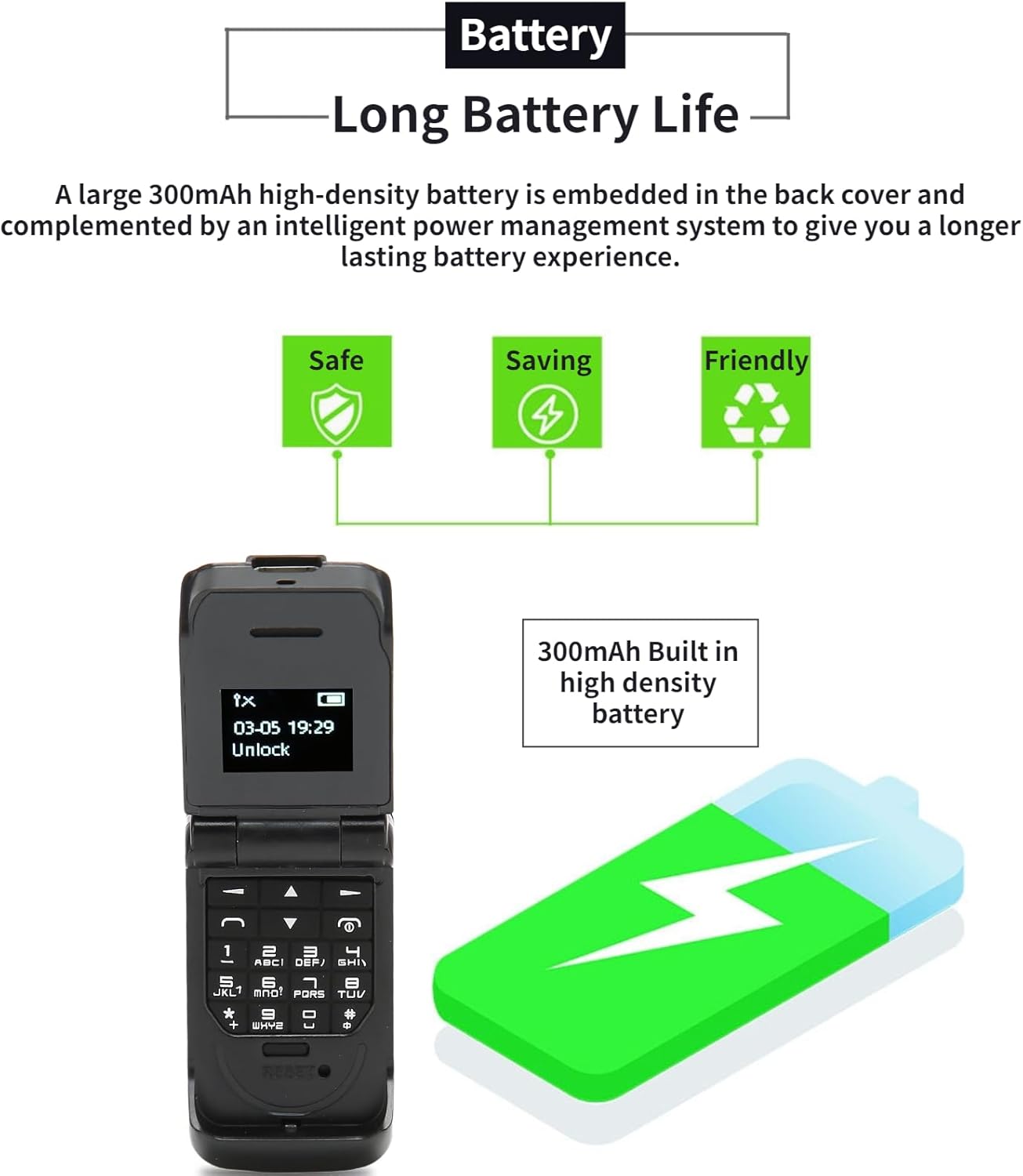
Image: The Cuifati Flip Phone displayed alongside icons representing safe, saving, and friendly battery usage, emphasizing its long battery life and efficient power management.
Проблемаларды чечүү
| Көйгөй | Мүмкүн себеп | Чечим |
|---|---|---|
| Телефон күйбөйт. | Батарея түгөнгөн. | Телефонду жок дегенде 30 мүнөт кубаттаңыз. |
| Чалууларды кабыл алуу же жасоо мүмкүн эмес. | No SIM card inserted or SIM card not active/compatible. | Ensure a compatible 2G GSM Micro SIM card is correctly inserted and activated. Check network signal strength. |
| Poor call quality (HiFi Sound). | Алсыз тармак сигналы же тоскоолдук. | Move to an area with better network coverage. Avoid obstacles. |
| Bluetooth байланышы көйгөйлөрү. | Bluetooth is off or device is out of range. | Ensure Bluetooth is enabled on both devices and they are within 10m (10.9yd) without obstacles. |
Техникалык шарттар
- Элемент түрү: Flip Phone
- Материал: ABS
- Экрандын өлчөмү: 0.66 дюймдук OLED
- Чечим: 64x48 пиксел
- Body Memory: 32MB and 64MB ROM
- Камтылган батарейканын сыйымдуулугу: 300mAh литий батареясы
- Заряддоо порту: Микро USB
- Тармак системасы: GSM 2G Single Card Single Standby (Micro Sim)
- Network Frequency Band: GSM 850 900 1800 1900MHz
- Phone Storage: 500 байланыш
- Phone Card: Микро SIM картасы
- Тилди колдоо: 13 National Languages
- Bluetooth Аралык: Within 10m/10.9yd Without Obstacles
- Башка өзгөчөлүктөр: Messages, Address Book, Blacklist, Alarm Clock, Bluetooth Dialer, Whitelist Address Book, Intelligent Anti-loss Function.
- Салмагы: Approximately 18g (0.63oz) - 2.68 ounces (product spec)

Image: A graphic illustrating the 0.66-inch OLED HD display of the Cuifati Flip Phone, highlighting its 64x48 pixel resolution and compact screen size.

Image: An illustration depicting the wide compatibility of the Cuifati Flip Phone with various operating systems (Windows, iOS, Android) and devices like mobile phones, tablets, and laptops.

Image: A visual representation of the Cuifati Flip Phone's support for 13 languages, shown with various national flags.
Кепилдик жана колдоо
Cuifati offers a 90-day warranty for this product. For any issues or support inquiries, please refer to the contact information provided in your purchase documentation or visit the official Cuifati store on Amazon.

Image: The Cuifati brand logo, indicating the manufacturer.
Ask a question about this manual
Ask about setup, troubleshooting, compatibility, parts, safety, or missing instructions. Manuals+ will review the question and use this page’s manual context to help answer it.