
1. Киришүү
Thank you for choosing the EBTOOLS A9 Magnetic 1080P Mini Camera. This compact and versatile camera is designed for home, office, or courtyard monitoring, offering 1080P high-resolution video recording and Wi-Fi connectivity. This manual provides essential information for setting up, operating, and maintaining your camera to ensure optimal performance.
2. Коопсуздук маалыматы
Эскертүү: Do not attempt to disassemble, modify, or repair the product yourself to avoid personal injury or equipment damage.
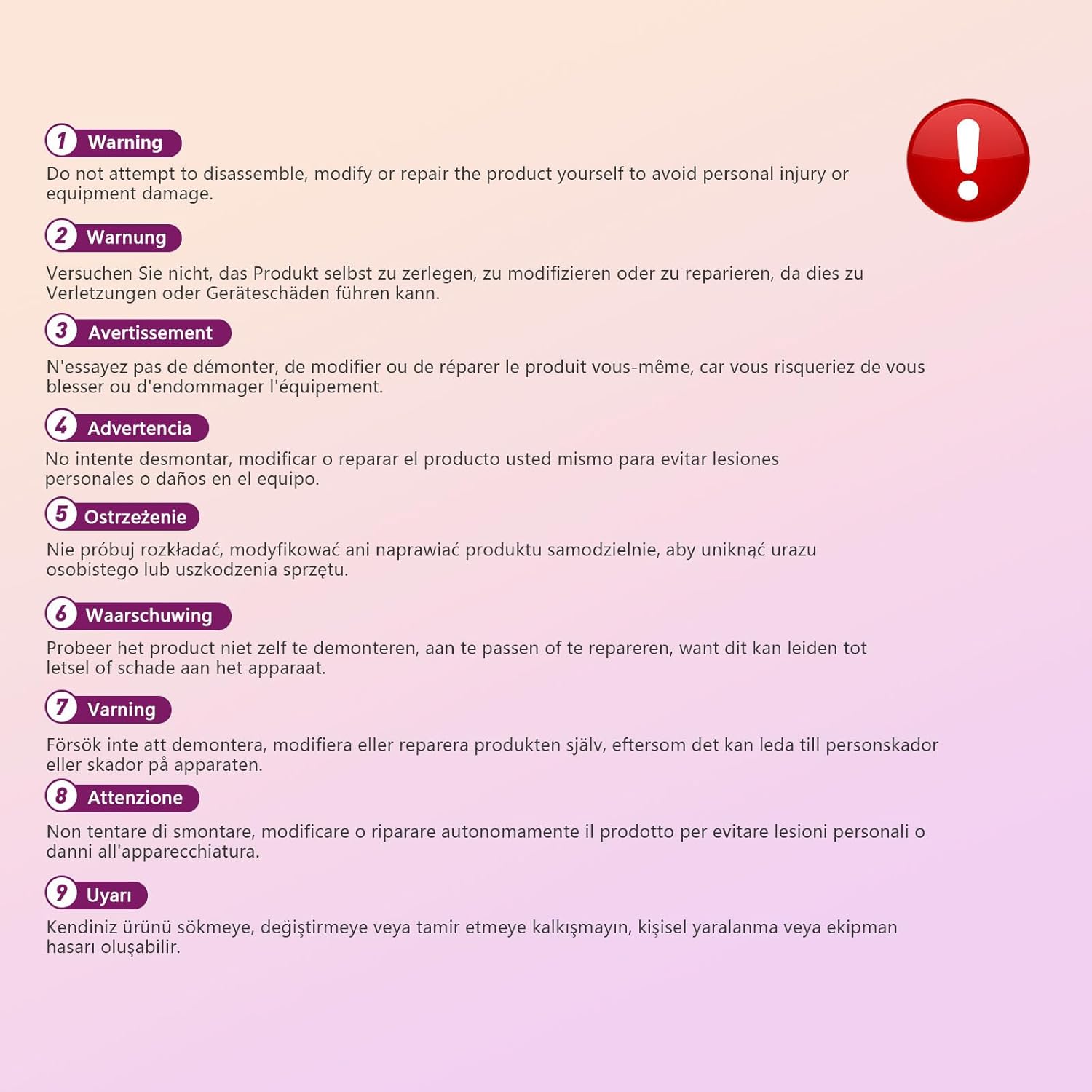
This image displays a warning message in multiple languages, advising users not to disassemble, modify, or repair the product themselves to prevent personal injury or damage to the device.
3. Пакеттин мазмуну
Сураныч, пакетте төмөнкү нерселерди текшериңиз:
- EBTOOLS A9 Mini Camera
- Магниттик тоос
- USB заряддоо кабели
- Adhesive Pad (for mount)

This image shows the EBTOOLS A9 Mini Camera, a magnetic mount, and a USB charging cable, which are typically included in the product package.
4. Продукт бүтүп калдыview
Камеранын компоненттери менен таанышыңыз:

This image displays the front of the EBTOOLS A9 Mini Camera, highlighting the lens, the ON/OFF button, and the MODE button on the top surface.
- Объектив: The primary camera lens for video capture.
- ON/OFF баскычы: Камераны күйгүзөт же өчүрөт.
- MODE баскычы: Ар кандай иштөө режимдеринин ортосунда которулат.
- Индикатор жарыгы: Provides status feedback (e.g., charging, recording, Wi-Fi status).

Бул сүрөттө бир тарабы көрсөтүлгөн view of the camera, clearly indicating the Micro USB charging port.

This image displays another side view of the camera, highlighting the Micro SD card slot for local storage.
5. Орнотуу
5.1 Камераны заряддоо
Before first use, fully charge the camera. Connect the supplied USB cable to the camera's Micro USB port and a 5V USB power adapter (not included). The indicator light will show charging status and turn off when fully charged. The built-in 240 mAh battery provides approximately 45 minutes of continuous operation.
5.2 Микро SD картаны салуу
To store recordings, insert a Micro SD card (up to 128GB, not included) into the Micro SD card slot. Ensure the card is inserted correctly with the contacts facing the camera's front. The camera supports continuous recording and motion-activated recording to the card.

This image shows the EBTOOLS A9 Mini Camera with a Micro SD card partially inserted into its slot, alongside a Wi-Fi signal icon, indicating its storage and connectivity features.
5.3 Колдонмону орнотуу жана Wi-Fi туташуусу
The camera connects via Wi-Fi and is controlled using a smartphone app (compatible with Android devices). Refer to the quick start guide or packaging for the specific app name and download instructions. Once the app is installed:
- Камераны күйгүзүңүз.
- Жаңы түзмөктү кошуу үчүн колдонмону ачып, экрандагы нускамаларды аткарыңыз.
- Connect the camera to your home Wi-Fi network.
- Туташкандан кийин, мүмкүн view жаша фооtage, adjust settings, and access recordings remotely.
6. Иштөө нускамалары
6.1 Күйгүзүү/өчүрүү
- Күйгүзүү үчүн: Press and hold the ON/OFF button until the indicator light illuminates.
- Өчүрүү үчүн: Press and hold the ON/OFF button until the indicator light turns off.
6.2 Жазуу режимдери
The camera typically supports two main recording modes:
- Тынымсыз жаздыруу: Records video continuously to the Micro SD card.
- Кыймылды аныктоо жазуусу: Records only when motion is detected, saving storage space and battery life.
Use the MODE button or the smartphone app to switch between these modes. Refer to the app's instructions for detailed mode configuration.
6.3 Кыймылды аныктоо жөнүндө эскертүүлөр
When motion detection is enabled, the camera will send alerts to your smartphone via the app when movement is detected within its field of view. This feature is useful for security monitoring.
6.4 Колдонмону башкаруу
The dedicated app allows you to:
- View камерадан жандуу видео берүү.
- Access and playback recorded footage.
- Adjust camera settings (e.g., resolution, recording mode, motion detection sensitivity).
- Receive push notifications for motion alerts.
7. Техникалык тейлөө
- Тазалоо: Камера линзасын жана корпусун тазалоо үчүн жумшак, кургак чүпүрөктү колдонуңуз. Суюк тазалоочу каражаттарды же абразивдүү материалдарды колдонуудан алыс болуңуз.
- Сактагыч: Камераны көпкө чейин колдонбогон учурда, аны салкын, кургак жерде, күндүн түз нурунан жана өтө жогорку температурадан алыс сактаңыз.
- Батареяга кам көрүү: Recharge the battery periodically if stored for a long time to maintain its lifespan.
8. Кыйынчылыктарды
If you encounter issues with your camera, refer to the following table:
| Көйгөй | Мүмкүн себеп | Чечим |
|---|---|---|
| Камера күйбөйт | Low battery; Faulty power button | Charge the camera fully; Contact support if issue persists |
| Wi-Fi'га туташпай жатат | Incorrect Wi-Fi password; Camera too far from router; Router issues | Verify password; Move camera closer to router; Restart router |
| SD картага жаздыруу жок | SD card not inserted; SD card full or corrupted; Incorrect recording mode | Insert SD card; Format or replace SD card; Check app settings for recording mode |
| Видеонун сапаты начар | Dirty lens; Low light conditions; App resolution settings | Clean the lens; Ensure adequate lighting; Adjust resolution in app |
| App not receiving alerts | Motion detection off; App notifications disabled; Poor Wi-Fi connection | Enable motion detection in app; Check phone notification settings; Ensure stable Wi-Fi |
9. Техникалык шарттар
| Өзгөчөлүк | Деталь |
|---|---|
| Модель номери | EBTOOLSzi9gg2t6c1-12 |
| Видео тартуунун резолюциясы | 1080p, 720p |
| Байланыш технологиясы | Зымсыз (Wi-Fi) |
| Power Source | Battery Powered (Built-in 240 mAh) |
| Материал | Акрилонитрил бутадиен стирол (ABS) |
| Монтаж түрү | Дубалга орнотуу (магниттик) |
| Башкаруу ыкмасы | Колдонмо |
| Шайкеш түзмөктөр | Смартфон (Android) |
| Эскертүү түрү | Кыймыл гана |
| Ички/тышкы колдонуу | Indoor |
| Элемент Салмагы | 2.08 унция |
10. Кепилдик жана колдоо
For warranty information and technical support, please refer to the product packaging or contact EBTOOLS customer service directly. Keep your purchase receipt for warranty claims.