
Introduction
Thank you for choosing the Eightree Smart Wi-Fi Plug. This device allows you to control your electronic appliances remotely, monitor energy consumption, and automate your home with smart schedules. It supports both 2.4GHz and 5GHz Wi-Fi networks for stable and fast connectivity. Please read this manual carefully before use to ensure proper operation and safety.
Коопсуздук маалыматы
- Аппаратты ажыратпаңыз же өзгөртпөңүз.
- Аппаратты сууга же жогорку нымдуулукка дуушар кылбаңыз.
- Балдар жетпеген жерде сактаңыз.
- Ensure the connected appliance's power rating does not exceed the smart plug's maximum load (3680W, 16A).
- Кургак ички чөйрөдө гана колдонуңуз.
Пакеттин мазмуну
Пакетке төмөнкүлөр кирет:
- Eightree Smart Wi-Fi Plugs (4-pack)
- User Manual
Продукт өзгөчөлүктөрү
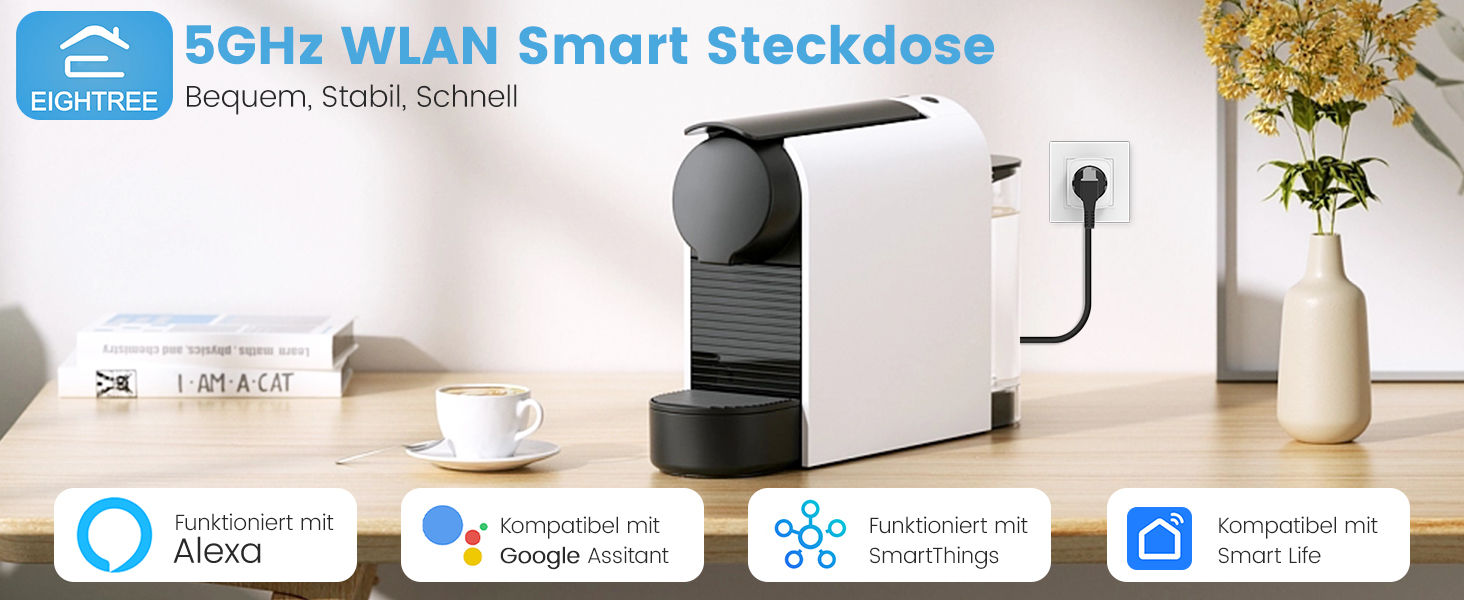
Сүрөт: бүттүview of Eightree Smart Plug features including energy monitoring, voice control, remote control, timers, device sharing, and group control.
- Энергия мониторинги: Track power consumption and estimate electricity costs.
- Кош тилкелүү Wi-Fi: Compatible with both 2.4GHz and 5GHz Wi-Fi networks for enhanced stability and faster response.
- Алыстан башкаруу: Control devices from anywhere using the Smart Life app.
- Үн менен башкаруу: Works with Alexa and Google Home for hands-free operation.
- Таймерлер жана графиктер: Set custom schedules and timers for automated device operation.
- Маалыматтарды экспорттоо: Export detailed energy consumption data in PDF format.
Жайгашуу
1. Smart Life колдонмосун жүктөп алыңыз
Издөө "Smart Life" in the App Store (iOS) or Google Play Store (Android) and download the application. Register or log in to your account.

Image: Smart Life app icon with links to download from App Store and Google Play.
2. Акылдуу сайгычты сайыңыз
Plug the Eightree Smart Wi-Fi Plug into a standard wall outlet. The indicator light on the plug should start blinking rapidly, indicating it's in pairing mode.
3. Add Device in Smart Life App
- Smart Life колдонмосун ачыңыз.
- Tap the "+" icon in the top right corner or "Add Device".
- The app should automatically detect the smart plug via Bluetooth. If not, select "Electrical" -> "Socket (Wi-Fi)".
- Confirm the indicator light is blinking rapidly.
- Select your Wi-Fi network (supports both 2.4GHz and 5GHz) and enter the password.
- Түзмөк туташканча күтө туруңуз. Туташтырылгандан кийин, сайгычтын атын өзгөртө аласыз.
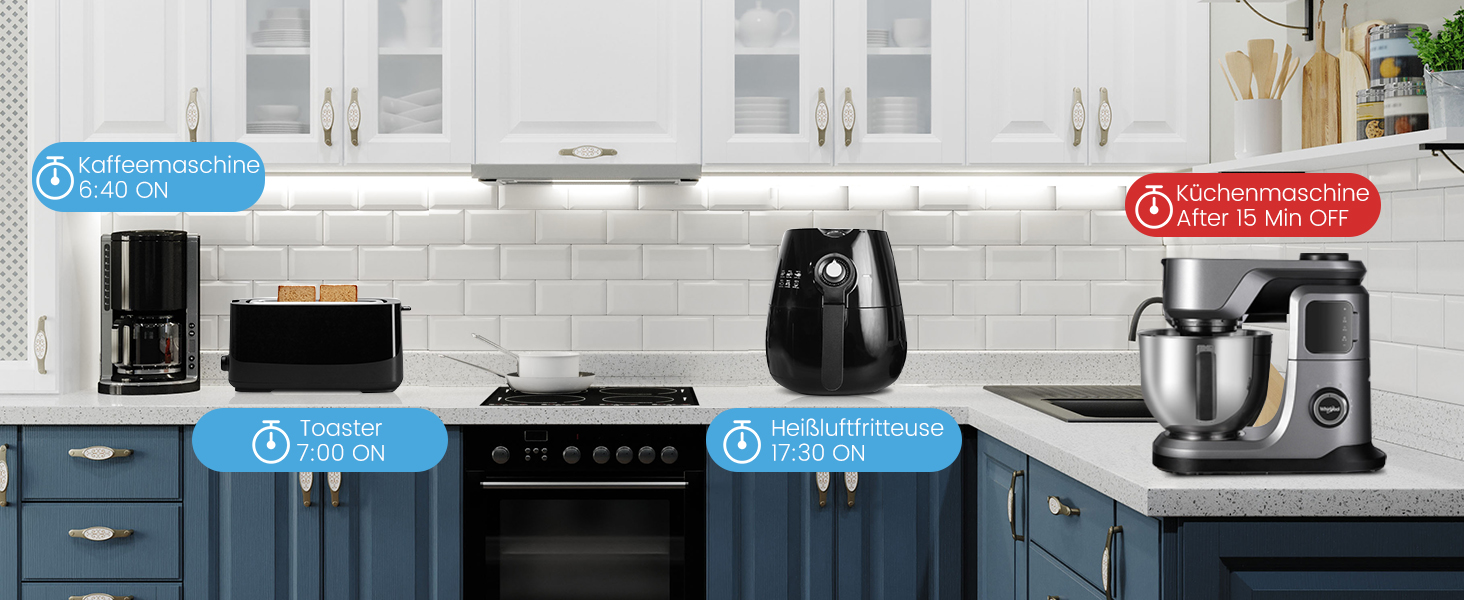
Image: Visual guide for easy installation, showing the Smart Life app detecting the plug and connecting to either 2.4GHz or 5GHz Wi-Fi.
Иштөө нускамалары
Кол менен башкаруу
Press the power button on the smart plug to manually turn the connected appliance on or off.
Smart Life тиркемеси аркылуу алыстан башкаруу
Open the Smart Life app, select the desired smart plug, and tap the power icon to toggle the appliance on or off from anywhere with an internet connection.
Үн менен башкаруу (Alexa/Google Home)
Integrate your Eightree Smart Plugs with Amazon Alexa or Google Home for hands-free control. Follow the instructions in the Smart Life app to link your account with your voice assistant.
Сүрөт: Мисample of voice control using a smart speaker to turn on a lamp connected to the smart plug.
Көп колдонулган үн буйруктары төмөнкүлөрдү камтыйт:
- "Alexa, [Түзмөктүн аталышын] күйгүз"
- "Окей Google, [Түзмөктүн аталышын] өчүр"
Энергия мониторинги
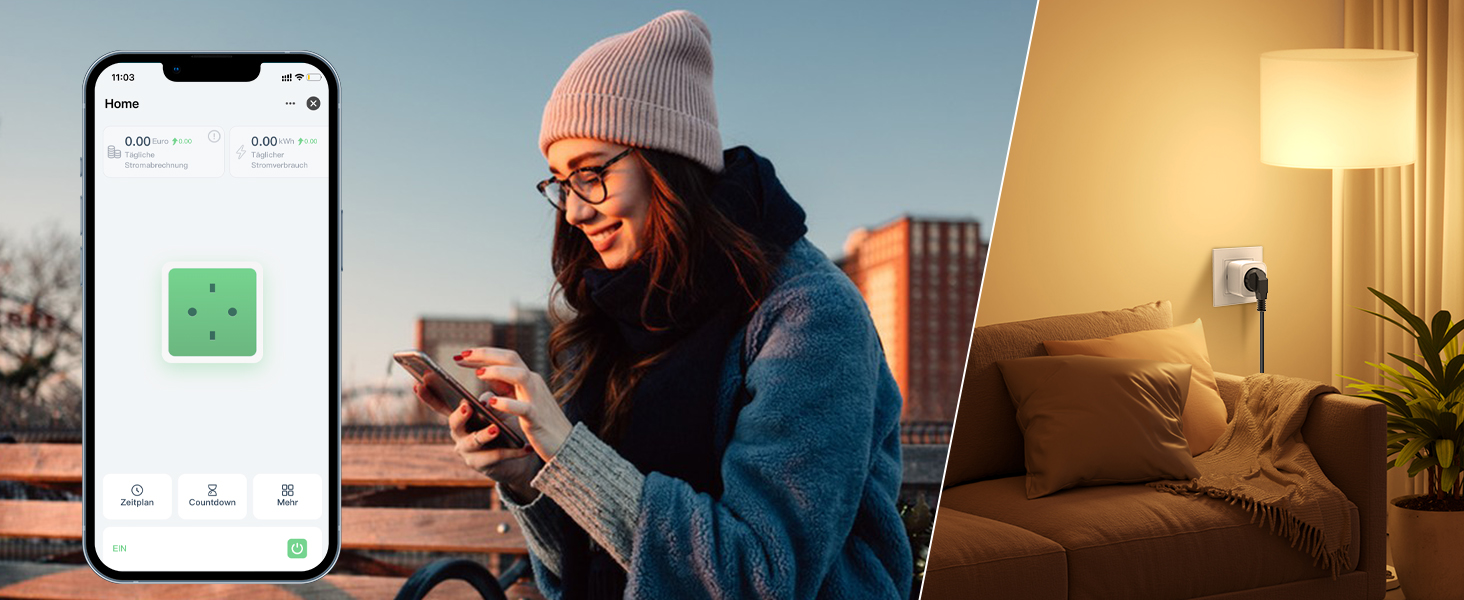
The Eightree Smart Wi-Fi Plug provides real-time energy consumption data. In the Smart Life app, select your plug to view detailed statistics on power usage (kWh) and estimated electricity costs. This feature helps you understand and manage your energy consumption.
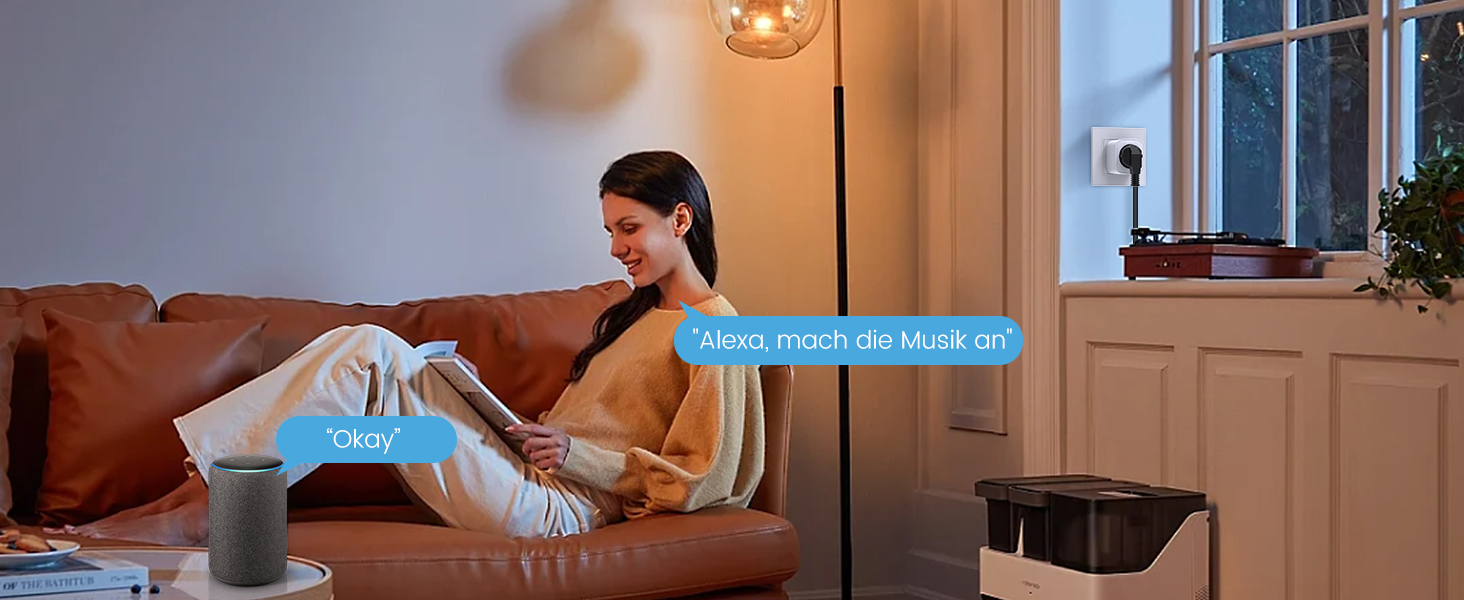
Image: Screenshot of the Smart Life app displaying energy consumption graphs and cost estimates for the smart plug.
You can also export this data in PDF format for further analysis, helping you identify potential energy-saving measures.
Таймерлер жана графиктер
Automate your devices by setting custom timers and schedules through the Smart Life app. This allows appliances to turn on or off at specific times, simplifying your daily routine and conserving energy.
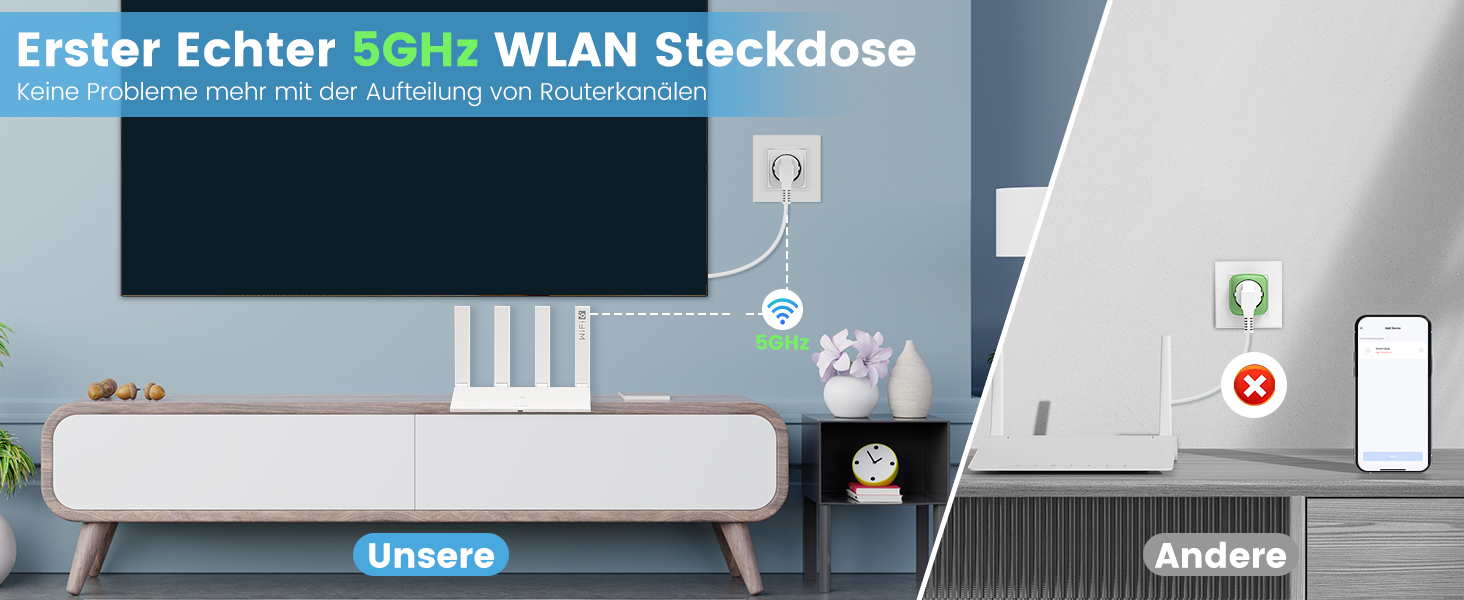
Image: Illustration of setting timers and schedules for various appliances, such as a humidifier and television.
График коюу үчүн:
- In the Smart Life app, select the desired smart plug.
- Tap on "Schedule" or "Timer".
- Set the desired time, action (On/Off), and repeat days.
- Графикти сактап коюңуз.
Техникалык тейлөө
- Clean the smart plug with a dry, soft cloth.
- Катуу химиялык заттарды же абразивдүү тазалоочу каражаттарды колдонбоңуз.
- Ensure the plug is disconnected from the power outlet before cleaning.
Проблемаларды чечүү
| Көйгөй | Мүмкүн себеп | Чечим |
|---|---|---|
| Plug not connecting to Wi-Fi | Incorrect Wi-Fi password, wrong network (e.g., 5GHz only router not configured for 2.4GHz if plug is 2.4GHz only, but this plug supports both), plug too far from router. |
|
| Түзмөк күйбөй/өчпөй жатат | Plug is off, appliance is off, power outage, appliance malfunction. |
|
| Үн башкаруу иштебейт | Incorrect device name, voice assistant not linked, internet connection issue. |
|
Техникалык шарттар
| Бренд | Eightree |
| Модель номери | ET25 |
| Өлчөмдөрү (L x W x Y) | 22.2 x 5.4 x 8.5 см |
| Салмагы | 390 грамм |
| Материал | Акрилонитрил бутадиен стирол (ABS) |
| Max Power | 3680 Ватт |
| Учурдагы рейтинг | 16 А |
| Operating Voltage | 230 вольт (AC) |
| Wi-Fi шайкештиги | 2.4 ГГц жана 5 ГГц |
| Сертификаттар | CE, RoHS, WEEE, FCC, ETL |
| Батареялар талап кылынат | Жок |
Кепилдик жана колдоо

Image: Eightree commitment to quality, showing product certifications and warranty information.
Eightree products are designed for reliability and performance. This product comes with a 24 айлык тынчсыздануу-эркин кепилдик from the date of purchase. All products are certified by FCC and ETL, ensuring high safety and quality standards.
For technical support, warranty claims, or any questions regarding your Eightree Smart Wi-Fi Plug, please contact our customer service. We are committed to providing fast service to ensure a great user experience.
Please refer to the contact information provided on the product packaging or the official Eightree webколдоо чоо-жайы үчүн сайт.