
1. Киришүү
The Mohu Gateway Plus is an amplified indoor HDTV antenna designed to receive over-the-air (OTA) digital television broadcasts. This antenna features a FirstStage amplifier and an LED signal indicator to help optimize reception. It supports UHF and Hi-VHF elements, providing access to free TV channels in Full HD 1080p, UHD 4K, 8K, and NEXTGEN TV formats, depending on your coverage area. No internet connection is required for its operation.
Video: Learn about the Mohu Leaf Amplified, Gateway, and Curve antennas. This video provides an overview of Mohu antenna features and capabilities.
2. Пакеттин мазмуну
Verify that all items are present in your Mohu Gateway Plus package:
- Mohu Gateway Plus Amplified Digital TV Antenna
- 10 ft. High-Performance Coaxial Cable
- Adaptable Antenna Stand
- USB Power Injector
- Instruction Manual
3. Орнотуу нускамалары
Follow these steps to set up your Mohu Gateway Plus antenna:
3.1. Assemble the Antenna Stand
- Attach the adaptable antenna stand to the back of the Mohu Gateway Plus antenna. The stand is designed to snap securely into place.
- The stand allows for two placement options:
- Столдун үстүнө жайгаштыруу: Position the antenna upright on a flat surface near your television.
- Дубалга орнотуу: Utilize the keyholes on the stand to hang the antenna on a wall.

Image: The Mohu Gateway Plus antenna showing its dimensions and illustrating both tabletop and wall-mount setup options.
3.2. Connect to Your Television
- Connect the 10 ft. high-performance coaxial cable to the antenna's output.
- Connect the other end of the coaxial cable to the "ANTENNA IN" or "CABLE IN" port on your television.
- Connect the USB power injector to the coaxial cable.
- Plug the USB end of the power injector into an available USB port on your television. If your TV does not have a USB port or if it is already in use, you may need a separate USB power adapter (not included) to power the antenna.

Image: The Mohu Gateway Plus antenna positioned on a tabletop next to a television, demonstrating a typical setup.
3.3. Каналдарды издөө
- Turn on your television and select the correct input source (usually "Antenna" or "TV").
- Access your TV's menu and navigate to the "Channel Scan" or "Auto Tune" function. This process may vary depending on your TV model.
- Initiate the channel scan. Your TV will search for available over-the-air broadcasts. This process can take several minutes.
- Скандоо аяктагандан кийин, сыналгыңыз табылган каналдардын санын көрсөтөт.
4. Иштөө нускамалары
4.1. Watching Live TV
After completing the channel scan, you can use your TV remote to browse and watch the available free over-the-air channels. The Mohu Gateway Plus is designed to receive multi-directional UHF and Hi-VHF signals, providing access to a wide range of local broadcasts.
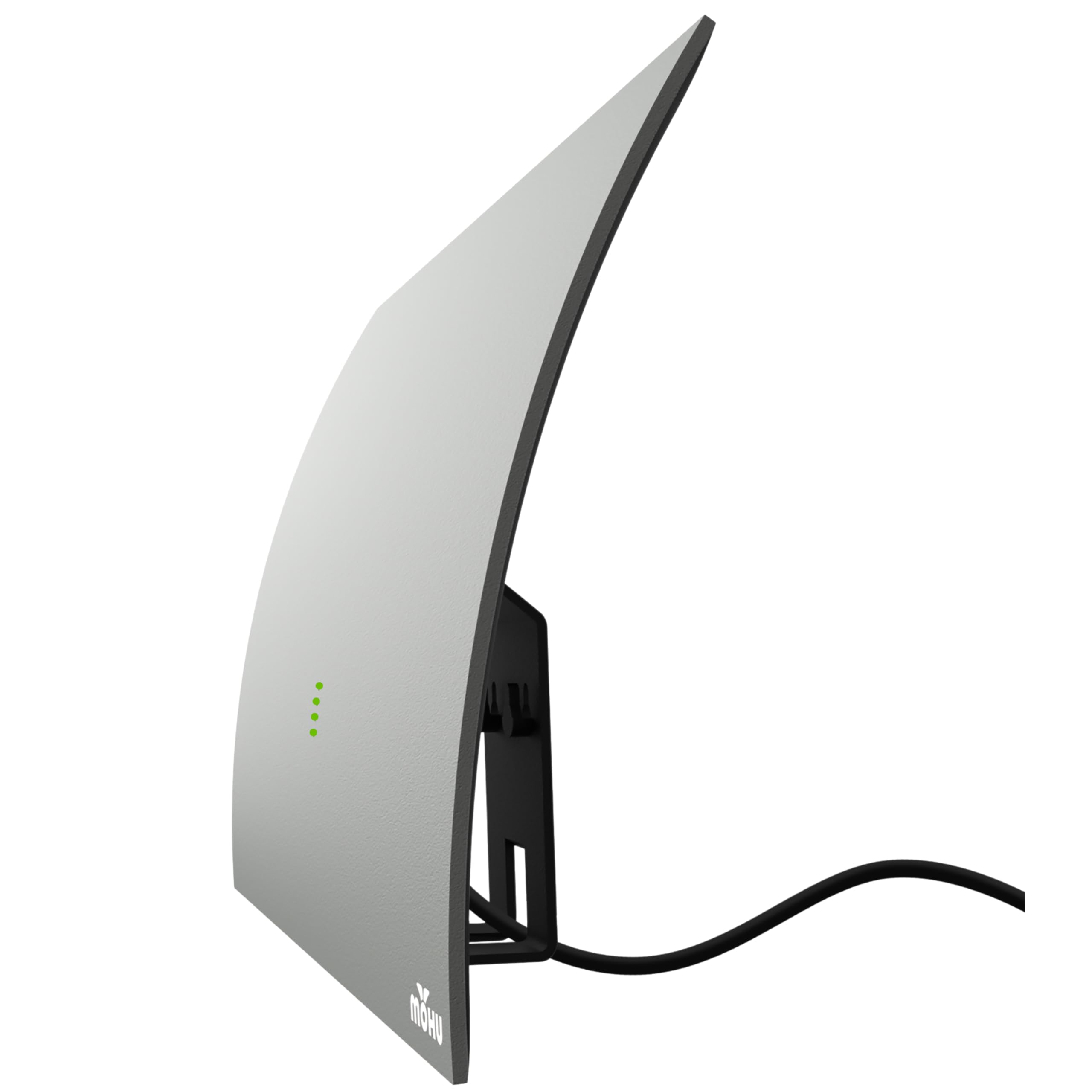
Image: The Mohu Gateway Plus antenna discreetly placed on a media console, with a television displaying a clear image of a football game, demonstrating its integration into a home entertainment setup.
4.2. Сигнал индикатору
The Mohu Gateway Plus features an LED signal indicator on its front. These lights provide real-time feedback on the signal strength received by the antenna. More illuminated LEDs indicate a stronger signal, which is crucial for optimal picture quality and channel availability. Use this indicator when positioning the antenna to find the best reception spot.

Сүрөт: бир тарап view of the Mohu Gateway Plus antenna, highlighting the integrated green LED signal indicators that provide visual feedback on signal strength.

Сүрөт: фронт view of the Mohu Gateway Plus antenna, clearly showing the green LED signal indicators.
5. Optimizing Reception
To achieve the best possible reception with your Mohu Gateway Plus antenna, consider the following:
- Жайгашкан жери: Experiment with different locations for your antenna. Higher placements, such as near a window or on an upper floor, often yield better results.
- Багыты: While multi-directional, slight adjustments to the antenna's orientation can sometimes improve signal strength for specific channels. Use the LED signal indicator as a guide.
- Интерференция: Keep the antenna away from potential sources of electromagnetic interference, such as large metal objects, other electronic devices (Wi-Fi routers, gaming consoles), and thick building materials.
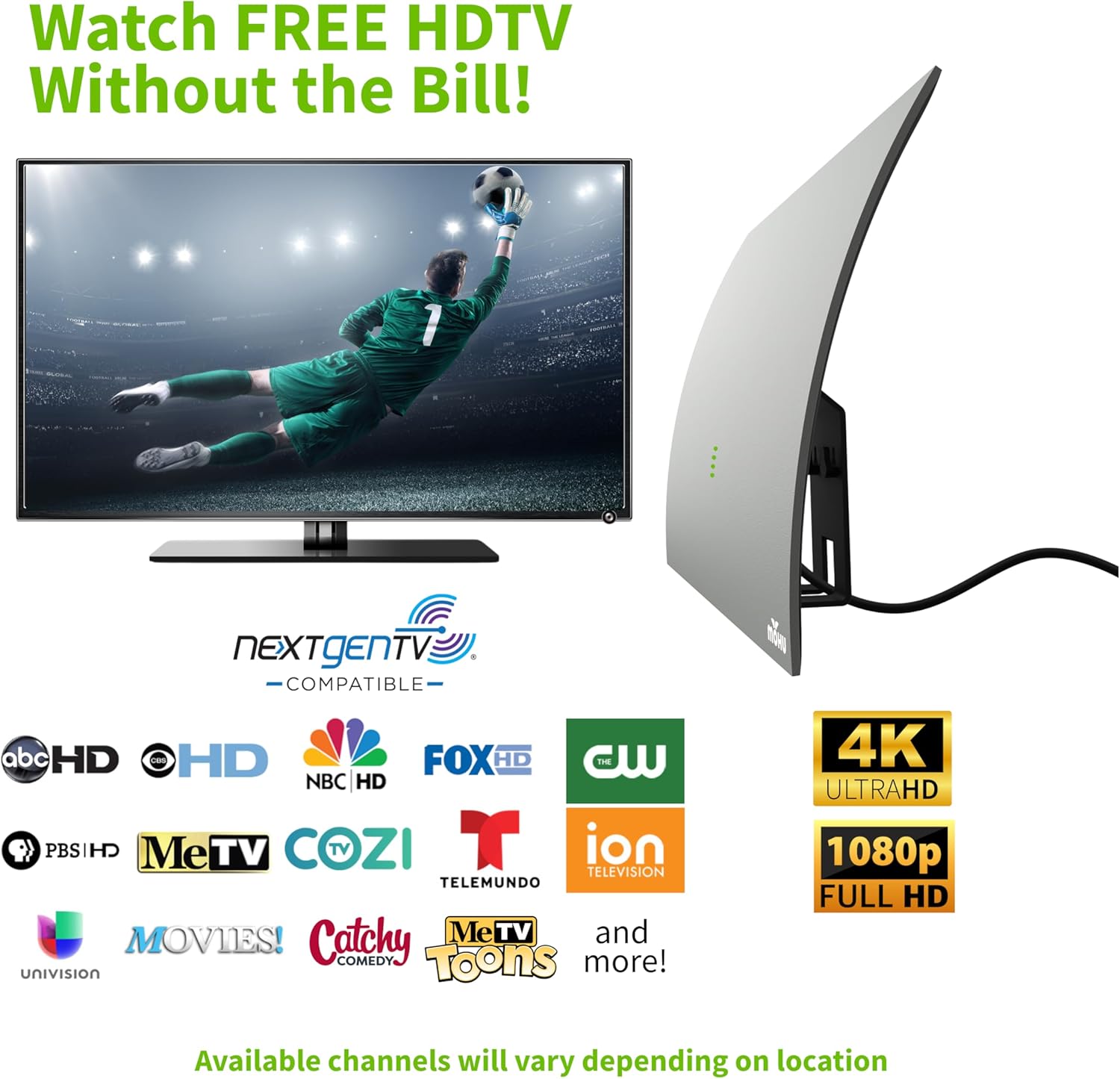
Image: An illustration depicting a house receiving multi-directional TV signals, emphasizing the antenna's ability to capture broadcasts from various sources.

Image: A diagram illustrating various objects and materials that can cause TV signal interference, such as trees, buildings, metal roofs, and other electronics.
5.1. Using the Antenna Point App
For advanced optimization, download the free "Antenna Point" app on your smartphone. This app helps you locate nearby broadcast towers and determine the optimal direction to point your antenna for the best signal reception in your specific area.

Image: A smartphone displaying the "Antenna Point" app, which maps out local broadcast towers and helps users determine the best antenna placement for optimal signal reception.
6. Кыйынчылыктарды
| Көйгөй | Мүмкүн себеп | Чечим |
|---|---|---|
| Эч кандай каналдар табылган жок же кабыл алуу начар. | Incorrect antenna placement, interference, or TV not set to antenna input. |
|
| LED signal indicator not lighting up. | No power to the USB power injector. |
|
| Some channels are missing or pixelated. | Weak signal for specific channels or localized interference. |
|
7. Техникалык шарттар
- Модел: GATEWAYXG
- Бренд: Mohu
- Түрү: Ampлифттүү ички HDTV антеннасы
- Диапазон: 60 мильге чейин
- Жыштык колдоо: UHF & Hi-VHF
- Чыгуу импедансы: 75 Ом
- Dimensions (Antenna): 8.25" Ж x 11.75" В x 2.5" D
- Салмагы: 14.9 унция
- Кабелдин узундугу: 10 ft. High-Performance Coaxial Cable
- Күч: USB Power Injector (connects to TV USB port)
- Өзгөчөлүктөрү: LED Signal Indicator, Multi-Directional, 4K UHD, 8K, NEXTGEN TV Compatible
- UPC: 817848012429
8. Кепилдик жана колдоо
The Mohu Gateway Plus Amplified Indoor TV Antenna comes with a Бир жылдык Өндүрүүчүнүн Кепилдиги. For warranty claims, technical support, or additional product information, please visit the official Mohu webсайтка же кардарларды тейлөөгө кайрылыңыз. Кепилдикти текшерүү үчүн сатып алганыңыздын далилин сактаңыз.
Көбүрөөк маалымат жана колдоо үчүн төмөнкү дарекке кайрылыңыз: Mohu Official Store