
ADE CK2304
ADE CK2304 Digital Bathroom Clock User Manual
Модели: CK2304
Introduction
This manual provides instructions for the setup, operation, maintenance, and troubleshooting of your ADE CK2304 Digital Bathroom Clock. This device features a hygrometer, thermometer, shower timer, countdown function, and a large LCD display, all within an IP65 waterproof design.

Сүрөт: алдыңкы view of the ADE CK2304 Digital Bathroom Clock, displaying time, date, temperature, and humidity readings on its large LCD screen.
Пакеттин мазмуну
Пакетте бардык буюмдар бар экенин текшериңиз:
- ADE CK2304 Digital Bathroom Clock
- 2 x AAA батареялары
- Көрсөтмө (бул документ)
Жайгашуу
1. Батареяны орнотуу
The device requires 2 x AAA batteries for operation. These are included in the package.
- Сааттын артындагы батарея бөлүкчөсүнүн капкагын табыңыз.
- Батарея отсегин ачыңыз.
- Insert the 2 x AAA batteries, ensuring correct polarity (+ and -).
- Close the battery compartment cover securely to maintain IP65 waterproofing.
Сүрөт: Арткы view of the ADE CK2304 Digital Bathroom Clock, highlighting the battery compartment and various mounting features like the suction cup and hanging eyelet.
2. Монтаждоо параметрлери
The ADE CK2304 offers flexible placement options:
- Wall Mounting (Suction Base): Press the rubberized suction base firmly against a clean, smooth, non-porous surface (e.g., tile, mirror, glass). Ensure the surface is dry for optimal adhesion.
- Hanging (Eyelet): Use the integrated hanging eyelet to suspend the clock from a hook or nail. (Hook/nail not included).
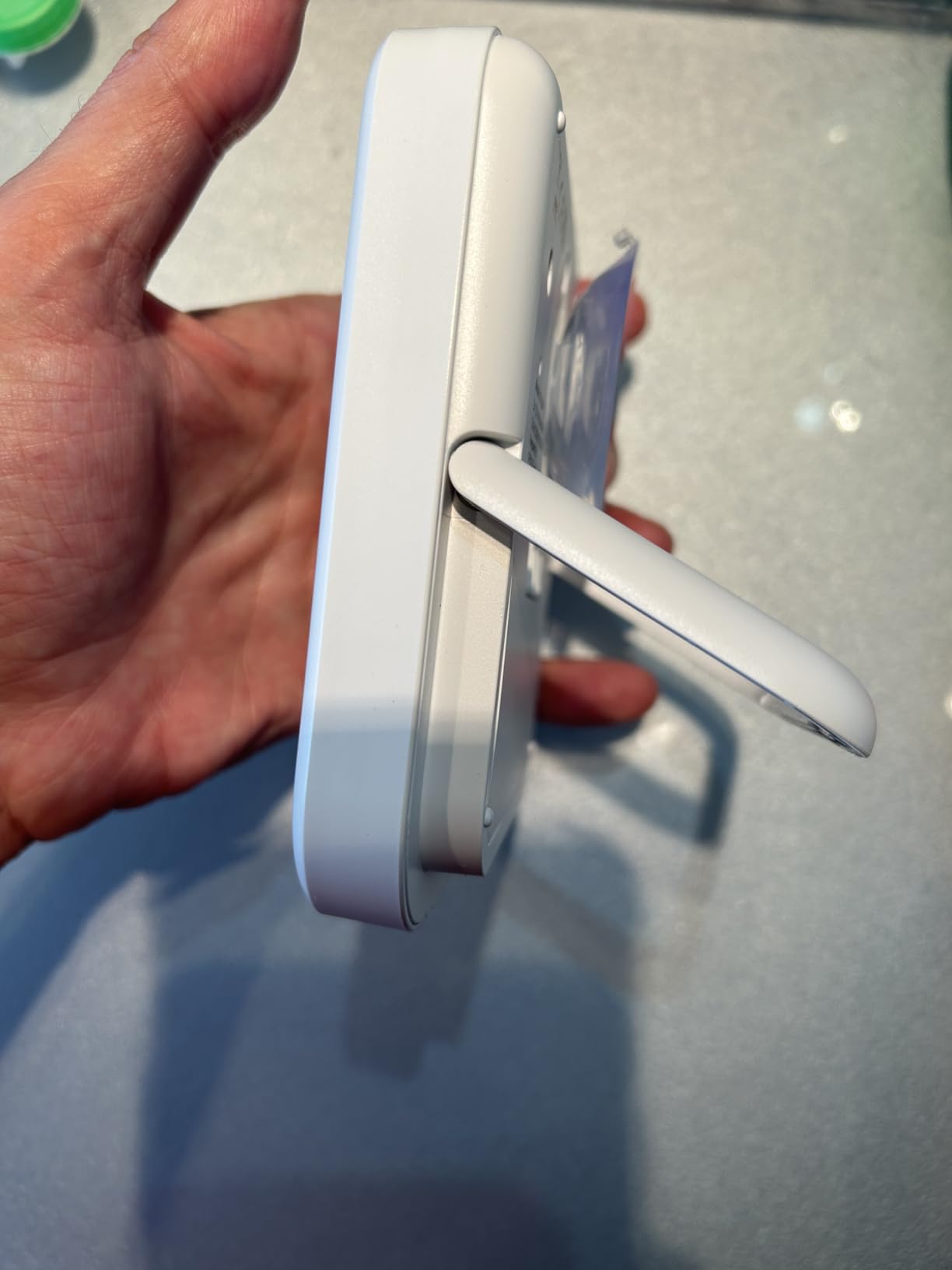
- Standing (Adjustable Base): Utilize the sturdy, adjustable base to place the clock on a flat surface, such as a countertop or shelf.
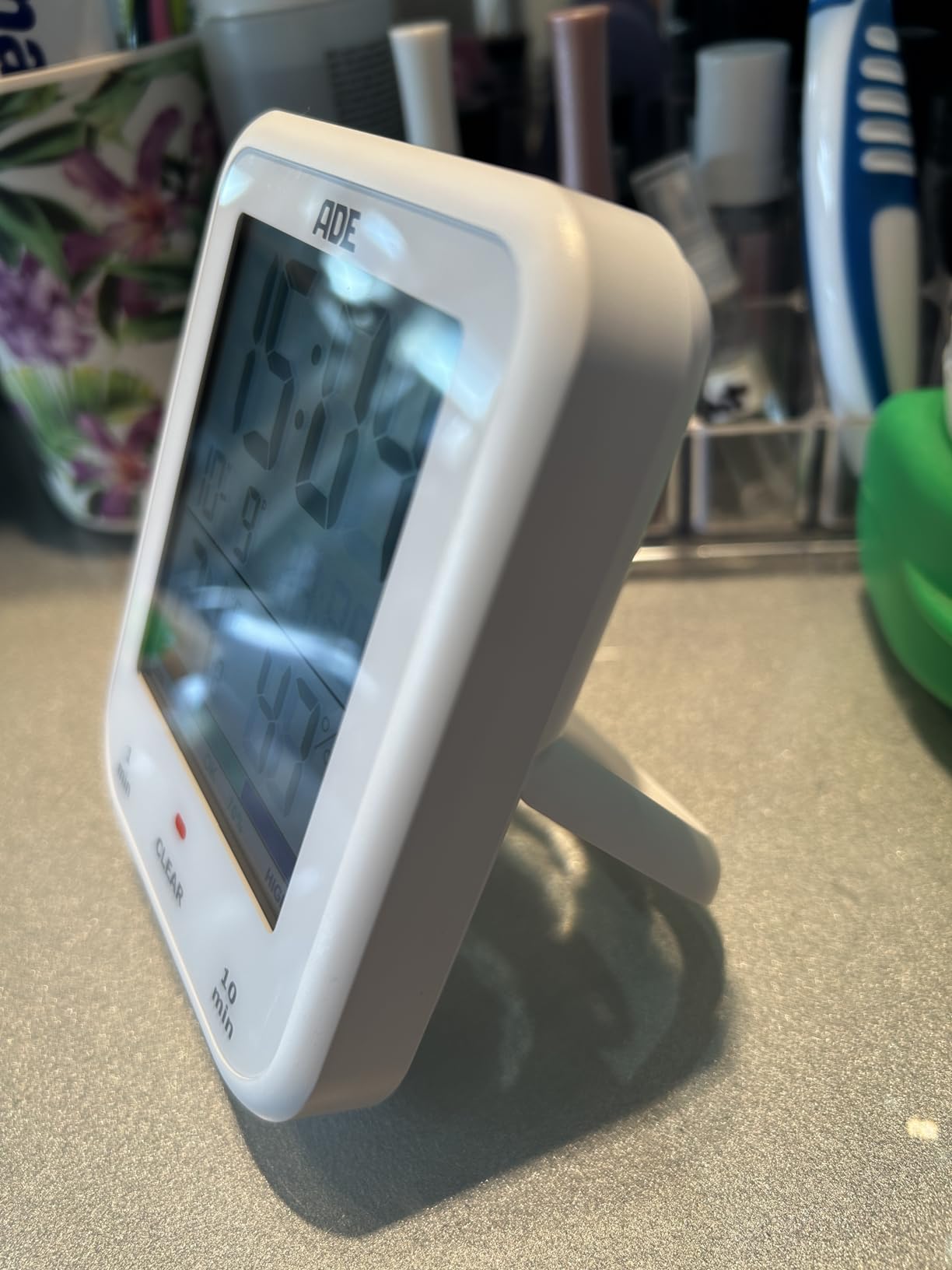
Image: The ADE CK2304 Digital Bathroom Clock securely attached to a bathroom wall using its suction cup mounting option.
Иштөө нускамалары
1. Initial Power On and Display
Upon battery installation, the clock will power on and display the current time, date, temperature, and humidity. The large LCD display ensures readability.
2. Убакыт жана дата орнотуу
Refer to the buttons on the back or side of the device (specific button names are not provided in the input, so I'll use generic terms):
- Press and hold the "SET" button (or equivalent) until the time display flashes.
- Use the "UP" and "DOWN" buttons (or equivalent) to adjust the hour. Press "SET" to confirm.
- Мүнөт, жыл, ай жана күн үчүн кайталаңыз.
- Press "SET" one last time to exit setting mode.
3. Using the Shower Timer / Countdown Function
The shower timer helps manage water consumption. The clock features a countdown function.
- Press the "TIMER" button (or equivalent) to activate the countdown function.
- Repeatedly press "TIMER" to cycle through preset countdown durations (e.g., 1 minute, 10 minutes, etc., as suggested by a review).
- Alternatively, press and hold "TIMER" to manually set a custom countdown duration using the "UP" and "DOWN" buttons.
- The countdown will begin automatically after selection or confirmation.
- Таймер нөлгө жеткенде үн сигналы чыгат.
- Ойготкучту токтотуу үчүн каалаган баскычты басыңыз.
4. Температура жана нымдуулук дисплей
The clock continuously displays the current room temperature and humidity. It also includes a comfort zone indicator to help maintain an optimal indoor climate and prevent mold formation.
Техникалык тейлөө
- Тазалоо: Саатты жумшак, d менен сүртүңүзamp кездеме. Абразивдүү тазалагычтарды же эриткичтерди колдонбоңуз.
- Батареяны алмаштыруу: Replace batteries when the display dims or the clock stops functioning. Ensure the battery compartment is sealed tightly after replacement to maintain waterproofing.
- Гидроизоляция: The device is IP65 waterproof, meaning it is protected against low-pressure water jets from any direction. Do not submerge the device in water. Ensure the battery compartment is always properly sealed.
Проблемаларды чечүү
| Көйгөй | Мүмкүн себеп | Чечим |
|---|---|---|
| Дисплей бош же күңүрт. | Төмөн же түгөнгөн батарейкалар. | Туура полярдуулукту камсыз кылуу менен жаңы AAA батарейкалары менен алмаштырыңыз. |
| Убакыт/дата туура эмес. | Орнотуулар тууралоону талап кылат. | Follow the "Setting Time and Date" instructions in the Operating section. |
| Сорох чөйчөкчө кармабайт. | Бети кир, нымдуу же тешиктүү. | Clean and dry the surface thoroughly. Ensure it is smooth and non-porous. |
| Температура/нымдуулук көрсөткүчтөрү так эмес окшойт. | Device recently moved to a new environment; needs time to stabilize. | Allow 15-30 minutes for the sensors to adjust to the new environment. |
Техникалык шарттар
- Модел: CK2304
- Бренд: ADE
- Дисплей түрү: Санарип LCD
- Суу өткөрбөйт рейтинги: IP65 (Protected against low-pressure water jets)
- Функциялары: Time, Date, Temperature, Humidity, Shower Timer, Countdown Function, Comfort Zone Indicator
- Кубат булагы: 2 x AAA Батареялар (кошулган)
- Продукциянын өлчөмдөрү: 9.2 см (W) x 11.5 см (H) x 2.3 см (D)
- Элемент Салмагы: 207 грамм
- Монтаждоо параметрлери: Suction Base, Hanging Eyelet, Adjustable Stand
- Бөлмө түрү: Ванна
Кепилдик жана колдоо
For warranty information or technical support, please refer to the contact details provided on the product packaging or the official ADE webсайт. Сатып алганыңыздын далили катары сатып алуу дүмүрчөгүңүздү сактаңыз.
Ask a question about this manual
Ask about setup, troubleshooting, compatibility, parts, safety, or missing instructions. Manuals+ will review the question and use this page’s manual context to help answer it.