
Jectse Jectsehtin20gcvm-11
Jectse MP3 Player with Bluetooth User Manual
Model: Jectsehtin20gcvm-11
1. Киришүү
This manual provides detailed instructions for the operation and maintenance of your Jectse MP3 Player. This portable device features a 2.4-inch full-touch screen, 4GB internal storage, Bluetooth 5.0 connectivity, FM radio, E-book reader, and voice recording capabilities. Please read this manual thoroughly before using the device to ensure proper functionality and longevity.
2. Коопсуздук маалыматы
- Аппаратты экстремалдык температурага, түз күндүн нуруна же жогорку нымдуулукка дуушар кылбаңыз.
- Аппаратты түшүрүүдөн же катуу таасирлерден сактаныңыз.
- Түзмөктү өз алдынча бөлүктөргө бөлбөңүз же оңдоого аракет кылбаңыз. Бул кепилдикти жокко чыгарат.
- Use only the provided charging cable and certified power adapters.
- Угуу жөндөмүнө зыян келтирбөө үчүн орточо үн деңгээлинде угуңуз.
- Аппаратты суудан жана башка суюктуктардан алыс кармаңыз.
3. Пакеттин мазмуну
Пакетте бардык буюмдар бар экенин текшериңиз:
- Jectse MP3 Player
- Зымдуу кулакчындар
- USB заряддоо кабели

Image: The Jectse MP3 Player, along with its included wired headphones and USB charging cable, laid out on a surface.
4. Продукт бүтүп калдыview
The Jectse MP3 Player features a compact design with a 2.4-inch touch screen for intuitive navigation. The device includes physical buttons on the side for power, volume control, and other functions. A built-in speaker is located on the back.

Сүрөт: алдыңкы view of the Jectse MP3 Player displaying its colorful touch screen interface with icons for Music, Video, Dictionary, Recorder, Settings, Applications, Folder, Listening, FM Radio, and Ebook.
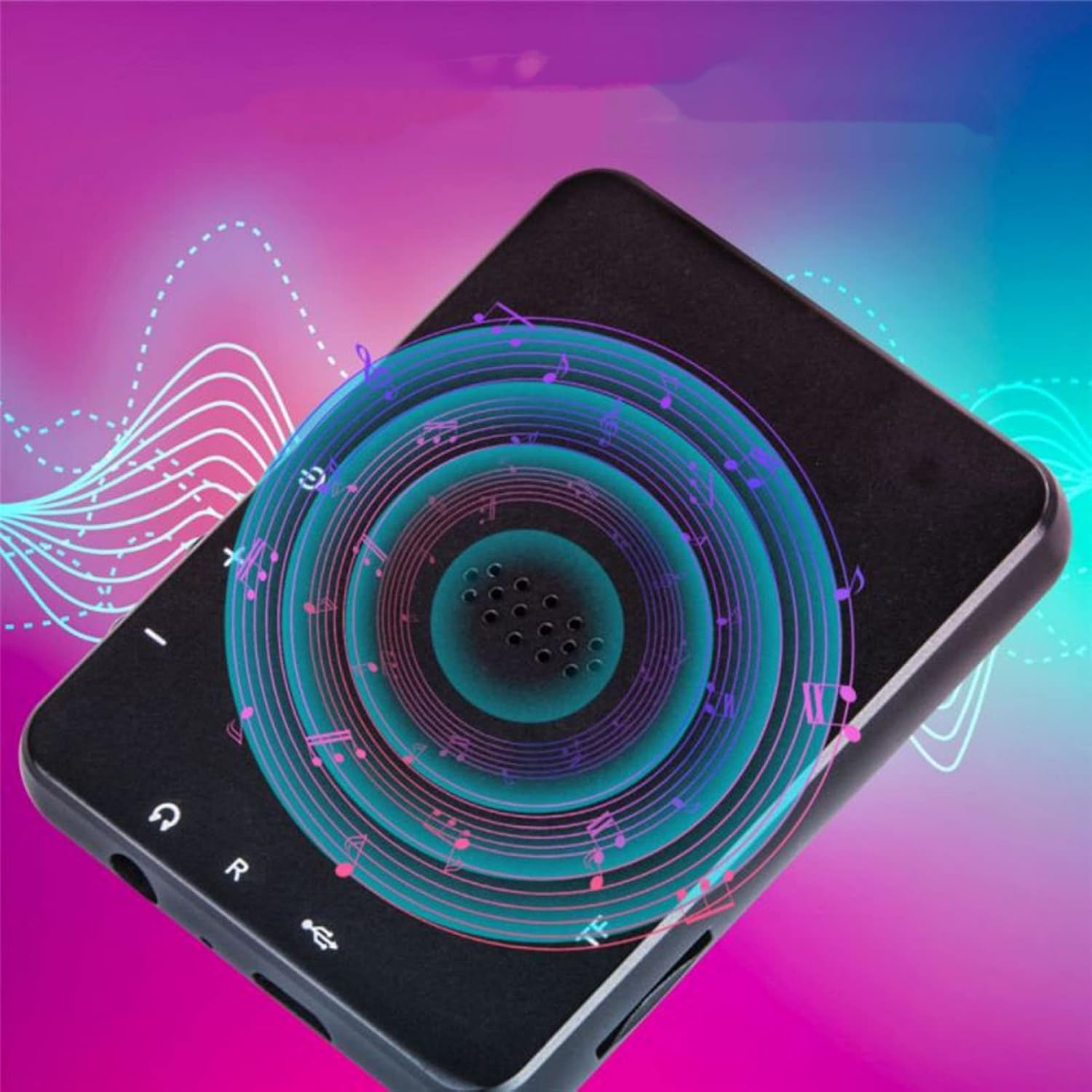
Сүрөт: Артка view of the Jectse MP3 Player, showing the speaker grille and side buttons for power and volume, with a visual representation of sound waves emanating from the speaker.
5. Орнотуу
5.1. Аппаратты заряддоо
Before first use, fully charge the MP3 player. Connect the provided USB charging cable to the device's charging port and plug the other end into a USB power adapter (not included) or a computer's USB port. The battery indicator on the screen will show charging status.
5.2. Эстутум картасын салуу (милдеттүү эмес)
The device has 4GB of internal storage. To expand storage, insert a microSD card (up to 256GB, not included) into the memory card slot. Ensure the card is inserted correctly until it clicks into place.
5.3. Наушниктерди туташтыруу
Plug the wired headphones into the 3.5mm audio jack on the device. Alternatively, you can connect Bluetooth headphones (see section 6.2).
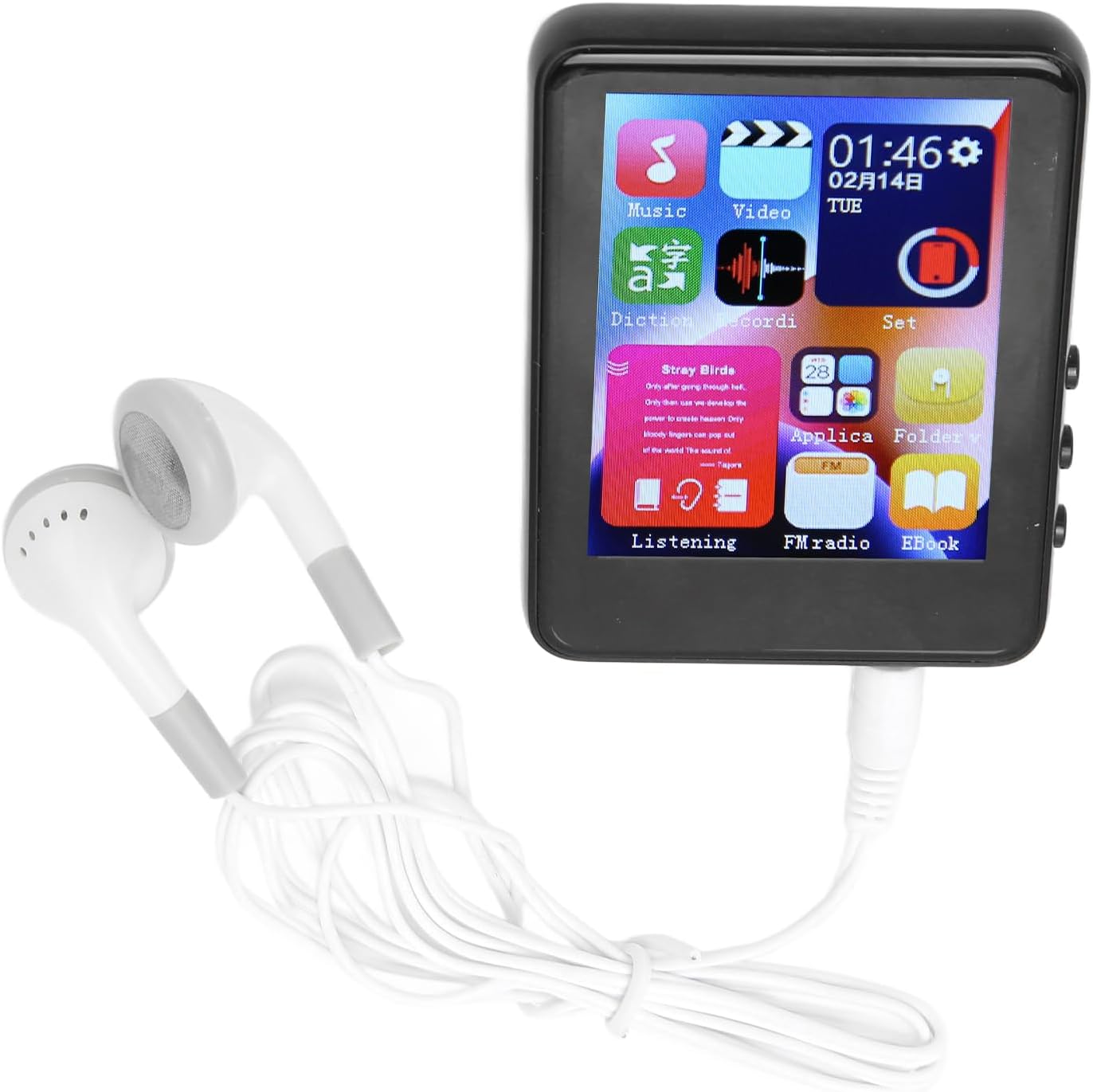
Image: The Jectse MP3 Player with white wired headphones plugged into its audio jack, ready for use.
5.4. Күйгүзүү / Өчүрүү
- Күйгүзүү үчүн: Press and hold the power button on the side of the device until the screen lights up.
- Өчүрүү үчүн: Экранда өчүрүү опциясы пайда болгонго чейин кубат баскычын басып, кармап туруңуз, андан соң ырастаңыз.
6. Иштөө нускамалары
6.1. Навигация
The device features a full-touch screen. Swipe left/right or up/down to navigate through menus and applications. Tap an icon to open an application or select an option. Use the back arrow or swipe gestures (if available) to return to the previous screen.
6.2. Музыканы ойнотуу
The player supports MP3, APE, FLAC, WMA, WAV, and AAC audio formats. Transfer music files from your computer to the device's internal storage or an inserted memory card.
- Tap the 'Music' icon on the home screen.
- Музыкалык китепканаңызды аткаруучу, альбом, жанр же папка боюнча карап чыгыңыз.
- Ойнотууну баштоо үчүн ырды таптаңыз.
- Use the on-screen controls for play/pause, skip tracks, and volume adjustment.

Image: The Jectse MP3 Player showing a music playback screen with album art and controls, while a person enjoys music with wireless earbuds.
6.3. Bluetooth туташуусу
Connect your MP3 player to Bluetooth headphones or speakers for wireless audio.
- "Орнотууларга" өтүп, "Bluetooth" тандаңыз.
- Bluetooth'ду күйгүзүңүз.
- Bluetooth аудио аспабыңыз жупташтыруу режиминде экенин текшериңиз.
- Түзмөгүңүздү жупташтыруу үчүн жеткиликтүү түзмөктөрдүн тизмесинен тандаңыз.
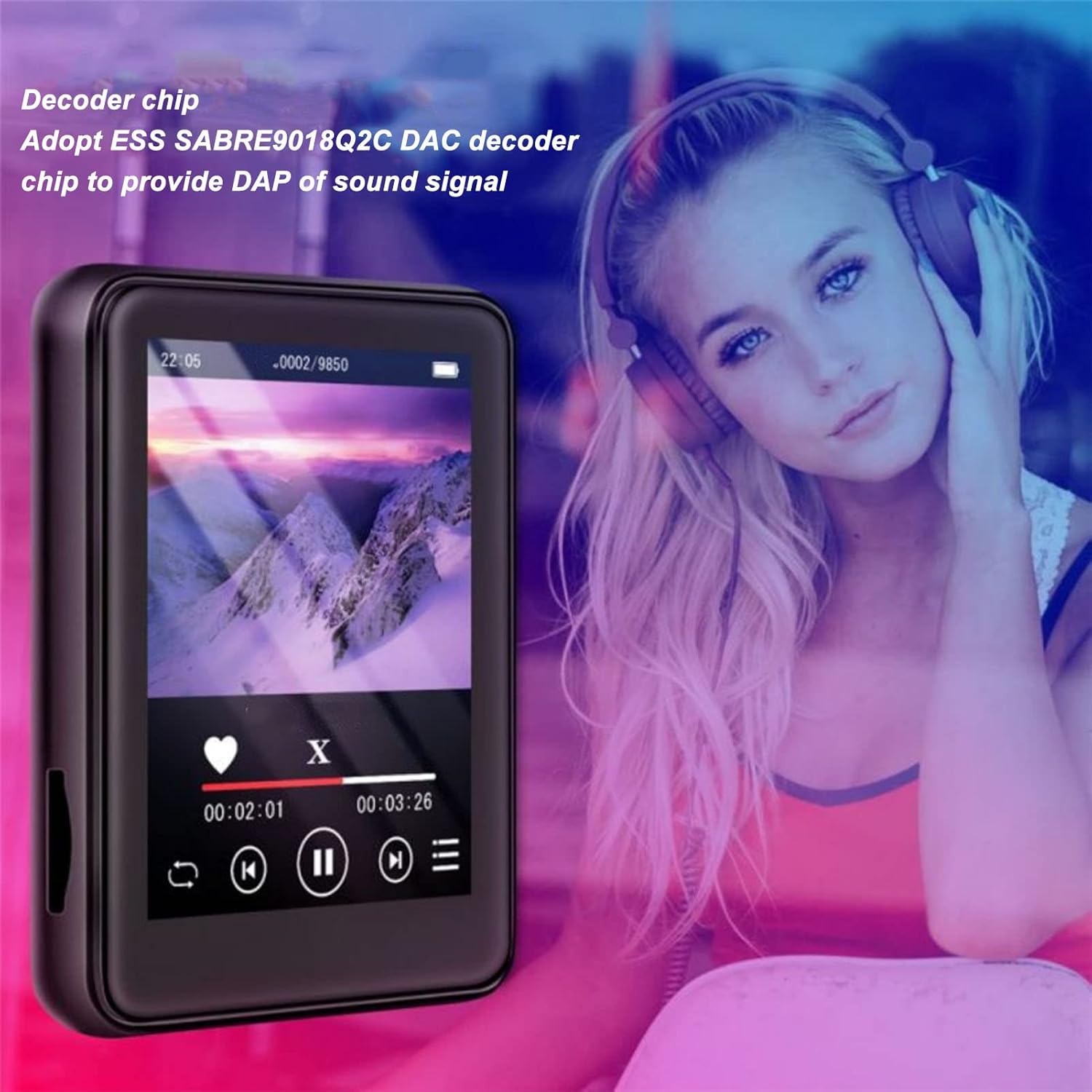
Image: The Jectse MP3 Player displaying a video or music interface, with text highlighting its ESS SABRE9018Q2C DAC decoder chip for high-quality sound. A person wearing over-ear headphones is visible in the background.
6.4. FM радиосу
Listen to FM radio stations using the built-in tuner. Wired headphones must be connected as they act as the antenna.
- Tap the 'FM Radio' icon.
- Perform an automatic scan to find available stations.
- Tune to your desired station using the on-screen controls.
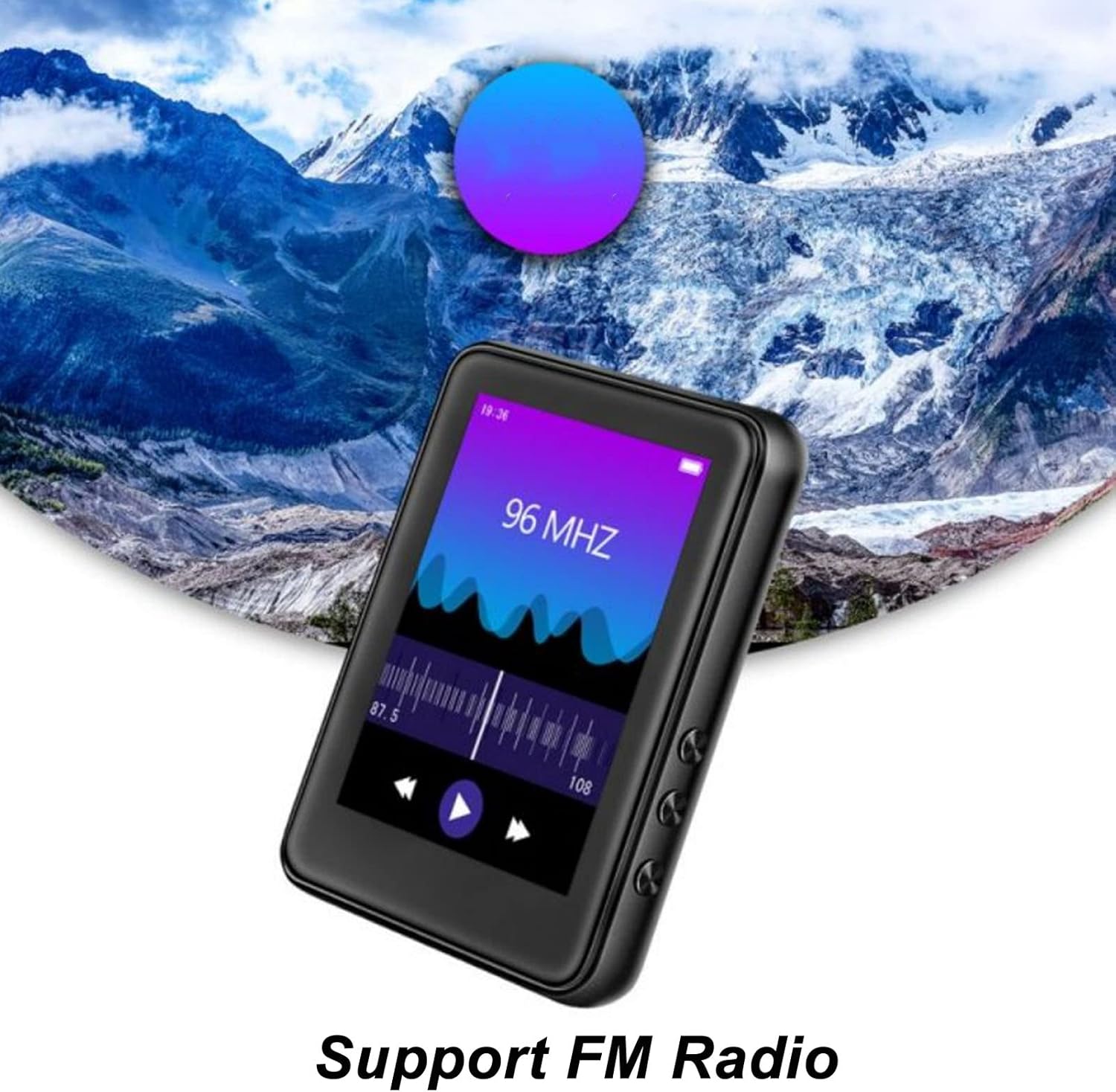
Image: The Jectse MP3 Player showing its FM Radio interface, tuned to 96 MHz, with a visual representation of radio waves and controls.
6.5. Электрондук китептер
Read TXT and LRC format e-books on your device.
- Tap the 'Ebook' icon.
- Select the e-book you wish to read.
- Swipe the screen to turn pages.
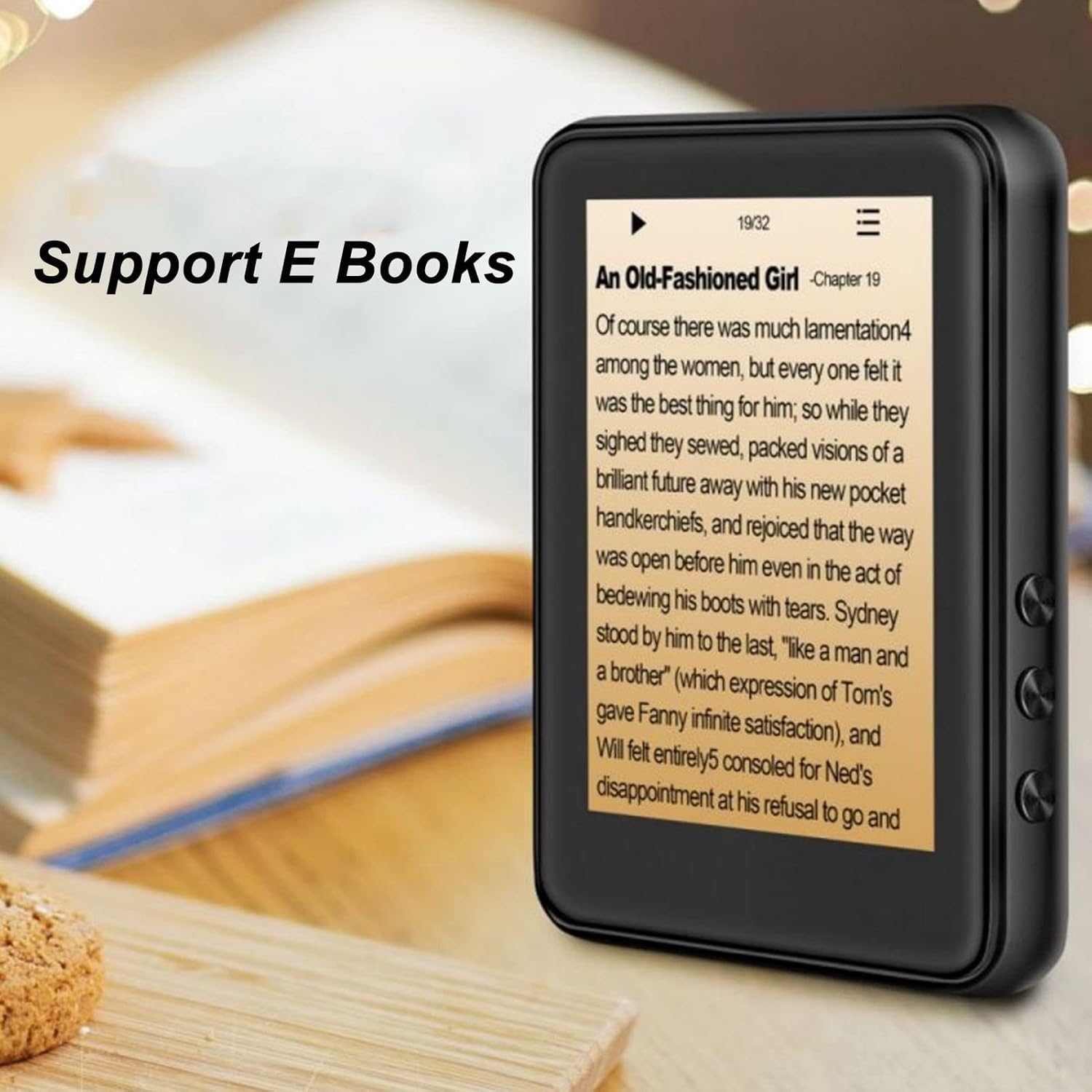
Image: The Jectse MP3 Player displaying an e-book titled 'An Old-Fashioned Girl - Chapter 19' on its screen, with text content visible.
6.6. Үн жазгыч
Орнотулган микрофонду колдонуп, аудио жаздырыңыз.
- "Диктофон" сүрөтчөсүн таптаңыз.
- Жаздырууну баштоо үчүн жаздыруу баскычын басыңыз.
- Tap the stop button to end and save the recording.

Image: The Jectse MP3 Player showing its voice recorder interface with a red record button and a timer, positioned in a meeting room setting.
6.7. Видеону ойнотуу
The device supports MP4 video playback. Transfer compatible video files to the device's storage.
- Tap the 'Video' icon.
- Видеону тандаңыз file ойногуңуз келет.
- Use the on-screen controls for playback.
7. Техникалык тейлөө
- Тазалоо: Түзмөктү тазалоо үчүн жумшак, кургак чүпүрөктү колдонуңуз. Суюк тазалоочу каражаттарды же абразивдүү материалдарды колдонбоңуз.
- Сактагыч: Аппаратты колдонбогондо салкын, кургак жерде сактаңыз.
- Батареяга кам көрүү: Батареянын иштөө мөөнөтүн узартуу үчүн, бат-баттан батарейканы толук зарядсыздандырбаңыз. Аппаратты узак убакыт бою колдонбосо дагы, үзгүлтүксүз заряддаңыз.
- Программалык камсыздоо жаңыртуулары: Өндүрүүчүнү текшериңиз website for any available firmware updates to ensure optimal performance.
8. Кыйынчылыктарды
-
Түзмөк күйбөйт:
Батарея заряддалганын текшериңиз. Кайра күйгүзүүгө аракет кылуудан мурун, түзмөктү кеминде 30 мүнөт кубаттагычка туташтырыңыз.
-
Үн жок:
Check the volume level. Ensure headphones are properly connected or Bluetooth headphones are paired and connected. Test with different headphones if possible.
-
Bluetooth менен туташуу мүмкүн эмес:
Ensure Bluetooth is enabled on both the MP3 player and the target device. Make sure the target device is in pairing mode and within range. Try restarting both devices.
-
Түзмөк токтоп калат же жооп бербей жатат:
Өчүрүп-күйгүзүү үчүн кубат баскычын болжол менен 10-15 секунд басып туруңуз.
-
Files not appearing on device:
камсыз кылуу files are in supported formats. Verify that files were transferred correctly to the internal storage or memory card. Check if the memory card is properly inserted.
9. Техникалык шарттар
| Өзгөчөлүк | Спецификация |
|---|---|
| Модел | Jectsehtin20gcvm-11 |
| Экран | 2.4 Inches TFT Screen |
| Бортто сактагыч | 4 ГБ |
| Эстутум картасын колдоо | Up to 256GB (microSD, not included) |
| Bluetooth версиясы | Bluetooth 5.0 |
| Колдоого алынган аудио форматтары | MP3, APE, FLAC, WMA, WAV, AAC |
| Колдоого алынган фото форматтары | JPEG, BMP |
| Supported E-Book Formats | TXT, LRC |
| FM радиосунун жыштыгы | 87Гц-108Гц |
| Ызы-чуунун катышы | ≥ 90дб |
| Батарея түрү | Камтылган 500mAh полимердик литий батареясы |
| Операциялык системанын шайкештиги | Windows 98/ME/2K/XP/Vista/Win7, OS X 10 |
| Элемент Салмагы | 4.5 унция |
| Пакеттин өлчөмдөрү | 5.12 x 3.15 x 1.18 дюйм |
10. Кепилдик жана колдоо
For warranty information and technical support, please refer to the documentation provided with your purchase or visit the official Jectse webсайт. Кепилдик дооматтар үчүн сатып алганыңыздын далилин сактаңыз.
Ask a question about this manual
Ask about setup, troubleshooting, compatibility, parts, safety, or missing instructions. Manuals+ will review the question and use this page’s manual context to help answer it.