
WalkerFit ZL73E
WalkerFit Smart Watch User Manual
Model: ZL73E
1. Киришүү
Welcome to the WalkerFit Smart Watch user manual. This guide provides detailed instructions on how to set up, operate, and maintain your new smartwatch. The WalkerFit Smart Watch is designed for women, offering a blend of style and functionality with features like fitness tracking, health monitoring, and smart notifications.

Image: The WalkerFit Smart Watch, showcasing its round gold casing and light-colored band, with water splashes indicating its waterproof feature.
Продукт бүттүview
The WalkerFit Smart Watch features a 1.4-inch touch screen, a sturdy and anti-scratch frame, and offers various customizable watch faces. It is compatible with both iPhone and Android devices, providing comprehensive health and fitness tracking capabilities.
Видео: толугураакview of the WalkerFit Smart Watch, highlighting its design, features, and user interface.
2. Кутуда эмне бар
Upon opening your WalkerFit Smart Watch package, you should find the following items:
- 1 x WalkerFit A2PRO Smart Watch
- 1 х магниттик заряддоо кабели
- 1 x User Manual

Image: A visual representation of the WalkerFit Smart Watch, its charging cable, and the user manual, as typically found in the product packaging.
3. Орнотуу колдонмосу
Follow these steps to set up your WalkerFit Smart Watch and connect it to your smartphone:
- Колдонмону жүктөп алыңыз: Open Google Play Store (for Android) or Apple App Store (for iPhone) and search for the "Da Fit" app. Download and install it.
- Bluetooth иштетүү: Смартфонуңуздагы Bluetooth функциясын күйгүзүңүз.
- Түзмөктү жупташтыруу: Open the "Da Fit" app. On the app's main screen, click "ADD A DEVICE" and select "ZL73E" from the list of available devices. Confirm the pairing request on your phone.
- Control Call Function: Once paired, turn on/off the call switch within the app to control the call function of the watch.

Image: A step-by-step visual guide demonstrating how to connect the WalkerFit Smart Watch to a smartphone using the Da Fit app.
4. Иштөө нускамалары
4.1. Ден соолукту көзөмөлдөө
Your WalkerFit Smart Watch is equipped with high-precision sensors to monitor various health metrics:
- Жүрөктүн кагышын көзөмөлдөө: Жүрөгүңүздүн кагышын күнү-түнү көзөмөлдөйт.
- Кандагы кычкылтектин деңгээли (SpO2): Measures blood oxygen using a wrist-based sensor.
- Кан басымынын мониторинги: Кан басымынын көрсөткүчтөрүн берет.
- Стресске көз салуу: Күн бою стресс деңгээлиңизди көзөмөлдөйт.
- Calorie Burn: Tracks calories burned during exercise.

Image: A visual display of the watch's health tracking capabilities, including heart rate, blood oxygen, and blood pressure monitoring.
Video: Demonstrates the various health tracking features and their interface on the WalkerFit Smart Watch.
4.2. Smart Notifications & Calls
Stay connected by receiving call, SMS text, and SNS messages (Facebook, Twitter, WhatsApp, LinkedIn, Messenger, etc.) directly on your watch. The watch provides vibration alerts for incoming notifications. You can also answer or make calls directly from the smartwatch when synced to your phone.

Image: Illustrates the smart notification and call answering capabilities of the watch, showing icons for various messaging and social media apps.
Video: Shows how to navigate through the watch's interface to access call and notification features.
4.3. Спорт режимдери
The smartwatch offers a range of fitness tracking modes to cater to various activities. Select your desired exercise mode to track specific metrics like steps, distance, calories, and heart rate during your workouts.

Image: A banner displaying various sports icons, indicating the 30+ activity tracking modes available on the smartwatch.
Video: A short demonstration of selecting and starting an exercise mode on the smartwatch.
4.4. Уйкуга көз салуу
The smartwatch provides enhanced sleep monitoring with multi-sleep mode detection. It analyzes your sleep quality, including total sleep, light sleep, and deep sleep, offering professional suggestions to help you sleep better.
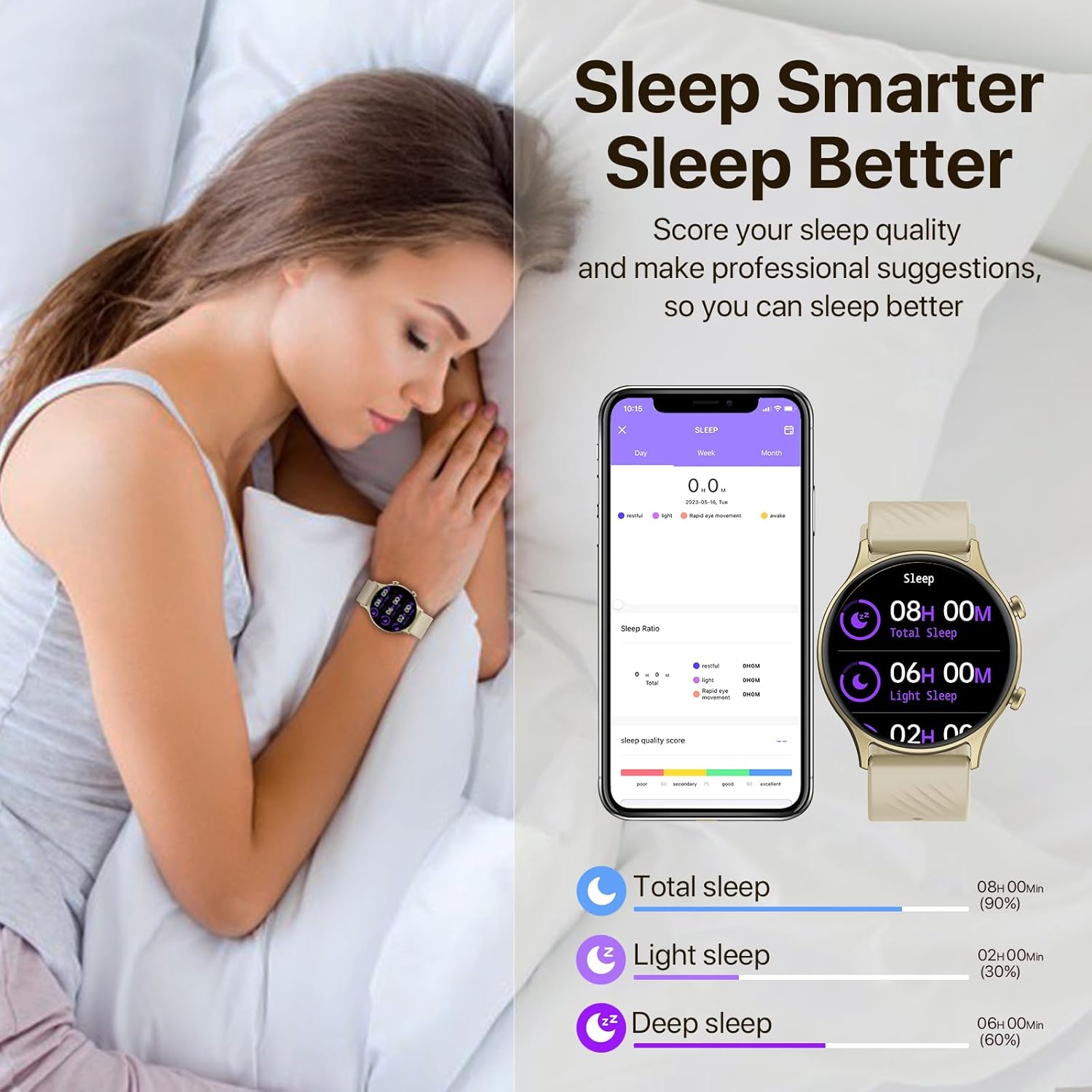
Image: A woman sleeping with the smartwatch on, alongside a graphic showing sleep quality analysis data.
4.5. Ыңгайлаштыруу
Personalize your watch with over 200+ trendsetting dials available within the app. You can also create and customize your own watch faces using photos from your phone gallery.

Image: Displays various customizable watch faces available for the 1.4-inch screen of the WalkerFit Smart Watch.
4.6. Камераны алыстан башкаруу
Effortlessly control your smartphone camera with just a wave of your hand using the watch's remote camera control feature. This is ideal for capturing photos, especially group shots or selfies.
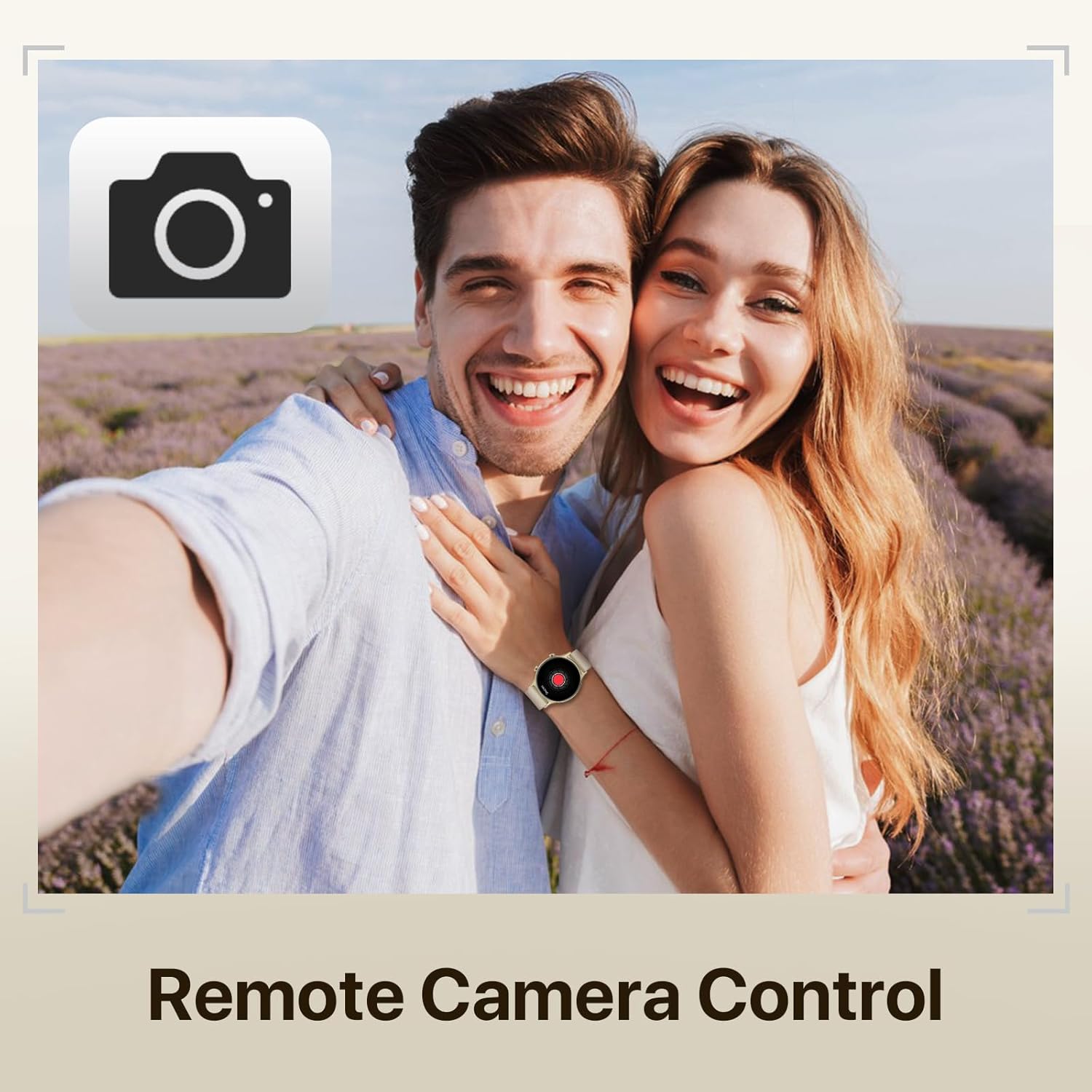
Image: A couple taking a photo, with the smartwatch on the woman's wrist, illustrating the remote camera control function.
4.7. Башка функциялар
The WalkerFit Smart Watch also includes additional useful features:
- Weather Forecasting: Provides 7-day weather forecasts to help you plan your activities.
- Музыкалык башкаруу: Туташкан смартфонуңузда музыканы ойнотууну башкарыңыз.
- Оюндар: Enjoy simple games directly on your watch.
- Дем алуу тренинги: Эс алуу үчүн дем алуу көнүгүүлөрүн жасоо.

Image: A collage showing various life functions of the smartwatch, including games, breathe exercises, music control, and weather display.
5. Техникалык тейлөө
5.1. Сууга туруктуулук
The WalkerFit Smart Watch has an IP67 waterproof rating. This means it can be used for hand washing and in the rain. However, it is ылайыктуу эмес for swimming, hot water, or sauna use.

Image: A woman splashing water on her face while wearing the smartwatch, illustrating its IP67 water resistance for daily activities.
5.2. Заряддоо жана батареянын иштөө мөөнөтү
The watch features a 220 Milliamp Hours Lithium Polymer battery. A full charge can last for several days depending on usage. Charging typically takes about 2 hours using the provided magnetic charging cable.

Image: A woman exercising with the smartwatch, alongside an infographic showing battery life details: 7-9 days heavy use, 30 days standby, 2 hours charging time.
6. Кыйынчылыктарды
If you encounter issues with your WalkerFit Smart Watch, please refer to the following common solutions:
- Connectivity Issues (Cannot connect to phone):
- Телефонуңузда жана саатыңызда Bluetooth иштетилгенин текшериңиз.
- Make sure the "Da Fit" app is running and has necessary permissions.
- Телефонуңузду да, акылдуу саатыңызды да өчүрүп күйгүзүңүз.
- Түзмөктү колдонмо аркылуу жупташып, кайра жупташып көрүңүз.
- Батарея зарядды кармабайт:
- Ensure the magnetic charging cable is properly connected to the watch and a power source.
- Сааттагы жана кабелдеги заряддоочу контакттар таза жана таштандылардан таза экенин текшериңиз.
- Reduce usage of power-intensive features like continuous heart rate monitoring or frequent notifications.
- Disable unnecessary background app refresh for the watch app on your phone.
- Inaccurate Health Readings (e.g., Blood Pressure, SpO2):
- Саат билегиңизге бекем тагылганын, туурасы билек сөөгүнөн бир манжага жакын экенин текшериңиз.
- Өлчөө учурунда кыймылдабай туруңуз.
- Note that these are fitness tracker readings and not medical-grade measurements. Consult a healthcare professional for medical advice.
- Билдирмелер көрүнбөйт:
- Verify that notification permissions are granted to the "Da Fit" app in your phone's settings.
- Check notification settings within the "Da Fit" app to ensure specific apps are enabled.
- Саат Bluetooth аркылуу туташып турганын текшериңиз.
- Screen Scratches Easily:
- While the screen is designed to be sturdy, avoid direct contact with sharp or abrasive surfaces.
- Consider applying a screen protector for added durability.
7. Техникалык шарттар
| Өзгөчөлүк | Деталь |
|---|---|
| Продукциянын өлчөмдөрү | 9.45 x 1.77 x 0.43 дюйм |
| Элемент Салмагы | 3.84 унция |
| Модель номери | ZL73E |
| Батареялар | 1 Литий Полимер батарейкалары талап кылынат (кошулган) |
| Туруктуу экран дисплей өлчөмү | 1.4 дюйм |
| Эстутум сактоо сыйымдуулугу | 128 MB |
| Операция системасы | Android (шайкеш келет) |
| Өзгөчө өзгөчөлүк | Жеңил |
| Батарея сыйымдуулугу | 220 миллионamp Саат |
| Байланыш технологиясы | Bluetooth |
| Зымсыз байланыш стандарты | Bluetooth |
| GPS | Смартфон аркылуу GPS |
| Форма | Тегерек |
8. Кепилдик жана колдоо
WalkerFit is committed to customer satisfaction. While specific warranty details are not provided in this manual, please retain your proof of purchase. For any product-related inquiries, technical support, or warranty claims, please contact WalkerFit customer service through the retailer where you purchased the product or visit the official WalkerFit webколдоо байланыш маалыматы үчүн сайт.
Many common issues can be resolved by referring to the Troubleshooting section or by ensuring the latest version of the "Da Fit" app is installed and updated.
Ask a question about this manual
Ask about setup, troubleshooting, compatibility, parts, safety, or missing instructions. Manuals+ will review the question and use this page’s manual context to help answer it.