
1. Киришүү
The JZAQ A13 Bluetooth Helmet Speakers and Intercom System provides wireless communication and audio playback for motorcycle riders, skiers, cyclists, and other sports enthusiasts. This system features Bluetooth 5.3 connectivity, two-way intercom functionality, noise cancellation, and a waterproof design for reliable performance in various conditions.

Image 1.1: JZAQ A13 Bluetooth Helmet Headset overview.
2. Пакеттин мазмуну
Before installation, please verify that all items listed below are present in your package:
- JZAQ A13 Headphone Host
- Hard Earbuds
- Soft Earbuds
- Клип базасы
- Paste Base
- Horn Velcro
- TYPE-C заряддоо кабели
- Hard and Soft Velcro Pads
- User Manual

Image 2.1: All components included in the JZAQ A13 package.
3. Продукт бүтүп калдыview
Familiarize yourself with the main unit and its controls:
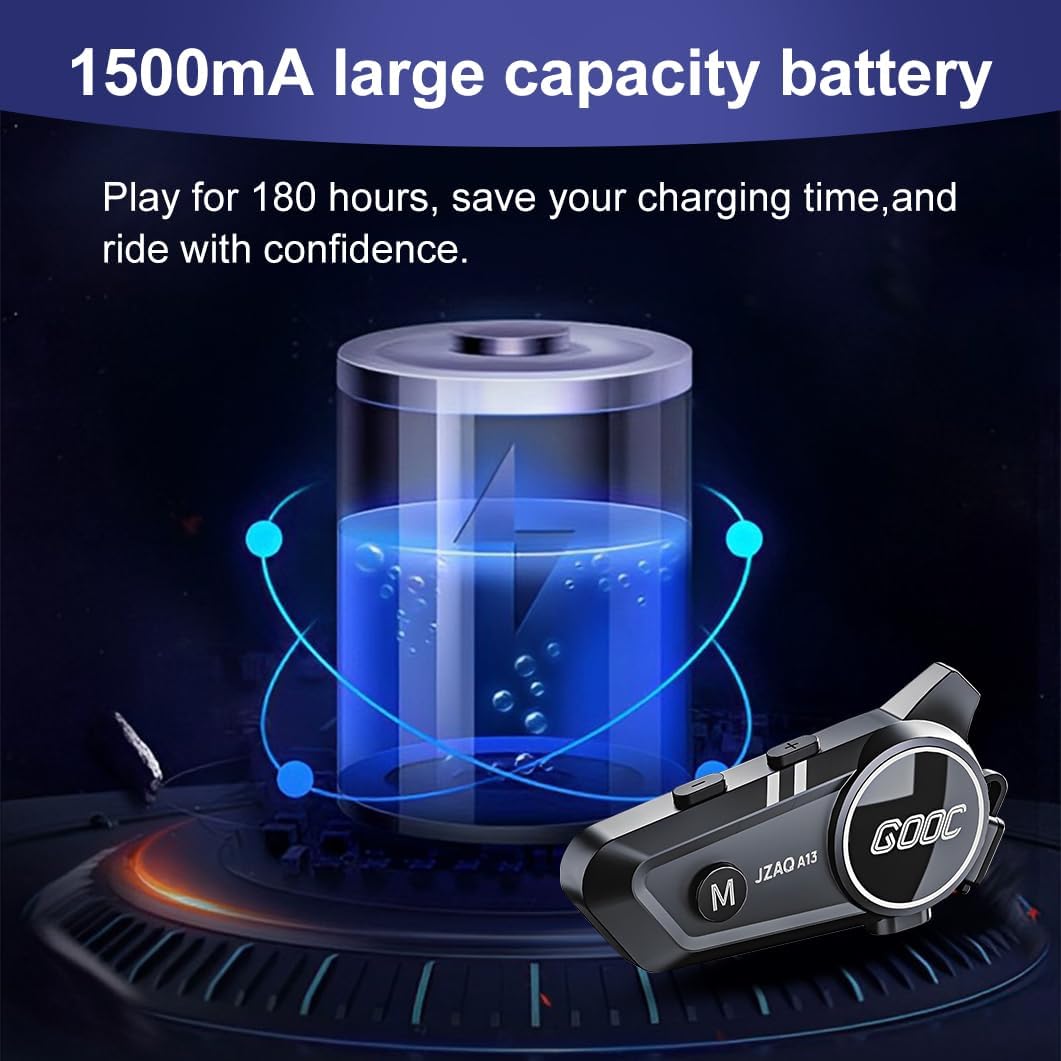
Image 3.1: Diagram illustrating the button functions and ports on the JZAQ A13 unit.
- Power On/Off/Pause/Play/Connect Button: Controls power, music playback, and Bluetooth connection.
- Volume Up/Next Song Button: Үнүн жогорулатат жана кийинки трекке өтөт.
- Volume Down/Previous Song/Voice Assistant Button: Decreases volume, goes to the previous track, and activates the voice assistant.
- Заряддоо порту: Аппаратты кубаттоо үчүн USB Type-C порту.
- Гарнитура уячасы: Connects the speakers and microphone.
4. Орнотуу жана орнотуу
4.1 Аппаратты заряддоо
Before first use, fully charge the JZAQ A13 unit. Connect the provided TYPE-C charging cable to the charging port on the unit and a USB power source. A full charge typically takes approximately 2 hours. The device features a 1500mAh battery, providing up to 180 hours of continuous play time.

Image 4.1: Illustration of the 1500mAh large capacity battery.
4.2 Шлемди орнотуу
The JZAQ A13 is designed to be compatible with various helmet types. The speakers are ultra-thin (10mm) to ensure comfort and avoid ear pressure.

Сүрөт 4.2: Мисamples of various helmet types compatible with the JZAQ A13.
Follow these steps to install the system in your helmet:
- Спикердин жайгашуусу: Identify suitable locations within your helmet for the speakers, typically in the ear recesses. Use the provided Velcro pads to secure the speakers.
- Микрофонду орнотуу: Choose between the hard or soft earbuds (microphones) based on your helmet type and preference. Attach the microphone using Velcro in a position that allows clear voice pickup without obstructing your vision or comfort.
- Негизги блокту орнотуу: Use either the clip base or the paste base to attach the main JZAQ A13 unit to the side of your helmet. Ensure it is securely fastened and easily accessible for operation.
- Кабелдик башкаруу: Route all cables neatly within the helmet padding to prevent discomfort or interference.

Image 4.3: Step-by-step visual guide for installing the JZAQ A13 system into a helmet.
5. Иштөө нускамалары
5.1 Күйгүзүү/өчүрүү
- Күйгүзүү: Индикатор жарыгы күйгүчө кубат баскычын болжол менен 3 секунд басып туруңуз.
- Өчүрүү: Күйгүзүү баскычын болжол менен 3 секунд басып, индикатор өчкөнчө кармап туруңуз.
5.2 Bluetooth жупташтыруу
The JZAQ A13 uses Bluetooth 5.3 for stable wireless connectivity.
- Аппараттын өчүрүлгөнүн текшериңиз.
- Күйгүзүү баскычын болжол менен 5-7 секунд басып, индикатор жарыгы кызыл жана көк түстөр менен кезектешип күйүп-өчкөнгө чейин, жупташтыруу режимин көрсөткөнгө чейин кармап туруңуз.
- On your mobile phone or Bluetooth-enabled device, search for "JZAQ A13" in the Bluetooth settings.
- Select "JZAQ A13" to connect. Once paired, the indicator light will flash blue slowly.
5.3 Музыканы ойнотуу
After successful Bluetooth pairing, you can play music from your connected device. The system features Hi-Fi stereo sound and DSP noise reduction technology for clear audio.

Image 5.1: The JZAQ A13 provides clear music playback with noise reduction.
- Ойнотуу/тындыруу: Кубат баскычын бир жолу басыңыз.
- Көлөмү: Үнүн жогорулатуу (+) баскычын басыңыз.
- Үнүн азайтуу: Үндү азайтуу (-) баскычын басыңыз.
- Кийинки ыр: Үндү жогорулатуу (+) баскычын басып, кармап туруңуз.
- Мурунку ыр: Үндү азайтуу (-) баскычын басып, кармап туруңуз.
5.4 Эки тараптуу домофон
The JZAQ A13 supports two-way intercom communication between two riders within a range of up to 200 meters. The universal pairing function allows connection with other compatible intercom systems.

Image 5.2: Illustration of two-way intercom communication between riders.
- Домофонду баштоо: Consult the specific instructions for initiating intercom with another JZAQ A13 unit or a universally paired device.
- Домофондун аягы: Press the Power button once during an active intercom call.
5.5 Телефон чалуулар
The system supports hands-free calling with automatic answering and DSP noise reduction for clear voice communication.
- Чакырууга жооп берүү: The system will automatically answer incoming calls after a few rings.
- Чакырууну аяктоо: Кубат баскычын бир жолу басыңыз.
- Чакырууну четке кагуу: Кубат баскычын 2 секунд басып, кармап туруңуз.
5.6 Үн жардамчысы
Activate your smartphone's voice assistant (e.g., Siri) directly from the JZAQ A13.
- Үн Жардамчысын жандыруу: Press the Volume Down (-) button twice quickly.
6. Техникалык тейлөө
6.1 Гидроизоляция
The JZAQ A13 features IPX67 deep waterproof technology with Nano coating, making it suitable for use in rainy or snowy conditions and capable of operating in temperatures as low as -20°F.
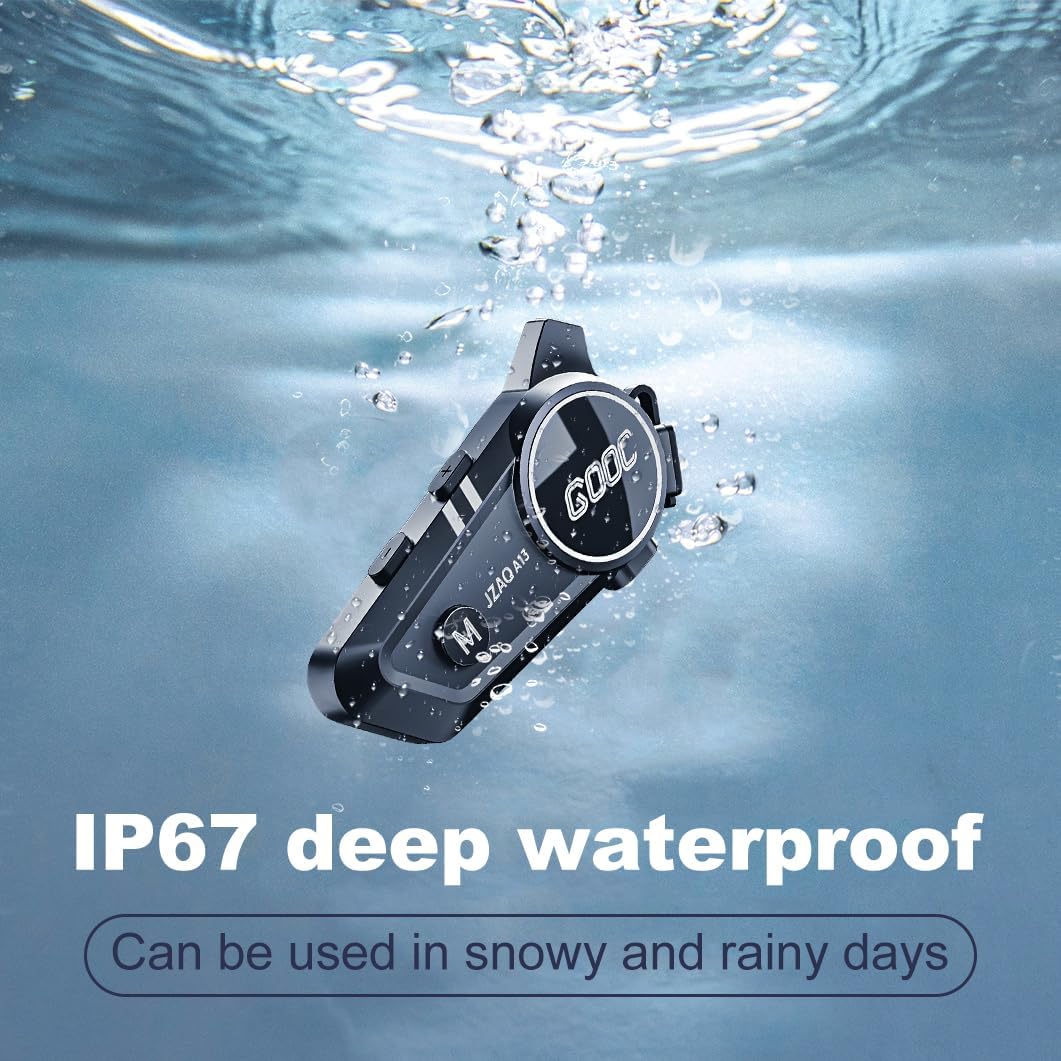
Image 6.1: The JZAQ A13 demonstrating its IP67 deep waterproof capability.
6.2 Тазалоо жана сактоо
- Аппаратты жумшак менен сүртүңүз, гamp кездеме. Катуу химиялык заттарды же абразивдүү тазалагычтарды колдонуудан алыс болуңуз.
- Сууга туруштук берүү үчүн заряддоо портунун капкагы бекем жабылганын текшериңиз.
- Аппаратты колдонбогондо салкын, кургак жерде сактаңыз.
7. Кыйынчылыктарды
If you encounter issues with your JZAQ A13, refer to the following common problems and solutions:
| Көйгөй | Мүмкүн себеп | Чечим |
|---|---|---|
| Түзмөк күйбөйт | Батареянын аздыгы; Түзмөк катып калды | Charge the device fully; Perform a hard reset (if applicable, refer to manufacturer for specific steps). |
| Телефон менен жупташтыруу мүмкүн эмес | Not in pairing mode; Bluetooth off on phone; Device already paired | Ensure device is in pairing mode (flashing red/blue); Turn on phone's Bluetooth; Forget previous connections on phone and re-pair. |
| Динамиктерден үн жок | Volume too low; Speakers disconnected; Faulty connection | Increase volume on device and phone; Check speaker connections; Try re-plugging speakers into the main unit. |
| Домофон туташпай жатат | Out of range; Incorrect pairing procedure | Ensure riders are within 200m range; Repeat intercom pairing steps for both units. |
| Poor voice quality during calls/intercom | Microphone position; Excessive wind noise | Adjust microphone closer to mouth; Ensure microphone is shielded from direct wind. |
8. Техникалык шарттар
Key technical specifications for the JZAQ A13 Bluetooth Helmet Speakers & Intercom System:
| Өзгөчөлүк | Спецификация |
|---|---|
| Модель аты | A13 |
| Бренд | JZAQ |
| Байланыш технологиясы | Зымсыз (Bluetooth) |
| Bluetooth версиясы | 5.3 |
| Батарея сыйымдуулугу | 1500mAh |
| Battery Life (Play Time) | 180 саатка чейин |
| Заряддоо убактысы | 2 саат |
| Домофон диапазону | Up to 200 meters (two-way) |
| Сууга туруктуулук деңгээли | IPX67 (Суу өткөрбөйт) |
| Noise Control | Sound Isolation, DSP Noise Reduction |
| Өзгөчөлүктөр | Built-In Voice Assistant, Fast Charging, Includes microphone, Lightweight |
| Элемент Салмагы | 7.4 унция (0.21 килограмм) |
| Иштөө температурасы | -20°F to (unspecified upper limit) |
9. Кепилдик жана колдоо
The JZAQ A13 Bluetooth Helmet Speakers & Intercom System comes with a 2 жылдык кепилдик. For any product-related inquiries, technical assistance, or warranty claims, please contact JZAQ customer service through the Amazon Buyer Center. Our customer service team is available to assist you.