
Introduction
Thank you for choosing the Yunseity Portable Voice Amplifier. This device is designed to provide clear and stable sound amplification for various applications such as teaching, presentations, meetings, and outdoor activities. Please read this manual carefully before using the product to ensure proper operation and to maximize its lifespan.
Продукт бүттүview
The Yunseity Portable Voice Amplifier is a compact and versatile device. Familiarize yourself with its components and controls.

Сүрөт: үн amplifier unit shown with its accompanying headset microphone, waistband strap, and USB charging cable.
Негизги компоненттер:
- Үн Ampкөтөргүч бирдиги: The main speaker and control unit.
- Гарнитура микрофону: For hands-free voice input.
- Waistband Strap: Ыңгайлуу көчүрүү үчүн.
- USB заряддоо кабели: Ички батареяны кайра заряддоо үчүн.
Башкаруу панели жана порттор:

Image: A labeled diagram indicating the location and function of each button, knob, and port on the ampөмүрлүү.
- 3.5mm Microphone Jack: Connect the headset microphone here.
- Үн баскычы: тууралоо үчүн айлантыңыз ampлификация көлөмү.
- Заряддоо порту: USB заряддоо кабелин бул жерге туташтырыңыз.
- Мурунку ыр баскычы: Press to go to the previous track (when playing media).
- Ойнотуу/тындыруу баскычы: Tap to play or pause media. Long press to turn the device on or off.
- Кийинки ыр баскычы: Press to go to the next track. Long press to switch between single song loop and list loop.
- U Disk Interface: Медиа ойнотуу үчүн USB флеш-дискти салыңыз.
- Эстутум картасынын слоту: Insert a Memory Card (TF card) for media playback.
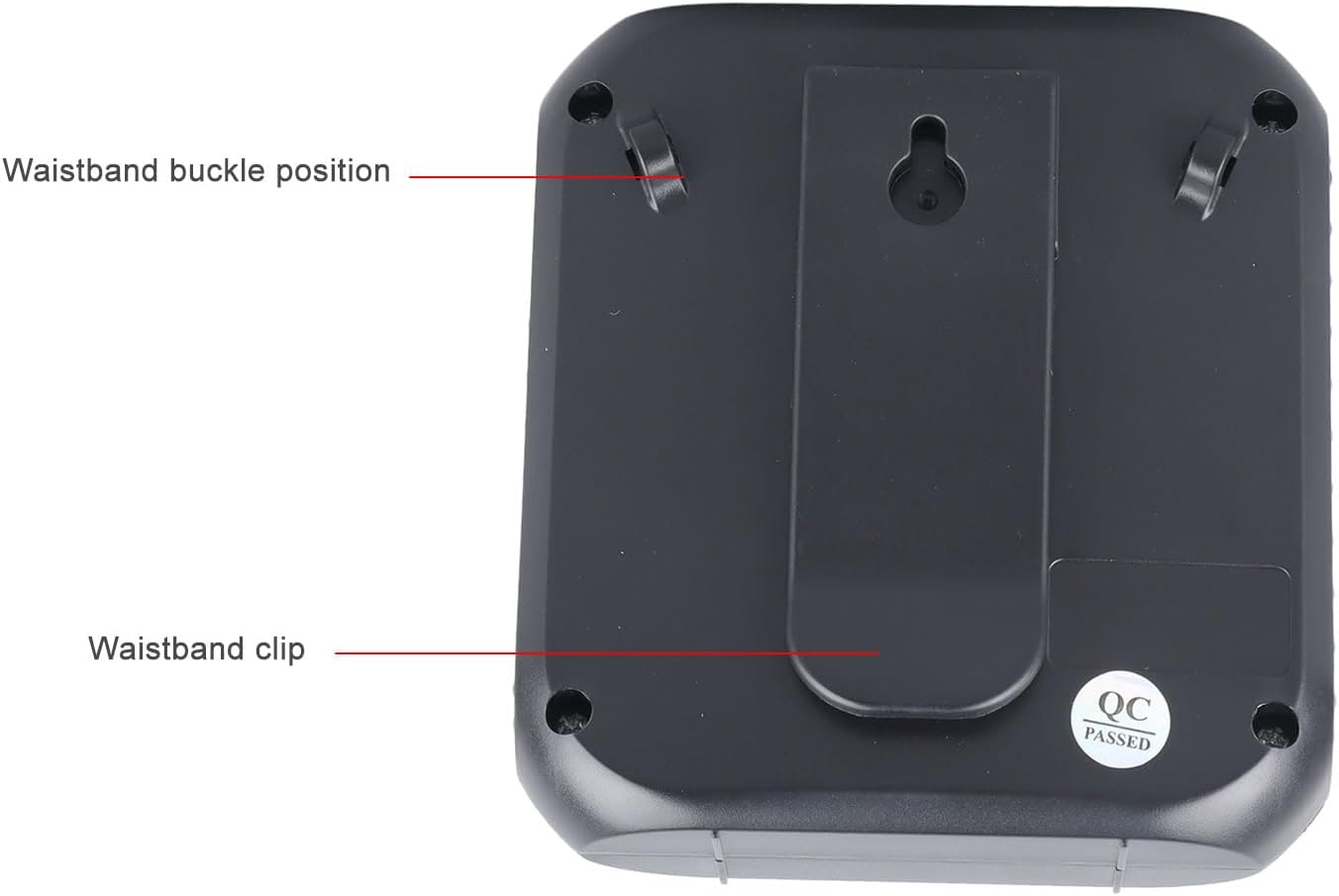
Image: The back of the amplifier, highlighting the attachment points for the waistband strap.
- Waistband Buckle Positions: Slots for attaching the waistband strap.
- Waistband Clip: For direct attachment to clothing or a belt.
Жайгашуу
- Баштапкы төлөм: Биринчи колдонуудан мурун, толугу менен заряддаңыз amplifier. Connect the USB charging cable to the charging port on the amplifier and to a standard USB power adapter (not included) or computer USB port. The charging indicator will illuminate.
- Микрофонду туташтыруу: Insert the 3.5mm plug of the headset microphone into the microphone jack on the ampкөтөргүч. Анын коопсуз туташканын текшериңиз.
- Wear Microphone: Position the headset microphone comfortably on your head, ensuring the microphone element is close to your mouth for optimal voice pickup.
- Тирке Ampөмүр берүүчү: Use the waistband strap by threading it through the buckle positions on the back of the amplifier, or use the integrated clip to attach the amplifier to your belt or clothing.
Иштөө нускамалары
- Күйгүзүү/өчүрүү: көпкө басыңыз Ойнотуу/Тыныгуу буруш үчүн баскыч amplifier on or off. A voice prompt will indicate the power status.
- Үндү тууралоо: айлантыңыз Көлөм баскычы clockwise to increase volume and counter-clockwise to decrease volume. Start with a low volume and gradually increase to avoid feedback.
- Үн Ampжашоо: Once powered on and the microphone is connected, speak into the headset microphone. Your voice will be ampбаяндамачы аркылуу айтылган.
- Media Playback (U Disk/Memory Card):
- Insert a U disk into the U disk interface or a Memory Card (TF card) into the Memory Card slot.
- The amplifier will automatically detect and begin playing audio files.
- колдонуу Мурунку ыр жана Кийинки ыр тректерди өтүү үчүн баскычтар.
- басыңыз Ойнотуу/Тыныгуу ойнотууну тындыруу же улантуу үчүн баскыч.
- көпкө басыңыз Кийинки ыр button to cycle through playback modes (single song loop, list loop).
- AUX киргизүү: Connect an external audio source (e.g., smartphone, MP3 player) to the amplifier's AUX input port (if available, typically shared with microphone jack or a separate port) using an AUX cable (not included). The ampкөтөргүч туташкан түзмөктөн аудио ойнойт.
Заряддоо
The amplifier features a built-in 2200mAh rechargeable battery, providing extended usage time.
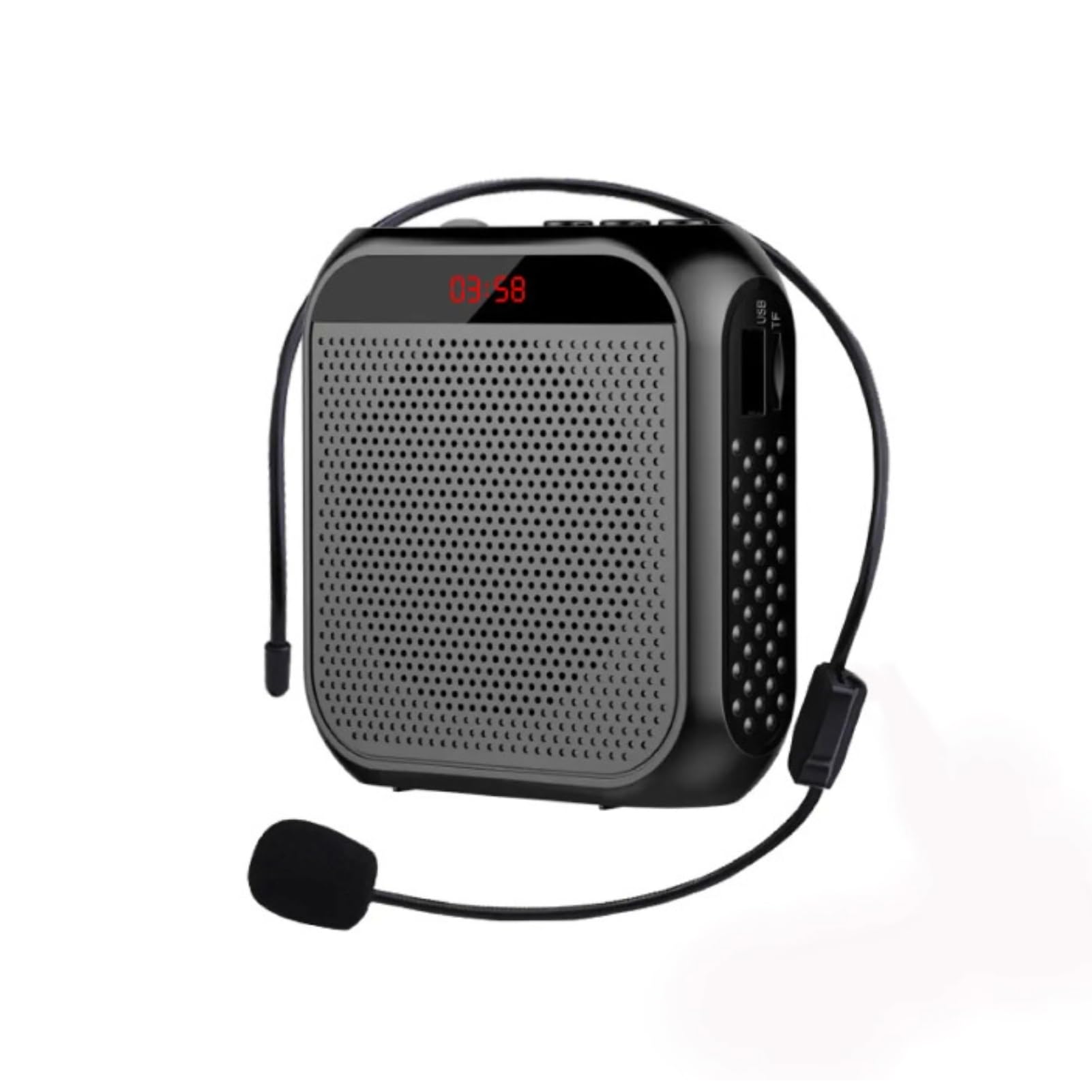
Сүрөт: визуалдык өкүлчүлүгү amplifier's long battery life and capacity.
- Connect the provided USB charging cable to the amplifier's charging port and a USB power source.
- Заряддоо индикатору кубаттоо абалын көрсөтөт.
- A full charge can provide up to 10 days of playtime, depending on usage.
- When the battery is low, the device may emit an audible alert or the indicator light may change. Recharge promptly.
Бир нече колдонмолор
This portable voice amplifier is suitable for a wide range of scenarios where clear and amplified voice is needed.
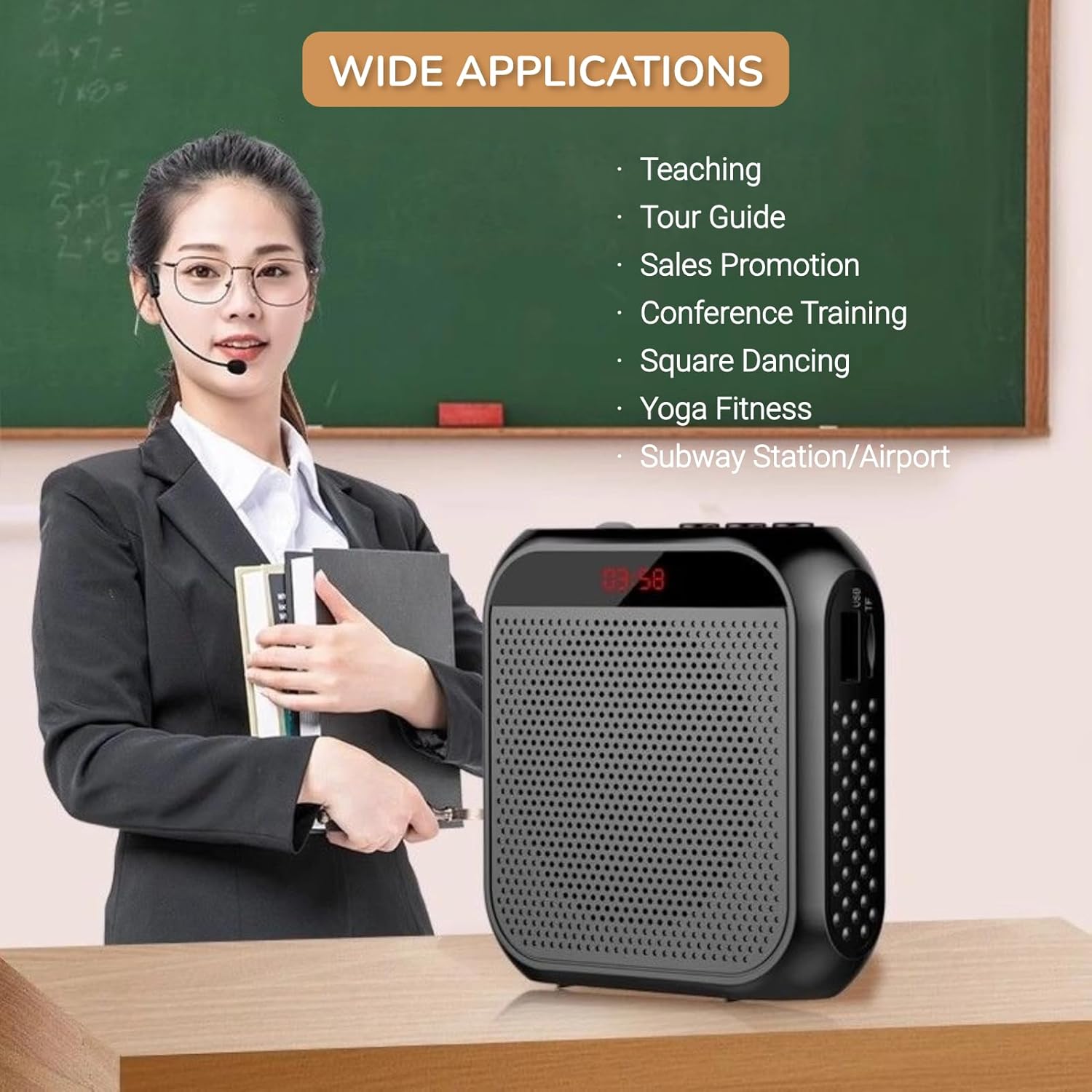
Image: A visual demonstrating various professional and recreational uses for the voice ampөмүрлүү.
- окутуу
- Tour Guiding
- Conference Training
- Презентациялар
- Эл алдында сүйлөө
- Сырттагы иш-чаралар
Кийүү ыкмалары
The amplifier offers flexible wearing options for user comfort and convenience.

Сүрөт: Мисampкандайча amplifier can be worn using the waistband strap or clip.
- Waistband: Attach the provided strap to the buckle positions on the amplifier and wear it around your waist or over your shoulder.
- Кур клип: Use the integrated clip on the back of the amplifier to secure it directly to your belt, pocket, or clothing.
Техникалык шарттар
Key technical specifications of the Yunseity Portable Voice Ampөмүрлүү.

Image: Diagram showing the physical dimensions of the ampөмүрлүү.
| Өзгөчөлүк | Спецификация |
|---|---|
| Бренд | Юнсеити |
| Модель номери | Yunseity07h6poqxat |
| Байланыш технологиясы | AUX |
| Түс | Кара |
| Шайкеш түзмөктөр | Гарнитура |
| Монтаж түрү | Портативдик, үстөл |
| Power Source | Батарея менен иштейт |
| Туташтыргыч түрү | Көмөкчү |
| Каналдардын саны | 1 |
| Аудио киргизүү | USB, Memory Card, Auxiliary |
| Коргоочу материал | Пластик |
| Батарея сыйымдуулугу | 2200mAh |
| Өлчөмдөрү (болжол менен) | 8.4 см x 2.8 см x 9.2 см (3.30 дюйм x 1.10 дюйм x 3.62 дюйм) |
Техникалык тейлөө
- Тазалоо: сүртүңүз ampжумшак, кургак чүпүрөк менен көтөргүч. Катуу химиялык заттарды же абразивдүү тазалагычтарды колдонбоңуз.
- Сактагыч: Аппаратты түз күн нурунан жана экстремалдык температурадан алыс салкын, кургак жерде сактаңыз.
- Батареяга кам көрүү: For optimal battery life, avoid fully discharging the battery frequently. Recharge the device regularly, even if not in use for extended periods.
- Этияттык менен мамиле кылуу: Аппаратты жерге түшүрүүдөн же катуу таасирлерден сактаныңыз.
Проблемаларды чечүү
If you encounter issues with your voice amplifier үчүн, төмөнкү жалпы көйгөйлөрдү жана чечимдерди караңыз:
| Көйгөй | Мүмкүн себеп | Чечим |
|---|---|---|
| Үн жок же үнү төмөн | Device is off; Volume is too low; Microphone not connected; Microphone faulty. | Long press Play/Pause to turn on; Rotate volume knob clockwise; Ensure microphone is fully plugged in; Test with another microphone if available. |
| Пикир/Ышкырык үнү | Microphone too close to speaker; Volume too high; Microphone pointed at speaker. | Микрофон менен ортосундагы аралыкты көбөйтүү amplifier; Reduce volume; Adjust microphone position away from the speaker. |
| Түзмөк заряддалбай жатат | Charging cable faulty; Power source faulty; Charging port damaged. | Try a different USB cable; Use a different USB power adapter/port; Contact customer support if port is damaged. |
| Media playback not working | U disk/Memory Card not inserted correctly; Incompatible file формат; Бузулган files. | Reinsert U disk/Memory Card; Ensure files are in a supported format (e.g., MP3); Try different media files. |
Кепилдик жана колдоо
This Yunseity product comes with a standard manufacturer's warranty. Please refer to the packaging or the seller's terms for specific warranty details and duration.
For technical support, warranty claims, or any questions regarding your product, please contact the seller or Yunseity customer service through the platform where you purchased the item. Provide your model number (Yunseity07h6poqxat) and purchase details for faster assistance.