
HOCO Y5 SMART WATCH
HOCO Smart Watch Y5 User Manual
Model: Y5 SMART WATCH
Introduction
This manual provides comprehensive instructions for the setup, operation, and maintenance of your HOCO Smart Watch Y5. Designed for seamless integration into your daily life, the Y5 Smart Watch offers advanced features for connectivity, health monitoring, and convenience.

Сүрөт 1: Алдыңкы view of the HOCO Smart Watch Y5 with its display showing health metrics and time.
Кутуда эмне бар
Пакетти ачканда, бардык компоненттер бар экенин жана жакшы абалда экендигин текшериңиз.
- 1 x HOCO Smart Watch Y5 Main Unit
- 1 x заряддоо кабели
- 1 х Колдонуучунун колдонмосу (бул документ)
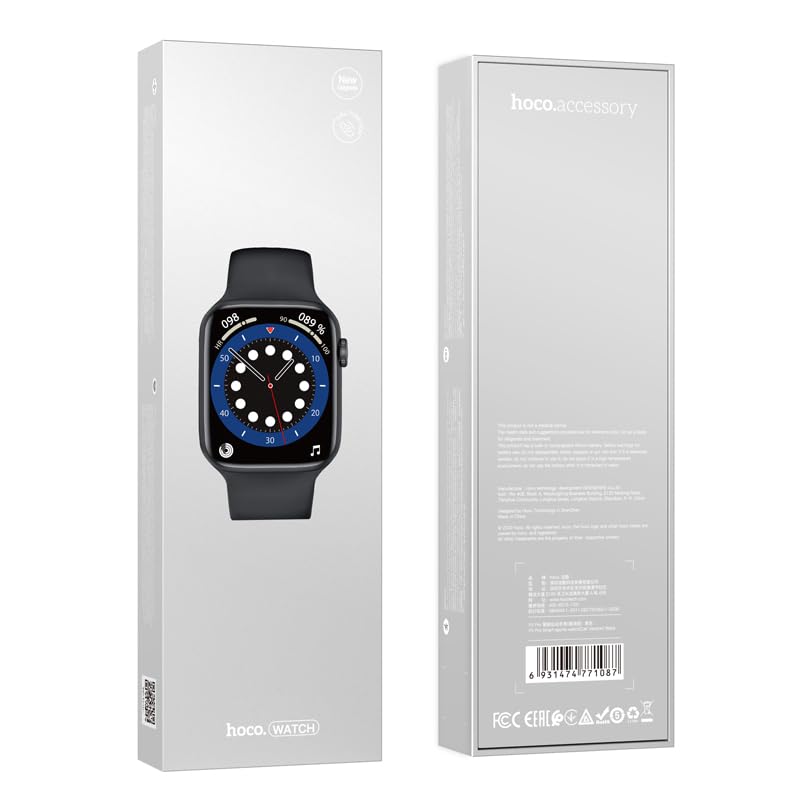
Figure 2: The retail packaging of the HOCO Smart Watch Y5, indicating the product inside.
Орнотуу колдонмосу
1. Аппаратты заряддоо
Before initial use, fully charge your HOCO Smart Watch Y5. Connect the provided charging cable to the charging port on the back of the watch and to a USB power source. A full charge takes approximately 1 hour.
The watch boasts a 240mAh battery, providing up to 7 days of usage in single Bluetooth mode or 3-4 days with dual Bluetooth enabled.
2. Колдонмону орнотуу жана жупташтыруу
To unlock the full potential of your smartwatch, download the companion application on your smartphone. The HOCO Smart Watch Y5 is compatible with both iOS and Android devices.
- Scan the QR code in the watch's settings or search for the official HOCO smartwatch app in your device's app store (App Store for iOS, Google Play Store for Android).
- Тиркемени орнотуп, аны ачыңыз.
- Смартфонуңузда Bluetooth иштетилгенин текшериңиз.
- Follow the in-app instructions to search for and pair with your HOCO Smart Watch Y5. The watch will typically appear as "HOCO Y5" or similar in the Bluetooth device list.
- Жупташуу өтүнүчүн саатыңызда жана смартфонуңузда ырастаңыз.
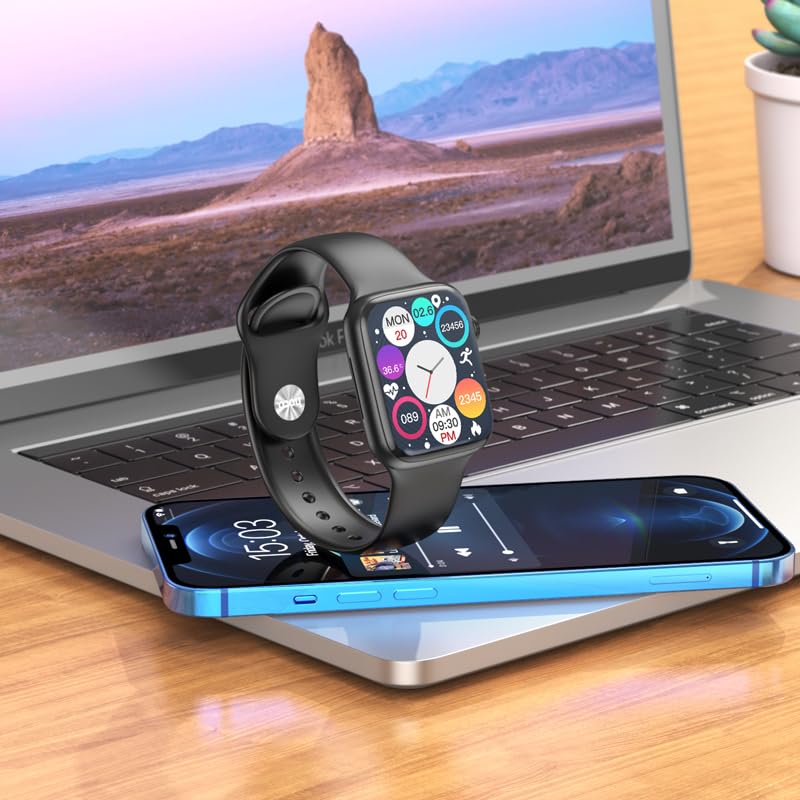
Figure 3: The HOCO Smart Watch Y5 positioned near a laptop and smartphone, demonstrating its compatibility and connectivity with other devices.
Иштөө нускамалары
Негизги башкаруу элементтери
- Сенсордук экран: Navigate menus, select options, and interact with apps by swiping and tapping the 1.96-inch AMOLED display.
- Каптал баскыч/тергич: Press to wake/sleep the screen, return to the home screen, or access the app menu. Rotate the dial for scrolling through lists or adjusting settings.
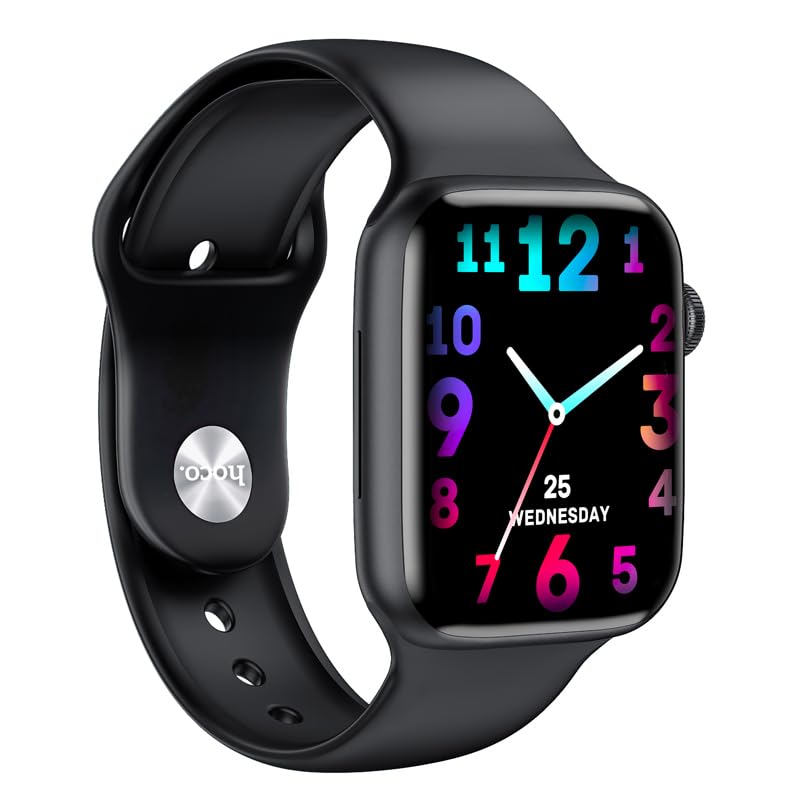
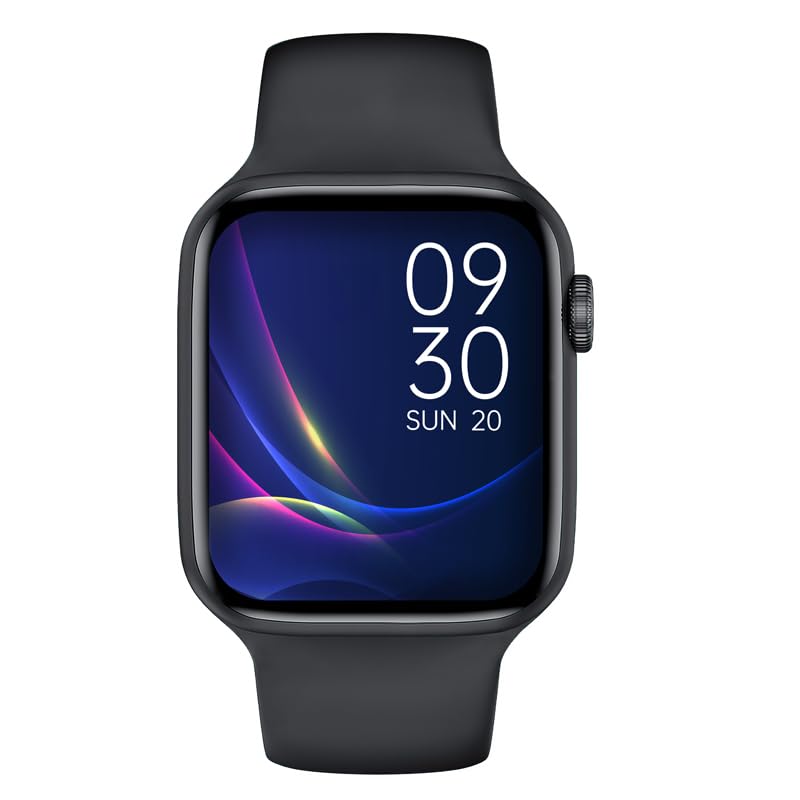
4-сүрөт: Мисamples of customizable watch faces on the HOCO Smart Watch Y5, including digital and analog styles.
Негизги өзгөчөлүктөрү жана функциялары
- Ден соолукту көзөмөлдөө: Monitor your heart rate, blood oxygen levels, steps taken, calories burned, and sleep patterns. Access detailed reports via the companion app.
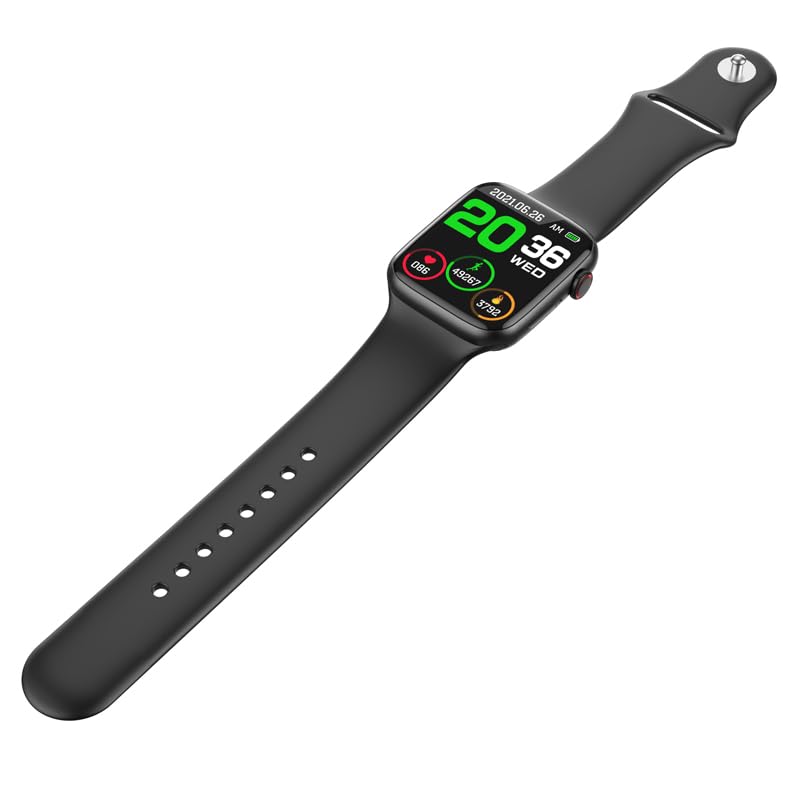
Figure 5: The HOCO Smart Watch Y5 displaying various health metrics, including heart rate and step count.
- Бир нече спорт режимдери: Select from various sports modes to accurately track your workouts, including running, walking, cycling, and more.
- Акылдуу эскертмелер: Receive real-time alerts for incoming calls, messages, and social media notifications directly on your wrist.
- Алыстан сүрөткө тартуу: Саатыңызды смартфонуңуздун камерасы үчүн алыстан башкаруучу жапкыч катары колдонуңуз.
- Бөлүнгөн экран дисплейи: Access frequently used functions quickly with the split-screen feature.
- Аба ырайы тууралуу маалымат: Get current weather updates directly on your watch.
- Үн жардамчысын колдоо: Interact with Siri or Google Assistant through your watch (requires smartphone connection).
- Жекелештирилген саат жүздөрү: Customize your watch's appearance by choosing from a variety of pre-installed watch faces or downloading new ones via the app.
Техникалык тейлөө
Акылдуу саатыңызды тазалоо
Regularly clean your watch to ensure optimal performance and hygiene. Use a soft, lint-free cloth to wipe the screen and body. For stubborn dirt, slightly dampчүпүрөктү суу менен. Катуу химиялык заттарды же абразивдүү материалдарды колдонуудан алыс болуңуз.
Сууга жана терге каршылык (IP68)
The HOCO Smart Watch Y5 is IP68 rated, meaning it is resistant to dust and can withstand immersion in water up to 1.5 meters for 30 minutes. It is suitable for swimming and showering. However, it is not recommended for diving or high-pressure water activities. Always dry the watch thoroughly after exposure to water, especially the charging contacts.
Батареяга кам көрүү
- Саатты экстремалдык температурага (ысык же муздак) тийгизбеңиз, анткени бул батареянын иштөө мөөнөтүн начарлатышы мүмкүн.
- Саатты берилген кубаттоочу кабелди гана колдонуп кубаттаңыз.
- Do not leave the watch uncharged for extended periods.
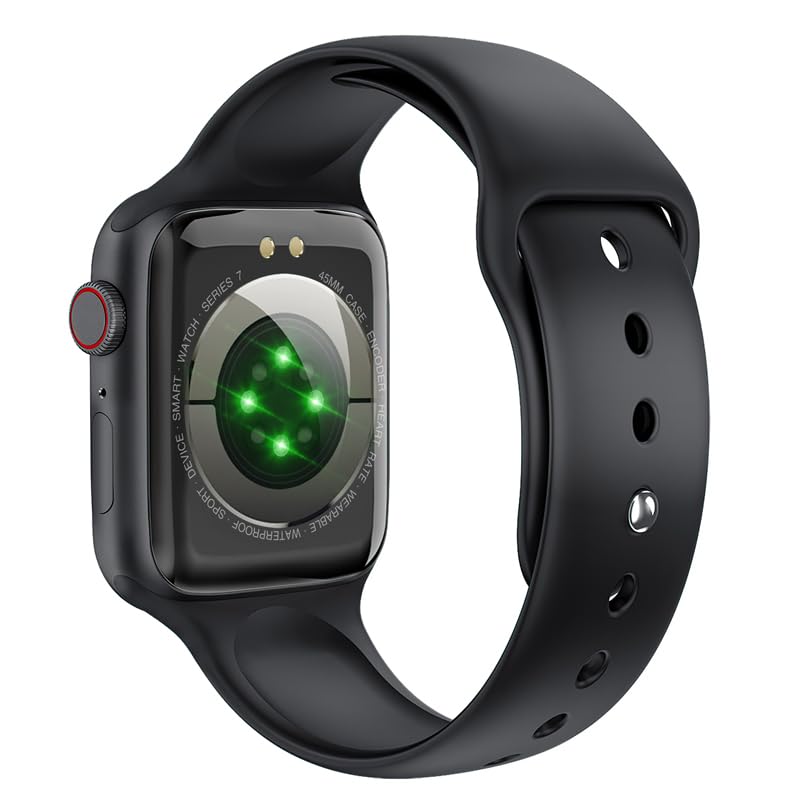
6-сүрөт: Арткы бөлүгү view of the HOCO Smart Watch Y5, highlighting the optical heart rate sensors and charging contacts.
Проблемаларды чечүү
| Көйгөй | Мүмкүн чечим |
|---|---|
| Саат күйбөй жатат. | Саат толук заряддалганын текшериңиз. Аны заряддагычка кеминде 15 мүнөт туташтырыңыз. |
| Смартфон менен жупташтыруу мүмкүн эмес. |
|
| Билдирмелер алынган жок. |
|
| Heart rate/blood oxygen readings are inaccurate. |
|
Техникалык шарттар
| Бренд | HOCO |
| Модел | Y5 SMART WATCH |
| Дисплей | 1.96 дюймдук AMOLED, 240 x 240 чечилиши |
| Байланыш | Bluetooth 5.3 |
| Батарея сыйымдуулугу | 240 мАч |
| Батареянын иштөө мөөнөтү | Up to 7 days (single Bluetooth), 3-4 days (dual Bluetooth) |
| Заряддоо убактысы | Болжол менен 1 саат |
| Суу каршылык | IP68 |
| Шайкеш OS | iOS, Android |
| Эстутум сактоо сыйымдуулугу | 128 MB |
| Элемент Салмагы | 100 г |
| Продукциянын өлчөмдөрү | 20 x 5 x 3 см |
Кепилдик жана колдоо
Your HOCO Smart Watch Y5 comes with a standard manufacturer's warranty. Please refer to the warranty policy provided at the time of purchase for specific terms and conditions. For technical support, troubleshooting assistance, or warranty claims, please contact HOCO customer service through their official webсайт же сатып алуу менен камсыз болгон байланыш маалыматы.
For more information, visit the official HOCO webсайт: www.hoco.hk
Ask a question about this manual
Ask about setup, troubleshooting, compatibility, parts, safety, or missing instructions. Manuals+ will review the question and use this page’s manual context to help answer it.