
Introduction
This manual provides detailed instructions for the EKSA H1 Plus Bluetooth Trucker Headset. Please read thoroughly to ensure proper setup, operation, and maintenance of your device. This headset is designed for clear communication in various environments, featuring advanced noise-cancelling technology and versatile connectivity options.
Пакеттин мазмуну
- H1 Plus Headset
- Коргоочу кап
- Replacement Ear Pad (Mesh breathable)
- C түрүндөгү кубаттоочу кабель
- USB Dongle (PC Adapter)
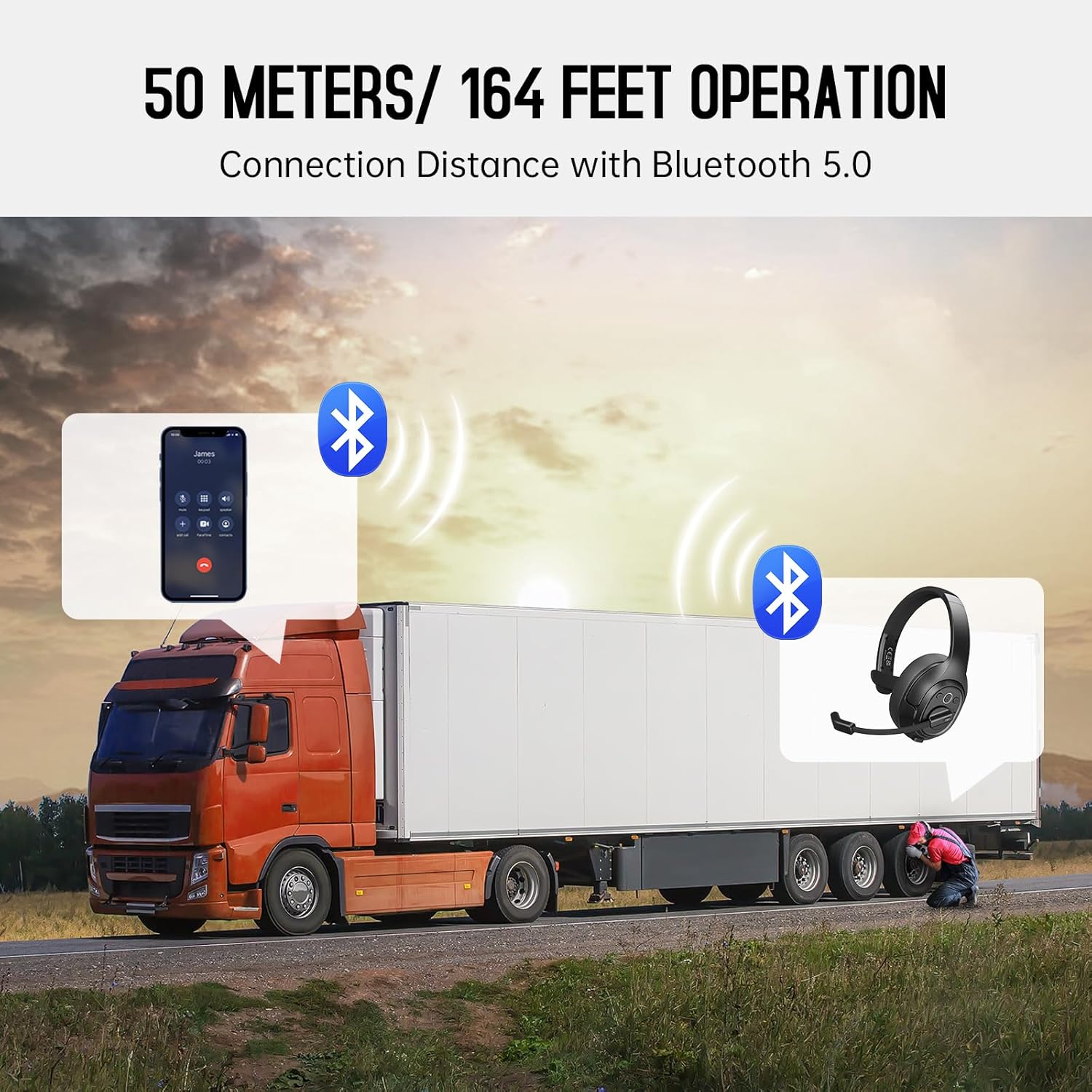
Image: The EKSA H1 Plus headset, USB dongle, and charging cable as typically found in the product packaging.
Жайгашуу
1. Гарнитураны заряддоо
Before first use, fully charge the headset. Connect the provided Type-C charging cable to the headset's charging port and the other end to a USB power source. The charging indicator will show the charging status. A full charge takes approximately 1.5 hours.

Image: Visual representation of the headset's battery life and charging duration.
2. Күйгүзүү / Өчүрүү
Press and hold the Multi-Function Button (MFB) for 3 seconds to power on or off the headset. A voice prompt will indicate the status.
3. Bluetooth жупташтыруу (мобилдик түзмөктөр үчүн)
- Гарнитура өчүрүлгөнүн текшериңиз.
- Press and hold the MFB for 5-7 seconds until the LED indicator flashes blue and red alternately, indicating pairing mode.
- On your mobile device, enable Bluetooth and search for "EKSA-H1PLUS".
- Select "EKSA-H1PLUS" to connect. The LED will turn solid blue once connected.
4. Connecting with USB Dongle (for PC/Mac without Bluetooth)
- USB жабдыгын компьютериңиздеги жеткиликтүү USB портуна сайыңыз.
- Power on the headset. It will automatically attempt to connect to the dongle.
- The LED on the dongle and headset will turn solid blue when connected.
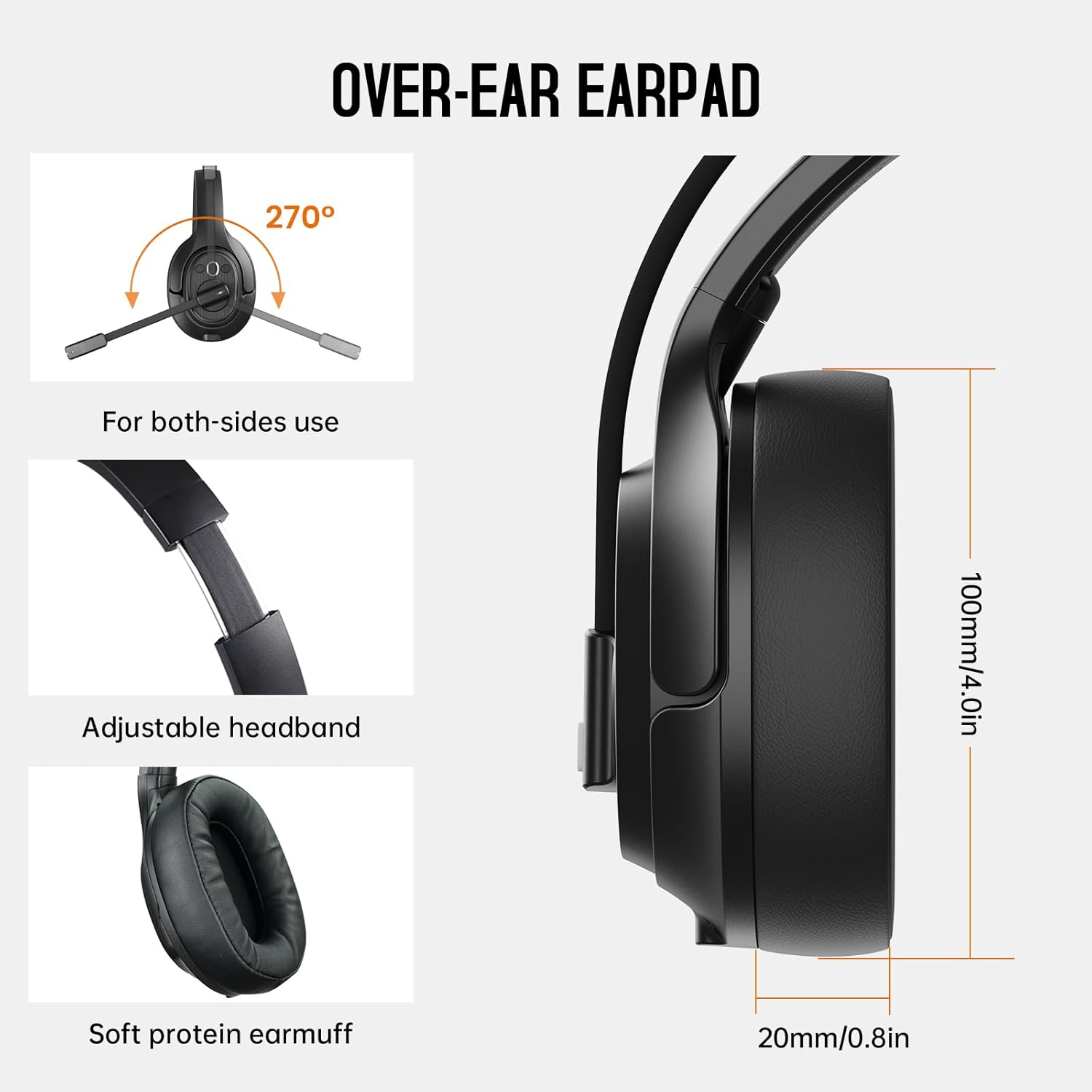
Image: The headset demonstrating simultaneous connection to a phone via Bluetooth and a laptop via USB dongle.
Иштөө нускамалары
1. Controls Overview
The headset features intuitive controls located on the earcup:
- Көп функциялуу баскыч (MFB): Күйгүзүү/өчүрүү, музыканы ойнотуу/тындыруу, чалууларга жооп берүү/аяктоо.
- Үнүн жогорулатуу (+): Үнүн жогорулатуу.
- Үнүн төмөндөтүү (-): Үнүн азайтуу.
- Үнсүз баскычы: Чалуу учурунда микрофондун үнүн өчүрүү/ачуу.
- AI Assistant Button: Түзмөгүңүздүн үн жардамчысын иштетиңиз.

Сүрөт: Жакын план view of the headset's control buttons and ports.
2. Чалууларды кабыл алуу жана кабыл алуу
- Чалууга жооп берүү/аяктоо: MFBди кыска басыңыз.
- Чакырууну четке кагуу: MFBди 2 секунд басып туруңуз.
- Акыркы номерди кайра терүү: MFBди эки жолу басыңыз.
- Микрофондун үнүн басуу/ачуу: Short press the dedicated mute button on the microphone arm.
3. Microphone and Wearing Adjustments
The headset is designed for comfort and versatility:
- Жөнгө салынуучу баш боосу: Extend or retract the headband to fit your head comfortably.
- Айлануучу микрофон: The microphone arm can rotate 270 degrees, allowing it to be worn on either the left or right ear. Position the microphone close to your mouth for optimal voice pickup.
- Ыңгайлуу кулакчындар: The over-ear design with soft ear pads ensures comfort during extended use.

Image: Features illustrating the ergonomic design of the headset, including adjustable headband and rotatable microphone.
4. Environmental Noise Cancelling (ENC) Microphone
The AI-Powered ENC microphone filters out up to 99.8% of ambient noise, ensuring your voice is transmitted clearly even in noisy environments like call centers, construction sites, or trucks.

Image: A visual explanation of the ENC microphone's function, demonstrating noise reduction.
5. Multi-Device Connection
The headset supports simultaneous connection to two different devices, such as a smartphone and a computer, allowing seamless switching between calls and other audio sources.

Image: Illustration of the headset's ability to connect to two devices concurrently.
6. Extended Wireless Range
Utilizing Bluetooth 5.0 technology, the headset offers a stable wireless connection up to 30 meters (99 feet). In unobstructed environments, the range can extend up to 50 meters (164 feet).

Image: Visualizing the headset's long-range wireless capabilities in an outdoor setting.
Техникалык тейлөө
- Тазалоо: Гарнитураны тазалоо үчүн жумшак, кургак чүпүрөктү колдонуңуз. Катуу химиялык заттарды же абразивдүү материалдарды колдонуудан алыс болуңуз.
- Кулакчыны алмаштыруу: The headset comes with a replacement mesh breathable ear pad. To replace, gently twist and pull off the existing ear pad, then align and press the new ear pad into place.
- Сактагыч: Store the headset in its protective case when not in use to prevent damage.

Image: Demonstrating the detachable ear pads and the two types included for different comfort levels.
Проблемаларды чечүү
| Көйгөй | Чечим |
|---|---|
| Гарнитура күйбөйт. | Ensure the headset is fully charged. Press and hold the MFB for 3 seconds. |
| Bluetooth аркылуу жупташтыруу мүмкүн эмес. | Ensure the headset is in pairing mode (flashing blue/red LED). Turn off and on Bluetooth on your device. Move closer to the device. |
| Үн жок же аудио сапаты начар. | Check volume levels on both the headset and connected device. Ensure the headset is selected as the audio output device. Re-pair the headset. |
| Микрофон иштебей жатат. | Ensure the microphone is not muted. Check microphone settings on your connected device. Adjust microphone position. |
| USB донгл туташпай жатат. | Ensure the dongle is fully inserted. Try a different USB port. Restart your computer. |
Техникалык шарттар
| Өзгөчөлүк | Деталь |
|---|---|
| Модель аты | EKSA-H1PLUS |
| Байланыш технологиясы | Зымсыз (Bluetooth 5.0) |
| Bluetooth версиясы | 5.0 |
| Bluetooth диапазону | 30 Meters (99 feet), up to 50 Meters (164 feet) unobstructed |
| Микрофон | AI-Powered Environmental Noise Cancelling (ENC) |
| Батареянын иштөө мөөнөтү (сүйлөшүү убактысы) | 30 саатка чейин |
| Батареянын иштөө мөөнөтү (музыка убактысы) | 57 саатка чейин |
| Заряддоо убактысы | Болжол менен 1.5 саат |
| Наушник формасы | Кулак үстүндө |
| Башкаруу түрү | Volume Control, Mute, AI Assistant |
| Салмагы | 1.01 фунт (болжол менен 458 г) |
Расмий продукт Videos
EKSA H1 Plus Wireless Bluetooth Headset Overview
Видео: Аткаминерview of the EKSA H1 Plus Wireless Bluetooth Headset, highlighting its key features and design.
EKSA H1Plus Bluetooth Trucker Headset Features
Video: A detailed look at the features and benefits of the EKSA H1Plus Bluetooth Trucker Headset.
Кепилдик жана колдоо
EKSA products are designed for durability and performance. For warranty information and customer support, please refer to the official EKSA website or contact their customer service directly. Optional protection plans are available for extended coverage.
Кошумча жардам алуу үчүн төмөнкүгө кириңиз: www.eksa.net