
Introduction
This manual provides detailed instructions for the safe and efficient operation of your Acogedor HRD-787 Portable Full Band Radio. Please read this manual thoroughly before using the device and retain it for future reference. The HRD-787 is a versatile multi-band radio featuring FM, VHF, AM, SW, and WB reception, Bluetooth connectivity, and memory card playback, designed for both indoor and outdoor use.

Image: The Acogedor HRD-787 Portable Full Band Radio, showcasing анын компакттуу дизайны жана колдонуучу интерфейси.
Пакеттин мазмуну
Таңгактан чыгаргандан кийин, төмөндө көрсөтүлгөн нерселердин бардыгы бар экенин жана жакшы абалда экендигин текшериңиз:
- 1 x Full Band Radio (HRD-787)
- 1 х Наушник
- 2 x Eartips
- 1 x сактоо баштык
- 1 x Lanyard
- 1 x заряддоо кабели
- 1 х Инструкция (бул документ)
- 1 x APP Instruction Manual

Image: The Acogedor HRD-787 radio displayed with its complete set of accessories, including earphones, eartips, a storage bag, a lanyard, and a charging cable.
Продукт бүттүview
The Acogedor HRD-787 is a compact and versatile portable radio designed for a wide range of listening experiences. Key features include:
- Толук топту кабыл алуу: Supports FM (64-108MHz), VHF (30.000-199.975MHz), AM (520-1710KHz), SW (4.750-21.850MHz), and WB (162.400-162.550MHz).
- Bluetooth 5.0 туташуусу: Шайкеш түзүлүштөрдөн зымсыз аудио агымы үчүн.
- Эстутум картасын ойнотуу: Supports MP3, WAV, WMA formats with up to 256GB capacity (card not included).
- Жогорку сапаттагы аудио: Features a 40mm speaker with 3W output for clear sound.
- SOS Сигнализация Функциясы: Өзгөчө кырдаалдар үчүн.
- Камтылган кол чырак: Provides illumination when needed.
- Батареянын узак иштөө мөөнөтү: Integrated 1000mAh lithium battery.
- APP Remote Operation: Control the radio via a smartphone application.
- Интуитивдик башкаруулар: Easy-to-use buttons for tuning and volume.
- Арткы жарык дисплей: Color-coded backlights for different modes (Green for FM/VHF, Color for AM, Yellow for SW, Red for WB, Blue for Bluetooth, Light Blue for Memory Card).
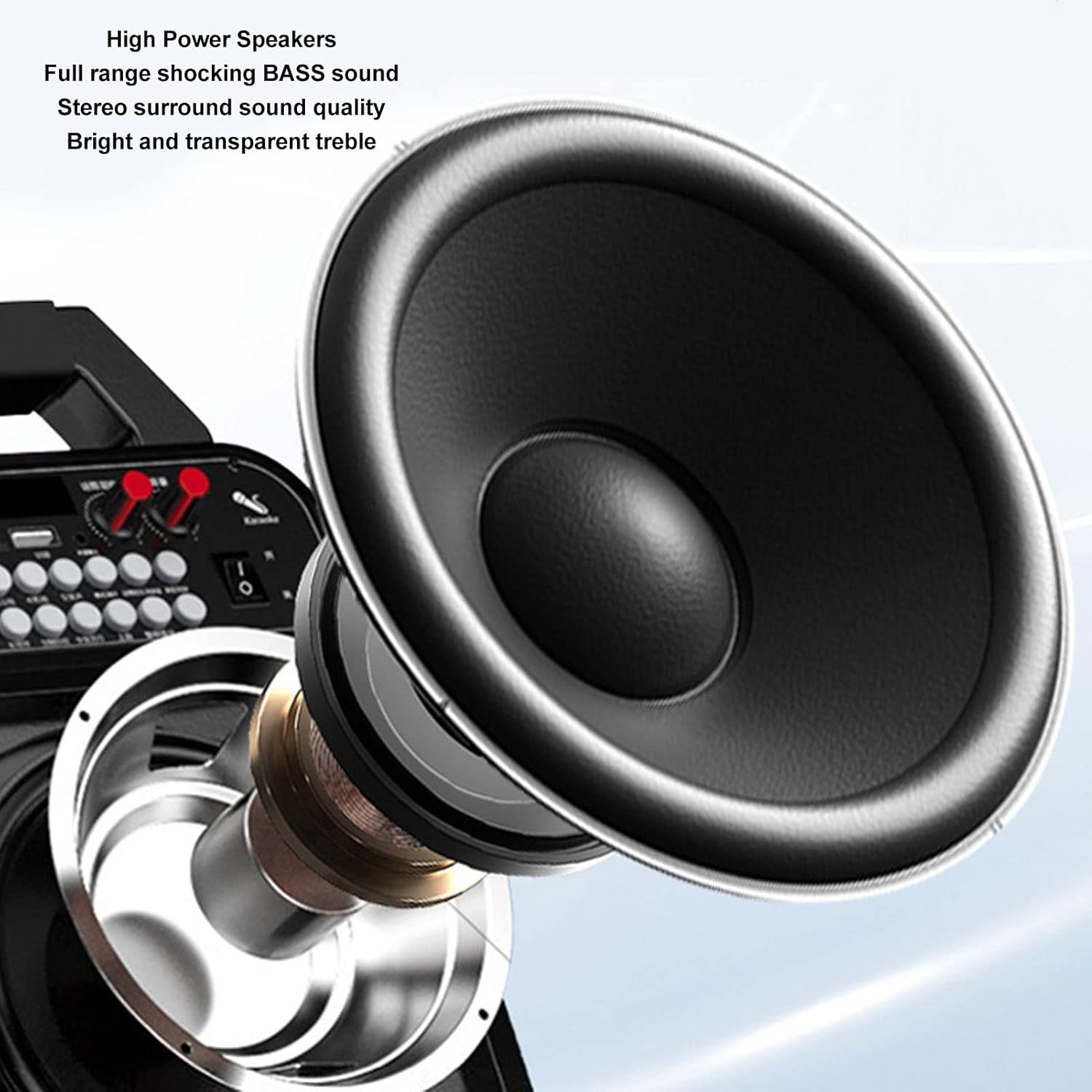
Сүрөт: деталдуу view of the high-power speaker, highlighting the full-range shocking bass sound and stereo surround sound quality of the HRD-787 radio.
Жайгашуу
1. Баштапкы заряддоо
Before first use, fully charge the radio's built-in 1000mAh lithium battery. Connect the provided charging cable to the radio's charging port and a standard USB power adapter (not included). The charging indicator will show the charging status. A full charge typically takes a few hours.
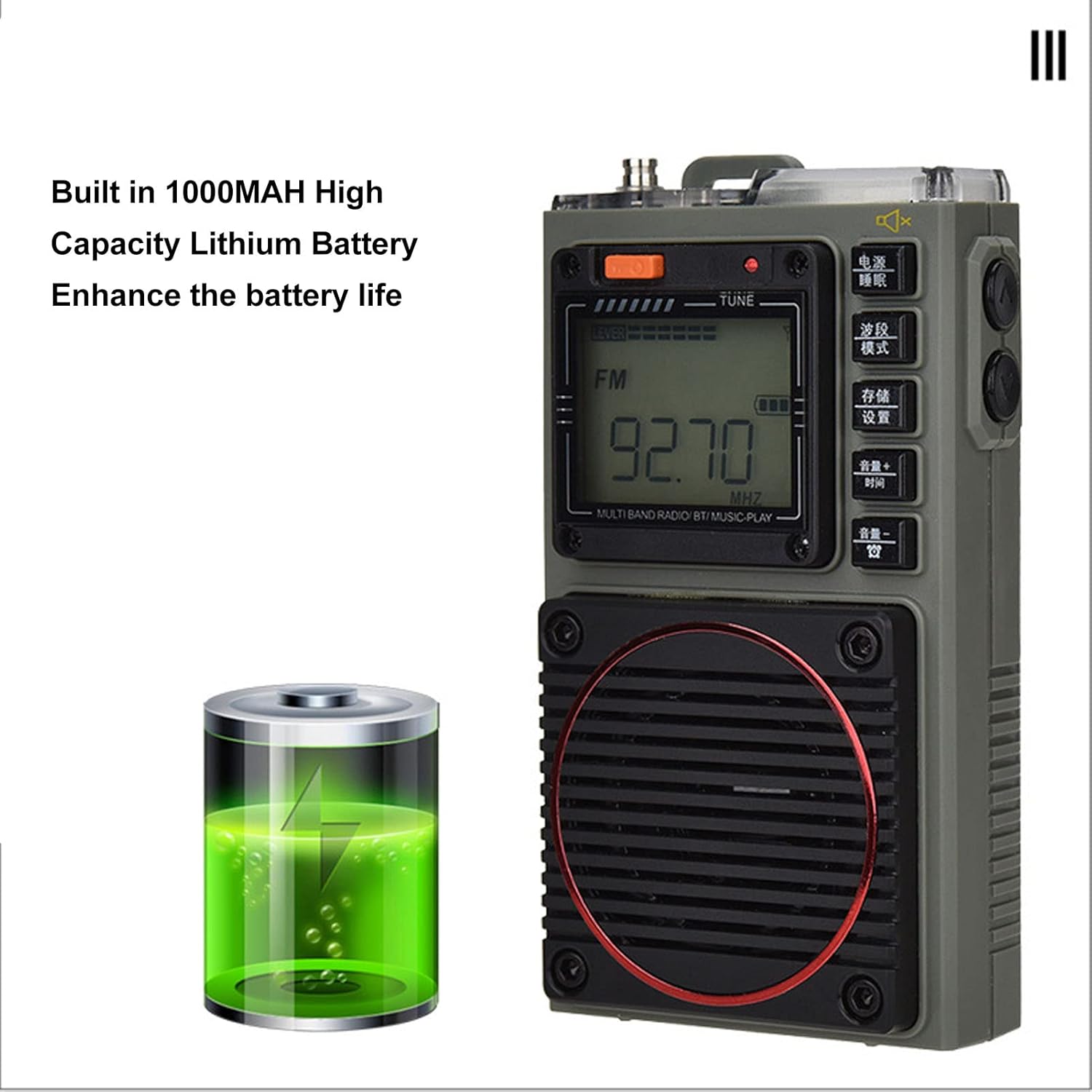
Image: The Acogedor HRD-787 radio is shown alongside a visual representation of its internal 1000mAh high-capacity lithium battery, emphasizing its long battery life.
2. Күйгүзүү / Өчүрүү
Радиону күйгүзүү үчүн, баскычын басып кармап туруңуз Күч button (usually located on the top or side). To power off, press and hold the same button again.
3. Эстутум картасын салуу (милдеттүү эмес)
If you wish to use the memory card playback feature, insert a compatible memory card (up to 256GB, formatted to FAT32) into the designated slot. Ensure the card is inserted correctly until it clicks into place.
Иштөө нускамалары
1. Basic Key Operations

Сүрөт: деталдуу view of the Acogedor HRD-787 radio's control buttons, highlighting their clear labeling for easy operation of radio tuning and volume adjustments.
- Кубат баскычы: Радиону күйгүзүү же өчүрүү үчүн басып туруңуз.
- BAND/MOD. Button: Short press to cycle through radio bands (FM, VHF, AM, SW, WB) or switch to Bluetooth/Memory Card mode.
- MEMO/SET Button: Used for saving radio stations or accessing settings.
- VOL+/TIME Button: Short press to increase volume. Long press for time settings (if applicable).
- VOL-/LOCK Button: Short press to decrease volume. Long press to lock/unlock buttons.
- TUNE Knob/Buttons: Use the tuning knob or dedicated tuning buttons (if present) to adjust frequency.
2. Радиону жөнгө салуу
- Тандоо тобу: басыңыз BAND/MOD. button to select your desired frequency band (FM, VHF, AM, SW, WB). The display backlight color will change accordingly.
- Автоматтык сканерлөө: Радио режиминде көпкө басыңыз MEMO/SET button to initiate an automatic scan for available stations. The radio will save found stations automatically.
- Кол менен жөндөө: колдонуу КОНУН knob or the frequency adjustment buttons (if available) to manually tune to a specific frequency.
- Recalling Saved Stations: Use the tuning buttons or a dedicated preset button (if available) to cycle through saved stations.
3. Bluetooth ойнотуу
- Bluetooth режимине кириңиз: басыңыз BAND/MOD. button until "BT" or "Bluetooth" appears on the display, and the backlight turns blue. The radio will enter pairing mode.
- Жупташтыруу: On your mobile device, enable Bluetooth and search for "HRD-787" (or similar device name). Select it to pair. A confirmation sound will indicate successful pairing.
- Ойнотуу: Once paired, you can play audio from your device through the radio's speaker. Use your device or the radio's volume controls.
4. Memory Card Playback

Image: The Acogedor HRD-787 radio's display shows a radio frequency, illustrating its capability for memory card playback of MP3, WAV, and WMA formats.
- Эстутум картасын салыңыз: Ensure a memory card with MP3, WAV, or WMA files is inserted into the slot.
- Enter Memory Card Mode: басыңыз BAND/MOD. button until the display indicates memory card playback (e.g., "CARD" or a music icon), and the backlight turns light blue.
- Ойнотуу башкаруулары: Use the radio's playback controls (e.g., Play/Pause, Next/Previous Track buttons, if available) to manage your music.
5. SOS Alarm Function
In an emergency, activate the SOS alarm by pressing and holding the dedicated SOS button (if present) or a combination of buttons as indicated on the device. This will emit a loud alarm sound and activate the flashlight for signaling.
6. Кол чырактын иштеши
To turn on the built-in flashlight, locate the flashlight button or switch (often on the side or top). Press it once to turn on, and again to turn off.
7. Earphone Output

Сүрөт: жакын план view of the Acogedor HRD-787 radio, highlighting the earphone output jack for private listening and the integrated flashlight.
For private listening, plug the included earphones into the 3.5mm earphone jack located on the side of the radio. The internal speaker will automatically mute when earphones are connected.
8. APP Remote Operation

Image: A smartphone screen shows the dedicated application for remote control of the Acogedor HRD-787 radio, allowing users to select stations and change modes wirelessly.
Download the official Acogedor HRD-787 control application from your smartphone's app store. Follow the instructions in the separate APP Instruction Manual to pair your radio with the app. This allows for remote control of station selection, mode switching, and other functions.
Техникалык тейлөө
- Тазалоо: Use a soft, dry cloth to clean the radio's exterior. Do not use abrasive cleaners, solvents, or strong chemicals, as these can damage the finish.
- Сактагыч: Радиону көпкө чейин колдонбогон учурда, аны салкын, кургак жерде, күн нуру түз тийген жерден жана өтө жогорку температурадан алыс сактаңыз.
- Батареяга кам көрүү: To prolong battery life, avoid fully discharging the battery frequently. Recharge the radio regularly, even if not in active use, to maintain battery health.
- Суу каршылык: The HRD-787 is not waterproof. Avoid exposing it to rain, splashes, or high humidity.
Проблемаларды чечүү
| Көйгөй | Мүмкүн себеп | Чечим |
|---|---|---|
| Радио күйбөйт. | Батарея түгөнүп калды. | Берилген USB кабелин колдонуп, радиону кубаттаңыз. |
| Радио кабыл алуу начар. | Weak signal area; antenna not extended. | Extend the telescopic antenna fully. Try moving to an open area or adjusting the radio's position. |
| Bluetooth түзмөгү жупташа албайт. | Radio not in pairing mode; device too far; Bluetooth off on device. | Ensure the radio is in Bluetooth mode (blue backlight). Keep devices within 10 meters. Check Bluetooth settings on your device. |
| Эстутум картасы таанылган жок. | Card inserted incorrectly; unsupported format; card capacity too large. | Reinsert the memory card correctly. Ensure it is formatted to FAT32 and contains MP3, WAV, or WMA fileс. Максималдуу сыйымдуулугу 256 ГБ. |
| Динамиктен/кулакчындан үн чыкпайт. | Үнү өтө төмөн; кулакчын толук салынган эмес; үнсүз режим күйгүзүлгөн. | Үндү катуулатыңыз. Кулакчындардын толук сайылып турганын текшериңиз. Үнсүз функция иштеп турганын текшериңиз. |
Техникалык шарттар
| Өзгөчөлүк | Деталь |
|---|---|
| Модел | HRD-787 |
| Материал | ABS (акрилонитрил бутадиен стирол) |
| Frequency Band - FM | 64-108 МГц |
| Frequency Band - VHF | 30.000-199.975 МГц |
| Frequency Band - AM | 520-1710KHz |
| Frequency Band - SW | 4.750-21.850 МГц |
| Frequency Band - WB | 162.400-162.550 МГц |
| Receiving Sensitivity - FM | ≤8дБ |
| Receiving Sensitivity - VHF | ≤8дБ |
| Receiving Sensitivity - AM | ≤86дБ |
| Receiving Sensitivity - SW | ≤40дБ |
| Статикалык Current | ≤70uA |
| Максималдуу ток | ≤820mA |
| Баяндамачы | Diameter: Approx. 40mm/1.57in, 4Ω, 3W |
| SNR - FM, VHF | ≥40дБ |
| SNR - AM | ≥30дБ |
| SNR - SW | ≥40дБ |
| Stored Radios | 396 |
| Bluetooth версиясы | VER 5.0 |
| Bluetooth Reception Range | Ачык жерлерде 10 метрге (33 фут) чейин |
| Батарея түрү | Литий батареясы |
| Батарея сыйымдуулугу | 1000mAh |
| Memory Card Playback Format | MP3, WAV, WMA |
| Memory Card Max Capacity | 256 ГБ (кошулбаган) |
| Өзгөчөлүктөр | Built-In Flashlight, SOS Alarm, Portable, APP Remote Control |
Кепилдик жана колдоо
Acogedor products are designed for reliability and performance. For information regarding warranty coverage, technical support, or service inquiries, please refer to the warranty card included with your product or visit the official Acogedor website. Please have your model number (HRD-787) and purchase details ready when contacting support.