
HOCO Y12 Ultra Smart Watch
HOCO Y12 Ultra Smart Watch User Manual
Model: Y12 Ultra | Brand: HOCO
Introduction
The HOCO Y12 Ultra Smart Watch is designed to seamlessly integrate into your daily life, offering a blend of connectivity, fitness tracking, and convenience. This manual provides essential information on setting up, operating, and maintaining your smartwatch to ensure optimal performance and longevity.
With features like Bluetooth 5.3 connectivity, IP68 water resistance, heart rate monitoring, and extended battery life, the Y12 Ultra is your ideal companion for staying connected and active.
Кутуда эмне бар
Upon opening your HOCO Y12 Ultra Smart Watch package, please verify that all the following items are included:
- 1 x HOCO Y12 Ultra Smart Watch
- 1 x User Manual
- 1 x заряддоо кабели
- 1 x Кепилдик картасы

Image: The retail packaging of the HOCO Y12 Ultra Smart Watch, showing the watch and its contents.
Жайгашуу
1. Акылдуу саатты кубаттоо
Before initial use, fully charge your HOCO Y12 Ultra Smart Watch. Use the provided charging cable and connect it to a standard USB power adapter (not included).
- Connect the magnetic end of the charging cable to the charging contacts on the back of the watch.
- Plug the USB-A end of the cable into a USB power source.
- The watch display will indicate charging status. A full charge typically takes approximately 1 hour.
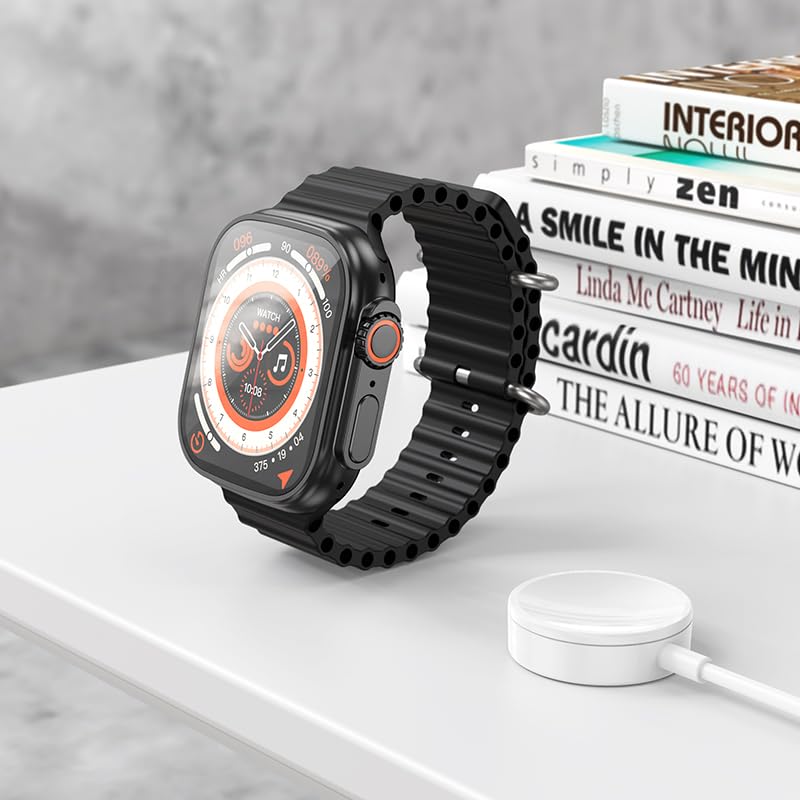
Image: The HOCO Y12 Ultra Smart Watch placed on its charging cable, illustrating the charging process.
2. Түзмөгүңүз менен жупташтыруу
The HOCO Y12 Ultra Smart Watch is compatible with all Bluetooth devices, including smartphones, tablets, and laptops (iOS and Android).
- Ensure Bluetooth is enabled on both your smartphone or other compatible device.
- On your HOCO Y12 Ultra Smart Watch, navigate to the Bluetooth settings (refer to the 'Operating' section for navigation).
- On your smartphone, search for available Bluetooth devices and select "HOCO Y12 Ultra" (or similar name) from the list.
- Жупташуу өтүнүчүн саатыңызда жана смартфонуңузда ырастаңыз.
- Once paired, the watch will synchronize with your device for notifications, health data, and other features.
3. App Installation (Recommended)
For full functionality and detailed health tracking, it is recommended to install the official HOCO companion application on your smartphone. Издөө "HOCO Smart" or a similar app name in your device's app store (Google Play Store for Android, Apple App Store for iOS).
- Тиркемени жүктөп алып, орнотуңуз.
- Open the app and follow the on-screen instructions to connect your HOCO Y12 Ultra Smart Watch.
- This app allows you to customize watch faces, view detailed health metrics, manage notifications, and update firmware.
Акылдуу саатыңызды иштетүү
Негизги башкаруу элементтери жана навигация
The HOCO Y12 Ultra Smart Watch features intuitive touch controls for easy navigation.
- Сенсордук экран: Тандоо үчүн таптаңыз, менюлар жана экрандар аркылуу өтүү үчүн солго/оңго/өйдө/ылдый серпиңиз.
- Каптал баскычы/Таажысы: Press to wake the screen, return to the home screen, or access the app menu. Rotate the crown (if applicable) to scroll through lists or adjust settings.
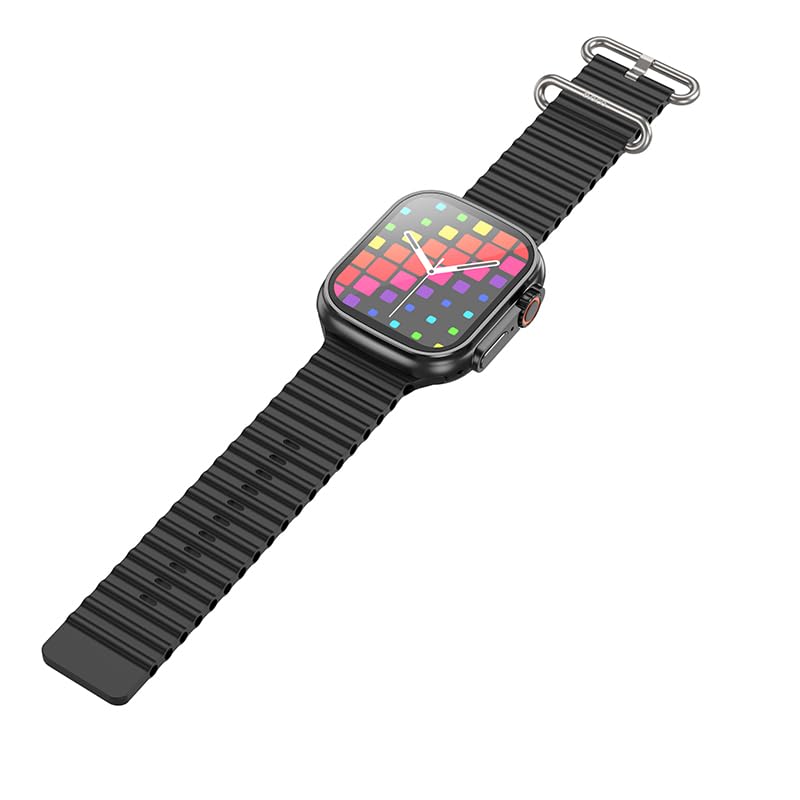
Сүрөт: бир тарап view of the HOCO Y12 Ultra Smart Watch, highlighting the physical buttons and the design of the strap.
Негизги өзгөчөлүктөрү жана функциялары
- Жүрөктүн кагышын көзөмөлдөөчү: The built-in sensor continuously monitors your heart rate. Access this feature from the main menu or through a dedicated widget.
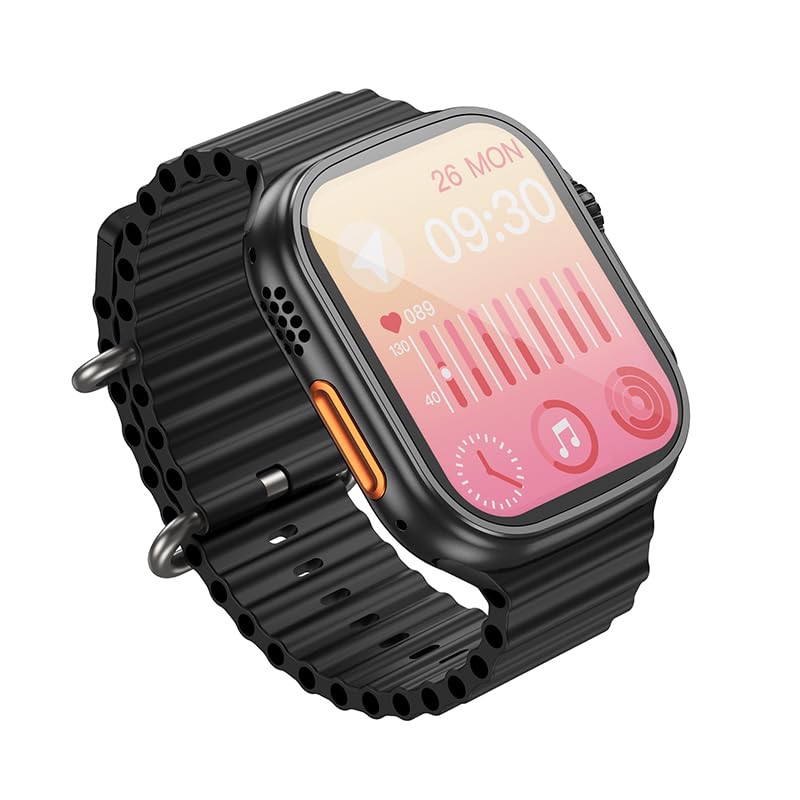
Image: The HOCO Y12 Ultra Smart Watch display showing heart rate data and other health metrics.
- Спорт режимдери: Track various activities such as running, walking, cycling, and more. Select your desired sport mode before starting your workout for accurate data collection.
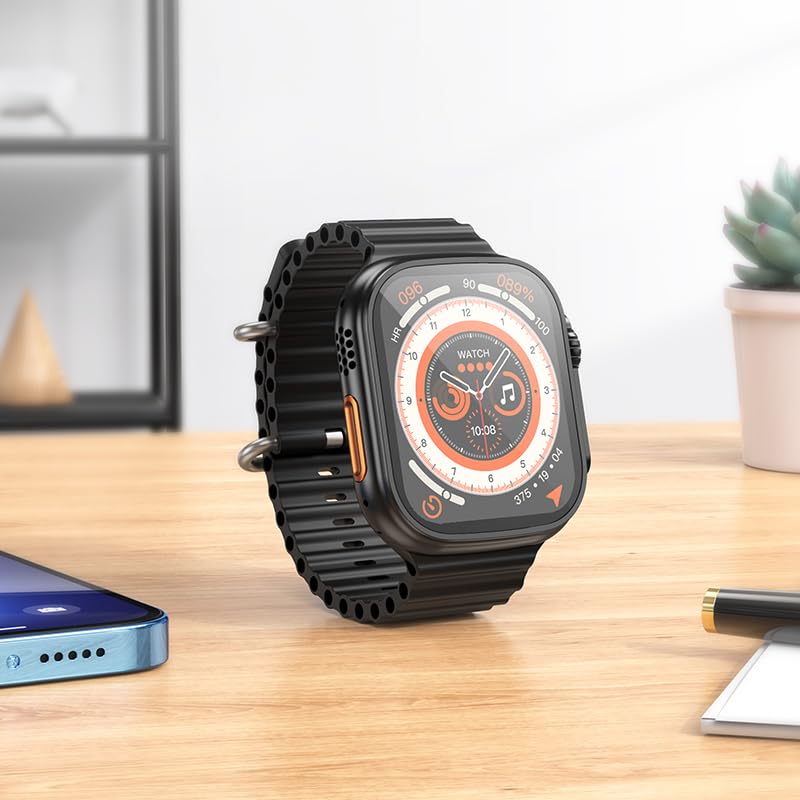
Image: The HOCO Y12 Ultra Smart Watch displaying a dynamic watch face, suitable for active use.
- Уйкунун мониторинги: Wear the watch to bed to automatically track your sleep patterns, including deep sleep, light sleep, and awake times. View detailed analysis in the companion app.
- Female Health Assistant: Provides tracking and reminders for menstrual cycles (requires setup in the companion app).
- Эскертмелер: Receive call, message, and app notifications directly on your wrist when paired with your smartphone.
- IP68 Суу өткөрбөйт: The watch is designed to be water-resistant and sweat-proof, making it suitable for daily wear and workouts. Avoid prolonged submersion in deep water or hot water.
Батареянын иштөө мөөнөтү
The HOCO Y12 Ultra Smart Watch offers impressive battery performance:
- Up to 7 days of battery life with single Bluetooth usage.
- Approximately 3-4 days of battery life with dual Bluetooth usage (e.g., continuous music playback or frequent calls).
- Кубаттоо убактысы: Толук заряддоо үчүн болжол менен 1 саат.
Техникалык тейлөө
Proper maintenance ensures the longevity and optimal performance of your HOCO Y12 Ultra Smart Watch.
- Тазалоо: Regularly wipe the watch screen and strap with a soft, dry, lint-free cloth. For stubborn smudges, slightly dampчүпүрөктү суу менен. Катуу химиялык заттарды же абразивдүү материалдарды колдонуудан алыс болуңуз.
- Суу каршылык: While IP68 rated, it is recommended to dry the watch thoroughly after exposure to water (e.g., swimming, showering) to prevent skin irritation and ensure proper sensor function. Do not expose to hot water or steam.
- Заряддоо: Always use the original charging cable. Avoid overcharging the battery by disconnecting the charger once the watch is fully charged.
- Сактагыч: Узак мөөнөткө колдонулбаганда, саатты түз күн нурунан жана экстремалдык температурадан алыс, салкын, кургак жерде сактаңыз.
Проблемаларды чечүү
If you encounter issues with your HOCO Y12 Ultra Smart Watch, refer to the following common troubleshooting steps:
| Көйгөй | Мүмкүн чечим |
|---|---|
| Саат күйбөй жатат | Саат толук заряддалганын текшериңиз. Аны заряддагычка кеминде 15 мүнөт туташтырыңыз. |
| Смартфон менен жупташтыруу мүмкүн эмес |
|
| Эскертмелер көрүнбөй жатат |
|
| Туура эмес ден соолук маалыматы |
|
Техникалык шарттар
Detailed technical specifications for the HOCO Y12 Ultra Smart Watch:
| Өзгөчөлүк | Деталь |
|---|---|
| Модел | Y12 Ultra (y12_child_B) |
| Бренд | HOCO |
| Дисплей түрү | AMOLED |
| Screen Size | 1.96 дюйм (Көрүнүүчү экран диагоналы: 2 дюйм/5 см) |
| Резолюция | 240 x 282 |
| Байланыш | Bluetooth 5.3 |
| Суу каршылык | IP68 (Water Resistant & Sweat Proof) |
| Батарея сыйымдуулугу | 320mAh |
| Жумуш убактысы | Up to 7 Days (Single Bluetooth), 3-4 Days (Dual Bluetooth) |
| Заряддоо убактысы | Болжол менен 1 саат |
| Боо материалы | Силикон |
| Шайкеш түзмөктөр | Laptops, Mobile Phones, Tablets, PCs, Smart TVs (iOS, Android) |
| Өзгөчөлүктөр | Heart Rate Monitor, Sports Modes, Extended Battery Life, Blood Pressure Monitor, Daily Workout Memory, Wireless Connectivity, Female Health Assistant, Sleep Monitoring, Touch Controls |
| Элемент Салмагы | 100 г |
| Келип чыккан өлкө | Кытай |
Кепилдик жана колдоо
Your HOCO Y12 Ultra Smart Watch comes with a warranty. Please refer to the included Warranty Card for specific terms and conditions, including warranty period and coverage details.
For technical support, product inquiries, or warranty claims, please contact HOCO customer service through the contact information provided on the Warranty Card or the official HOCO webсайт.
Keep your purchase receipt and Warranty Card in a safe place as proof of purchase may be required for warranty services.
Ask a question about this manual
Ask about setup, troubleshooting, compatibility, parts, safety, or missing instructions. Manuals+ will review the question and use this page’s manual context to help answer it.