
1. Киришүү
The Zopsc Call to U Caregiver Pager system is designed to provide reliable and immediate communication between a patient or elderly individual and their caregiver. This wireless system ensures that assistance can be requested quickly and efficiently, enhancing safety and peace of mind in various settings such as homes, nursing facilities, and hospitals.
2. Продукт бүтүп калдыview
The system consists of a receiver unit and a call button (transmitter). The receiver alerts the caregiver, while the call button is used by the individual needing assistance.
2.1 Компоненттер
- Алуучу: The main unit that receives signals from the call button and emits alerts.
- Чакыруу баскычы (өткөргүч): A portable button used to send an alert signal.
- Заряддоо кабели: For recharging the receiver unit.
- Колдонуучунун колдонмосу: Бул нускама.
2.2 Продукт диаграммасы

Figure 1: ашыкview of the Zopsc Caregiver Pager system, including the receiver and the call button with its lanyard.

Сүрөт 2: Алдыңкы view of the receiver unit, featuring a musical note icon indicating sound functions.

Сүрөт 3: Алдыңкы view of the call button, clearly marked with a bell icon and "CALL" text.
3. Өзгөчөлүктөрү
- Ыкчам чалуу: Immediate alert message upon pressing the call button during an emergency.
- Туруктуу сигнал: Reliable working range up to 330 meters (1082.68 feet) in open areas, ensuring consistent communication.
- Ыңгайлаштырылган эскертүүлөр: Offers 38 music options and 4-level volume adjustment for personalized alert settings.
- Ар тараптуу колдонуу: Suitable for various environments including homes, nursing homes, and hospitals, providing safety for the elderly and patients.
- Портативдик дизайн: Lightweight and compact, making it easy to carry for both indoor and outdoor use.
4. Орнотуу
4.1 Charging the Receiver
- Connect the provided charging cable to the receiver's charging port.
- Plug the other end of the charging cable into a standard USB power adapter (not included) or a USB port.
- Allow the receiver to charge fully before first use. The charging indicator light will typically change color or turn off when charging is complete.
4.2 Installing Battery in Call Button
- Locate the battery compartment on the back of the call button.
- Бөлүмдүн капкагын ачыңыз.
- Insert one 23A battery (60mAh) into the compartment, ensuring correct polarity (+/-).
- Батарея уясынын капкагын бекем жабыңыз.
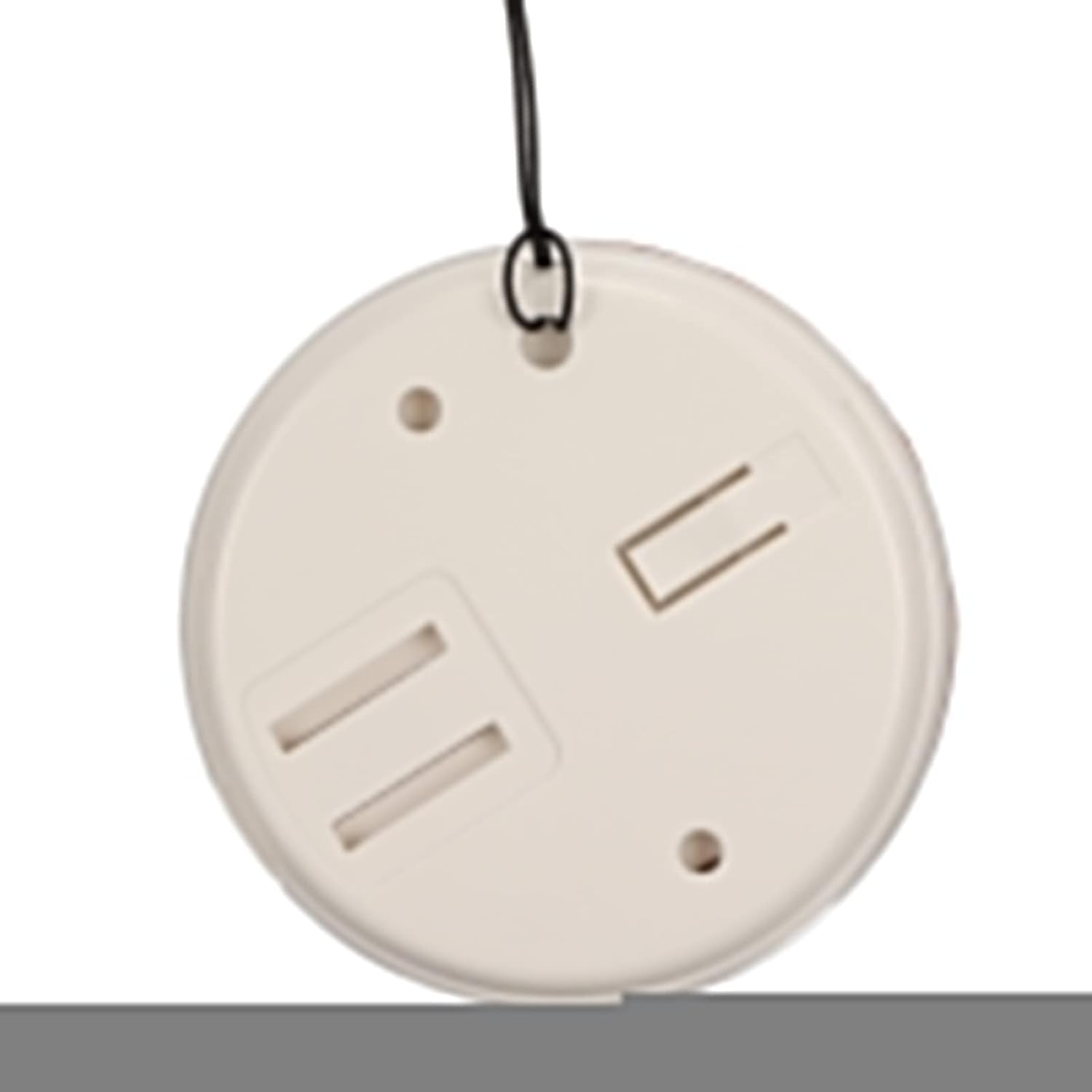
4-сүрөт: Арткы view of the call button, illustrating the battery compartment for installation.
4.3 Pairing (Matching) Transmitter and Receiver
The system typically comes pre-paired. If re-pairing is needed or if you add additional buttons, follow these general steps:
- Ресиверди күйгүзүңүз.
- Press and hold the pairing button on the receiver (refer to receiver diagram for exact location, usually a small button on the side or back) until an indicator light flashes or a sound is heard, indicating pairing mode.
- Within a few seconds, press the call button (transmitter).
- The receiver should confirm successful pairing with a sound or light indication.
5. Иштөө нускамалары
5.1 Чалуу
To alert the caregiver, simply press the large "CALL" button on the transmitter. The receiver will immediately sound an alarm and/or flash a light, depending on its settings.
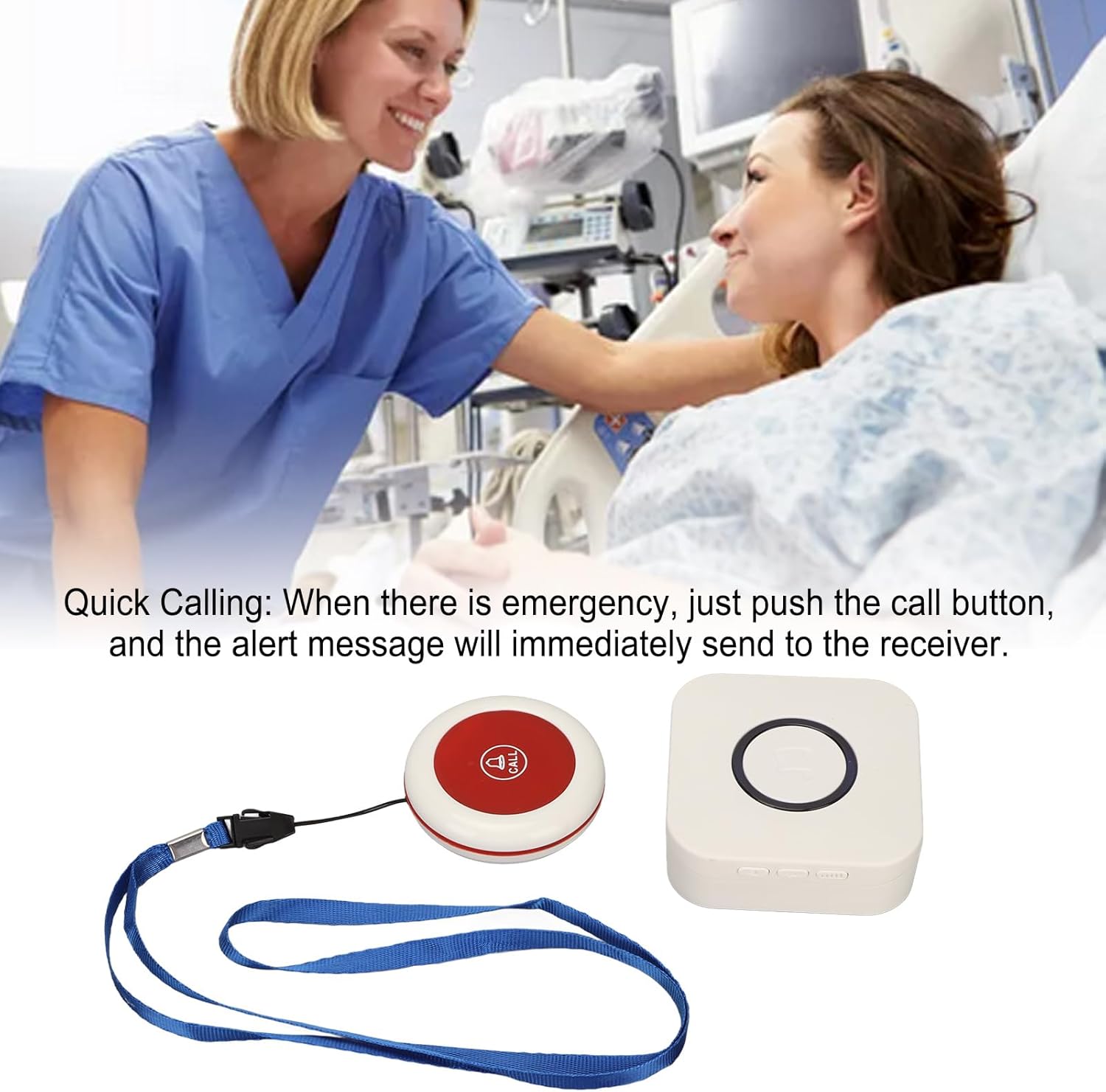
Figure 5: Illustrative image of a caregiver responding to a patient's call, demonstrating the product's purpose.
5.2 Adjusting Volume and Music Options
The receiver unit typically has buttons to adjust the volume level and cycle through the available music/alert tones. Refer to the receiver unit for specific button functions (e.g., volume up/down, melody selection button).

6-сүрөт: Жогорку view of both the receiver and call button, showing their relative sizes and designs.
6. Техникалык тейлөө
- Тазалоо: Wipe the units with a soft, dry cloth. Do not use abrasive cleaners or immerse in water.
- Батареяны алмаштыруу (чакыруу баскычы): Replace the 23A battery in the call button when the signal becomes weak or the button stops functioning.
- Charging (Receiver): Recharge the receiver when the battery is low to ensure continuous operation.
- Сактагыч: Store the pager system in a cool, dry place when not in use for extended periods.
7. Кыйынчылыктарды
| Көйгөй | Мүмкүн себеп | Чечим |
|---|---|---|
| Receiver does not sound alarm. |
|
|
| Call button not responding. |
|
|
| Кыска сигнал диапазону. |
|
|
8. Техникалык шарттар
| Өзгөчөлүк | Деталь |
|---|---|
| Элемент түрү | Caregiver Пейжер |
| Материал | ABS |
| Зымсыз кабыл алуу аралык | Approx. 330m / 1082.68ft (in open space) |
| Зымсыз жыштык | 433 МГц |
| Кабылдагычтын батареясы | Built-in Lithium Polymer Battery, 1 x 1000mAh |
| Transmitter (Call Button) Battery | 1 x 23A Battery, 60mAh |
| Модель номери | Zopsc2dw5184pv7 |
| Өлчөмдөр | 10.1 x 8.4 x 6.7 cm (Shipping Dimensions) |
| Салмагы | 190 г (буюмдун салмагы) |
9. Кепилдик жана колдоо
Кепилдик маалыматы же техникалык колдоо үчүн продуктунун таңгагын караңыз же сатуучуга кайрылыңыз. Сатып алганыңыздын далили катары сатып алуу дүмүрчөгүңүздү сактаңыз.
For further assistance, you may visit the Zopsc official webсайтка же кардарларды тейлөө бөлүмүнө кайрылыңыз.