
NEWWAY ON-KM02F
NEWWAY RF02 Wireless Keyboard and Mouse Combo User Manual
Model: ON-KM02F
Introduction
Thank you for choosing the NEWWAY RF02 Wireless Keyboard and Mouse Combo. This 3-in-1 pack includes a 105-key AZERTY layout keyboard with 13 multimedia shortcuts, a 6-button mouse with up to 1600 DPI, and a compact mouse pad. Designed for home and office use, this reliable and durable combo offers great autonomy and a simple plug-and-play setup.

Image: The NEWWAY RF02 Wireless Keyboard and Mouse Combo, including the keyboard, mouse, mouse pad, and USB receiver.
Пакеттин мазмуну
Сураныч, пакеттин мазмунун текшерип, бардык буюмдар бар экенин текшериңиз:
- 1 x NEWWAY RF02 Wireless Keyboard (AZERTY layout)
- 1 x NEWWAY RF02 Wireless Mouse
- 1 x Чычкан аянты
- 1 x USB 2.4 GHz Receiver
- 1 х Колдонуучунун колдонмосу (бул документ)
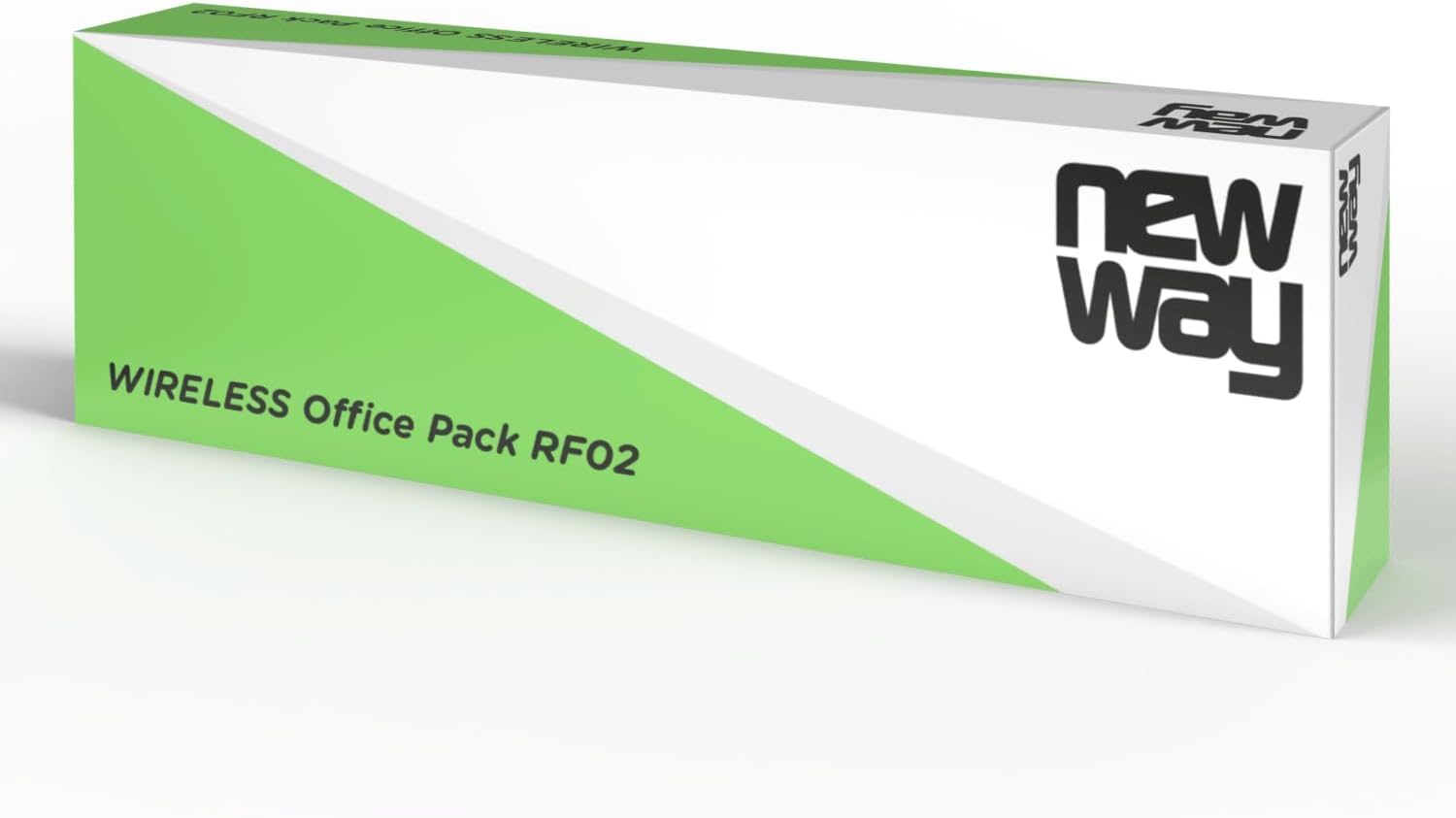
Image: The retail packaging for the NEWWAY RF02 Wireless Office Pack.
Орнотуу колдонмосу
Follow these steps to set up your NEWWAY RF02 Wireless Keyboard and Mouse Combo:
- Батареяны орнотуу:
- For the keyboard: Open the battery compartment on the back of the keyboard and insert 2 AAA batteries (not included), ensuring correct polarity.
- For the mouse: Open the battery compartment on the underside of the mouse and insert 1 AA battery (not included), ensuring correct polarity.
- USB кабылдагычты табыңыз: The USB 2.4 GHz receiver is typically stored in the battery compartment of the mouse for safe keeping during transport. Gently remove it.

Image: The underside of the NEWWAY RF02 mouse, illustrating where the USB receiver is stored.
- USB кабылдагычты туташтыруу: Plug the USB 2.4 GHz receiver into an available USB port on your computer (PC, laptop, or tablet).
- Автоматтык орнотуу: The system will automatically detect and install the necessary drivers. This is a plug-and-play device, so no manual driver installation is required.
- Колдонууга даяр: Once the installation is complete, your keyboard and mouse are ready for use.
Шайкештик: This combo is compatible with Windows XP to Windows 11 operating systems.
Иштөө нускамалары
Баскычтопту колдонуу
The NEWWAY RF02 keyboard features a 105-key AZERTY layout and includes 13 multimedia shortcuts for enhanced productivity.

Сүрөт: жогорудан төмөнгө view of the NEWWAY RF02 AZERTY wireless keyboard, highlighting its layout and wireless capability.
Мультимедиялык кыска жолдор: These keys allow quick access to various functions. Look for icons on the F-keys (F1-F12) and other dedicated keys. To activate them, you may need to press the Fn key simultaneously with the desired multimedia key, depending on the keyboard's default mode.
- Үндү көзөмөлдөө: Үнсүз, Үндү азайтуу, Үндү жогорулатуу.
- Медиа ойнотуу: Play/Pause, Previous Track, Next Track, Stop.
- Web Браузер: Home, Email, Search.
- Башка функциялар: My Computer, Calculator, Lock Screen.
Чычканды колдонуу
The NEWWAY RF02 mouse features 6 buttons and an adjustable DPI sensor.

Сүрөт: деталдуу view of the NEWWAY RF02 mouse, with labels indicating the left button, scroll wheel, right button, and DPI button.
- Сол баскыч: Стандарттык чыкылдатуу функциясы.
- Оң баскыч: Контексттик меню функциясы.
- Жылдыруу дөңгөлөгү: Scroll up/down, and can also function as a middle click button.
- DPI баскычы: Located behind the scroll wheel, this button allows you to cycle through different DPI (Dots Per Inch) settings. This adjusts the mouse sensitivity, allowing for faster or slower cursor movement. The mouse supports up to 1600 DPI.
- Каптал баскычтары: Two additional buttons on the side (typically for forward/backward navigation in web браузерлер же file изилдөөчүлөр).

Image: The NEWWAY RF02 wireless mouse, highlighting its wireless capability and 1600 DPI sensor.
Техникалык тейлөө
Proper maintenance will extend the lifespan of your NEWWAY RF02 combo:
- Тазалоо: Клавиатураны жана чычканды тазалоо үчүн жумшак, кургак чүпүрөктү колдонуңуз. Өтө кир болсо, бир азamp cloth can be used, but ensure no liquid enters the devices. Avoid harsh chemicals or abrasive cleaners.
- Батареяны алмаштыруу: Replace batteries when performance degrades. The keyboard offers up to 180 hours of battery life, and the mouse up to 171 hours.
- Сактагыч: When not in use for extended periods, remove batteries to prevent leakage. Store the USB receiver in the mouse's compartment.
- Mouse Pad Care: The included mouse pad is anti-slip and waterproof. It can be wiped clean with a damp кездеме.

Image: The NEWWAY mouse pad, illustrating its anti-slip and waterproof properties.
Проблемаларды чечүү
If you encounter issues with your NEWWAY RF02 combo, please refer to the following common solutions:
| Көйгөй | Мүмкүн болгон себеп / Чечим |
|---|---|
| Баскычтоп же чычкан жооп бербей жатат. |
|
| Laggy or erratic cursor movement. |
|
| Мультимедиа баскычтары иштебей жатат. |
|
| Keyboard/mouse disconnects frequently. |
|
Техникалык шарттар
Detailed technical specifications for the NEWWAY RF02 Wireless Keyboard and Mouse Combo:
| Өзгөчөлүк | Деталь |
|---|---|
| Модель номери | ON-KM02F |
| Байланыш технологиясы | 2.4 GHz Wireless (Radio Frequency) |
| Баскычтоптун жайгашуусу | AZERTY (French Layout), 105 keys |
| Баскычтоптун өзгөчөлүктөрү | Membrane, Full-size, 13 Multimedia Shortcuts |
| Чычкан баскычтары | 6 баскыч |
| Чычкан сенсорунун технологиясы | Оптикалык |
| Чычкан DPI | 1600 XNUMX DPI чейин (жөндөлүүчү) |
| Баскычтоптун батареясынын иштөө мөөнөтү | Up to 180 hours (requires 2 AAA batteries, not included) |
| Чычкандын батареясынын иштөө мөөнөтү | Up to 171 hours (requires 1 AA battery, not included) |
| Шайкеш операциялык системалар | Windows XP to Windows 11 |
| Сунушталган колдонуу | Үй жана кеңсе |
| Чычкан тактасынын өзгөчөлүктөрү | Anti-slip, Waterproof |

Image: Diagram showing the dimensions of the NEWWAY RF02 keyboard, mouse, and mouse pad.
Кепилдик жана колдоо
The NEWWAY RF02 Wireless Keyboard and Mouse Combo comes with a 2 жылдык Чектелген Кепилдик өндүрүүчүдөн.
For technical support, warranty claims, or any questions regarding your product, please contact NEWWAY customer service through the retailer's platform or refer to the contact information provided with your purchase documentation.
You can also visit the official NEWWAY store on Amazon for more information and support: NEWWAY Amazon Store
Ask a question about this manual
Ask about setup, troubleshooting, compatibility, parts, safety, or missing instructions. Manuals+ will review the question and use this page’s manual context to help answer it.