
1. Киришүү
This user manual provides comprehensive instructions for the KTC 32 inch Curved Gaming Monitor (Model: H32S17). Designed for an immersive gaming and viewing experience, this monitor features a 1500R curved HVA panel, a crisp 2K 1440P resolution, and a high refresh rate of 180Hz with a rapid 1ms MPRT response time. It supports Adaptive Sync technology, compatible with both FreeSync Premium and G-SYNC, ensuring smooth, tear-free visuals. With 120% sRGB color gamut and HDR10 support, it delivers vibrant and accurate colors. Please read this manual thoroughly before using your monitor to ensure proper setup and operation.
2. Кутуда эмне бар
Пакетте бардык компоненттер бар экенин текшериңиз:
- 1 x 31.5 inch Curved Gaming Monitor
- 1 х база
- 1 х кашаа
- 1 x 59'' (1.5M) DP Cable
- 1 x 59'' (1.5M) Power Cord
3. Орнотуу колдонмосу
3.1 Физикалык Ассамблея
Carefully remove the monitor and its components from the packaging. Attach the monitor stand's bracket to the back of the monitor, ensuring it clicks securely into place. Then, attach the base to the bracket. For alternative mounting, the monitor supports VESA (3.9x3.9'') mounting options, allowing for wall or arm mounting (mounting hardware sold separately).
3.2 Байланыш
The KTC H32S17 monitor offers a variety of ports for versatile connectivity:
- HDMI 2.0 x1: Supports up to 144Hz refresh rate.
- DisplayPort 1.2 x2: Supports up to 170Hz refresh rate.
- USB 2.0 x1: Перифериялык түзүлүштөрдү туташтыруу үчүн.
- Earphone Jack x1: Аудио чыгаруу үчүн.
- DC x1: Кубат киргизүү үчүн.
Сүрөт: Арткы view of the KTC monitor highlighting its abundant connectivity options and the 5-way OSD navigation joystick.
Connect the appropriate video cable (DisplayPort recommended for optimal performance) from your computer or gaming console to the monitor. Plug in the power cord to the DC port and then to a power outlet.
4. Иштөө нускамалары
4.1 Power On/Off and OSD Navigation
The monitor features a convenient 5-way OSD Navigation Joystick, typically located on the back or bottom of the monitor. Press the joystick to power on/off the monitor. Use the joystick to navigate through the On-Screen Display (OSD) menu to adjust various settings.
4.2 Дисплей жөндөөлөрү жана функциялары
Сиздин оптималдаштыруу viewтөмөнкү орнотууларды тууралоо менен тажрыйба алуу:
- High Refresh Rate & Fast Response Time: Experience ultra-smooth visuals with a blazing 180Hz refresh rate and a lightning-quick 1ms MPRT (Moving Picture Response Time). This minimizes motion blur, crucial for fast-paced gaming.

Image: Visual representation of the monitor's 180Hz refresh rate and 1ms response time, ensuring smooth and quick responses.
- True Colors and High Resolution: The monitor boasts a Wide Quad High Definition (WQHD) 2560 x 1440p resolution, delivering sharp and detailed images. With an expansive 120% sRGB color gamut and HDR10 support, it produces vibrant and accurate colors with a high dynamic range and a 3500:1 contrast ratio.
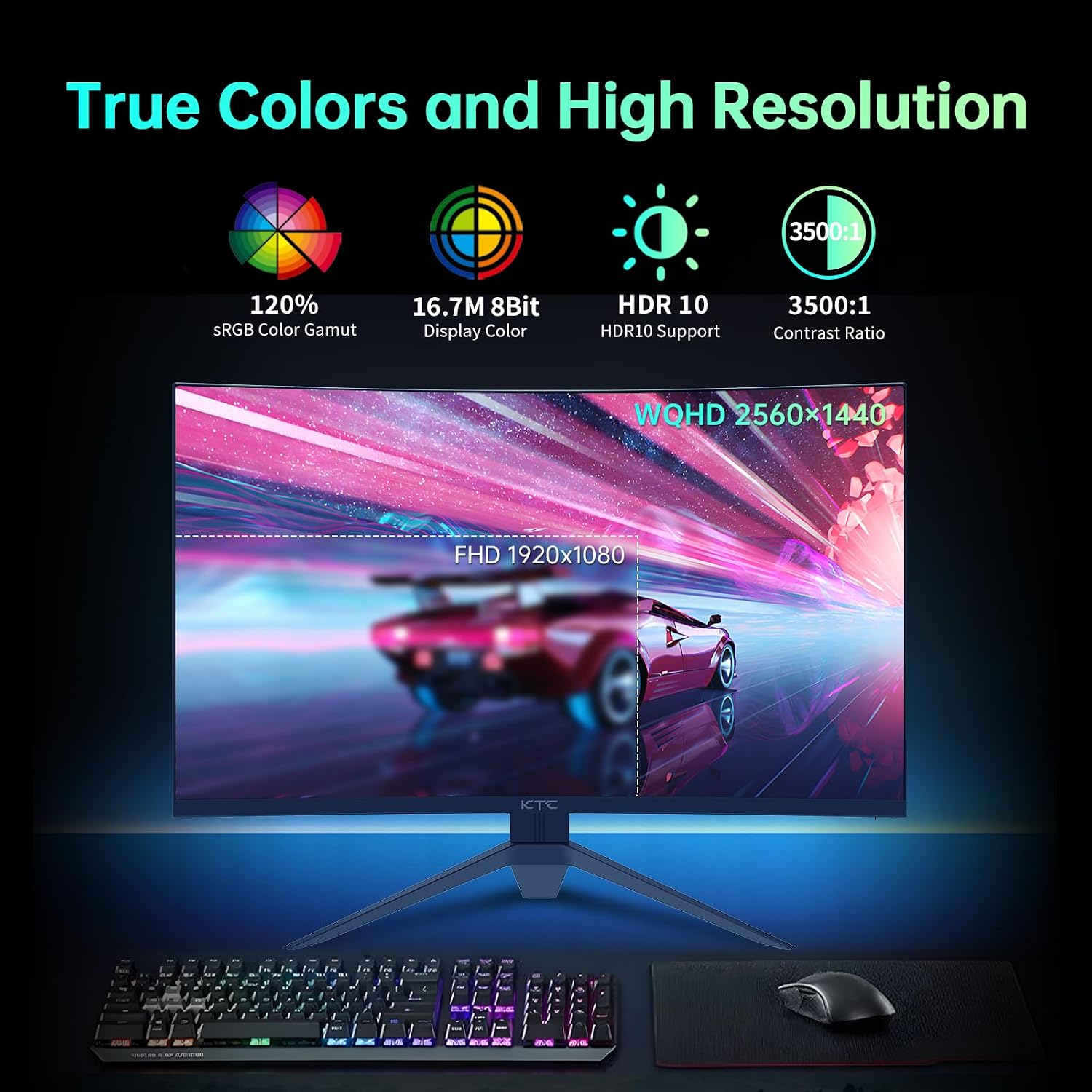
Image: Comparison of FHD and WQHD resolutions, emphasizing true colors and high resolution capabilities.
- Иммерсивдүү визуалдык тажрыйба: The 1500R curved HVA panel wraps the image around your field of view, enhancing immersion. A wide 178° viewing angle ensures consistent image quality from various positions, and the Eye Saver Mode helps reduce eye strain during long sessions.

Image: Demonstrating the immersive visual experience provided by the curved HVA panel and wide viewбурчтар.
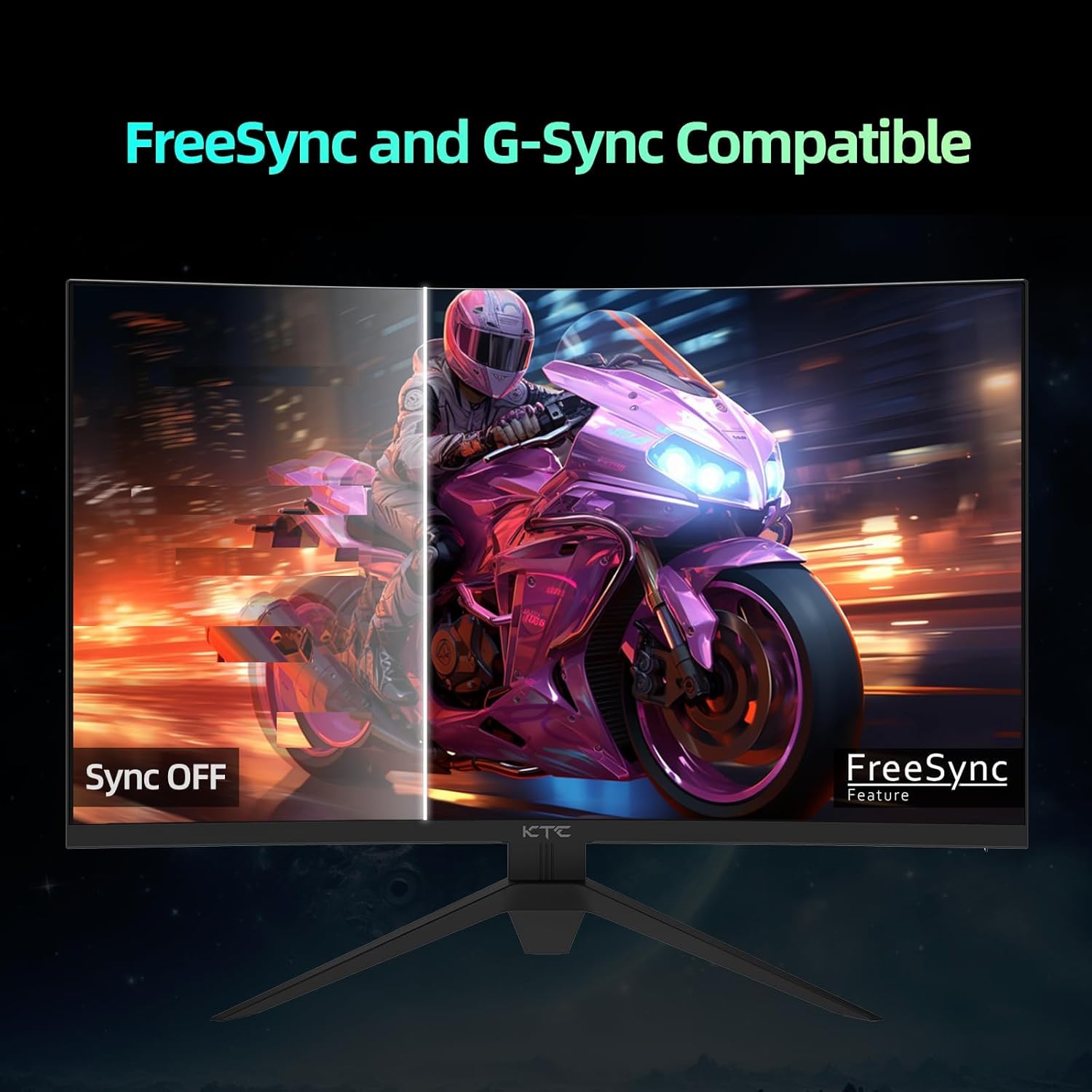
- Adaptive Sync Compatibility: This monitor supports Adaptive Sync, making it compatible with both AMD FreeSync Premium and NVIDIA G-SYNC technologies. This feature synchronizes the monitor's refresh rate with your GPU's frame rate, eliminating screen tearing and stuttering for a fluid gaming experience.

Image: Illustrating the benefit of FreeSync and G-Sync compatibility by comparing visuals with and without sync enabled.
- Superior Game Assists (GamePlus): Enhance your gaming performance with built-in GamePlus features:
- Crosshairs (LoS): FPS оюндарында мээлөөнүн тактыгын жакшыртуу үчүн экрандагы кроссхерди камсыз кылат.
- Оюн таймери: An on-screen timer to help track in-game events.
- FPS эсептегич: Displays your current frames per second, allowing you to monitor performance.

Image: Depicting the monitor's GamePlus features, including crosshairs, game timer, and FPS counter, for an enhanced gaming experience.
- Көздү коргоо: The monitor incorporates Low Blue Light and Flicker-Free technologies to reduce eye strain and fatigue during extended use.

Image: Illustrating the benefits of Low Blue Light and Flicker-Free technologies for eye protection.
5. Техникалык тейлөө
To ensure the longevity and optimal performance of your KTC monitor, follow these maintenance guidelines:
- Экранды тазалоо: Экранды жумшак, түксүз чүпүрөк менен акырын сүртүңүз. өжөр тактар үчүн, жеңил гampкездемени суу же абразивдүү эмес экран тазалагыч менен сүртүңүз. Эч качан суюктукту экранга түз чачпаңыз.
- Тазалоо Casing: Мониторду тазалоо үчүн жумшак, кургак чүпүрөктү колдонуңуз casing. Avoid using harsh chemicals, abrasive cleaners, or solvents, as they may damage the surface.
- Вентиляция: Монитордун желдетүү тешиктери ысып кетүүнүн алдын алуу үчүн ачык жана тоскоолдуксуз экенин текшериңиз.
- Сактагыч: When not in use for extended periods, store the monitor in a cool, dry place, preferably in its original packaging to protect it from dust and physical damage.
6. Кыйынчылыктарды
Мониторуңузда көйгөйлөргө туш болсоңуз, төмөнкү жалпы көйгөйлөрдү жана чечимдерди караңыз:
6.1 Күч жок
- Электр шнурунун мониторго да, иштеген электр розеткасына да бекем туташтырылганын текшериңиз.
- Монитордогу кубат индикаторунун жарыгы күйүп турганын текшериңиз.
- Башка электр розеткасын колдонуп көрүңүз.
6.2 Сигнал жок
- Verify that the video cable (DisplayPort or HDMI) is securely connected to both the monitor and your computer/device.
- Компьютериңиздин/түзмөгүңүздүн күйүп турганын жана уйку режиминде эмес экенин текшериңиз.
- OSD менюсун колдонуп монитордон туура киргизүү булагын тандаңыз.
- Башка видео кабелди же портту колдонуп көрүңүз.
6.3 Image Issues (Distortion, Flickering, Incorrect Colors)
- Adjust the resolution and refresh rate settings on your computer to match the monitor's native resolution (2560 x 1440) and supported refresh rates (up to 180Hz).
- Check your graphics card drivers and update them if necessary.
- Reset the monitor to factory settings via the OSD menu.
- Видео кабелдин бузулбагандыгын текшериңиз.
If the problem persists after trying these steps, please contact KTC customer support for further assistance.
7. Техникалык шарттар
| Өзгөчөлүк | Спецификация |
|---|---|
| Бренд | KTC |
| Модель номери | H32S17 |
| Screen Size | 32 дюйм |
| Резолюция | 2560 x 1440 Pixels (QHD Ultra Wide 1440p) |
| Screen Surface Description | Curved (1500R) |
| Аспект катышы | 16:9 |
| Сүрөттүн жарыктыгы | 300 Кандела |
| Жаңыртуу ылдамдыгы | Up to 180Hz (via DisplayPort) |
| Жооп убактысы | 1 мс MPRT |
| Түс гаммасы | 120% sRGB |
| HDR колдоо | HDR10 |
| Adaptive Sync | Compatible with FreeSync Premium & G-SYNC |
| Байланыш | HDMI 2.0 x1, DisplayPort 1.2 x2, USB 2.0 x1, Earphone Jack x1, DC x1 |
| VESA колдоосу | 3.9x3.9'' (100x100mm) |
| Продукциянын өлчөмдөрү | 24.25 x 14.33 x 23.5 дюйм |
| Элемент Салмагы | 13.2 фунт |
| Тtage | 19 вольт (ток) |
8. Кепилдик жана колдоо
KTC provides a 3-year warranty for this monitor, ensuring quality and reliability. For any technical assistance, product inquiries, or warranty claims, please contact KTC customer support.

Сүрөт: бүттүview of KTC's customer support offerings, including warranty details.
You can typically find contact information for KTC support on their official website or through the retailer where you purchased the product. Please have your model number (H32S17) and purchase details ready when contacting support.