
Introduction
Thank you for choosing the Vieta Pro Bone Bone Conduction Wireless Headphones. These headphones are designed to provide a unique audio experience, allowing you to enjoy music while remaining aware of your surroundings. This manual provides essential information for setting up, operating, and maintaining your headphones.

Image: Vieta Pro Bone bone conduction headphones in black, showcasing алардын эргономикалык дизайны.
Кутуда эмне бар
Your Vieta Pro Bone package includes the following items:
- Vieta Pro Bone Bone Conduction Wireless Headphones
- Заряддоо кабели
- Колдонуучунун Колдонмосу (бул документ)
- Earplugs (for enhanced audio experience in noisy environments)
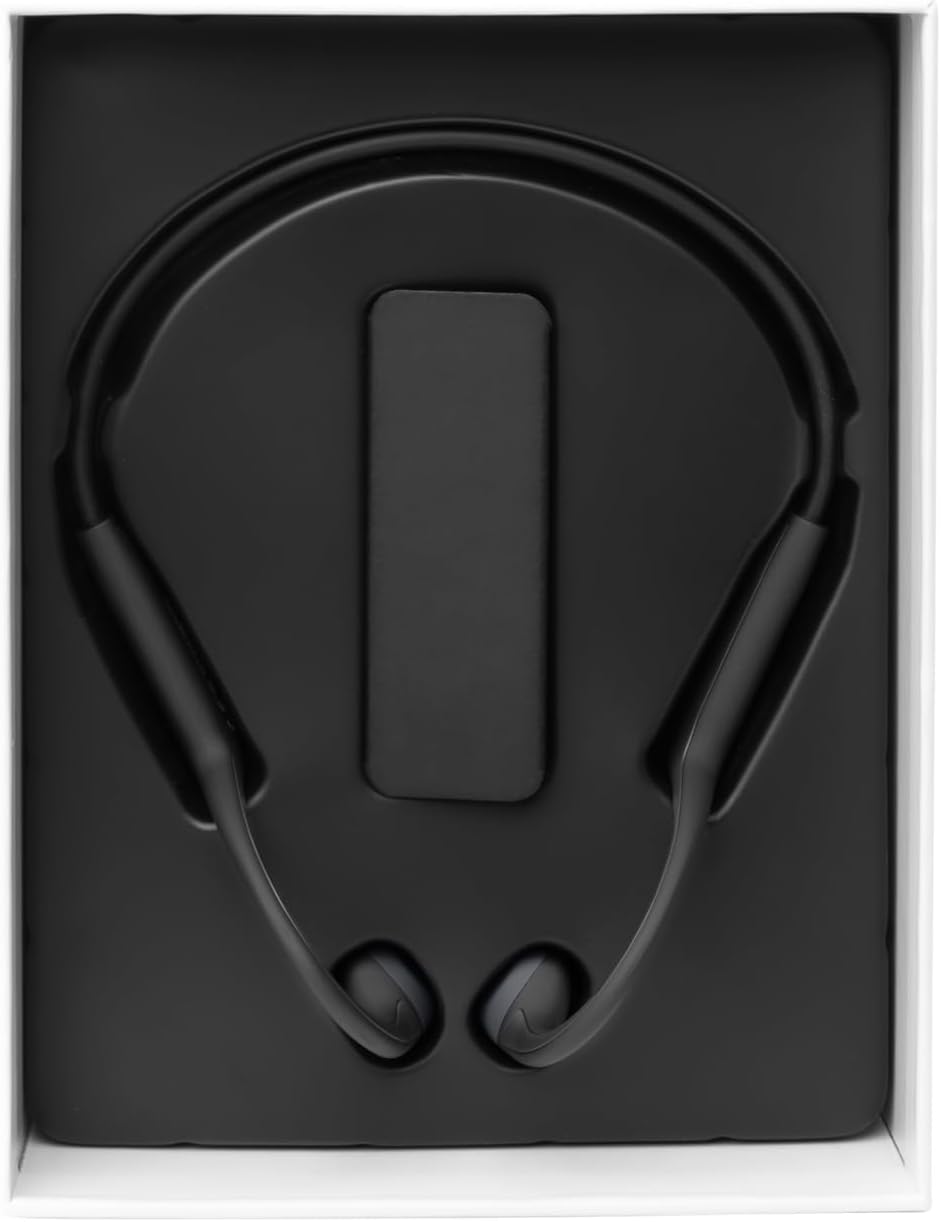
Image: The Vieta Pro Bone headphones neatly packaged in their box, alongside the charging cable and documentation.
Video: An unboxing and quick overview of the Vieta Pro Bone headphones, demonstrating the contents and initial handling.
Продукт бүттүview
Наушник компоненттери
The Vieta Pro Bone headphones feature a lightweight, ergonomic design for comfortable wear during various activities.
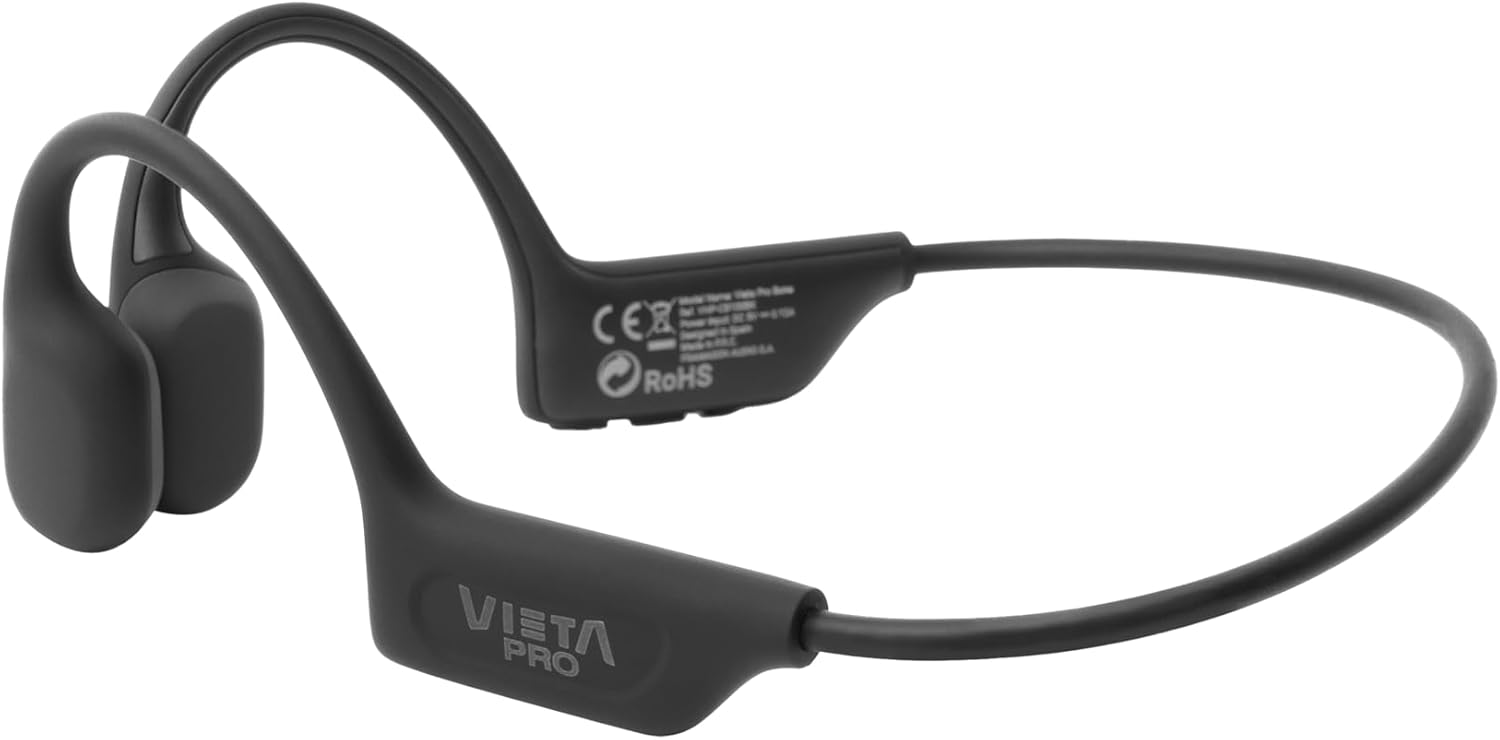
Сүрөт: деталдуу view of the Vieta Pro Bone headphones, highlighting the bone conduction pads that rest near the ears and the flexible band that connects them.
Controls
The control buttons are located on one side of the headphone band for easy access.

Image: A close-up of the control panel on the left side of the headphone band, featuring buttons for power/multifunction, volume up, and volume down.
- Кубат/Көп функция баскычы: Used for powering on/off, play/pause, answering/ending calls.
- Үнүн жогорулатуу баскычы: Үндү күчөтүү, кийинки трек (көпкө басуу).
- Үнүн төмөндөтүү баскычы: Мурунку тректин үнүн азайтат (көпкө басуу).
- Микрофон: Integrated for clear calls.
Жайгашуу
Наушниктерди заряддоо
Before first use, fully charge your headphones. Connect the charging cable to the charging port on the headphones and to a USB power source. The LED indicator will show charging status.
- Толук кубаттоо 8 саатка чейин ойнотуу убактысын камсыз кылат.
Bluetooth түзмөгү менен жупташуу
- Наушниктердин өчүрүлгөнүн текшериңиз.
- Press and hold the Power/Multifunction button until the LED indicator flashes blue and red, indicating pairing mode.
- Түзмөгүңүздө (смартфон, планшет ж.б.) Bluetooth иштетиңиз жана жеткиликтүү түзмөктөрдү издеңиз.
- Select "Vieta Pro Bone" from the list of devices.
- Туташтырылгандан кийин, LED индикатору акырындык менен көк болуп жанат.
Dual Connection
The headphones support dual connection, allowing you to connect to two devices simultaneously (e.g., phone and tablet). After pairing with the first device:
- Биринчи түзмөктө Bluetooth'ду өчүрүңүз.
- Наушниктерди кайра жупташтыруу режимине коюңуз жана экинчи түзмөккө туташыңыз.
- Биринчи түзмөктө Bluetooth'ду кайра иштетиңиз. Наушник эки түзмөккө тең автоматтык түрдө туташып турушу керек.

Image: An infographic illustrating the main features: Bluetooth 5.3, up to 8 hours battery, sport-optimized fit, bone conduction technology, non-isolating design, memory band, dual connection, and IPX6 water resistance.
Иштөө нускамалары
Күйгүзүү/өчүрүү
- Күйгүзүү: Press and hold the Power/Multifunction button for 3 seconds.
- Өчүрүү: Press and hold the Power/Multifunction button for 5 seconds.
Музыканы ойнотуу
- Ойнотуу/тындыруу: Press the Power/Multifunction button once.
- Кийинки трек: Үндү жогорулатуу баскычын көпкө басыңыз.
- Мурунку трек: Үндү азайтуу баскычын көпкө басыңыз.
- Үндү көзөмөлдөө: Үнүн жогорулатуу же ылдый баскычтарын басыңыз.
Телефон чалуулар
- Чалууга жооп берүү/аяктоо: Press the Power/Multifunction button once.
- Чакырууну четке кагуу: Press and hold the Power/Multifunction button for 2 seconds.
- Үн жардамчысы: Triple press the Power/Multifunction button (if supported by your device).
Техникалык тейлөө жана кам көрүү
- Тазалоо: Наушниктерди жумшак, кургак чүпүрөк менен сүртүңүз. Абразивдүү тазалагычтарды же эриткичтерди колдонбоңуз.
- Суу каршылык: The headphones are IPX6 water-resistant, meaning they can withstand sweat and splashes. Do not submerge them in water. Dry thoroughly after exposure to moisture.
- Сактагыч: Күн нурунан жана экстремалдык температурадан алыс салкын, кургак жерде сактаңыз.
- Батарея: To preserve battery life, charge the headphones regularly, even if not in use for extended periods.

Image: A user wearing the Vieta Pro Bone headphones during a run, demonstrating their secure fit and suitability for sports activities.
Проблемаларды чечүү
| Көйгөй | Мүмкүн чечим |
|---|---|
| Кулакчындар күйбөйт. | Наушниктердин заряддалганын текшериңиз. Кубат булагына туташып, кайра аракет кылыңыз. |
| Түзмөк менен жупташтыруу мүмкүн эмес. |
|
| Үн жок же үнү төмөн. |
|
| Үн сапаты начар. |
|
Техникалык шарттар
| Өзгөчөлүк | Деталь |
|---|---|
| Модель номери | VHP-CB100BK |
| Байланыш технологиясы | Зымсыз (Bluetooth) |
| Bluetooth версиясы | 5.3 |
| Bluetooth диапазону | 10 метрге чейин |
| Батареянын иштөө мөөнөтү | 8 саатка чейин (ойнотуу) |
| Сууга туруктуулук рейтинги | IPX6 (терге жана чачыратууга туруктуу) |
| Импеданс | 32 Ом |
| Жыштык диапазону | 20 Гц - 20 000 Гц |
| Микрофон | Интеграцияланган |
| Башкаруу түрү | Volume control, App control |
| Материал | Silicone, plastic, fabric |
| Салмагы | Approximately 180g (from package dimensions) |
Коопсуздук маалыматы
- Do not use the headphones at excessively high volumes for prolonged periods to prevent hearing damage.
- Maintain awareness of your surroundings, especially when using headphones outdoors or in traffic, as bone conduction technology allows ambient sound to be heard.
- Keep the headphones away from extreme temperatures, direct sunlight, and moisture.
- Do not attempt to disassemble or repair the headphones yourself. Contact customer support for assistance.
- Продукцияны жана батареяны жергиликтүү эрежелерге ылайык жоопкерчилик менен жок кылыңыз.
Кепилдик жана колдоо
For warranty information and customer support, please refer to the official Vieta Pro webсайтына кириңиз же жергиликтүү дистрибьюторуңузга кайрылыңыз. Кепилдик талаптары үчүн сатып алганыңызды тастыктаган документти сактап коюңуз.
Өндүрүүчү: FRAMASON AUDIO SA