Introduction
This manual provides detailed instructions for the installation, operation, maintenance, and troubleshooting of your Aiwit 1080p Wired Video Doorbell Camera, Model K50. Please read this manual thoroughly before using the product to ensure proper setup and functionality.
Кутуда эмне бар
Бардык компоненттер бар экендигин текшериңиз:
- Коңгуроо камерасы
- Коңгуроо
- (Additional mounting hardware, screws, and user guide may be included but are not explicitly listed in the provided components.)

Техникалык шарттар
| Өзгөчөлүк | Деталь |
|---|---|
| Ички/тышкы колдонуу | Ички, сырткы |
| Шайкеш түзмөктөр | Смартфон |
| Power Source | Батарея менен иштейт |
| Connectivity Protocol | Wi-Fi |
| Controller Type | Aiwit App |
| Монтаж түрү | Дубалга орнотуу |
| Видео тартуунун резолюциясы | 1080p |
| Түс | Кара |
| Элементтердин саны | 1 |
| Камтылган компоненттер | Doorbell Camera, Chime |
| Каналдардын саны | 4 |
| Зымсыз байланыш технологиясы | Wi-Fi |
| Форма фактору | Box |
| Орнотуу түрү | Дубалга орнотулган |
| Материал | Акрилонитрил бутадиен стирол (ABS) |
| Буюмдун өлчөмдөрү L x W x H | 1.77 x 1.34 x 5.3 дюйм |
| Батареялар керекпи? | Жок |
| Төмөн жарык технологиясы | Ооба |
| Эскертүү түрү | Кыймыл гана |
| Бөлмө түрү | Hallway, Living Room, Study Room possibility room |
| Видео тартуу форматы | MP4 |
| Бирдик саны | 1.0 Сан |
| Натыйжалуу дагы эле чечим | 4 депутат |
| Башкаруу ыкмасы | Колдонмо |
| IR светодиоддорунун саны | 4 |
| Smart Home шайкештиги | Smart Home Compatible |
| Продукт үчүн сунушталган колдонуу | Ички/тышкы |
| Модель аты | Зымдуу Video Doorbell |
| Байланыш технологиясы | Зымсыз |
| Өзгөчө өзгөчөлүк | 2 жолдуу аудио |

Орнотуу жана орнотуу
Ийгиликтүү орнотуу үчүн бул кадамдарды аткарыңыз:
- 1-кадам: Электр кубатын ажыратыңыз. Before beginning any electrical work, always disable the doorbell's electrical circuit at your home's circuit breaker to prevent electrical shock.
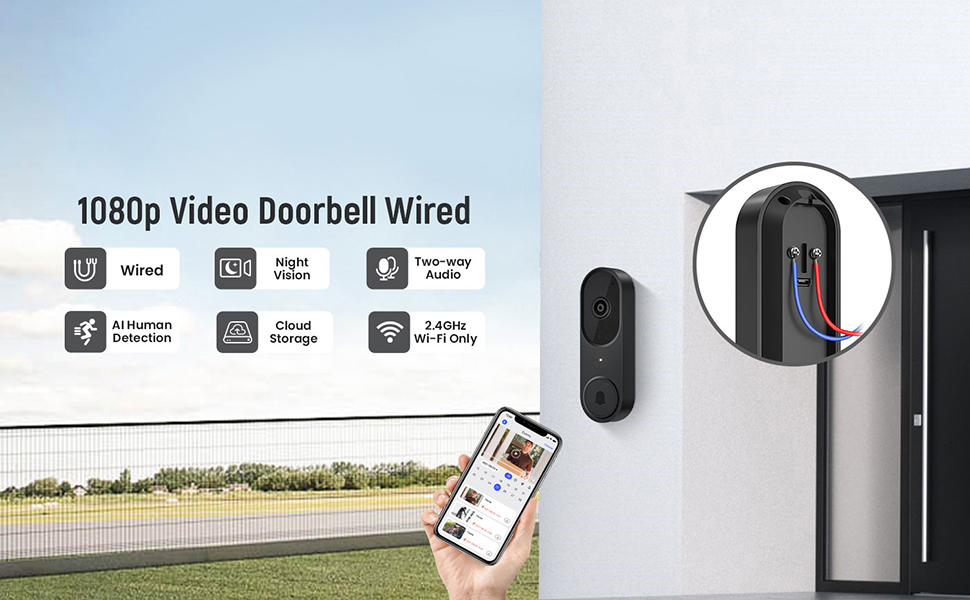
- 2-кадам: Зымдарды туташтырыңыз. Remove your existing doorbell button. Connect the wires from your home's doorbell system to the terminals on the back of the new Aiwit Video Doorbell. Ensure a secure connection.
- Step 3: Mount and Secure. Secure the doorbell camera to the wall using the provided mounting hardware. Ensure it is firmly attached.
- 4-кадам: Кубатты калыбына келтириңиз. Re-enable the electrical circuit at your home's circuit breaker.
- Step 5: App Setup. Download the Aiwit app from your smartphone's app store. Follow the in-app instructions to connect your doorbell to your 2.4GHz Wi-Fi network and complete the setup process. Note: This device supports 2.4GHz Wi-Fi only; 5GHz networks are not supported.

The included chime will automatically pair with your doorbell once both are powered on and connected to the app.
Иштөө нускамалары
Aiwit App Control
All primary functions and settings of your video doorbell are managed through the Aiwit mobile application. Ensure your app is updated to the latest version for optimal performance.
Live Two-Way Audio
When a visitor presses the doorbell or motion is detected, you will receive a notification on your smartphone. Open the Aiwit app to view the live feed and use the microphone icon to speak with the visitor. The built-in speaker on the doorbell will transmit your voice, allowing for real-time communication.

AI Адамды аныктоо
The doorbell utilizes advanced AI to distinguish human shapes from other moving objects such as animals or foliage. This reduces false alerts, ensuring you are only notified of relevant activity. You can adjust detection sensitivity and zones within the Aiwit app.

Жакшыртылган түнкү көрүнүш
Equipped with four IR LEDs and a smart infrared sensor, the doorbell provides clear video footage even in low-light or complete darkness. The night vision automatically activates when ambient light levels are insufficient.

Cloud Storage and Pre-roll Recording
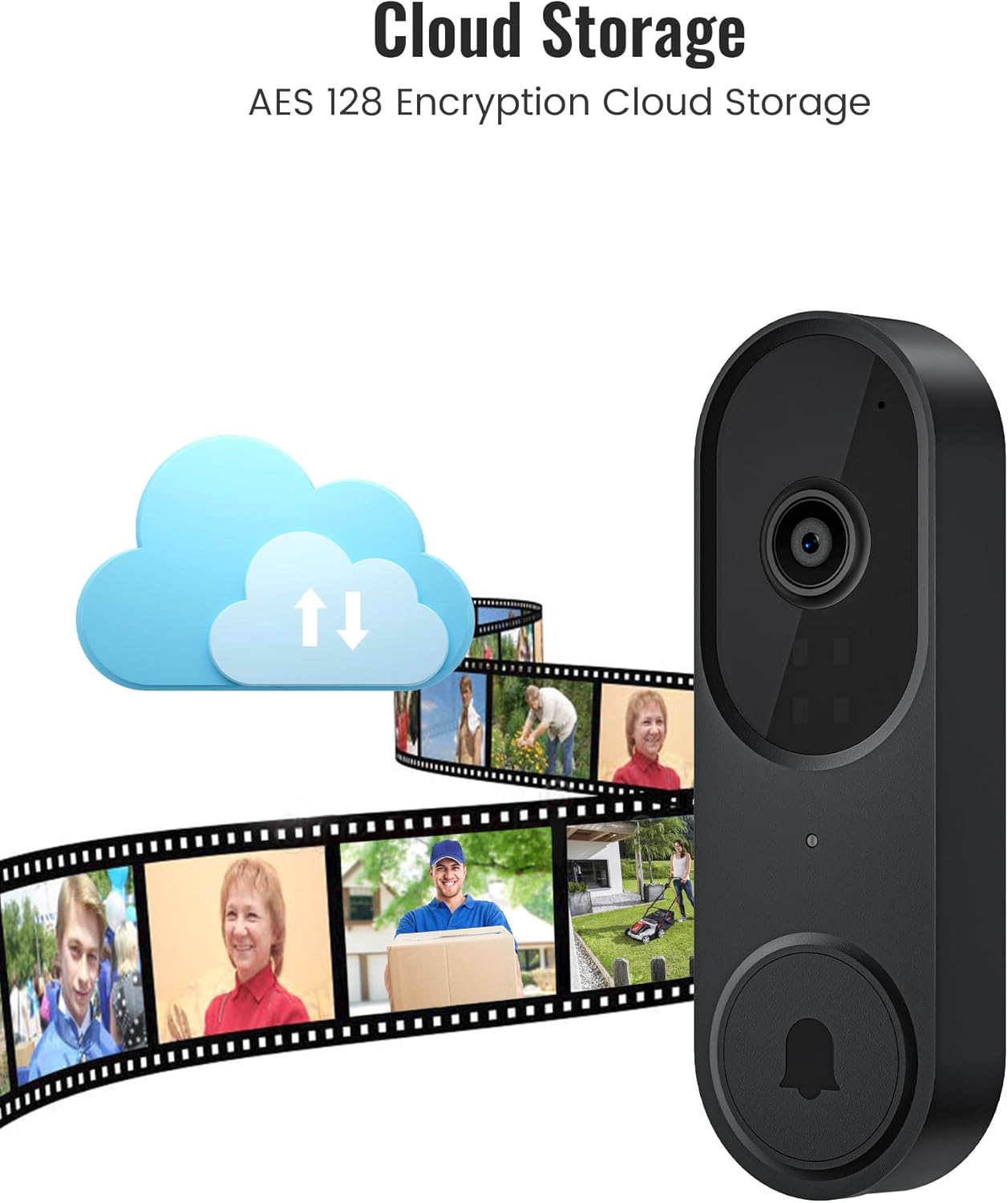
For continuous recording and access to event history, an optional cloud storage subscription is available. This service includes AES-128 encrypted storage and a pre-roll recording feature, which captures video footage a few seconds before a detected motion event or doorbell press, providing complete context.
Техникалык тейлөө
- Тазалоо: Камера линзасынын жана эшиктин коңгуроосунун бетин жумшак, d менен акырын сүртүңүзamp кездеме. Абразивдүү тазалагычтардан же эриткичтерден качыңыз.
- Программалык камсыздоонун жаңыртуулары: Regularly check the Aiwit app for available firmware updates. Updates often include performance improvements and security enhancements.
- Байланыш текшерүү: Periodically verify your Wi-Fi connection strength in the app to ensure stable operation.
Проблемаларды чечүү
- No Power to Doorbell:
- Ensure the circuit breaker is on. Verify that the wires are correctly connected to the doorbell terminals and that there are no loose connections.
- Wi-Fi'га туташуу мүмкүн эмес:
- Confirm your Wi-Fi network is 2.4GHz. Ensure the doorbell is within range of your Wi-Fi router. Restart your router and try the setup process again. Check if your Wi-Fi password is entered correctly.
- Видеонун сапаты начар же түнкү көрүнүш:
- Clean the camera lens. Ensure there are no obstructions blocking the camera's view. Check your Wi-Fi signal strength; a weak signal can affect video streaming quality.
- Motion Detection Not Working or Too Many False Alerts:
- Adjust the motion detection sensitivity and set specific detection zones within the Aiwit app. Ensure AI Human Detection is enabled if you wish to filter out non-human movements.
- Эки тараптуу аудио көйгөйлөр:
- Ensure your smartphone's microphone is enabled for the Aiwit app. Check the volume settings on both your phone and within the app. Verify a stable internet connection.
Кепилдик маалымат
Aiwit products are covered by a manufacturer's warranty. For specific details regarding your product's warranty period and terms, please refer to the warranty card included with your purchase or visit the official Aiwit support webсайт.
Кардарларды колдоо
If you encounter any issues or have questions not covered in this manual, please contact Aiwit customer support through one of the following methods:
- Aiwit App: Access the 'Help' or 'Support' section within the application.
- Официалдуу Webсайт: зыярат кылыңыз Aiwit Store on Amazon продукт жөнүндө маалымат жана колдоо шилтемелери үчүн.
- Электрондук почта/Телефон: Продуктуңуздун таңгагына же расмий өкүлгө кайрылыңыз webтүздөн-түз байланыш маалыматы үчүн сайт.