
Introduction
This manual provides detailed instructions for the setup, operation, and maintenance of your Tuya S18 Smart WiFi Universal IR Remote Control. This device allows you to control various infrared-enabled home appliances, such as televisions, air conditioners, and fans, through a smartphone application and voice commands via smart assistants like Amazon Alexa and Google Home.
Продукт бүттүview
Өзгөчөлүктөрү:
- Универсалдуу инфракызыл башкаруу: Controls a wide range of infrared devices including TVs, air conditioners, set-top boxes, fans, and more.
- WiFi байланышы: Connects to your home WiFi network for remote control from anywhere.
- Колдонмону башкаруу: Manage devices and settings through the Tuya Smart Life application on your smartphone.
- Үн менен башкаруу: Колсуз иштөө үчүн Amazon Alexa, Google Home жана Yandex Alice менен шайкеш келет.
- Компакт дизайн: Small and unobtrusive, designed to blend into any home environment.
- No Programming Needed: Simplifies setup with pre-programmed IR codes and learning function.
Кутуда эмне бар:
- Tuya S18 Smart WiFi Universal IR Remote Control device
- USB Power Cable (Note: Power adapter is NOT included)
- Колдонуучунун колдонмосу (бул документ)

Image: The retail packaging for the Tuya S18 Smart WiFi Universal IR Remote Control, showing the device and its key features.

Image: The Tuya S18 device with its dimensions (40mm diameter) and the 1-meter USB cable. A coin is shown for scale. Note: Power adapter is not included.
Орнотуу нускамалары
- Күйгүзүү: Connect the Tuya S18 device to a 5V/1A USB power adapter (not included) using the provided USB cable. The device will power on and a blue indicator light may flash.
- Колдонмону жүктөп алуу: Смартфонуңуздун колдонмолор дүкөнүнөн "Smart Life" же "Tuya Smart" тиркемесин жүктөп алыңыз (iOS жана Android түзмөктөрүндө жеткиликтүү).
- Катталуу/Кирүү: Колдонмону ачып, жаңы аккаунт түзүңүз же бар аккаунт менен кириңиз.
- Түзмөк кошуу:
- Колдонмодо жаңы түзмөк кошуу үчүн жогорку оң бурчтагы "+" сүрөтчөсүн таптаңыз.
- Select "Universal Remote Control" or "IR Remote Control" from the device list.
- Follow the on-screen instructions to connect the device to your 2.4GHz Wi-Fi network. Ensure your phone is connected to the same 2.4GHz Wi-Fi network during setup.
- The indicator light on the S18 will flash rapidly during pairing and become solid blue once connected.
- Add IR Appliances:
- Once the S18 is added, select it in the app.
- Tap "Add Remote Control" or similar option.
- Choose the type of appliance you want to control (e.g., TV, Air Conditioner, Set-Top Box, Fan).
- Select the brand of your appliance. The app will attempt to find a matching IR code library.
- Test the controls. If they work, save the remote. If not, try other codes or use the DIY learning function (refer to app for detailed DIY instructions).

Image: A visual representation of the Tuya S18 connecting to various IR devices (TV, A/C, Speaker, STB, Fan) and integrating with Amazon Alexa and Google Assistant for voice control.
Иштөө нускамалары
Controlling Devices via App:
- Smart Life/Tuya Smart колдонмосун ачыңыз.
- Select the Tuya S18 device.
- Choose the specific appliance you wish to control (e.g., "Living Room TV").
- Use the virtual remote control interface in the app to operate your device (e.g., change channels, adjust volume, set AC temperature).
- You can also set up schedules and automation routines within the app for enhanced control.
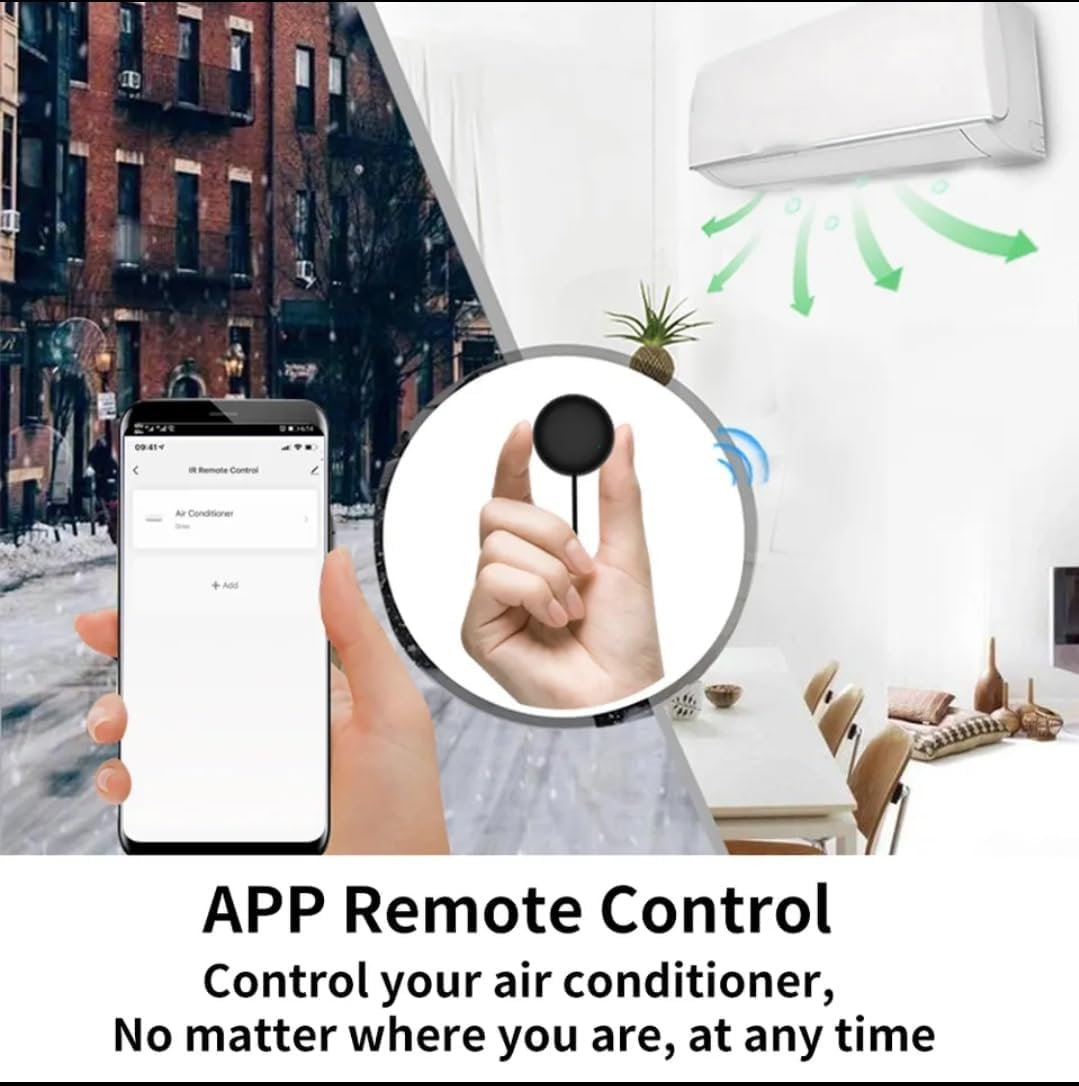
Image: A smartphone displaying the Smart Life app interface, showing how to control an air conditioner remotely from anywhere.
Үн менен башкаруу интеграциясы:
The Tuya S18 is compatible with popular voice assistants. To enable voice control:
- Каттоо эсептерин байланыштыруу: In your Amazon Alexa, Google Home, or Yandex Alice app, search for the "Smart Life" or "Tuya Smart" skill/service.
- Көндүмдөрдү иштетүү: Enable the skill and link your Smart Life/Tuya Smart account using your app credentials.
- Түзмөктөрдү табуу: Once linked, ask your voice assistant to "discover devices."
- Үн буйруктары: Эми сиз инфракызыл шаймандарыңызды башкаруу үчүн үн буйруктарын колдоно аласыз. Мисалыamples:
- "Алекса, телевизорду күйгүз."
- "Эй, Google, кондиционерди 24 градуска коюп кой."
- "Yandex, turn off the fan."

Image: Demonstrates the Tuya S18's compatibility with Amazon Alexa, Google Home, and Yandex Alice for voice-controlled operation of TV, STB, AC, and fans.

Image: Highlights the extensive IR code library, covering over 98% of IR devices such as TVs, air conditioners, STBs, fans, and lighting.
Техникалык тейлөө
- Тазалоо: Аппаратты жумшак, кургак чүпүрөк менен сүртүңүз. Суюк тазалагычтарды же абразивдүү материалдарды колдонбоңуз.
- Жайгашкан жери: Ensure the device is placed in a central location within the room, with a clear line of sight to the appliances it controls, as infrared signals require direct line of sight.
- Күч: Keep the device continuously powered for uninterrupted smart control.
Проблемаларды чечүү
| Маселе | Мүмкүн себеп | Чечим |
|---|---|---|
| Түзмөк Wi-Fi'га туташпай жатат. | Incorrect Wi-Fi password, 5GHz network, or device too far from router. |
|
| IR appliance not responding. | No clear line of sight, incorrect IR code, or device not powered. |
|
| Үн башкаруу иштебейт. | Smart Life/Tuya Smart skill not enabled or accounts not linked. |
|
Техникалык шарттар
| Модель номери | S18 |
| Бренд | Туя |
| Байланыш технологиясы | Infrared (IR), Wi-Fi (2.4GHz) |
| Шайкеш түзмөктөр | TV, Air Conditioner, Set-Top Box, Fan, and other IR-controlled appliances |
| Өзгөчөлүктөр | No programming needed, App Control, Voice Control (Alexa, Google Home, Yandex Alice) |
| Түс | Multi-color (typically black) |
| Power Input | 5V/1A (via Micro USB) |
Кепилдик жана колдоо
Specific warranty information for the Tuya S18 Smart WiFi Universal IR Remote Control is not provided in this document. Please refer to the product packaging or contact your retailer for details regarding warranty coverage and customer support. For technical assistance, you may also visit the official Tuya Smart Life website or app support section.