
1. Киришүү
Thank you for choosing the Modecom MC-899 Wired Gaming Mouse. This manual provides essential information to help you set up, operate, and maintain your new mouse. Please read these instructions carefully before using the product and retain them for future reference.
2. Коопсуздук маалыматы
- Чычканды суюктуктарга же ашыкча нымдуулукка дуушар кылбаңыз.
- Ашыкча температурадан сактаныңыз.
- Do not attempt to disassemble or repair the mouse yourself. This will void the warranty.
- Аппаратты күчтүү магнит талаасынан алыс кармаңыз.
- Тазалоо үчүн жумшак, кургак чүпүрөктү колдонуңуз.
3. Пакеттин мазмуну
Сураныч, таңгактын ичиндегисин текшериңиз. Эгерде кандайдыр бир буюмдар жок болсо же бузулуп калса, сатуучуга кайрылыңыз.
- Modecom MC-899 Wired Gaming Mouse
- Колдонуучунун Колдонмосу (бул документ)
4. Продукт бүтүп калдыview
The Modecom MC-899 is a wired optical gaming mouse designed for comfortable and precise control. It features a multicolored backlit design and an ambidextrous form factor.
Продукт компоненттери
The mouse typically includes:
- Сол чыкылдатуу баскычы
- Оң баскычты чыкылдатыңыз
- Scroll Wheel (also functions as a middle click button)
- Optical Sensor (located on the underside)
- USB кабели
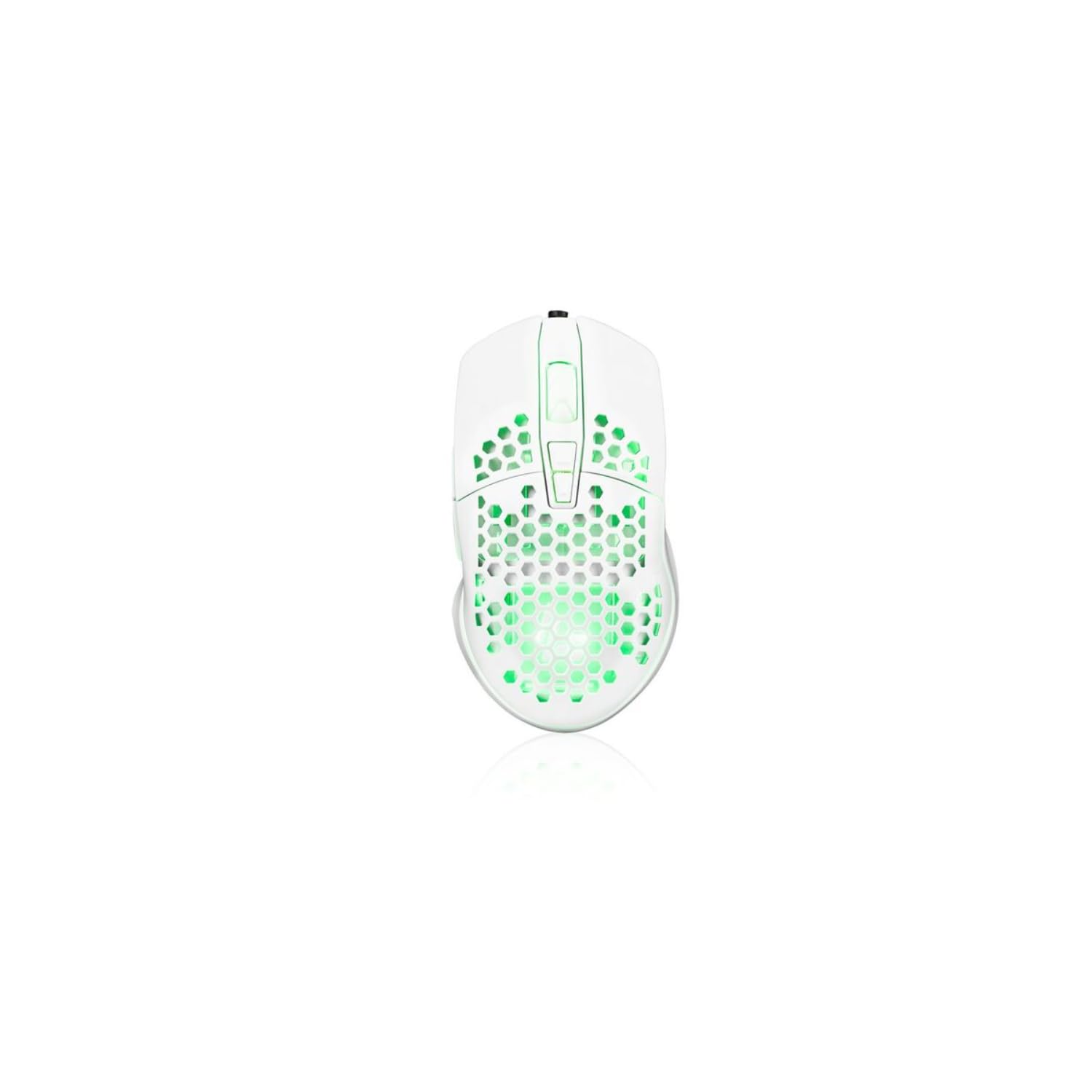
Image showing the Modecom MC-899 wired gaming mouse, featuring its ergonomic design and multicolored finish.
5. Орнотуу
Чычканды туташтыруу
The Modecom MC-899 is a plug-and-play device, requiring no special driver installation for basic functionality.
- Locate an available USB port on your computer (PC or laptop).
- Plug the USB connector of the Modecom MC-899 mouse into the USB port.
- Операциялык системаңыз керектүү драйверлерди автоматтык түрдө аныктап, орнотушу керек. Чычкан бир нече секунддун ичинде колдонууга даяр болот.
6. Чычканды иштетүү
Негизги функциялар
- Сол чыкылдатуу: Primary action, used for selecting items, opening files, and confirming actions.
- Оң чыкылдатуу: Opens context menus, providing additional options for selected items.
- Жылдыруу дөңгөлөгү: Документтерди жылдыруу үчүн колдонулат жана web pages vertically. Pressing the scroll wheel typically acts as a middle click, which can open links in new tabs or enable auto-scrolling.
Арткы жарыктандыруу
The Modecom MC-899 features integrated backlighting. This lighting is typically active when the mouse is connected and powered, enhancing its aesthetic appeal, especially in gaming environments.
7. Техникалык тейлөө
Тазалоо
- Тазалоодон мурун чычканды компьютериңизден ажыратыңыз.
- Бир аз жумшак, түксүз кездемени колдонуңуз dampсуу же жумшак тазалоо эритмеси менен.
- Do not spray cleaners directly onto the mouse.
- Ар кандай тешиктерге ным кирүүдөн сактаңыз.
- Clean the optical sensor area gently with a cotton swab if dust accumulation affects performance.
Сактагыч
- Чычканды узак убакытка колдонбогондо салкын, кургак жерде сактаңыз.
- Avoid placing heavy objects on the mouse or its cable.
8. Кыйынчылыктарды
If you encounter issues with your Modecom MC-899 mouse, please refer to the following common problems and solutions:
| Көйгөй | Мүмкүн чечим |
|---|---|
| Чычкан жооп бербей жатат. |
|
| Курсордун кыймылы туруксуз же секирик. |
|
| Баскычтар иштебей жатат. |
|
9. Техникалык шарттар
Техникалык мүнөздөмөлөр
| Бренд: | Modecom |
| Модель номери: | S9135943 (MC-899) |
| Байланыш технологиясы: | Зымдуу (USB) |
| Кыймылды аныктоо технологиясы: | Оптикалык |
| Баскычтардын саны: | 3 |
| Колдун багыты: | Эки тараптуу |
| Сунушталган колдонуу: | Оюн, кеңсе |
| Шайкеш түзмөктөр: | Персоналдык компьютер, ноутбук |
| Түсү: | Көп түстүү |
| Кабелдин узундугу: | 2.2 метр |
| Өзгөчөлүктөрү: | Арткы жарык |
| Өлчөмдөрү: | 5.5 x 13.5 x 19 см |
10. Кепилдик жана колдоо
Modecom products are designed and manufactured to the highest quality standards. For information regarding warranty terms and conditions, please refer to the warranty card included with your product or visit the official Modecom website. For technical support or service inquiries, please contact your local retailer or Modecom customer service.