
TP-Link Deco X10
TP-Link Deco X10 AX1500 Whole Home Mesh Wi-Fi 6 System User Manual
Model: Deco X10
1. Киришүү
This manual provides comprehensive instructions for setting up, operating, maintaining, and troubleshooting your TP-Link Deco X10 AX1500 Whole Home Mesh Wi-Fi 6 System. The Deco X10 system is designed to deliver seamless, high-speed Wi-Fi coverage throughout your home, utilizing Wi-Fi 6 technology for enhanced performance and capacity.
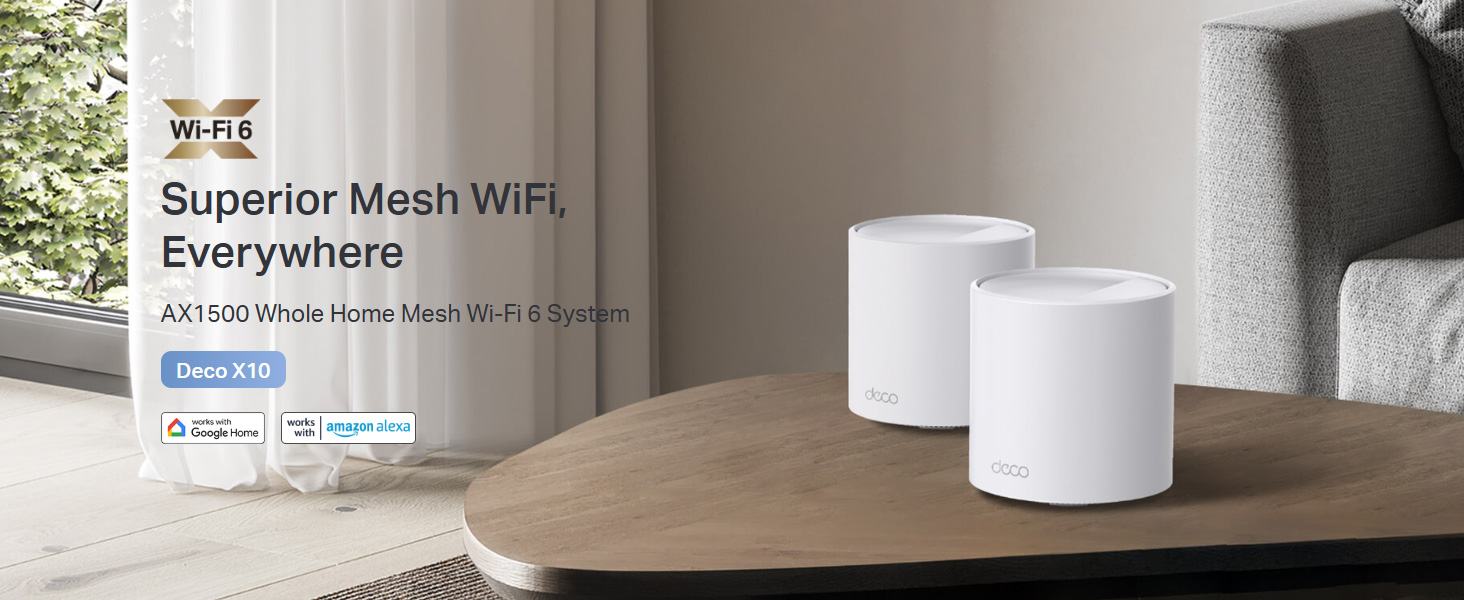
Image 1.1: The TP-Link Deco X10 AX1500 Whole Home Mesh Wi-Fi 6 System, designed for superior mesh Wi-Fi coverage.
2. Пакеттин мазмуну
Пакетиңизде төмөнкү заттар бар экенин текшериңиз:
- 1 деко X10 бирдиги
- 1 RJ45 Ethernet кабели
- 1 Кубаттуу адаптер
- Ыкчам орнотуу колдонмосу
3. Продукт бүтүп калдыview
The Deco X10 unit features a minimalist design with essential ports and indicators for network operation.

Сүрөт 3.1: Алдыңкы view of a single TP-Link Deco X10 unit.
3.1. Ports and LED Indicators
Each Deco X10 unit is equipped with two Gigabit Ethernet ports for wired connections and a status LED.
- Ethernet порттору: Two Gigabit ports for connecting to your modem or other wired devices. These ports automatically detect WAN/LAN connections.
- Электр порту: Берилген кубат адаптерине туташат.
- LED көрсөткүчү: Displays the status of the Deco unit.
- Катуу жашыл: Deco туура иштеп жатат.
- Катуу кызыл: Deco'до көйгөй бар (мисалы, интернет байланышы жок).
- Көк түстүү: Deco is ready for setup or pairing.
- Катуу көк: Деко башталууда.

Сүрөт 3.2: Бүттүview of Deco X10 features including Wi-Fi 6, dual-band AX1500, 2 Gigabit ports, Wi-Fi dead zone killer, seamless AI-driven mesh, parental controls, and connectivity for up to 120 devices.
4. Орнотуу
Setting up your TP-Link Deco X10 system is managed through the Deco mobile application, available for iOS and Android devices. Follow these steps for a quick and easy installation:
- Deco колдонмосун жүктөп алыңыз: Издөө "TP-Link Deco" in the Apple App Store or Google Play Store, or scan the QR code below.
- Туташуу жана күйгүзүү: Connect one Deco unit to your modem using the provided Ethernet cable. Power on both the modem and the Deco unit.
- Deco тиркемесин ишке киргизиңиз: Смартфонуңузда же планшетиңизде Deco колдонмосун ачыңыз.
- Колдонмодогу нускамаларды аткарыңыз: The app will guide you step-by-step through the process of creating a TP-Link ID (if you don't have one), selecting your Deco model, and configuring your network settings. This includes naming your Wi-Fi network and setting a password.
- Көбүрөөк деко бирдиктерин кошуу: If you have multiple Deco units, the app will prompt you to add them to your mesh network. Place additional units strategically to maximize coverage.
For optimal performance, ensure your primary Deco unit is connected to your modem, and subsequent units are placed within range of each other to create a strong mesh network.
5. Operating Your Deco X10 System
The Deco X10 system offers advanced features to optimize your home network experience.
5.1. Үзгүлтүксүз роуминг
Your Deco units work together to form a single unified network. As you move through your home, your devices will automatically connect to the Deco unit with the strongest signal, ensuring uninterrupted streaming and browsing.
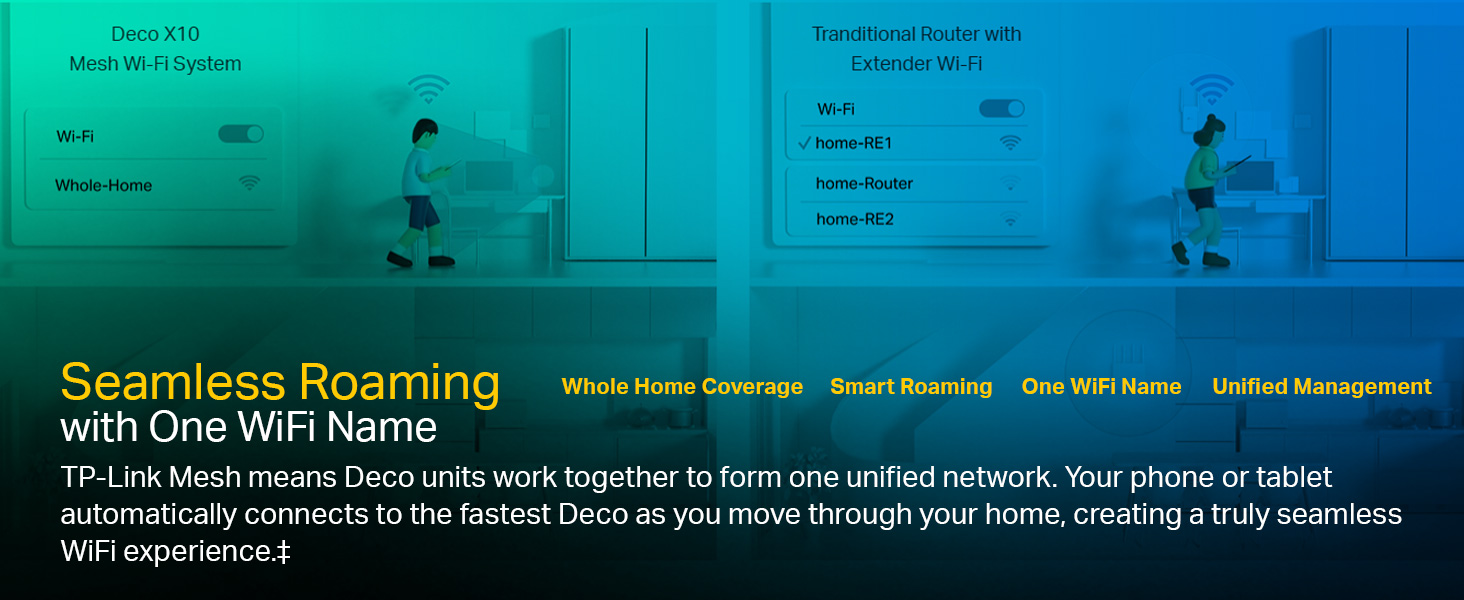
Image 5.1: Illustration of seamless roaming, where devices automatically switch to the strongest Deco signal without manual intervention.
5.2. Ата-энелик көзөмөл
Manage and monitor internet usage for family members. Create unique profiles, set time limits, and block inappropriate websites directly from the Deco app.
Image 5.2: Features for personalizing and controlling your home network, including QoS, Parental Control, Content Filtering, and Comprehensive Reports.
5.3. Кызматтын сапаты (QoS)
Prioritize bandwidth for specific devices or activities (e.g., gaming, streaming) to ensure optimal performance when network traffic is high.
5.4. Үн менен башкаруу
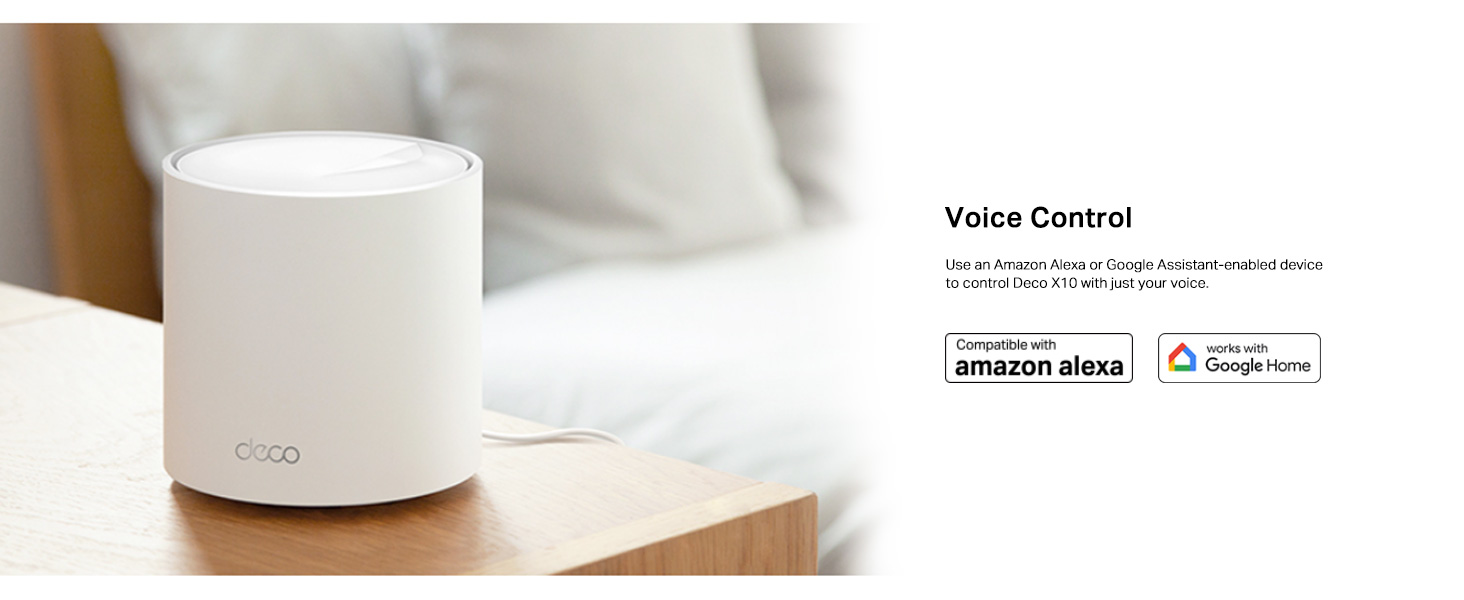
The Deco X10 is compatible with Amazon Alexa and Google Assistant. Use voice commands to control your Wi-Fi network, such as turning on/off the guest network or pausing internet access for specific profiles.
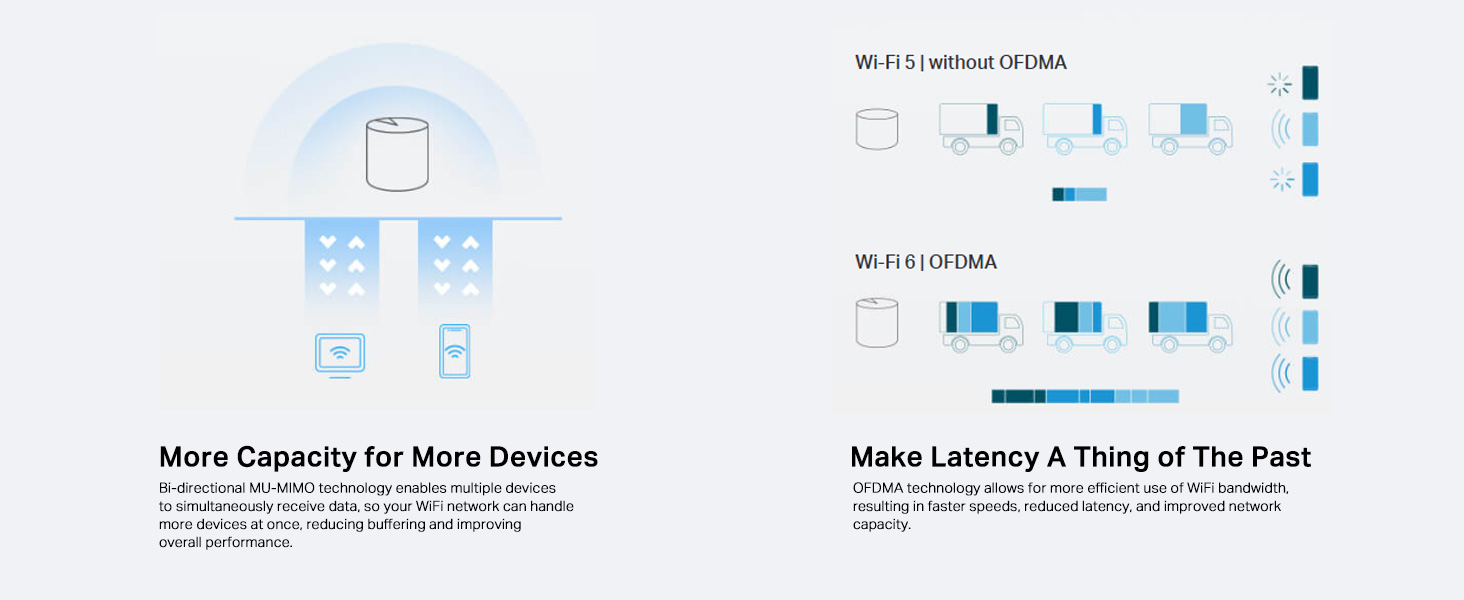
Image 5.3: The Deco X10 unit shown with logos indicating compatibility with Amazon Alexa and Google Home for voice control.
6. Техникалык тейлөө
Regular maintenance ensures your Deco X10 system operates efficiently and securely.
- Программалык камсыздоонун жаңыртуулары: The Deco app will notify you of available firmware updates. It is recommended to keep your Deco units updated to benefit from the latest features, security enhancements, and performance improvements.
- Тармакты башкаруу: Use the Deco app to monitor connected devices, prioritize traffic, and manage guest networks.
- Физикалык тазалоо: Keep the Deco units clean and free from dust to ensure proper ventilation. Use a soft, dry cloth for cleaning.
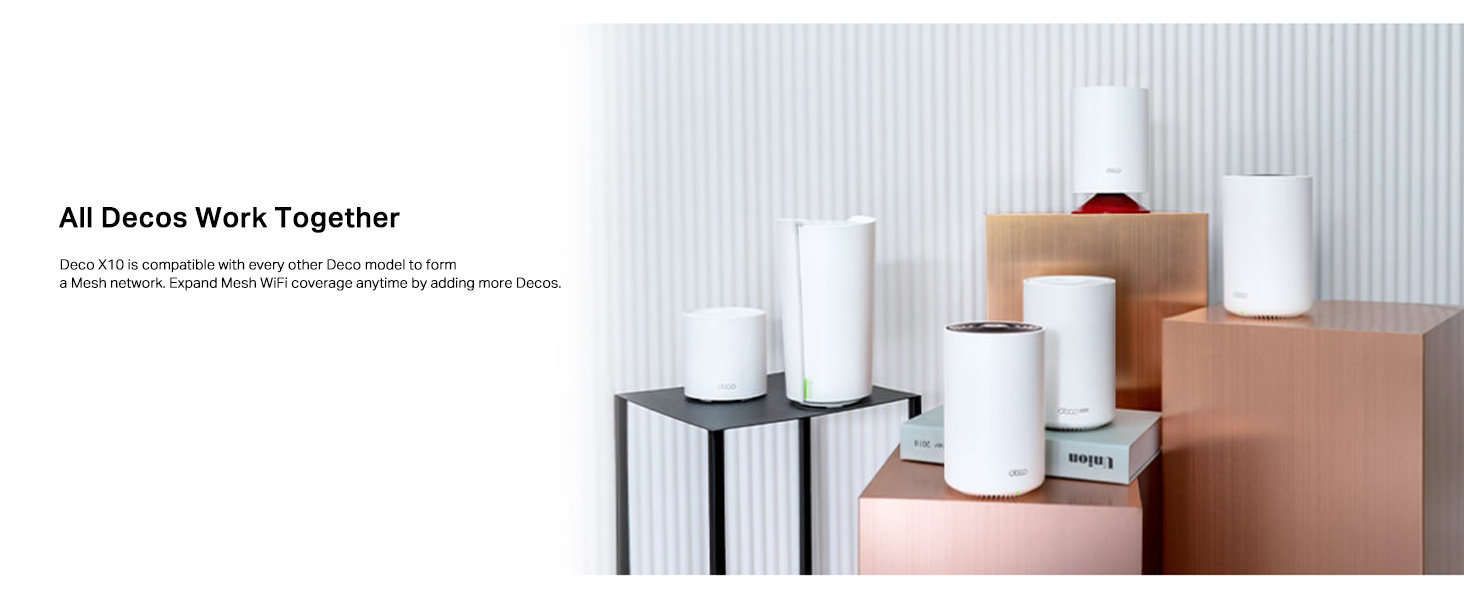
Image 6.1: Illustration of easy network management through the Deco app, allowing users to monitor devices, prioritize traffic, and set up guest networks.
7. Кыйынчылыктарды
If you encounter issues with your Deco X10 system, refer to the following common solutions:
- Интернет байланышы жок:
- Check the LED status on your main Deco unit. If it's red, ensure your modem is working and the Ethernet cable is securely connected.
- Модемиңизди жана негизги Deco блогун өчүрүп-күйгүзүңүз.
- Интернет провайдериңиздин (ISP) байланышын текшериңиз.
- Wi-Fi сигналы начар же өлүк аймактар:
- Deco блокторун бири-бирине жакыныраак же сигналдары начар аймактарга көчүрүңүз.
- Ensure there are no major obstructions (e.g., thick walls, large metal objects) between Deco units.
- Add additional Deco units to expand coverage if necessary.
- Deco Unit Not Pairing:
- Ensure the Deco unit is pulsing blue, indicating it's ready for setup.
- Move the unit closer to an already configured Deco unit during the pairing process.
- Perform a factory reset on the problematic Deco unit (refer to the Quick Installation Guide for instructions).
- Жай ылдамдыктар:
- ISP менен интернет планыңыздын ылдамдыгын текшериңиз.
- Ensure your Deco units have the latest firmware.
- Башка электрондук түзүлүштөрдүн кийлигишүүсүн азайтыңыз.
- Use the Deco app's network optimization features.
8. Техникалык шарттар
Detailed technical specifications for the TP-Link Deco X10 AX1500 system:
| Бренд | TP-Link |
| Модел | Deco X10 |
| Зымсыз түрү | 802.11ax (Wi-Fi 6) |
| Жыштык тилкесинин классы | Кош тилкелүү |
| Wi-Fi ылдамдыгы | AX1500 (5 ГГцде 1201 Мбит/сек, 2.4 ГГцде 300 Мбит/сек) |
| Ethernet порттору | 2 Gigabit Ports per Deco unit |
| Камтуу | Up to 2100 ft² (1-pack), 3900 ft² (2-pack), 5600 ft² (3-pack) |
| Max Devices | 120гө чейин түзмөктөрдү туташтырат |
| Өзгөчөлүктөр | 4 Streams, Alexa Compatible, Beamforming, 1024-QAM, Router & Access Point Mode, Parental Controls, OFDMA and MU-MIMO, AI-Driven Mesh, Google Assistant |
| Операциялык системанын шайкештиги | Android 5.0 же андан кийинкиси, iOS 9.0 же андан кийинкиси |
| Элемент Салмагы | 400 г |
| Келип чыккан өлкө | Кытай |

Image 8.1: Breakdown of AX1500 Wi-Fi 6 speeds, showing 1201 Mbps on 5 GHz and 300 Mbps on 2.4 GHz, with 1024-QAM and backward compatibility.
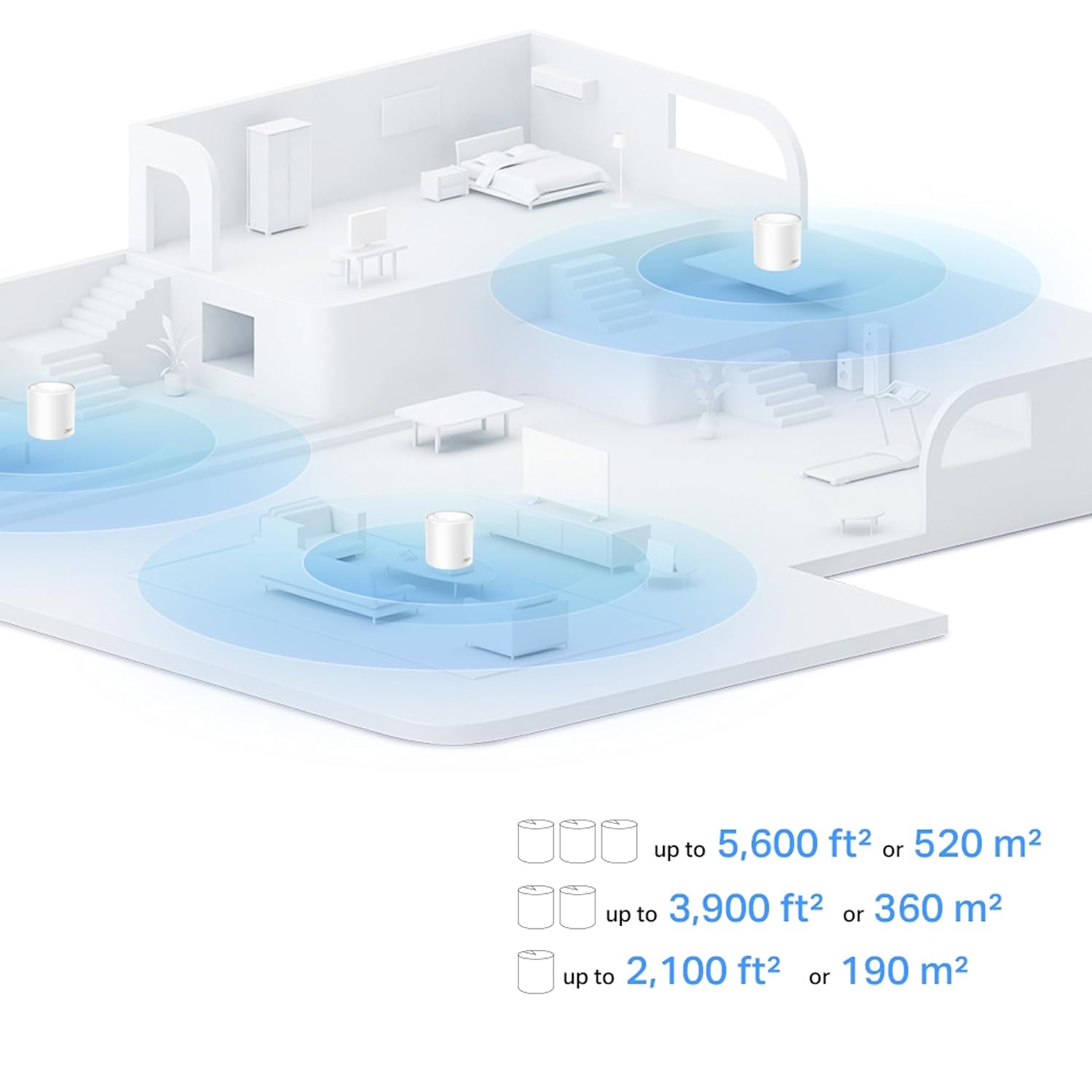
Image 8.2: Illustration of home coverage provided by Deco units, showing up to 2,100 ft² for a single unit, 3,900 ft² for two units, and 5,600 ft² for three units.

Image 8.3: Visual representation of the Deco X10's capacity to handle connections for up to 120 devices, supporting various activities like web browsing, smart home devices, 4K streaming, and high-speed downloading.
9. Кепилдик жана колдоо
For warranty information and technical support, please contact TP-Link customer service.
- Өндүрүүчү: TP-Link Corporation PTE.LTD.
- Импорттоочу (Индия): TP-Link India Private Limited.
- Байланыш: Акысыз чалуу 1800 2094 168, support.in@tp-link.com
- Онлайн колдоо: Расмий TP-Link сайтына кириңиз webКөп берилүүчү суроолор, микропрограммалык камсыздоону жүктөп алуу жана кошумча колдоо ресурстары үчүн сайт.
Ask a question about this manual
Ask about setup, troubleshooting, compatibility, parts, safety, or missing instructions. Manuals+ will review the question and use this page’s manual context to help answer it.