
1. Киришүү
This manual provides detailed instructions for the MEETION MT-M915 USB Gaming Mouse with Backlight. Please read this guide thoroughly before using the product to ensure correct installation, optimal performance, and to understand its features. This mouse is designed for gaming and general computer use, offering reliable performance and a comfortable design.
2. Пакеттин мазмуну
- MEETION MT-M915 USB Gaming Mouse
- Көрсөтмө (бул документ)
3. Системалык талаптар
- Operating System: Windows XP, Linux
- Compatible Devices: Personal Computer, Laptop
- Жеткиликтүү USB порт
4. Орнотуу
4.1 Чычканды туташтыруу
- Компьютериңизде же ноутбукуңузда жеткиликтүү USB портун табыңыз.
- Plug the USB connector of the MEETION MT-M915 mouse into the USB port.
- The operating system will automatically detect and install the necessary drivers. This is a plug-and-play device, so no additional software installation is typically required.
- The mouse backlight will illuminate upon successful connection.
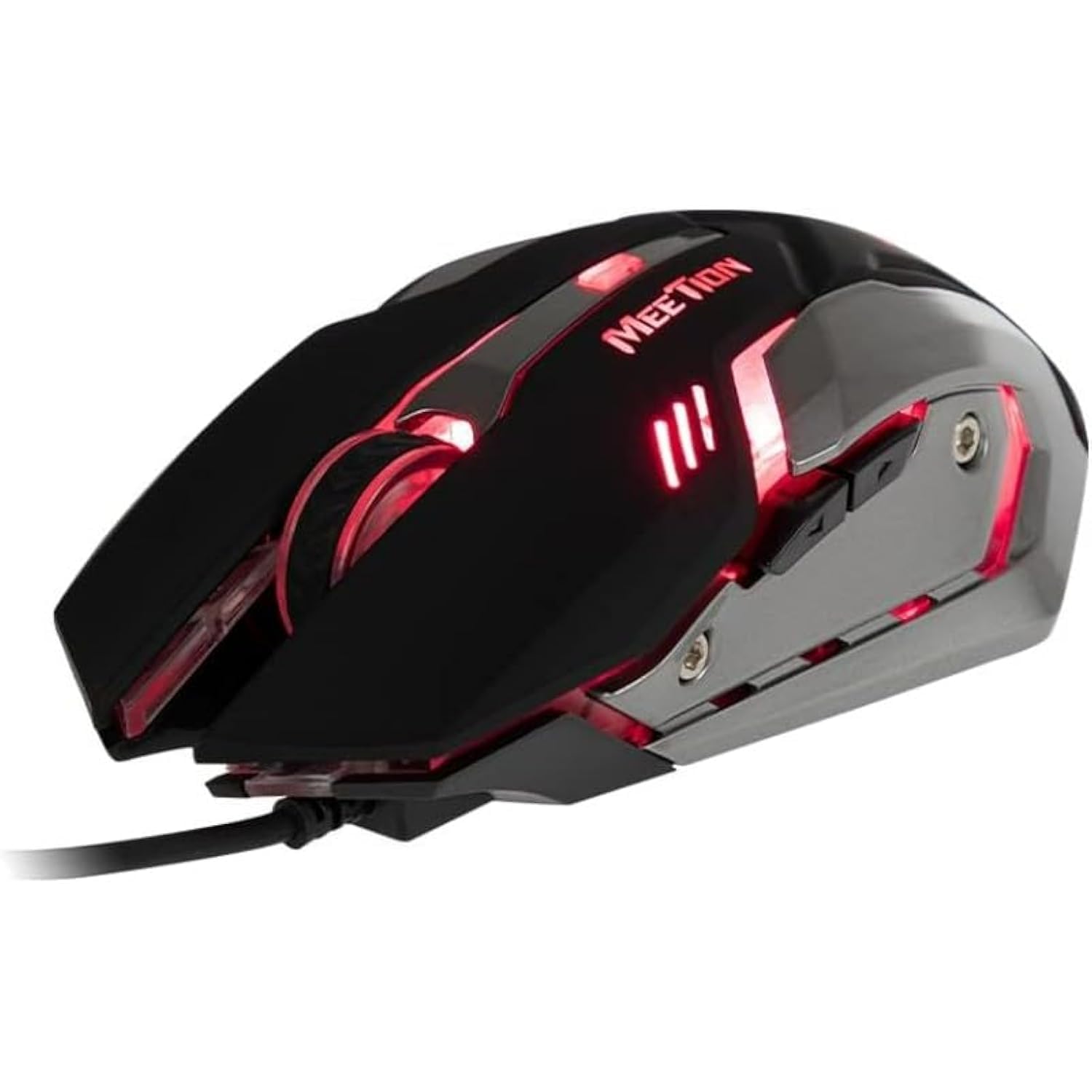
1-сүрөт: Каптал view of the MEETION MT-M915 mouse with red backlight.
5. Чычканды иштетүү
5.1 Негизги функциялар
- Сол чыкылдатуу: Primary action button, typically used for selecting items, opening files, or interacting with software.
- Оң чыкылдатуу: Secondary action button, typically used for opening context menus or accessing additional options.
- Жылдыруу дөңгөлөгү: Документтерди жылдыруу үчүн колдонулат жана web баракчалар. Ал ошондой эле ортоңку чыкылдатуу баскычы катары иштей алат.
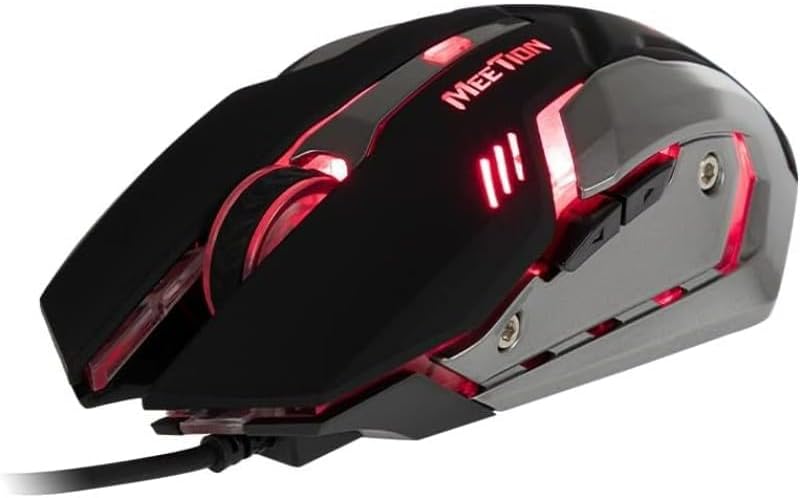
2-сүрөт: жогорудан ылдыйга view of the MEETION MT-M915 mouse, showing button layout.
5.2 Жарыктын иштеши
The MEETION MT-M915 mouse features an integrated backlight. The backlight activates automatically when the mouse is connected to a powered USB port. The color of the backlight may vary or cycle through different colors, as shown in Figure 3.

3-сүрөт: Каптал view of the MEETION MT-M915 mouse with purple backlight.
5.3 Эки тараптуу дизайн
The mouse is designed for ambidextrous use, meaning it can be comfortably used by both left-handed and right-handed individuals.
6. Техникалык тейлөө
6.1 Тазалоо
- Тазалоодон мурун чычканды компьютериңизден ажыратыңыз.
- Чычкандын бетин сүртүү үчүн жумшак, кургак чүпүрөктү колдонуңуз.
- өжөр кир үчүн, бир аз гampчүпүрөктү суу же жумшак тазалоо эритмеси менен жууп салыңыз. Катуу химиялык заттардан алыс болуңуз.
- Do not allow liquids to enter the mouse casing.
6.2 Сактоо
Чычканды узак убакыт бою колдонбогон учурда салкын, кургак жерде, күндүн түз нурунан жана өтө жогорку температурадан алыс сактаңыз.
7. Кыйынчылыктарды
7.1 Чычкан жооп бербейт
- USB кабели компьютериңиздеги иштеген USB портуна бекем сайылганын текшериңиз.
- Чычканды башка USB портуна сайып көрүңүз.
- Компьютериңизди өчүрүп күйгүзүңүз.
- Test the mouse on another computer to determine if the issue is with the mouse or your computer's USB ports.
7.2 Арткы жарык иштебейт
- Verify the mouse is properly connected to a powered USB port.
- If the mouse functions but the backlight does not, there might be an internal issue. Contact customer support if the mouse is still under warranty.
7.3 Курсордун туруксуз кыймылы
- Чычкандын астыңкы жагындагы оптикалык сенсордун таза жана чаңсыз же таштандысыз экенин текшериңиз.
- Чычканды таза, бирдей бетте колдонуңуз. Өтө жарык чагылдыруучу же тунук беттерден алыс болуңуз.
- Компьютериңизди өчүрүп күйгүзүп көрүңүз.
8. Техникалык шарттар
| Өзгөчөлүк | Деталь |
|---|---|
| Бренд | ЖОЛУГУШУУ |
| Модель аты | MT-M915 |
| Өндүрүүчү моделдин номери | CE ELECTRON-559 |
| Байланыш технологиясы | USB |
| Кыймылды аныктоо технологиясы | Оптикалык |
| Колдун багыты | Эки тараптуу |
| Өзгөчөлүктөр | Жеңил |
| Продукт үчүн сунушталган колдонуу | Оюндар |
| Шайкеш түзмөктөр | Персоналдык компьютер, ноутбук |
| Операция системасы | Linux, Windows XP |
| Элемент Салмагы | 50 грамм |
| Пакеттин өлчөмдөрү | 20.7 x 14.3 x 6.1 см |
| Батареялар камтылган | Жок |
9. Кепилдик жана колдоо
9.1 Кепилдик маалыматы
This product is covered by a standard manufacturer's warranty. Please refer to the warranty card included with your purchase or contact your retailer for specific warranty terms and conditions.
9.2 Кардарларды колдоо
For technical assistance, troubleshooting, or warranty claims, please contact the retailer where you purchased the product or visit the official MEETION webколдоо булактары үчүн сайт.