

Image: The Cuifati Smart WiFi Video Doorbell unit and its accompanying indoor chime.
1. Киришүү
This manual provides detailed instructions for the installation, operation, and maintenance of your Cuifati Smart WiFi Video Doorbell. Please read this manual thoroughly before using the product to ensure proper functionality and safety.
The Cuifati Smart WiFi Video Doorbell offers enhanced home security and convenience. It features a 2.4 GHz WiFi connection for live video feeds to your smartphone, HD night vision for clear visibility in low light, and a two-way talk function for communication with visitors. Its IP65 waterproof design ensures durability for outdoor installation, and it is powered by a rechargeable battery for ease of use.
2. Пакеттин мазмуну
Төмөндө тизмеленген нерселердин баары пакетиңизге камтылганын текшериңиз. Эгерде кандайдыр бир нерселер жок болсо же бузулса, кардарларды колдоо менен байланышыңыз.
- 1 x Visual Doorbell Unit
- 1 x Indoor Speaker (Chime Unit)
- 1 x Self-adhesive Tape
- 1 x заряддоо кабели
- 1 x User Manual

Image: Contents of the Cuifati Smart WiFi Video Doorbell package, including the doorbell unit, indoor chime, charging cable, and adhesive tape.
3. Техникалык шарттар
| Өзгөчөлүк | Description |
|---|---|
| Main Control Model | BK7252 |
| Үн киргизүү | High-sensitivity microphone |
| Үн чыгаруу | Интегралдык спикер |
| Батарея түрү | Камтылган 400mAh кайра заряддоого болгон литий батареясы |
| Байланыш | 2.4 GHz WiFi (up to 20 meters range) |
| Аба ырайына каршылык | IP65 суу жана чаң өткөрбөйт |
| Түнкү көрүнүш | Automatic HD night vision mode |
| Өлчөмдөр | 12 x 10 x 5 см (Пакет) |

Сүрөт: бүттүview of the Smart Video Doorbell highlighting features such as real-time monitoring by APP, 2.4GHz Wi-Fi Network, Infrared Night Vision, and Two-Way Audio.
4. Орнотуу
4.1 Коңгуроону заряддоо
Before initial use, fully charge the visual doorbell unit using the provided charging cable. Connect the cable to the doorbell's charging port and a standard USB power adapter (not included). The charging indicator will show the charging status.
4.2 Колдонмону орнотуу жана жупташтыруу
- Колдонмону жүктөп алыңыз: Издөө the designated smart home app (e.g., "Smart Life" or similar, as typically used for such devices) on your smartphone's app store (iOS or Android) and install it.
- Каттоо эсебин түзүү: Колдонмону ачып, жаңы аккаунтка катталыңыз же сизде мурунтан эле бар болсо кириңиз.
- Түзмөк кошуу: Follow the in-app instructions to add a new device. Typically, this involves selecting "Add Device" or a "+" icon, then choosing "Video Doorbell" or "Smart Camera".
- Power On Doorbell: Ensure the doorbell unit is powered on. It may enter pairing mode automatically, indicated by a flashing light.
- WiFi'га туташуу: The app will guide you to connect the doorbell to your 2.4 GHz WiFi network. Ensure your phone is also connected to the same 2.4 GHz network during setup.
- Жупташтыруу: The app might require you to scan a QR code displayed on your phone with the doorbell camera, or listen for a pairing sound. Follow the specific instructions provided by the app.
- Connect Indoor Speaker (Chime): The indoor speaker usually pairs automatically with the doorbell once the doorbell is connected to the app. If not, refer to the chime's specific pairing instructions (often a button press sequence).
The doorbell is ready for use once successfully connected to the app.

Image: A user interacting with the Cuifati Smart WiFi Video Doorbell and its corresponding mobile application, demonstrating the app's interface and connection to the doorbell.
4.3 Коңгуроону орнотуу
- Жайгашкан жерди тандоо: Эшиктин жанындагы ыңгайлуу жерди тандап, ачык-айкындуулукту камсыз кылыңыз view and good WiFi signal strength. The doorbell is IP65 rated for outdoor use.
- Таза бети: Clean the mounting surface thoroughly to ensure proper adhesion if using the self-adhesive tape.
- Тирке: Apply the self-adhesive tape to the back of the doorbell unit and firmly press it onto the desired surface. For a more secure installation, you may use screws (not included) if the surface allows.
5. Иштөө нускамалары
5.1 Эшиктин коңгуроосун ачуу
Конок эшиктин коңгуроо баскычын басканда:
- The indoor speaker (chime) will ring.
- You will receive an instant notification on your smartphone via the app.
- Колдонмону ачуу үчүн эскертмени таптап, view a live video feed of your visitor.
- Use the two-way talk function (microphone and speaker icons in the app) to communicate with the visitor.
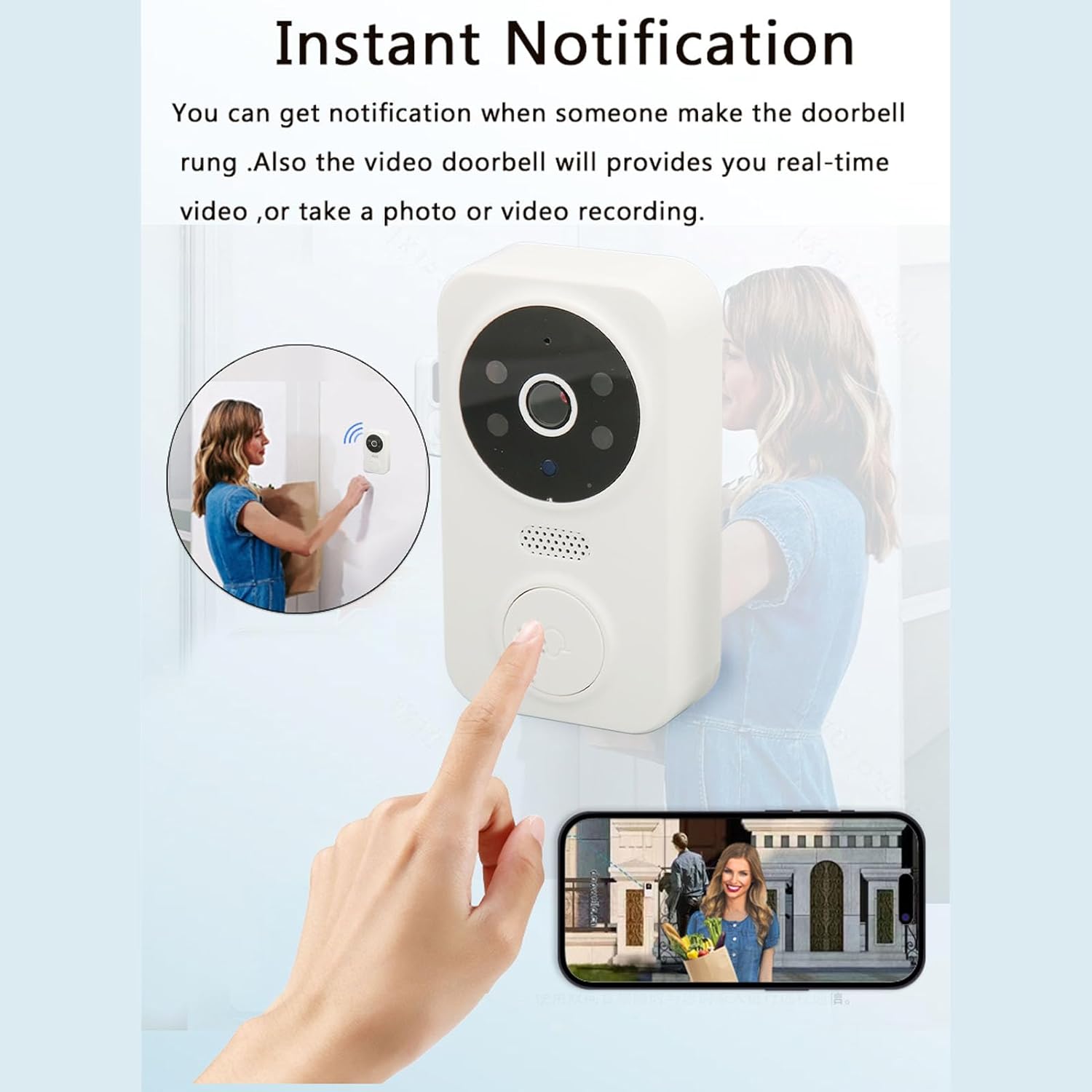
Image: A person pressing the Cuifati Smart WiFi Video Doorbell button, triggering an instant notification and live video feed on a smartphone, showing a visitor at the door.
5.2 Live View жана Мониторинг
You can access the live video feed from your doorbell at any time through the app, even if no one has pressed the doorbell. This allows for real-time monitoring of your doorstep.

Image: A smartphone displaying a live video feed from the Cuifati Smart WiFi Video Doorbell, illustrating its monitoring capabilities beyond just a doorbell function.
5.3 Түнкү көрүнүш
The doorbell automatically switches to HD night vision mode in low-light conditions, providing clear video footage even in complete darkness. This ensures continuous security monitoring around the clock.

Image: A split image demonstrating the Cuifati Smart WiFi Video Doorbell's infrared night vision, showing a clear view of a house at night compared to a daytime view.
5.4 Video Recording and Snapshots
Depending on the app's features and your subscription (if applicable), you may be able to record video or take snapshots of live events. Refer to the app's interface for these options.
6. Техникалык тейлөө
6.1 Тазалоо
Periodically clean the doorbell's camera lens and body with a soft, damp cloth to remove dust and dirt. Avoid using harsh chemicals or abrasive cleaners, as these can damage the device.
6.2 Батареяны башкаруу
The doorbell is powered by a rechargeable battery. When the battery level is low, the app will typically notify you. Recharge the doorbell using the provided USB cable. For optimal battery life, avoid extreme temperatures.
6.3 Программалык камсыздоо жаңыртуулары
Ensure your doorbell's firmware and the companion app are kept up-to-date. Check the app regularly for available updates, which often include performance improvements and security enhancements.
7. Кыйынчылыктарды
- Кубат жок/күйгүзүлбөйт:
Ensure the doorbell is fully charged. Connect it to the charging cable and allow it to charge for several hours.
- WiFiга туташа албай жатат:
Verify that your WiFi network is 2.4 GHz. The doorbell does not support 5 GHz networks. Ensure the doorbell is within range of your WiFi router. Restart your router and try the pairing process again.
- Телефондо эскертмелер жок:
Check your phone's app notification settings to ensure notifications for the doorbell app are enabled. Also, verify that the app is running in the background or has necessary permissions.
- Видеонун сапаты начар:
Ensure the camera lens is clean. Check your WiFi signal strength at the doorbell's location; a weak signal can affect video streaming quality. Move the router closer or consider a WiFi extender.
- Эки тараптуу аудио иштебейт:
Check the microphone and speaker settings within the app. Ensure your phone's volume is up. There might be a slight delay in audio transmission due to network conditions.
- Indoor Chime Not Ringing:
Ensure the indoor speaker is powered on and properly paired with the doorbell. Refer to the chime's specific instructions for re-pairing if necessary.
8. Кепилдик жана колдоо
For warranty information, please refer to the purchase documentation or contact your retailer. If you encounter any issues not covered in this manual or require further assistance, please contact Cuifati customer support through the retailer's platform or the contact information provided with your purchase.
Сураныч, кириңиз Куифати дүкөнү көбүрөөк продукт маалымат жана колдоо ресурстар үчүн.