
1. Киришүү
This manual provides detailed instructions for the installation, operation, and maintenance of your XGP Motorcycle Bluetooth Headset V5.2. Please read this manual thoroughly before using the product to ensure proper function and safety. This device is designed to enhance your riding experience by providing clear communication, music playback, and navigation audio.
2. Продукт бүтүп калдыview
2.1. Пакеттин мазмуну
The XGP Motorcycle Bluetooth Headset package includes the following components:
- XGP Main Unit (x1)
- Колдонуучунун колдонмосу (x1)
- TYPE-C Charging Cable (x1)
- 40mm Hi-Fi Speaker Set (x1)
- Бум микрофону (x1)
- Button Microphone (x1)
- Metal Bracket Set (x1)
- 3M Sticker Bracket Set (x1)
- Speaker Pads (x1 set)
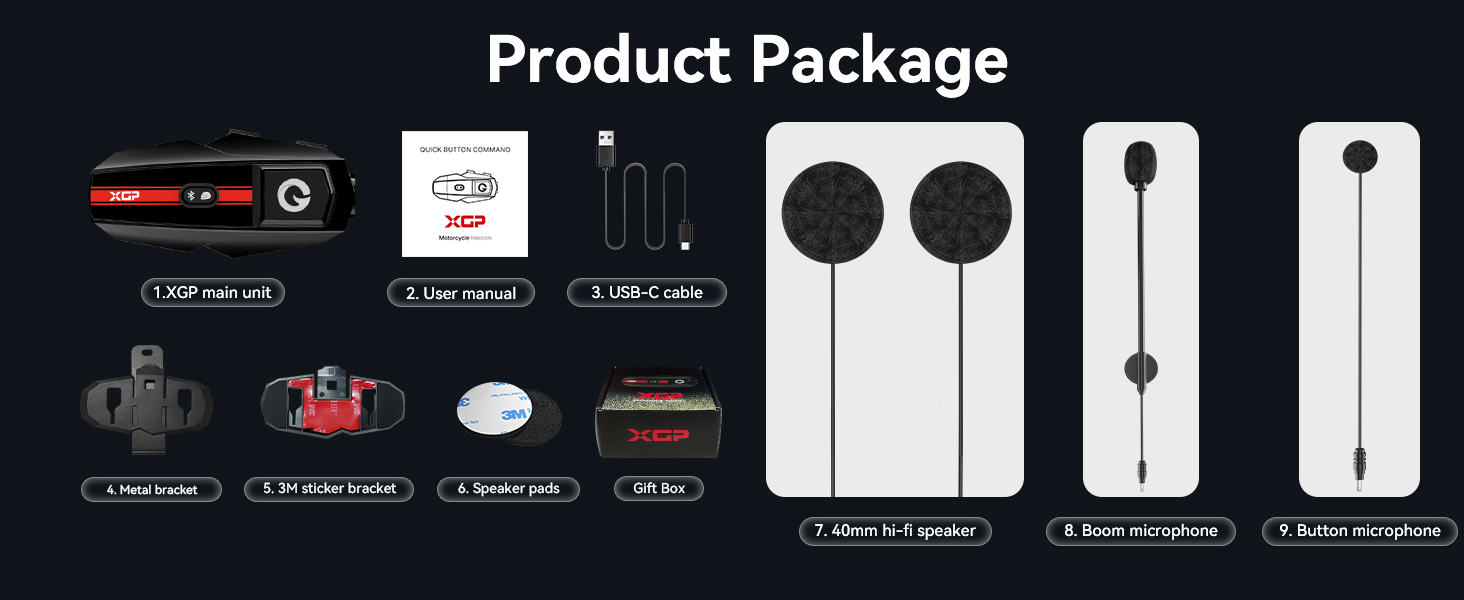
Image: Contents of the XGP Motorcycle Bluetooth Headset package.
2.2. Негизги өзгөчөлүктөрү
- Bluetooth V5.2: Ensures faster data transmission, lower latency, and a broader transmission range.
- 2 тараптуу домофон: Supports communication between two riders up to 1200 meters.
- Музыка бөлүшүү: Allows two XGP units to share the same music simultaneously.
- DSP/CVC Noise Cancellation: Triple noise reduction technology for clear audio.
- 40mm Hi-Fi Stereo Speaker: Delivers high-quality audio with clear bass, mid-range, and treble.
- IP67 Суу өткөрбөйт: Comprehensive waterproof design to resist water ingress.
- Батареянын узак иштөө мөөнөтү: 1000mAh battery provides up to 30 hours music playback or 35 hours intercom/call time.
- Универсалдуу жупташуу: Compatible with other brands of helmet headsets.
- Үн жардамчысы: Supports Google Assistant and Apple's Siri.
- Жеңил дизайн: Weighs only 39g and is 15mm thick for minimal burden.

Сүрөт: алдыңкы view of the XGP Motorcycle Bluetooth Headset main unit.
3. Орнотуу
3.1. Орнотуу
The XGP headset is designed for easy and secure installation on most helmets. You have two primary mounting options:
- Clip Mount (Metal Bracket): Securely attach the metal bracket to the edge of your helmet. This method provides a firm grip without adhesive.
- Adhesive Mount (3M Sticker Bracket): Use the 3M adhesive bracket for a semi-permanent attachment to a flat surface on your helmet. Ensure the surface is clean and dry before applying.
Once the main unit bracket is installed, insert the speakers into the helmet's ear pockets. Use the provided speaker pads to adjust the distance for optimal audio clarity and comfort. Route the microphone cable and attach either the boom microphone (for open-face helmets) or the button microphone (for full-face helmets) to a position near your mouth for best voice pickup.

Image: Dimensions of the XGP headset, highlighting its compact and lightweight design.
3.2. Аппаратты заряддоо
Before first use, fully charge the XGP headset. Connect the provided TYPE-C charging cable to the headset and a 5W-rated power adapter. A full charge takes approximately 2 hours.
- Заряддоо убактысы: Болжол менен 2 саат.
- Батареянын иштөө мөөнөтү: Up to 30 hours of music playback, 35 hours of intercom/call time, and 360 hours of standby time.

Image: XGP headset charging via Type-C, displaying battery performance metrics.
Заряддоо чарасы:
Always use a 5W-rated power adapter for charging. Non-compliance may lead to severe battery degradation or device failure. If voltage compatibility cannot be verified, charge the device via your computer's USB port using the included USB cable.
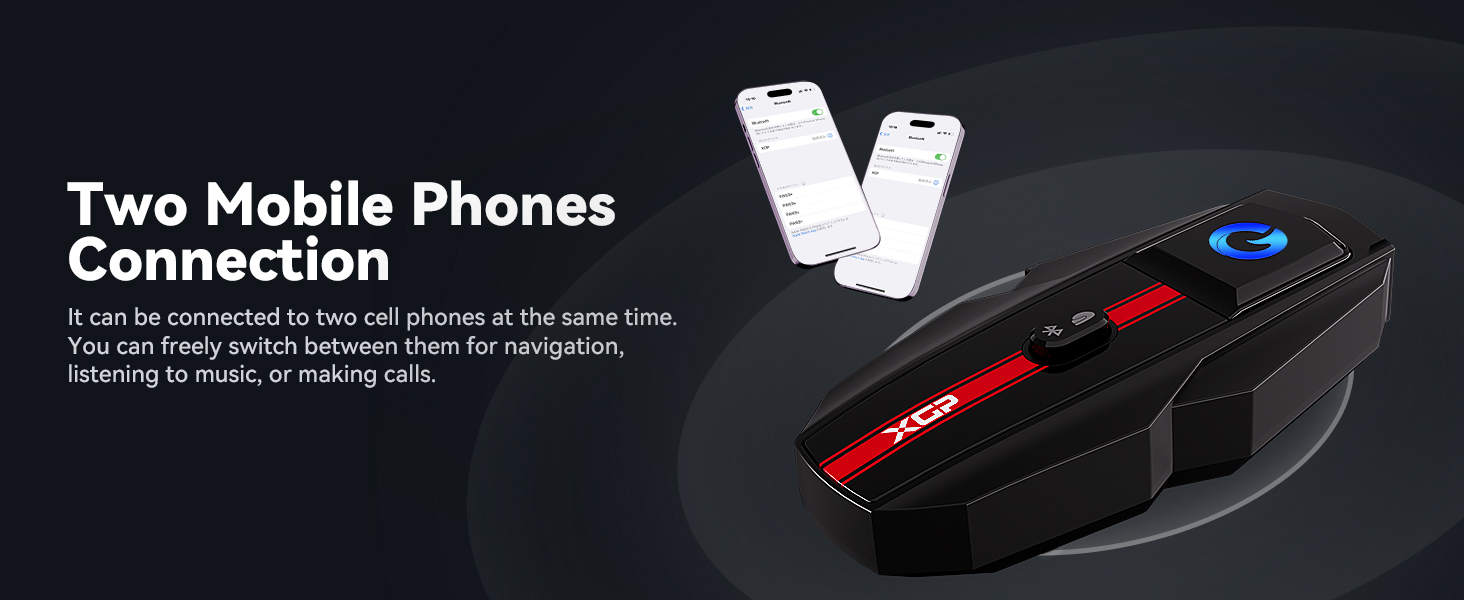
Image: Important charging guidelines for the XGP headset.
4. Иштөө нускамалары
4.1. Күйгүзүү/өчүрүү
Refer to the device's main button for power control. Typically, a long press will power the unit on or off.
4.2. Мобилдик түзмөк менен Bluetooth жупташтыруу
- Ensure the XGP headset is powered off.
- Press and hold the main button until the LED indicator flashes rapidly, indicating pairing mode.
- Мобилдик түзмөгүңүздө Bluetooth иштетип, жеткиликтүү түзмөктөрдү издеңиз.
- Select "XGP" from the list to connect. A voice prompt will confirm successful pairing.
4.3. Домофон байланышы (2 чабандес)
The XGP headset supports 2-way intercom communication up to 1200 meters. To initiate an intercom talk:
- Ensure both XGP units are powered on and within range.
- Press the intercom button on both devices simultaneously.
- The units will automatically connect, and you can begin communicating. This process typically takes about 5 seconds.
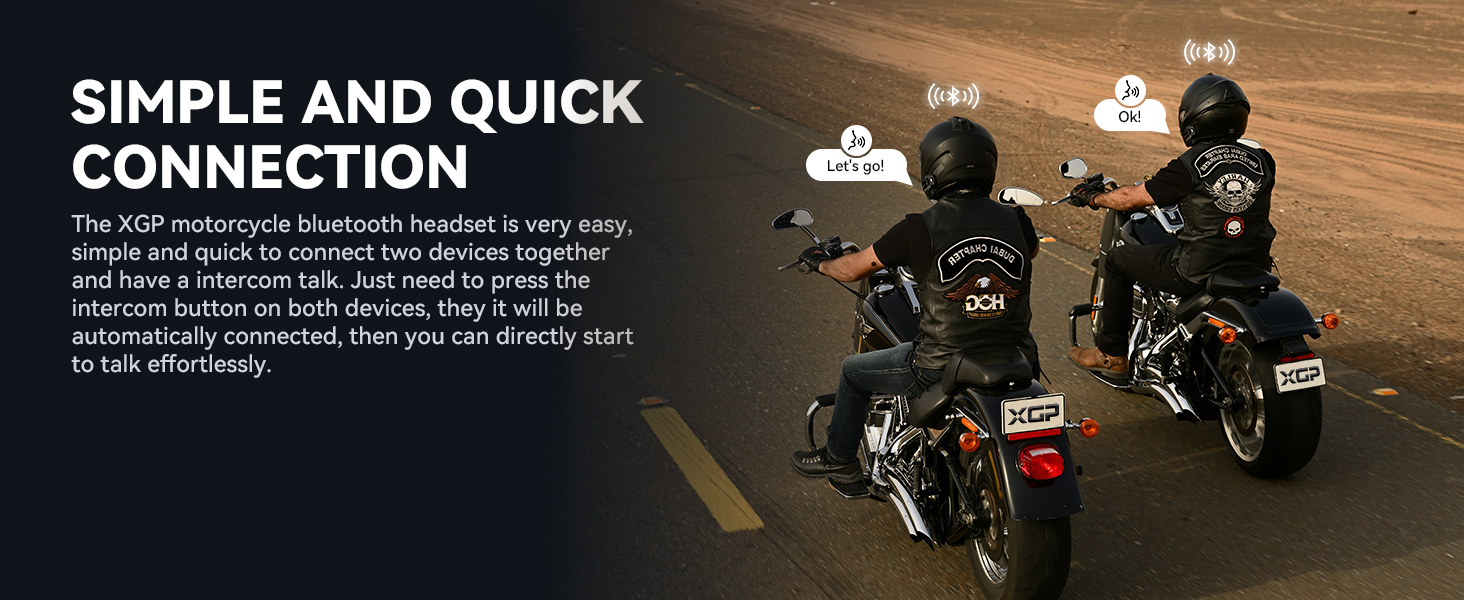
Image: Illustration of two riders establishing quick intercom connection.
4.4. Музыка ойнотуу жана бөлүшүү
Once connected to your mobile device, you can play music. The XGP headset also features music sharing:
- Музыка ойнотуу: Use your mobile device or the headset's controls to play, pause, skip tracks, and adjust volume.
- Музыка бөлүшүү: Connect two XGP units to share the same music. This function is effective within a 50-meter range.
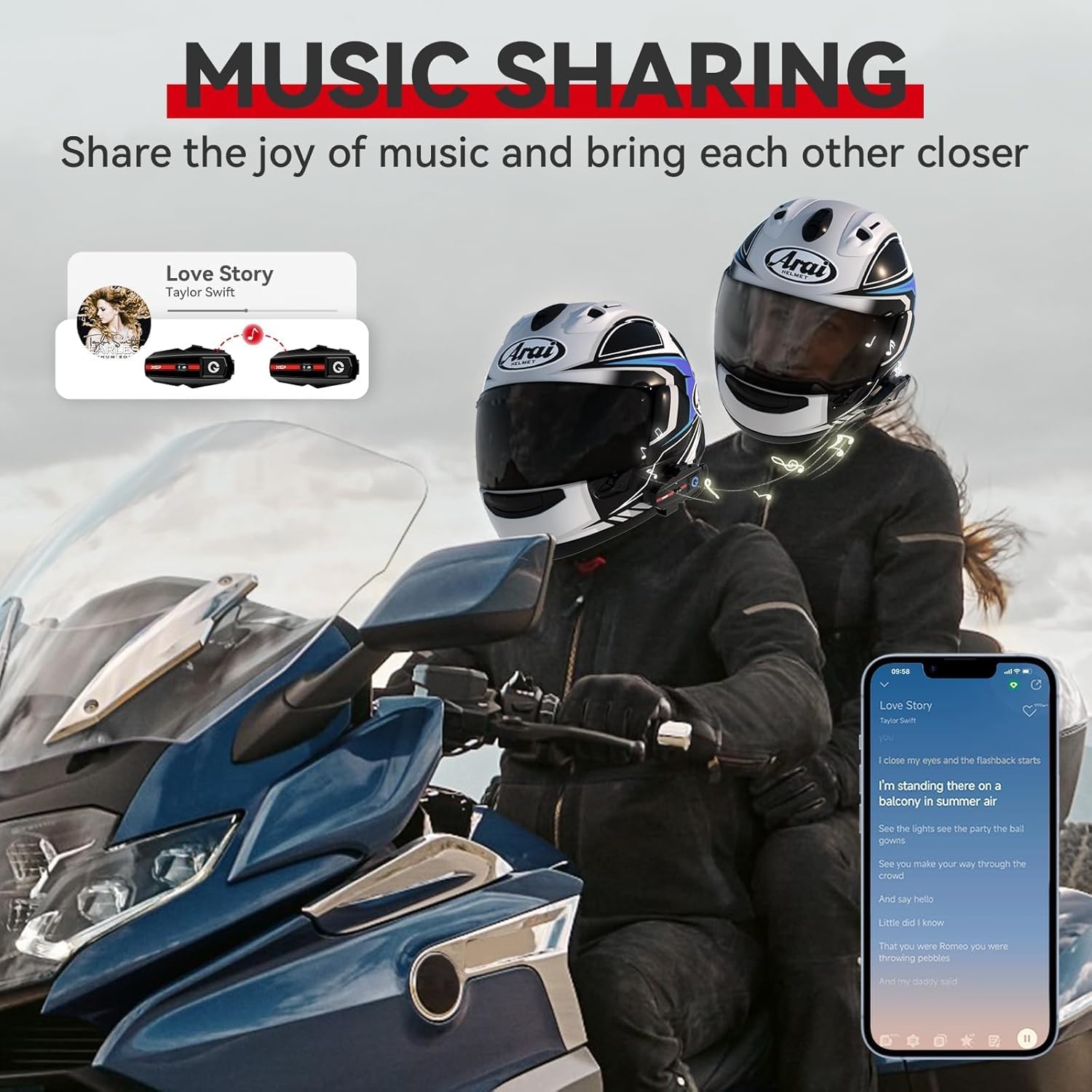
Image: Two riders enjoying shared music through their XGP headsets.
4.5. Phone Calls and Voice Assistant
- Чалууларга жооп берүү / аяктоо: Use the designated button on the headset to answer or end phone calls.
- Үн жардамчысы: Activate Google Assistant or Apple's Siri with a simple voice command or button press (refer to specific button functions in the quick start guide). This allows for hands-free navigation, music control, and calls.
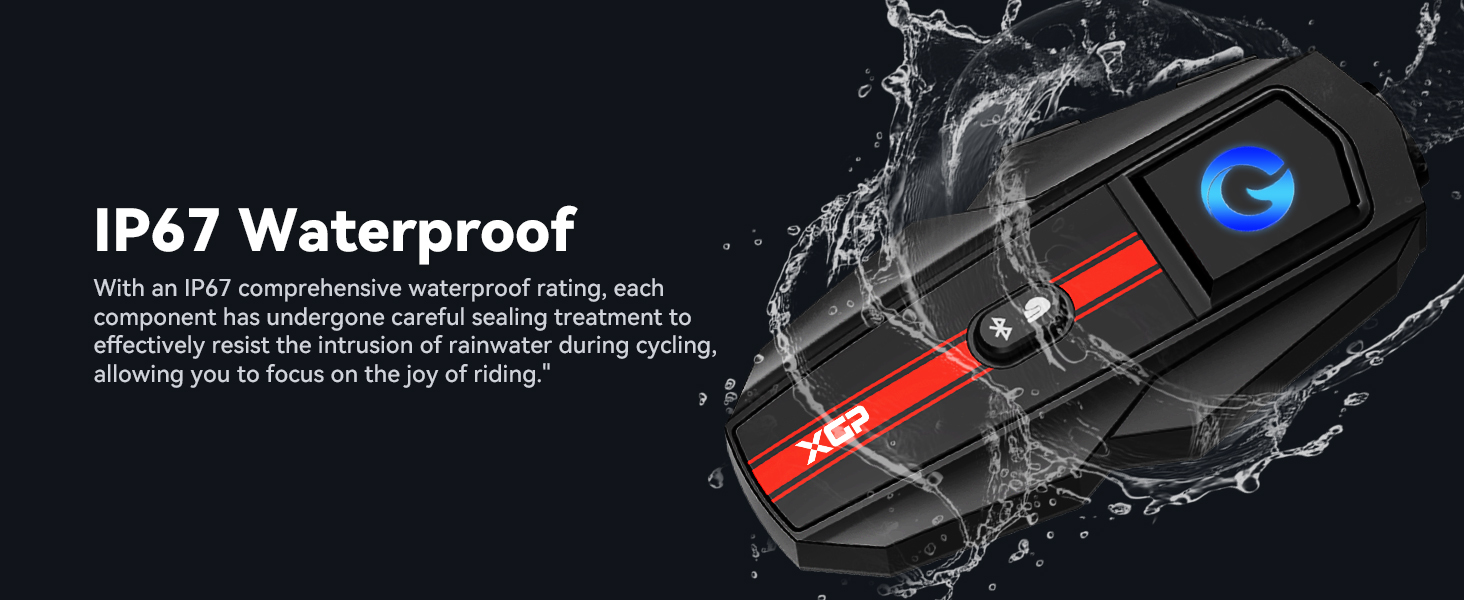
Image: A rider utilizing voice assistant features for hands-free control.
4.6. Универсалдуу байланыш
The XGP headset is designed to be compatible with other brands of helmet headsets, offering flexibility in group rides. Follow the pairing instructions for universal pairing as outlined in the quick start guide or the other headset's manual.

Image: Visual representation of the XGP headset's universal connectivity feature.
5. Техникалык тейлөө
5.1. Тазалоо
Гарнитураны жумшак менен сүртүңүз, damp cloth. Avoid using harsh chemicals or abrasive cleaners, as these can damage the device's finish and seals.
5.2. Гидроизоляция
The XGP headset has an IP67 waterproof rating, meaning it is protected against dust and can withstand immersion in water up to 1 meter for 30 minutes. While designed to resist rain and splashes during riding, avoid prolonged submersion or high-pressure water jets.
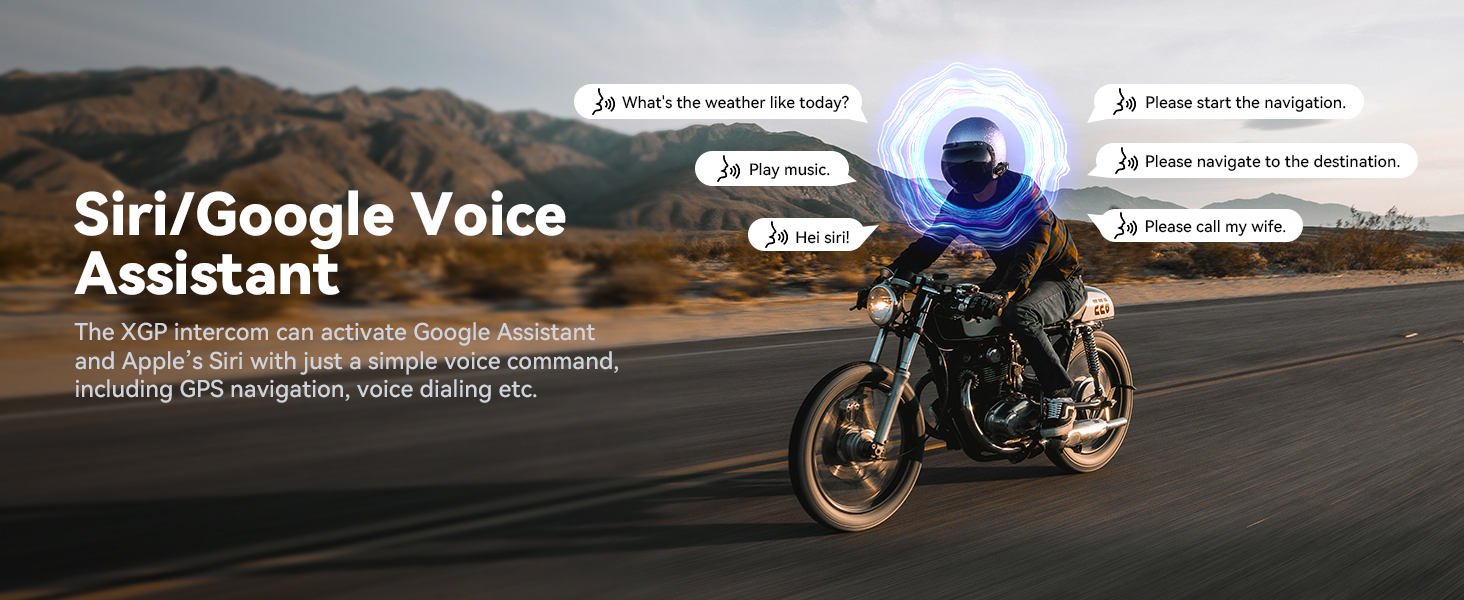
Image: XGP headset showcasing its IP67 waterproof capability.
5.3. Сактоо
When not in use for extended periods, store the headset in a cool, dry place. It is recommended to charge the battery to about 50% before long-term storage to preserve battery health.
6. Кыйынчылыктарды
6.1. Күч жок
- Ensure the battery is charged. Connect the headset to a power source and check if the charging indicator lights up.
- Кубаттоочу кабель жана адаптер туура иштеп жатканын текшериңиз.
6.2. Cannot Pair Bluetooth
- Ensure the headset is in pairing mode (rapidly flashing LED).
- Make sure Bluetooth is enabled on your mobile device and it is discoverable.
- Move the headset closer to the mobile device.
- Try restarting both the headset and your mobile device.
6.3. Poor Audio Quality / Excessive Noise
- Ensure speakers are correctly positioned over your ears inside the helmet.
- Verify the microphone is positioned close to your mouth and not obstructed.
- The XGP headset utilizes DSP/CVC noise reduction technology to minimize environmental noise. If noise persists, check microphone placement and ensure it's not picking up excessive wind noise directly.
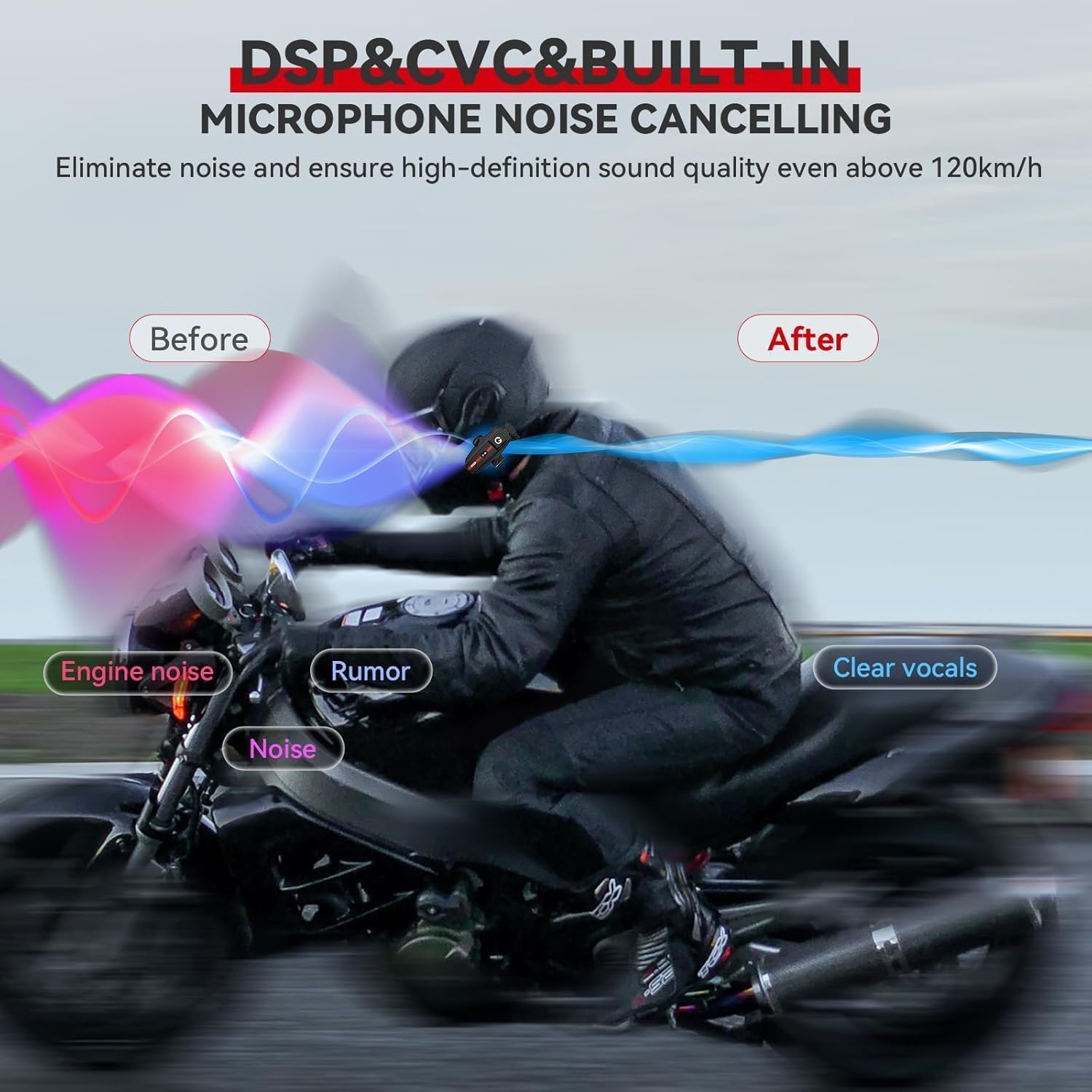
Image: Diagram explaining the effectiveness of DSP/CVC noise cancellation.
6.4. Домофонду өчүрүү
- Ensure both units are within the 1200m operating range. Obstacles like buildings or dense terrain can reduce range.
- If disconnected, press the intercom button on both units again to re-establish the connection.
7. Техникалык шарттар
| Өзгөчөлүк | Спецификация |
|---|---|
| Модель аты | XGP SP |
| Bluetooth версиясы | 5.2 |
| Байланыш технологиясы | Зымсыз (Bluetooth) |
| Домофон аралык | Up to 1200m (2 riders) |
| Батарея сыйымдуулугу | 1000 мАч литий полимери |
| Заряддоо убактысы | 2 саат |
| Музыканы ойнотуу убактысы | 30 саатка чейин |
| Intercom/Call Time | 35 саатка чейин |
| Күтүү убактысы | 360 саатка чейин |
| Сууга туруктуулук деңгээли | IP67 |
| Noise Control | Active Noise Cancellation (DSP/CVC) |
| Аудио драйверинин өлчөмү | 40 мм |
| Жыштык диапазону | 20 Гц - 20 000 Гц |
| Элемент Салмагы | 0.317 унция (болжол менен 9 грамм) |
| Продукциянын өлчөмдөрү | 3.27 x 1.65 x 0.51 дюйм |
| Материал | Акрилонитрил бутадиен стирол (ABS) |
| Башкаруу түрү | Touch, Google/Siri Assistant |
8. Кепилдик жана колдоо
8.1. Кепилдик маалыматы
XGP products are backed by a manufacturer's warranty. Please refer to the warranty card included in your product packaging or visit the official XGP webКепилдиктин толук шарттары жана эрежелери үчүн сайтты караңыз. Кепилдик, адатта, кадимки колдонуудагы өндүрүштүк кемчиликтерди камтыйт.
8.2. Кардарларды колдоо кызматы
For technical assistance, troubleshooting, or any inquiries regarding your XGP Motorcycle Bluetooth Headset, please contact XGP customer support. Contact information can usually be found on the official XGP webсайтында же продуктунун таңгагында.
When contacting support, please have your product model (XGP) and purchase details ready.