
FUVISION 4G LTE Cellular Trail Camera 2.7K
FUVISION 4G LTE Cellular Trail Camera User Manual
Model: 4G LTE Cellular Trail Camera 2.7K
Introduction
Thank you for choosing the FUVISION 4G LTE Cellular Trail Camera. This manual provides detailed instructions for setting up, operating, and maintaining your camera to ensure optimal performance. This camera is designed for remote monitoring of wildlife, property, or other outdoor areas, offering high-resolution imaging and cellular connectivity for real-time alerts and viewing.
Кутуда эмне бар
Carefully unpack all components and check for any damage. If any items are missing or damaged, please contact customer support.
- 1 x 4G LTE Cellular Trail Camera
- 1 x 5W Solar Power Panel
- 1 x Bracket for solar panel
- 1 x Detailed user manual (this document)
- Кайра заряддалуучу батарейкалар (алдын ала орнотулган же өзүнчө камтылган)

Image: All components included in the package, laid out on a table.
Продукт бүттүview
The FUVISION 4G LTE Cellular Trail Camera is a robust and versatile device designed for outdoor surveillance. It features a durable, camouflage-patterned casing, an integrated solar panel for continuous power, and advanced imaging capabilities.
Негизги өзгөчөлүктөрү:
- 4G LTE байланышы: Enables remote viewing and direct app notifications without Wi-Fi.
- Жогорку чечилиштеги тартуу: 2.7K Ultra HD video and 14MP photos for clear imaging.
- Түнкү көрүнүш: Enhanced low-light night vision for clear recordings in darkness.
- Тез триггер ылдамдыгы: 0.2-second trigger speed to capture fast-moving subjects.
- Dual Activation: Triggered by PIR motion or via the mobile app.
- Туруктуу күч: 7800mAh battery with a 5W solar panel for extended operation.
- Туруктуу дизайн: Сыртта колдонуу үчүн IP67 суу өткөрбөйт.
- Сактоо параметрлери: Supports up to 128GB Micro SD cards (not included) and offers cloud storage.
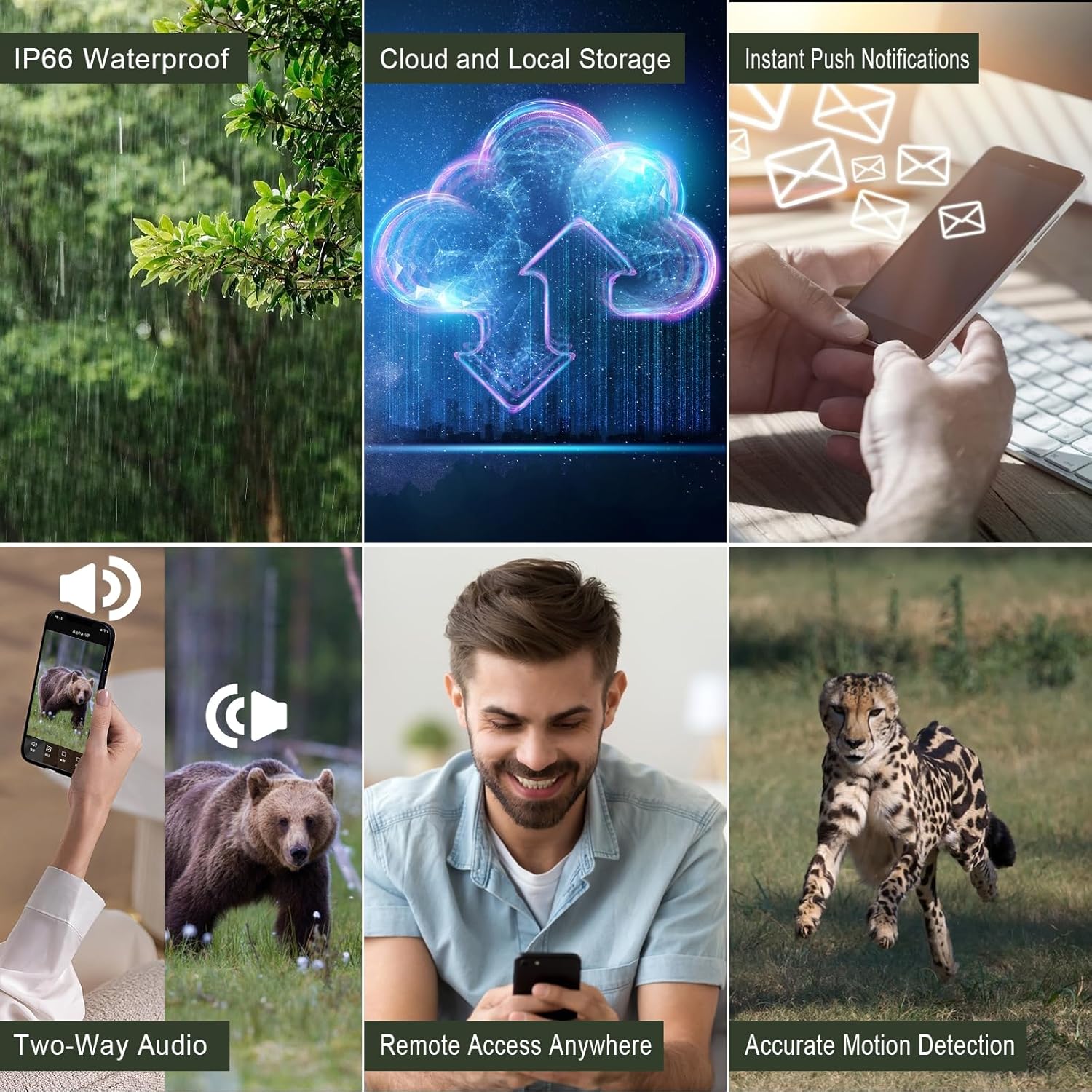
Image: Visual representation of the camera's key functionalities, including its robust design and connectivity features.
Орнотуу колдонмосу
Follow these steps for the initial setup of your FUVISION Trail Camera.
1. Кутудан чыгаруу жана компоненттерди текшерүү
Refer to the 'What's in the Box' section to ensure all components are present.
2. Батареяны жана SIM картаны орнотуу
- Open the camera's latch to access the battery compartment.
- Ensure the 7800mAh rechargeable batteries are correctly inserted.
- Insert the pre-installed SIM card into its designated slot. Note: This camera works with the pre-installed SIM card only.
- Close the compartment securely to maintain the IP67 waterproof seal.
Video: A demonstration of unboxing the camera, installing the antenna, opening the battery compartment, inserting the SIM card, and powering on the device. It also shows the initial app setup and connecting the solar panel.
3. Колдонмону жүктөп алуу жана жупташтыруу
- Download the official FUVISION app from your smartphone's app store (iOS compatible).
- Open the app and follow the on-screen instructions to create an account and pair your camera.
- Scan the QR code on the camera or follow the app's discovery process.
- Once paired, you will receive a confirmation message.

Image: The trail camera in an outdoor setting, highlighting its 4G LTE connectivity and app control features for remote monitoring.
4. Күн батареясын туташтыруу
Connect the 5W solar panel to the camera's charging port. Mount the solar panel in a location that receives ample direct sunlight to ensure continuous charging of the internal battery.
Иштөө нускамалары
Your FUVISION Trail Camera offers flexible operation modes for various monitoring needs.
Тартуу режимдери:
- PIR Motion Trigger: The camera automatically captures photos or videos when motion is detected by the Passive Infrared (PIR) sensor.
- App Activation: Manually trigger photo or video capture, or initiate live streaming directly from the mobile app.

Image: The camera can be activated by motion detection or controlled remotely via the mobile application for real-time monitoring.
Viewing and Storage:
- Түз агым: Access 2.7K live video feed through the app.
- Сүрөт/Видеону ойнотуу: View captured 14MP photos and 2.7K videos directly from the app.
- Жергиликтүү сактагыч: Recordings are saved to a Micro SD card (up to 128GB, not included).
- Булуттагы сактагыч: Utilize the 30-day free trial for cloud storage and playback functionality.
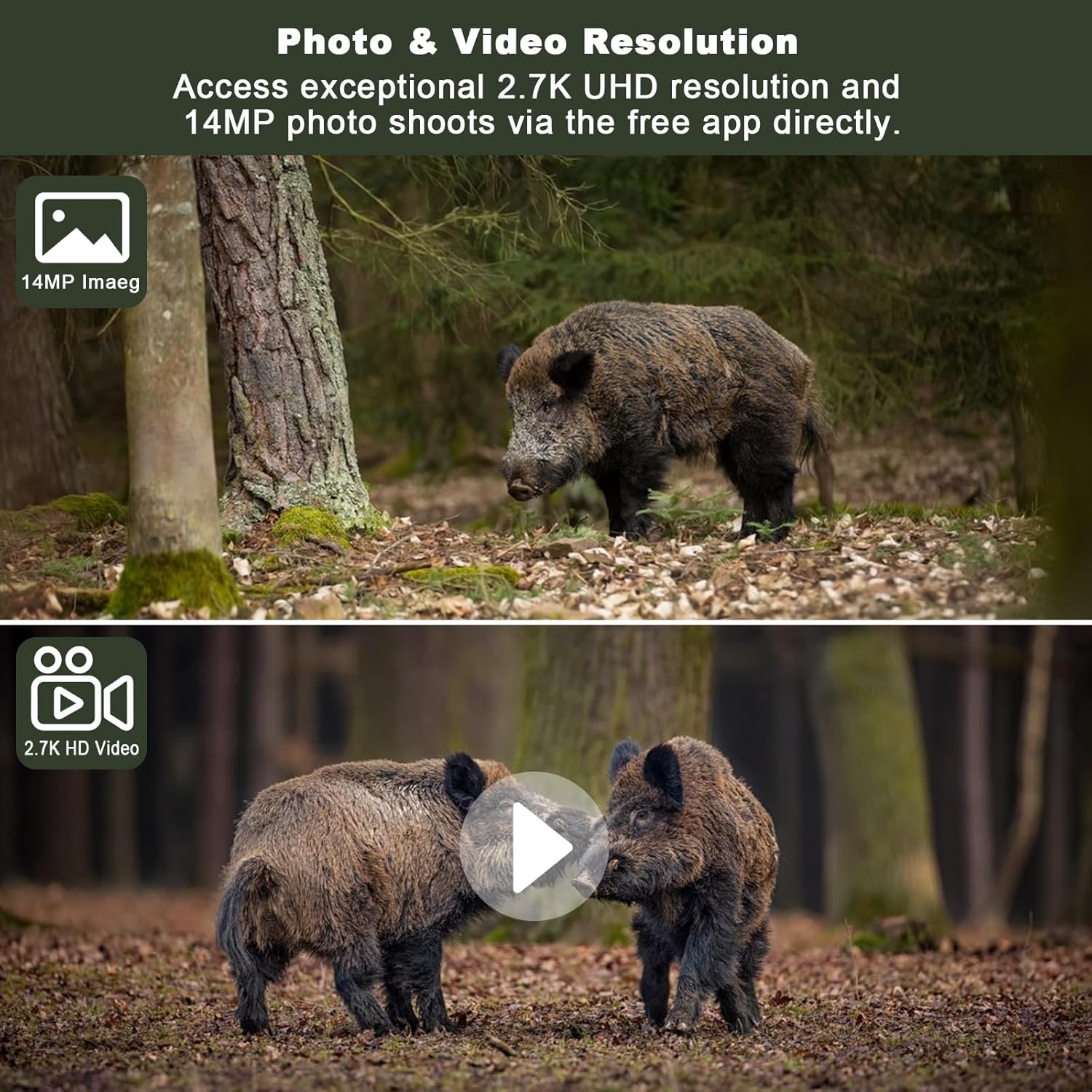
Сүрөт: Мисamples of the high-resolution photo (14MP) and video (2.7K UHD) capabilities of the camera, showcasing detailed captures of wildlife.
Түнкү көрүнүш:
The camera is equipped with enhanced non-glow night vision, allowing it to capture clear images and videos in complete darkness without emitting visible light that could disturb wildlife.

Image: The camera's night vision captures clear images of animals in low-light conditions, making it difficult for them to detect the camera.
Техникалык тейлөө
Түзөтүү камераңыздын узак мөөнөттүү иштешин жана оптималдуу иштешин туура тейлөө камсыздайт.
Тазалоо:
- Wipe the camera lens and solar panel regularly with a soft, clean cloth to remove dust and debris.
- Абразивдүү тазалагычтарды же эриткичтерди колдонбоңуз.
Батарея башкаруу:
The integrated 5W solar panel helps maintain the 7800mAh battery charge. For best results, ensure the solar panel is positioned to receive maximum sunlight. If the camera is stored for extended periods, fully charge the batteries before storage and recharge periodically.

Image: The camera's solar panel provides continuous power, ensuring extended operation in the field.
Сактагыч:
Колдонулбаганда камераны күн нурунан жана өтө температурадан алыс салкын, кургак жерде сактаңыз.
Проблемаларды чечүү
Эгер камераңызда көйгөйлөргө туш болсоңуз, төмөнкү жалпы көйгөйлөрдү жана чечимдерди караңыз:
| Көйгөй | Мүмкүн себеп | Чечим |
|---|---|---|
| Камера күйбөй жатат | Low battery; Incorrect battery installation | Charge batteries fully; Reinstall batteries correctly. |
| Уюлдук сигнал жок | Poor network coverage; SIM card issue | Relocate camera to an area with better signal; Contact SIM card provider if issues persist. |
| Эч кандай сүрөт/видео тартылган жок | PIR sensitivity too low; SD card full/corrupted; Incorrect settings | Adjust PIR sensitivity in app; Format or replace SD card; Check camera settings in app. |
| Колдонмого туташуу маселелери | Network problem; App outdated | Check phone's internet connection; Update app to the latest version. |
| Күн панели заряддалбай жатат | Insufficient sunlight; Panel obstructed/dirty | Relocate panel to direct sunlight; Clean panel surface. |
Техникалык шарттар
| Өзгөчөлүк | Деталь |
|---|---|
| Модель аты | 4G LTE Cellular Trail Camera 2.7K |
| Видео тартуунун резолюциясы | 2560 x 1440 (2.7K UHD) |
| Натыйжалуу дагы эле чечим | 14 депутат |
| Байланыш технологиясы | 4G LTE уюлдук байланыш |
| Power Source | Күн энергиясы менен иштейт (5 Вт күн панели) |
| Батарея сыйымдуулугу | 7800 мАч литий-ион |
| Триггер ылдамдыгы | 0.2 секунд |
| Түнкү көрүү диапазону | 20 метр |
| Сууга туруктуулук деңгээли | IP67 |
| Колдоого алынган максималдуу флэш-эс тутуму | 128 ГБ (Micro SD) |
| Viewбурч | 120 градус |
| Материал | Акрилонитрил бутадиен стирол (ABS) |
| Элемент Салмагы | 1.92 фунт |
Кепилдик жана колдоо
FUVISION products are designed for reliability and performance. For warranty information and technical support, please refer to the contact details provided with your purchase or visit the official FUVISION webсайт.
Кошумча жардам алуу үчүн, сиз ошондой эле кайрылсаңыз болот Колдонуучунун колдонмосу (PDF) онлайн жеткиликтүү.
Ask a question about this manual
Ask about setup, troubleshooting, compatibility, parts, safety, or missing instructions. Manuals+ will review the question and use this page’s manual context to help answer it.