
1. Киришүү
The Promate Capsule-3 is a portable Bluetooth speaker designed to deliver high-definition audio with versatile connectivity options. This manual provides essential information for setting up, operating, and maintaining your speaker to ensure optimal performance.
2. Кутуда эмне бар
Carefully unpack your Promate Capsule-3 speaker. The package should contain the following items:
- 1 x Promate Capsule-3 Bluetooth Speaker
- 1 x User Manual
3. Продукт бүтүп калдыview
The Promate Capsule-3 speaker features a 5W audio output, True Wireless Stereo (TWS) technology for pairing two speakers, and integrated rainbow LED lights. It supports multiple playback modes including Bluetooth v5.3, TF Card, USB Media Port, and 3.5mm AUX input. The compact design includes a lanyard for portability, and it is powered by a built-in 500mAh rechargeable lithium battery providing up to 6 hours of playtime.
Video 1: Promate Capsule-3 Speaker Overview. This video provides a brief introduction to the Promate Capsule-3 Bluetooth Speaker, highlighting its key features and design.

Image 1: True Wireless Stereo Sound. The image displays the Promate Capsule-3 speaker, emphasizing its 5-watt output and True Wireless Stereo (TWS) capability for enhanced audio.

Image 2: Rainbow LED Lights. This image shows the speaker with its vibrant rainbow LED lights, illustrating its ability to enhance the ambiance of any environment.
4. Орнотуу
4.1 Динамикти заряддоо
- Connect the charging cable to the DC 5V port on the speaker.
- Кабелдин экинчи учун USB кубат адаптерине (кошумча эмес) же компьютердин USB портуна туташтырыңыз.
- The LED indicator will show charging status. Once fully charged, the indicator will change or turn off.
4.2 Күйгүзүү/өчүрүү
- To power on, press and hold the Power button until the LED lights illuminate and an audible prompt is heard.
- To power off, press and hold the Power button again until the LED lights turn off and an audible prompt is heard.
5. Иштөө нускамалары
5.1 Bluetooth жупташтыруу
- Ensure the speaker is powered on and in Bluetooth pairing mode (LED indicator will flash).
- Түзмөгүңүздө (смартфон, планшет, ноутбук) Bluetooth иштетиңиз жана жеткиликтүү түзмөктөрдү издеңиз.
- Select "Promate Capsule-3" from the list.
- Жупташтырылгандан кийин, динамик үндүү ырастоону чыгарат жана LED индикатору күйүп-өчүүнү токтотот.
5.2 Чыныгы зымсыз стерео (TWS) жупташтыруу
To achieve stereo sound, you can pair two Promate Capsule-3 speakers together:
- Ensure both Capsule-3 speakers are powered on and not connected to any Bluetooth device.
- On one speaker (this will be the primary speaker), press and hold the TWS pairing button (refer to controls section for button identification).
- The speakers will search for each other and automatically pair. An audible prompt will confirm successful TWS connection.
- Эми, түзмөгүңүздү 5.1-бөлүмдө сүрөттөлгөндөй Bluetooth аркылуу негизги динамикке туташтырыңыз. Аудио эки динамик аркылуу тең стерео режиминде ойнотулат.

Image 3: Easy Music Navigation. This image highlights the speaker's control buttons, indicating simple navigation for music playback and call management.
5.3 Multi-Mode Playback
Динамик ар кандай аудио киргизүү ыкмаларын колдойт:
- Bluetooth: Connect wirelessly to your device (see 5.1).
- TF картасы: Insert a TF (Micro SD) card loaded with audio filesти TF картанын уячасына киргизиңиз. Динамик автоматтык түрдө TF карта режимине которулуп, ойнотуу башталат.
- USB Media Port: Аудио менен USB флэш-дискти салыңыз fileUSB портуна салыңыз. Динамик автоматтык түрдө USB режимине которулуп, ойнотуу башталат.
- AUX киргизүү: Connect an audio device using a 3.5mm AUX cable to the AUX port. The speaker will automatically switch to AUX mode.

Image 4: Multiple Connectivity Options. The image illustrates the various input ports available on the speaker, including Wireless BT, AUX Port, USB Drive, and TF Card slot.
6. Башкаруу
The Promate Capsule-3 features intuitive touch controls and quick access buttons for managing your audio experience:
- Кубат баскычы: Күйгүзүү/өчүрүү үчүн басып туруңуз.
- Ойнотуу/тындыруу баскычы: Press to play or pause audio. During a call, press to answer/end.
- Үнүн жогорулатуу (+): Үнүн жогорулатуу үчүн басыңыз. Кийинки трекке өтүү үчүн басып туруңуз.
- Үнүн төмөндөтүү (-): Үндү азайтуу үчүн басыңыз. Мурунку трек үчүн басып, кармап туруңуз.
- Режим баскычы (M): Bluetooth, TF картасы, USB жана AUX режимдеринин ортосунда которулуу үчүн басыңыз.
- LED жарык башкаруу: Specific button or combination (refer to speaker markings) to cycle through or turn off LED light modes.
7. Техникалык тейлөө
- Тазалоо: Динамиктин сыртын тазалоо үчүн жумшак, кургак чүпүрөктү колдонуңуз. Абразивдүү тазалагычтарды же эриткичтерди колдонбоңуз.
- Сактагыч: Динамикти түз күн нурунан жана өтө температурадан алыс салкын, кургак жерде сактаңыз.
- Батареяга кам көрүү: To prolong battery life, fully charge the speaker before first use and recharge it regularly, even if not in use for extended periods. Avoid fully discharging the battery frequently.
- Суу каршылык: Бул динамик суу өткөрбөйт. Суунун же ашыкча нымдуулуктун таасиринен алыс болуңуз.
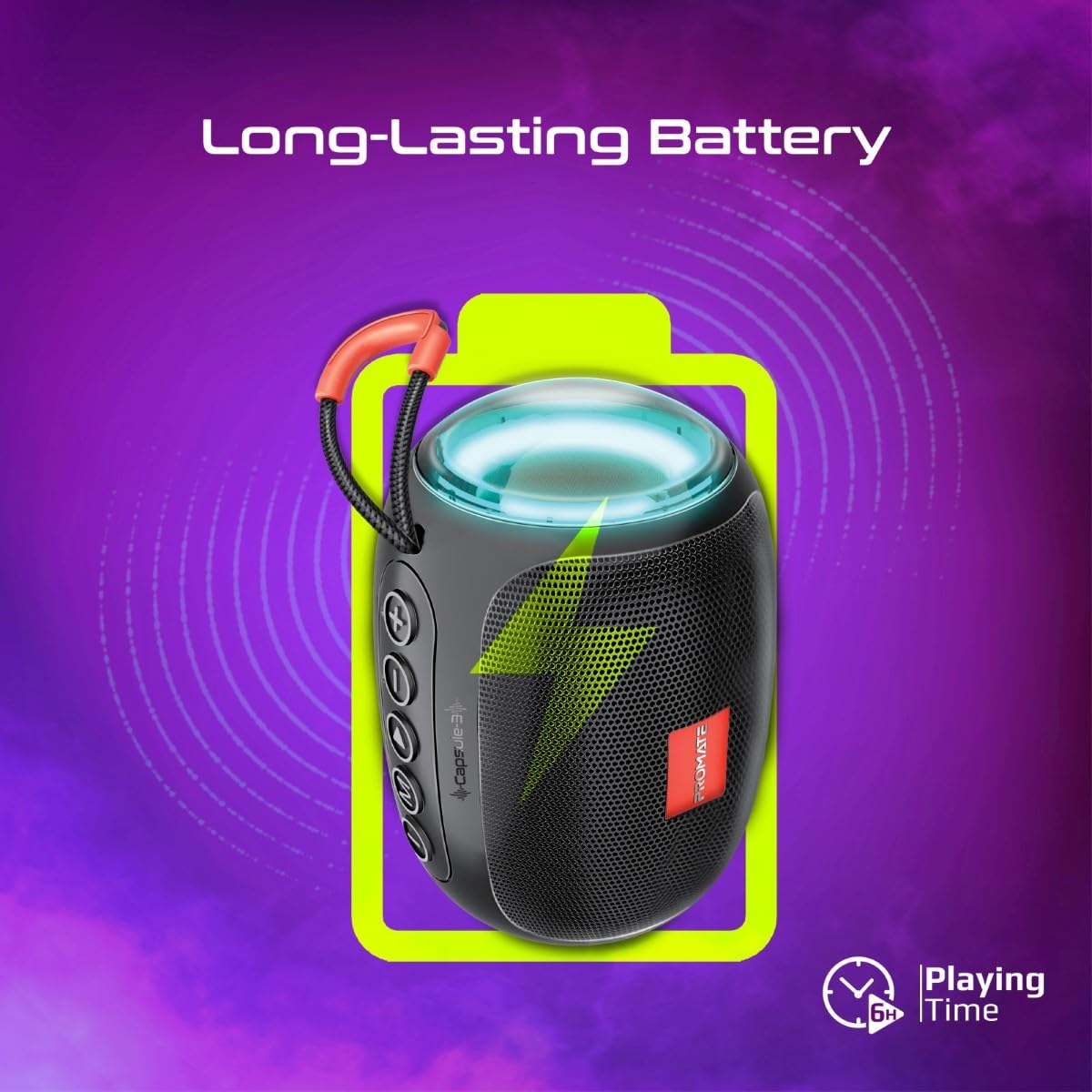
Image 5: Long-Lasting Battery. The image highlights the speaker's extended battery life, indicating over 6 hours of continuous playtime on a single charge.
8. Кыйынчылыктарды
| Көйгөй | Мүмкүн себеп | Чечим |
|---|---|---|
| Динамик күйбөйт. | Батарея аз. | Динамикти толук заряддаңыз. |
| Bluetooth аркылуу жупташтыруу мүмкүн эмес. | Динамик жупташтыруу режиминде эмес; түзмөк Bluetooth өчүк; спикерден өтө алыс. | Ensure speaker is in pairing mode. Turn device Bluetooth off/on. Move device closer to speaker (within 10 meters). |
| Үн жок. | Volume too low; incorrect input mode; paused playback. | Increase volume. Check input mode (Bluetooth, AUX, TF, USB). Ensure music is playing. |
| TWS жупташтыруу ишке ашпай калды. | Динамиктер мурунтан эле башка түзмөккө туташкан; өтө алыс. | Disconnect speakers from any Bluetooth devices. Ensure speakers are close to each other. Try re-initiating TWS pairing. |
9. Техникалык шарттар
| Өзгөчөлүк | Деталь |
|---|---|
| Модель аты | Capsule-3 |
| Материал | Акрилонитрил бутадиен стирол (ABS) |
| Speaker Output | 5 Ватт |
| Bluetooth версиясы | v5.3 |
| Зымсыз диапазон | 10 метрге чейин |
| Батарея сыйымдуулугу | Камтылган 500mAh кайра заряддоого болгон литий батареясы |
| Оюн убактысы | 6 саатка чейин |
| Заряддоо порту | DC 5V (USB) |
| Туташуу параметрлери | Bluetooth, 3.5mm AUX, USB Port, TF Card Slot |
| Башкаруу ыкмасы | Сенсордук баскычтар |
| Өзгөчөлүктөр | LED Lights, True Wireless Stereo (TWS) support, Portable design |
| Продукциянын өлчөмдөрү | 9D x 9W x 16H Сантиметр |
| Элемент Салмагы | 410 грамм |
| Суу каршылык | Сууга чыдамдуу эмес |
10. Кепилдик жана колдоо
For warranty information, technical support, or service inquiries, please refer to the warranty card included with your product or visit the official Promate webсайт. Сатып алганыңыздын далили катары сатып алуу дүмүрчөгүңүздү сактаңыз.

Image 6: Music On-The-Go. This image depicts the speaker in an outdoor setting, highlighting its compact and portable design, suitable for travel and outdoor activities.