
inBEKEA YG320
YG320 Mini Projector User Manual
Model: YG320 | Brand: inBEKEA
Introduction
This manual provides comprehensive instructions for the safe and efficient operation of your inBEKEA YG320 Mini Projector. Please read this manual thoroughly before using the device and retain it for future reference. The YG320 is a portable LED projector designed for home media playback, supporting 1080P resolution via USB and featuring 3.5mm audio output.
Орнотуу колдонмосу
1. Пакеттен чыгаруу жана жайгаштыруу
Carefully remove the projector and all accessories from the packaging. Place the projector on a stable, flat surface. Ensure there is adequate ventilation around the device to prevent overheating. For optimal projection, position the projector perpendicular to the screen or wall.
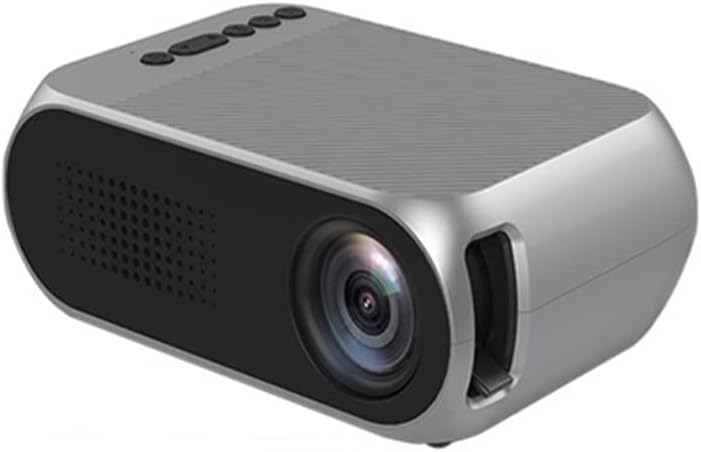
Сүрөт 1: Алдыңкы view of the YG320 Mini Projector, showing the lens and ventilation grilles.
2. Power Connection
Connect the provided power adapter to the 'DCIN' port on the rear of the projector. Plug the other end of the power adapter into a suitable electrical outlet.
3. Киргизүү түзүлүштөрүн туташтыруу
The YG320 Mini Projector supports various input sources:
- HDMI: Connect an HDMI cable from your source device (e.g., laptop, game console, set-top box) to the HDMI port on the projector.
- USB: Медиа файлдарды түз ойнотуу үчүн USB флеш-дискти USB портуна салыңыз.
- OF: Use an AV cable (not always included, check package contents) to connect older devices to the AV video hole.
- TF картасы: Insert a TF (MicroSD) card into the TF card slot for media playback.
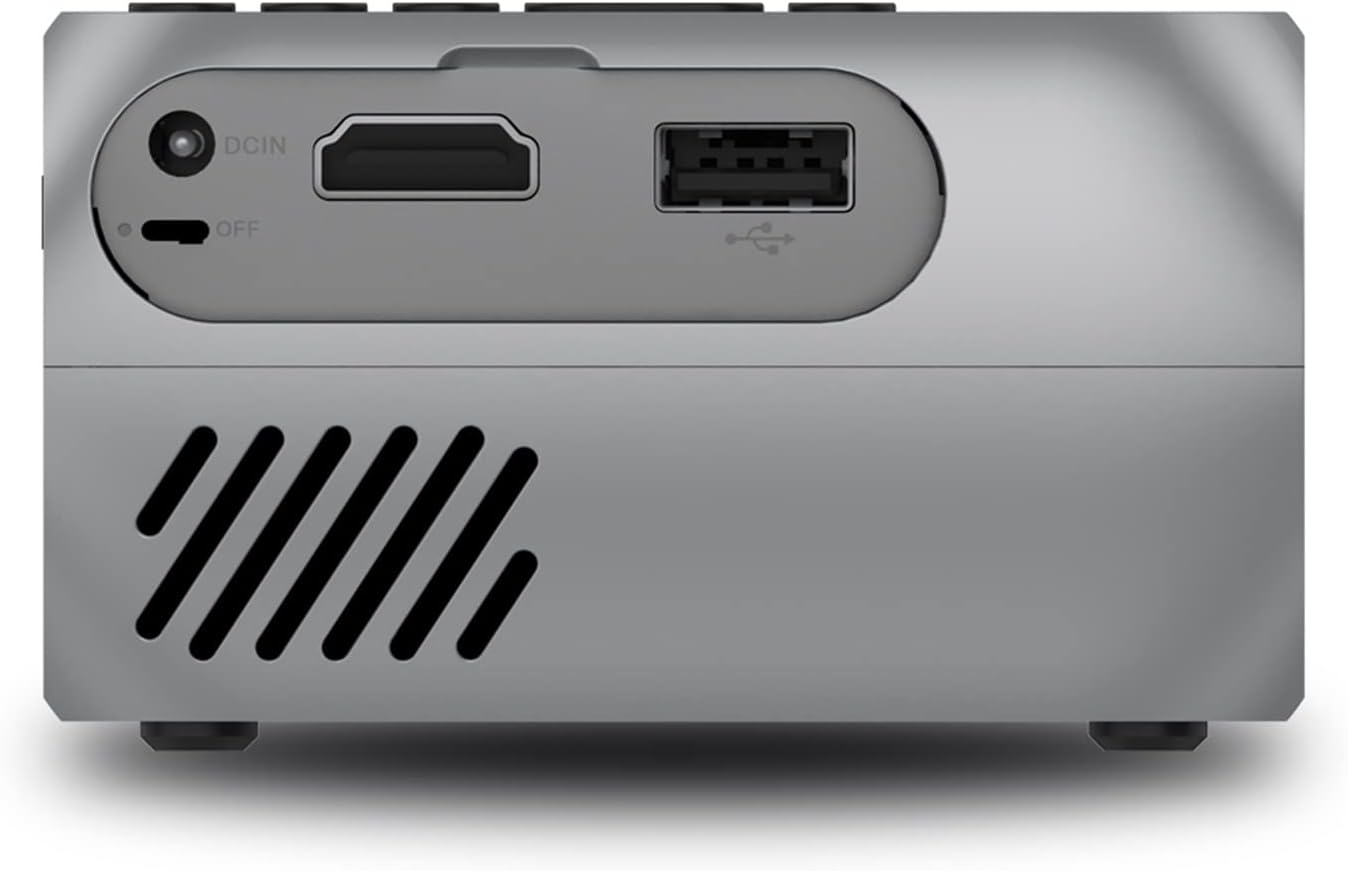
Figure 2: Rear panel of the projector, highlighting the DCIN, HDMI, and USB input ports.

Figure 3: Compatibility diagram illustrating various devices that can be connected to the YG320 projector.
Иштөө нускамалары
1. Күйгүзүү / Өчүрүү
To power on the projector, ensure it is connected to power, then slide the 'OFF' switch to the 'ON' position or press the power button on the top panel. To power off, slide the switch back to 'OFF' or press the power button again.
2. Фокусту тууралоо
Rotate the focus ring located near the lens until the projected image appears clear and sharp.
3. Menu Navigation and Input Source Selection
Use the control buttons on the top of the projector to navigate the on-screen menu. Press the 'home key' to access the main menu. Use the 'forward/backward key' to scroll through options and the 'Enter' button to confirm selections. To change the input source (e.g., HDMI, USB, AV, TF Card), navigate to the input source option in the menu and select your desired source.

4-сүрөт: Детальдуу view of the projector's top panel controls and side ports, including navigation buttons and various input/output connections.
4. Аудио чыгаруу
The projector features a 3.5mm headphone hole. You can connect external speakers or headphones to this port for enhanced audio experience.
5. Медиа ойнотуу
When a USB drive or TF card is inserted, the projector's media player interface will typically appear. Navigate through your fileс жана керектүү видеону, аудиону же сүрөттү тандаңыз file for playback. The projector supports 1080P playback.
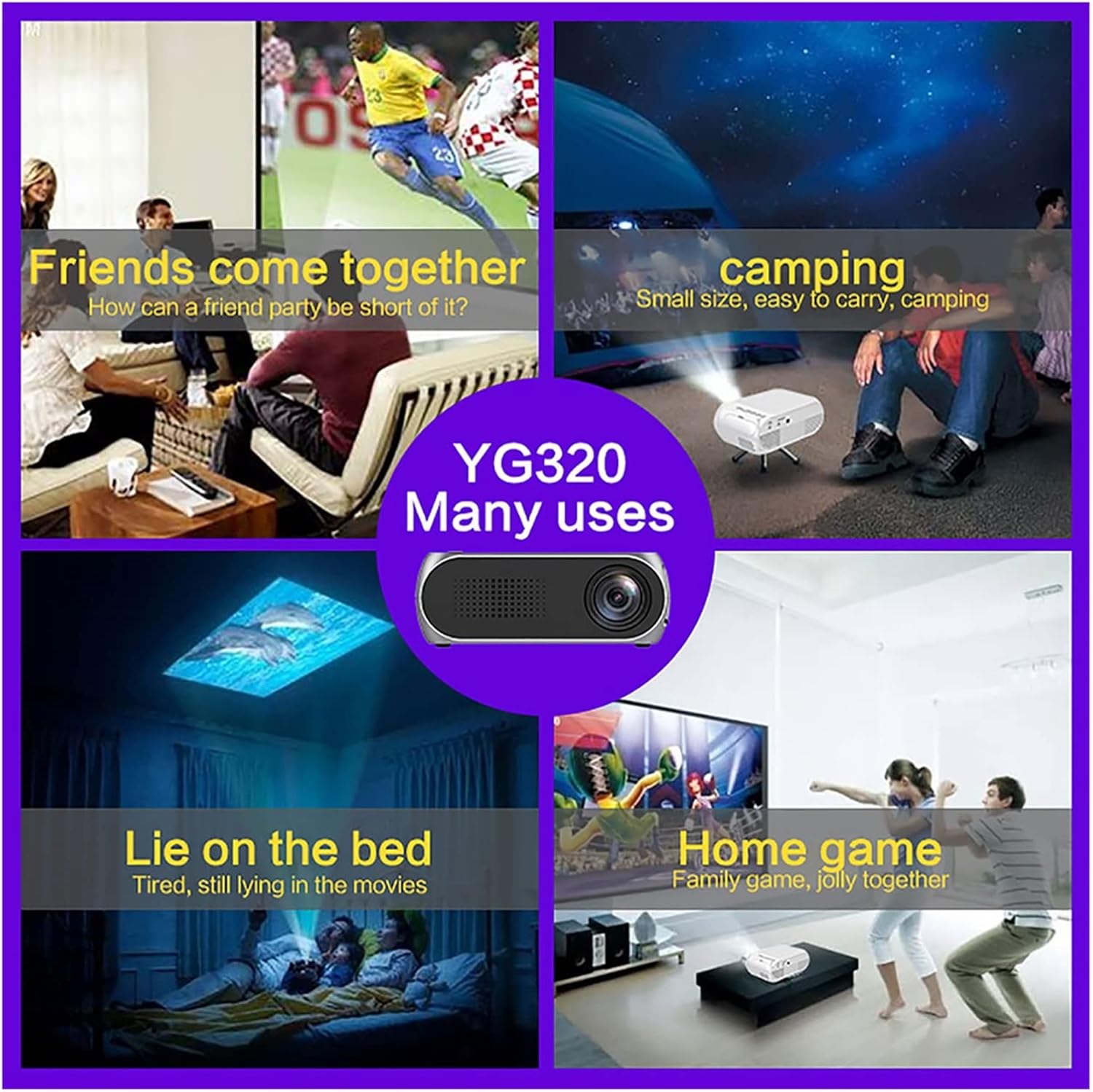
5-сүрөт: Мисamples of how the YG320 Mini Projector can be used in various settings, such as social gatherings, outdoor activities, and personal entertainment.
Техникалык тейлөө
1. Объективди тазалоо
Проектордун линзасын акырын сүртүү үчүн атайын оптикалык линзалар үчүн жасалган жумшак, түксүз кездемени колдонуңуз. Абразивдүү тазалагычтарды же ашыкча күч колдонбоңуз, анткени бул линзаны чийип алышы мүмкүн.
2. Желдетүүчү тешиктерди тазалоо
Periodically clean the ventilation grilles to ensure proper airflow and prevent overheating. Use a soft brush or a can of compressed air to remove dust accumulation.
3. Сактоо
When not in use for extended periods, store the projector in a cool, dry, dust-free environment. It is recommended to use the original packaging or a protective case.
Проблемаларды чечүү
| Көйгөй | Мүмкүн себеп | Чечим |
|---|---|---|
| Күч жок | Электр кабели туташкан эмес; Розетка бузук; Кубат өчүк. | Ensure power cable is securely connected. Test the outlet with another device. Confirm the power switch is in the 'ON' position. |
| Сүрөт жок | Incorrect input source selected; Input cable loose or faulty; Source device not outputting signal. | Select the correct input source (HDMI, USB, AV, TF). Check and re-connect input cables. Ensure your source device is powered on and configured to output video. |
| бүдөмүк сүрөт | Фокус туураланган эмес; проектор экранга өтө жакын/алыс. | Rotate the focus ring until the image is sharp. Adjust the distance of the projector from the screen. |
| Үн жок | Volume too low; External audio device not connected or faulty; Source device audio settings. | Increase projector volume. If using external speakers, ensure they are connected correctly and powered on. Check audio settings on your source device. |
Техникалык шарттар
- Модел: YG320
- Дисплей технологиясы: LED
- Колдоого алынган чечим: Up to 1080P Playback
- Киргизүү порттору: HDMI, USB, AV, TF Card
- Аудио чыгаруу: 3.5 мм гарнитура уясы
- Көчүрүү мүмкүнчүлүгү: Mini, Portable Design
- Колдонуу: Home Media Player
Кепилдик маалымат
Specific warranty terms for the inBEKEA YG320 Mini Projector may vary by region and retailer. Please refer to the warranty card included with your product or contact your point of purchase for detailed warranty information. Retain your proof of purchase for any warranty claims.
Кардарларды колдоо
For technical assistance, troubleshooting beyond this manual, or inquiries regarding your product, please contact inBEKEA customer support through the contact information provided on their official website or through your retailer. When contacting support, please have your product model (YG320) and purchase details ready.
Ask a question about this manual
Ask about setup, troubleshooting, compatibility, parts, safety, or missing instructions. Manuals+ will review the question and use this page’s manual context to help answer it.