
1. Киришүү
Сатып алганыңыз үчүн рахматasing the BoxWave SlimKeys Bluetooth Keyboard. This portable, backlit keyboard is designed to enhance your typing experience across various devices, including tablets, smartphones, and computers. Its slim profile, customizable LED backlight, and reliable Bluetooth connectivity make it an ideal companion for productivity on the go. This manual provides detailed instructions for setup, operation, maintenance, and troubleshooting to ensure optimal performance of your device.

Image: The SlimKeys Bluetooth Keyboard positioned alongside a Blackview Tab 7 tablet, demonstrating its compact size and compatibility.
2. Продукциянын өзгөчөлүктөрү
- Интегралдык LED арткы жарык: Illuminates keys for typing in low-light or dark environments.
- Customizable Backlight: Choose from seven vibrant LED backlight colors to personalize your setup.
- Ишенимдүү зымсыз байланыш: Connects quickly and easily via Bluetooth 3.0 for a stable and responsive typing experience.
- Battery-Saving Power Switch: A dedicated on/off switch helps extend battery life during travel or downtime.
- Ичке жана портативдик дизайн: Compact and lightweight, making it easy to store and transport without added bulk.
- Chiclet Keys: Төмөн профессионалдуу өзгөчөлүктөрүfile keys designed for quiet and comfortable typing.
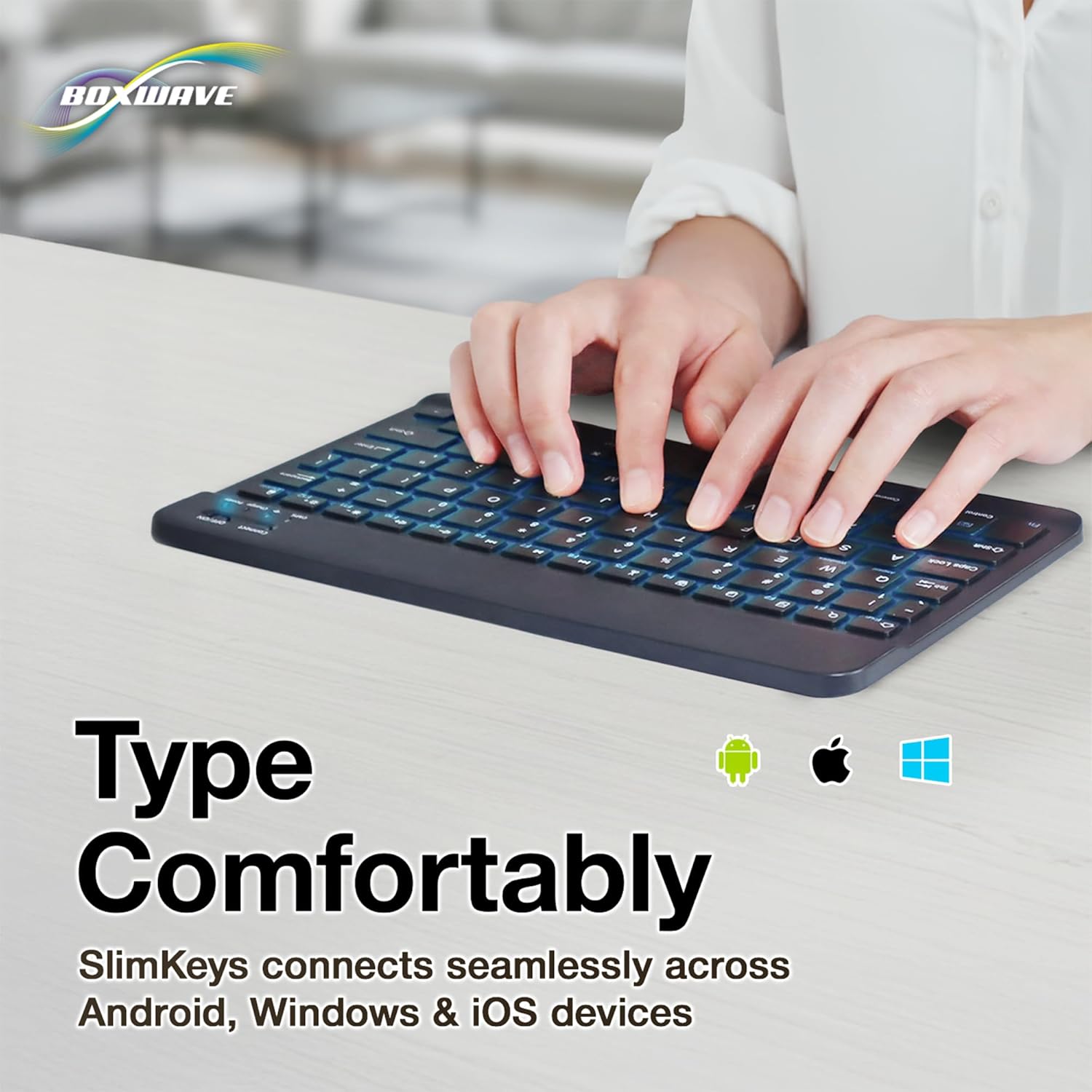
- Көп платформа шайкештиги: Seamlessly connects across Android, Windows, and iOS devices.

Image: An infographic highlighting the main features of the SlimKeys keyboard, including backlit keys, multi-platform compatibility, chiclet keys, and its ultra-slim and light design.
3. Орнотуу колдонмосу
3.1. Баскычтопту заряддоо
Before first use, ensure the keyboard is fully charged. Connect the included charging cable to the keyboard's charging port and to a USB power source (e.g., computer USB port, USB wall adapter). The 'Charge' indicator light will illuminate during charging and turn off when fully charged.

Image: The SlimKeys keyboard with its charging cable connected, demonstrating the charging process and highlighting its long-lasting battery life.
3.2. Күйгүзүү / Өчүрүү
Locate the ON/OFF switch on the top right side of the keyboard. Slide the switch to the 'ON' position to power on the keyboard. The 'Power' indicator light will briefly illuminate. To conserve battery, slide the switch to 'OFF' when not in use.
3.3. Bluetooth Жупташтыруу
- Баскычтоп күйгүзүлгөнүн текшериңиз.
- Press the 'Connect' button located near the ON/OFF switch. The 'Connect' indicator light will start blinking, indicating the keyboard is in pairing mode.
- Түзмөгүңүздө (планшет, смартфон, компьютер) Bluetooth жөндөөлөрүнө өтүңүз.
- Bluetooth'ду иштетиңиз жана жеткиликтүү түзмөктөрдү издеңиз.
- Select 'BoxWave SlimKeys Keyboard' (or similar name) from the list of found devices.
- If prompted, enter the pairing code displayed on your device's screen using the SlimKeys keyboard, then press Enter.
- Once paired, the 'Connect' indicator light on the keyboard will stop blinking and remain solid, or turn off, depending on the model. Your keyboard is now ready for use.
Сүрөт: деталдуу view of the top right section of the SlimKeys keyboard, highlighting the 'Connect' button and the 'ON/OFF' switch, along with the indicator lights.
4. Иштөө нускамалары
4.1. Терүү
Once successfully paired, you can use the SlimKeys keyboard for all your typing needs. The chiclet-style keys provide a comfortable and responsive typing experience.
4.2. Арткы жарыкты башкаруу
The keyboard features an integrated LED backlight with seven customizable colors. To control the backlight:
- басыңыз Электр лампасы key (usually located near the right Ctrl key) to turn the backlight on or off.
- басыңыз RGB key (usually located next to the Light Bulb key) to cycle through the seven available backlight colors.

Image: The SlimKeys keyboard showcasing its seven different backlight colors, demonstrating the customization options.
4.3. Specialized Function Keys
The SlimKeys keyboard includes a row of specialized function keys (F1-F12) that provide quick access to common commands. These functions may vary slightly depending on your operating system (Android, Windows, iOS). To use a function key, press the Fn key (usually located near the left Ctrl key) simultaneously with the desired function key.
| Ачкыч айкалышы | Функция |
|---|---|
| Fn + Esc (Home) | Башкы экранга өтүңүз |
| Fn + F1 (Search) | Издөө |
| Fn + F2 (Select All) | Select All text/items |
| Fn + F3 (Copy) | Copy selected content |
| Fn + F4 (Paste) | Paste content |
| Fn + F5 (Cut) | Cut selected content |
| Fn + F6 (Skip Back) | Мурунку трекке өтүү |
| Fn + F7 (Play/Pause) | Play or Pause media |
| Fn + F8 (Skip Forward) | Кийинки трекке өтүү |
| Fn + F9 (Volume Down) | Үнүн азайтуу |
| Fn + F10 (Volume Up) | Үнүн жогорулатуу |
| Fn + F11 (Brightness Down) | Экран жарыктыгын азайтыңыз |
| Fn + F12 (Brightness Up) | Экран жарыктыгын жогорулатуу |
| Fn + Delete (Lock) | Lock device screen |

Image: A visual representation of the specialized function keys on the SlimKeys keyboard, detailing their respective commands.
5. Техникалык тейлөө
To ensure the longevity and optimal performance of your BoxWave SlimKeys Bluetooth Keyboard, follow these maintenance guidelines:
- Тазалоо: Клавиатуранын бетин жумшак, түксүз чүпүрөк менен сүртүңүз. Өтө кир болсо, бир аз сүртүңүз.ampчүпүрөктү суу же жумшак, абразивдүү тазалагыч менен жууп салыңыз. Ашыкча нымдуулуктан сактаныңыз.
- Сактагыч: Клавиатураны күн нурунан жана экстремалдык температурадан алыс, салкын, кургак жерде сактаңыз.
- Суюктуктардан алыс болуңуз: Клавиатураны суюктуктарга тийгизбеңиз. Кокусунан төгүлүп кетсе, клавиатураны дароо өчүрүп, кайра колдонуудан мурун толугу менен кургатыңыз.
- Этияттык менен мамиле кылуу: Avoid dropping the keyboard or subjecting it to strong impacts, which can damage internal components.
6. Кыйынчылыктарды
If you encounter issues with your BoxWave SlimKeys Bluetooth Keyboard, refer to the following common problems and solutions:
| Көйгөй | Мүмкүн себеп | Чечим |
|---|---|---|
| Баскычтоп күйбөйт. | Батарея түгөнүп калды. | Баскычтопту толук заряддаңыз. |
| Cannot pair the keyboard with my device. | Bluetooth not enabled on device; keyboard not in pairing mode; interference. | Ensure Bluetooth is on. Press 'Connect' button on keyboard. Move closer to device. Remove previous pairings. Restart both devices. |
| Клавиатура тез-тез өчүп калат. | Батареянын аздыгы; аппараттан өтө алыс; кийлигишүү. | Charge keyboard. Keep keyboard within 10 meters of device. Avoid strong electromagnetic interference. |
| Backlight is not working or stuck on one color. | Backlight off; low battery; software glitch. | Press the Light Bulb key. Charge the keyboard. Power cycle the keyboard (turn off, then on). |
| Ачкычтар жооп бербей жатат. | Keyboard not paired; low battery; hardware issue. | Re-pair the keyboard. Charge the keyboard. If problem persists, contact customer support. |
If the problem persists after trying these solutions, please contact BoxWave customer support for further assistance.
7. Техникалык шарттар
| Өзгөчөлүк | Деталь |
|---|---|
| Модель аты | SlimKeys Bluetooth Keyboard |
| Байланыш | Bluetooth 3.0 |
| Арткы жарык | 7 LED Colors |
| Шайкештик | Android, Windows, iOS |
| Элемент Салмагы | 8.6 унция (болжол менен 244 грамм) |
| Өлчөмдөрү (болжол менен) | 9.5 in (Width) x 5.75 in (Depth) x 0.2 in (Height) |
| Өндүрүүчү | BoxWave |

Image: The SlimKeys keyboard shown with its approximate dimensions, illustrating its ultra-slim and lightweight design for portability.
8. Кепилдик жана колдоо
BoxWave products are designed for quality and reliability. For information regarding product warranty, returns, or technical support, please refer to the warranty card included with your product or visit the official BoxWave website. You may also contact BoxWave customer service directly for assistance with any product-related inquiries.
Байланыш маалыматы: Please refer to the packaging or BoxWave's official webакыркы кардарларды колдоо байланыш маалыматы үчүн сайт.