
1. Киришүү
Thank you for choosing the Bewinner Mini Body Camera 1080P. This portable and wearable video recorder is designed for various applications, including walking, riding, outdoor activities, and home monitoring. It features 1080P HD video recording, night vision, a 180° rotatable lens, and Wi-Fi connectivity for real-time monitoring. Please read this manual carefully to ensure proper use and optimal performance of your device.
2. Продукциянын өзгөчөлүктөрү
- Көп функциялуулугу: Supports video recording, photo capture, noise reduction recording, night vision mode, and motion detection.
- 180° айлануучу линза: The lens can rotate 180 degrees, offering flexible recording angles and allowing use as a car dash camera.
- Түздөн-түз жаздыруу: Insert a memory card (up to 256GB, not included) to begin recording immediately.
- Wi-Fi туташуусу: Enables real-time monitoring and video viewing directly on your smartphone via a dedicated app.
- Камтылган стерео динамик: Provides synchronized audio and video playback for an enhanced viewтажрыйбасы.

Figure 2.1: ашыкview of Bewinner Mini Body Camera features.
3. Орнотуу
3.1 Аппаратты заряддоо
Before first use, fully charge the camera. Connect the camera to a USB power source using the provided USB cable. The charging indicator light will show the charging status and turn off when fully charged.
3.2 Эстутум картасын салуу
This camera supports a Micro SD card (TF card) up to 256GB. Ensure the camera is powered off before inserting or removing the memory card. Insert the card into the designated slot until it clicks into place.
3.3 Күйгүзүү/өчүрүү
- Күйгүзүү: Экран күйгөнгө чейин Кубат баскычын бир нече секунд басып туруңуз.
- Өчүрүү: Press and hold the Power button for a few seconds until the screen turns off.
4. Иштөө нускамалары
4.1 Видео жаздыруу
To start video recording, ensure a memory card is inserted. Press the Video Record button once. The recording indicator will illuminate or flash. Press the button again to stop recording. Videos are saved to the memory card.
4.2 Сүрөткө тартуу
To take a photo, press the Photo button once. The camera will capture an image and save it to the memory card.

Figure 4.1: Simple operation with dedicated buttons for recording modes.
4.3 180° айлануучу линза
The camera's lens can be manually rotated 180 degrees to adjust the recording angle as needed. This allows for versatile placement and capture from different perspectives.

Figure 4.2: The camera's lens can be rotated 180 degrees for flexible recording.
4.4 Түнкү көрүү режими
The camera is equipped with 4 LED fill lights for night vision. To activate night vision, locate the dedicated night vision button or setting in the menu. This feature allows for clear recording in low-light conditions.
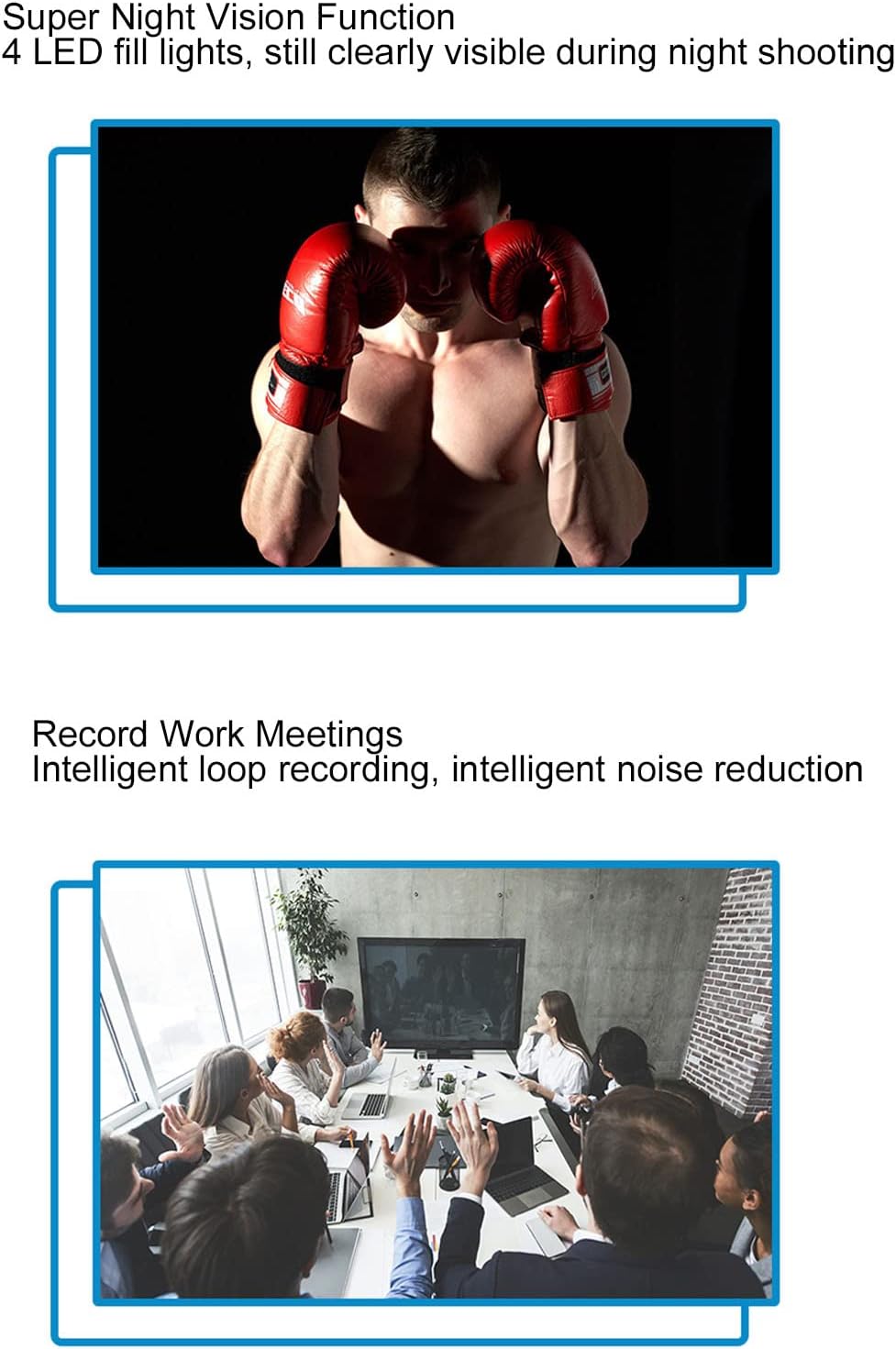
Figure 4.3: Night vision capability for clear recording in the dark.
4.5 Кыймылды аныктоо
When motion detection is enabled, the camera will automatically begin recording when it detects movement within its field of view. This helps conserve memory and battery life by only recording relevant events.

Figure 4.4: Motion detection feature for automatic recording upon movement.
4.6 Wi-Fi Connection and Real-time Monitoring
The camera supports Wi-Fi connectivity, allowing you to connect it to your smartphone for real-time monitoring. Download the dedicated app (refer to the quick start guide for app name and download instructions). Once connected, you can view жаша фооtage, adjust settings, and review жазылган files directly on your phone.

Figure 4.5: Real-time monitoring via smartphone app using Wi-Fi connection.
4.7 Synchronized Audio and Video Playback
The built-in stereo external speaker ensures that audio is synchronized with video playback, providing a complete recording experience.
Video 4.1: Demonstration of the Bewinner Mini Body Camera's features and operation, including its 1080P HD recording capability.
5. Техникалык тейлөө
- Тазалоо: Камера корпусун тазалоо үчүн жумшак, кургак чүпүрөктү колдонуңуз. Линза үчүн, чийилип калбашы үчүн, линзаны тазалоочу атайын чүпүрөктү жана эритмени колдонуңуз.
- Сактагыч: Камераны салкын, кургак жерде күндүн тике тийген нурунан жана экстремалдык температурадан алыс сактаңыз.
- Батареяга кам көрүү: Батареянын иштөө мөөнөтүн узартуу үчүн, батареяны тез-тез толук зарядсыздандырбаңыз. Камераны көпкө чейин колдонбосоңуз да, үзгүлтүксүз кубаттап туруңуз.
- Эстутум картасы: Periodically format the memory card to maintain optimal performance and prevent data corruption. Back up important files форматтоодон мурун.
6. Кыйынчылыктарды
| Көйгөй | Мүмкүн себеп | Чечим |
|---|---|---|
| Камера күйбөйт. | Батареянын аздыгы; аппараттын бузулушу. | Charge the camera fully. If problem persists, contact support. |
| Видео жаздыруу/сүрөткө тартуу мүмкүн эмес. | No memory card; memory card full; memory card error. | Insert a memory card. Delete old files or replace the card. Format the memory card. |
| Wi-Fi туташуусу ишке ашпай калды. | Incorrect app; Wi-Fi signal weak; camera Wi-Fi off. | Ensure correct app is installed. Move closer to the camera. Activate Wi-Fi on the camera. |
| Сүрөттүн сапаты начар. | Dirty lens; low light conditions (night vision off). | Clean the lens. Activate night vision in low light. |
7. Техникалык шарттар
| Өзгөчөлүк | Деталь |
|---|---|
| Бренд | Bewinner |
| Модель аты | Bewinner8io91n6b0z |
| Байланыш технологиясы | Wi-Fi |
| Ички/тышкы колдонуу | Ички, сырткы |
| Шайкеш түзмөктөр | Смартфон |
| Controller Type | Android |
| Түс | Кара |
| Эскертүү түрү | Кыймыл гана |
| Суу өткөрбөйт рейтинги | IP54 |
| Видео тартуунун резолюциясы | 1080p |
| Видео тартуу форматы | MOV |
| Power Source | Батарея менен иштейт |
| Батарея сыйымдуулугу | 1400 мАч |
| Фокус түрү | Manual Focus |
8. Кепилдик жана колдоо
For warranty information and technical support, please refer to the product packaging or contact Bewinner customer service directly. Keep your purchase receipt for warranty claims.