
Introduction
This manual provides instructions for the proper use and maintenance of your BoxWave AllReader SD Card Reader. Please read this manual thoroughly before using the device to ensure optimal performance and longevity. The AllReader SD Card Reader is designed to facilitate easy file transfer between various devices and SD/microSD cards.
Продукт бүттүview
The BoxWave AllReader SD Card Reader is a compact device featuring multiple interfaces for broad compatibility with various electronic devices. It supports both standard SD cards and microSD cards.
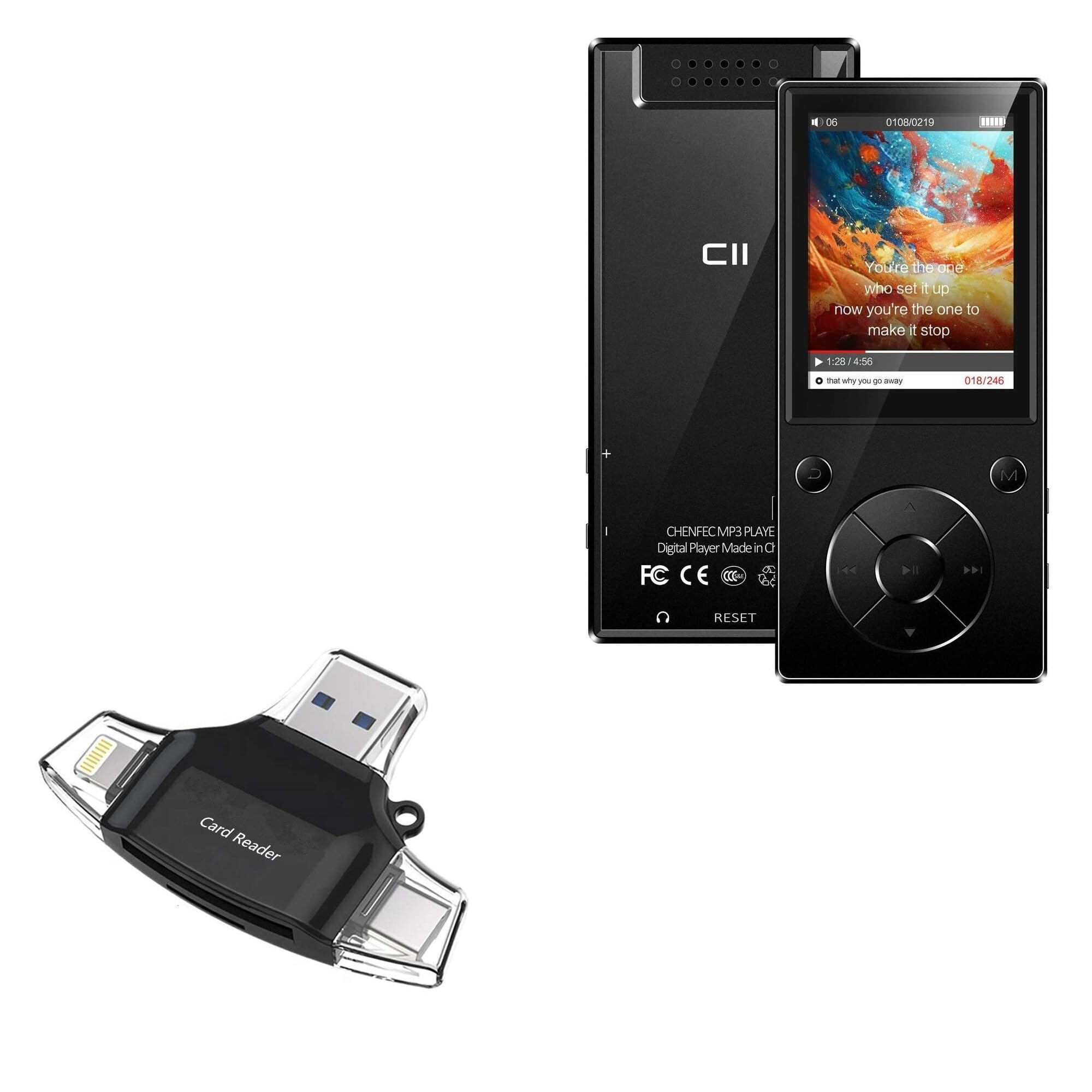
Image: The BoxWave AllReader SD Card Reader, showing its compact design and various connectors.
Негизги өзгөчөлүктөрү:
- Four Interfaces: Equipped with USB-C, USB-A, Micro-USB, and Apple (Lightning) connectors for wide device compatibility.
- Оңой File өткөрүүсү: Enables direct transfer of files between memory cards and connected devices.
- Plug and Play: No drivers or software installation required for most operating systems.
- Компакт дизайн: Small and portable for convenient use on the go.
- Эстутум картасын колдоо: Compatible with both SD and microSD card formats.

Сүрөт: деталдуу view of the four integrated interfaces: USB-A, USB-C, Apple (Lightning), and Flip-out Micro USB.
Жайгашуу
- Эстутум картасын салыңыз: Gently insert your SD or microSD card into the appropriate slot on the AllReader SD Card Reader until it clicks into place. Ensure the card is inserted in the correct orientation.
- Түзмөккө туташуу: Select the appropriate connector (USB-C, USB-A, Micro-USB, or Apple Lightning) for your host device (e.g., smartphone, tablet, laptop, desktop PC). Plug the AllReader into your device's port.
- Түзмөктү таануу: Your device should automatically detect the card reader and the inserted memory card. A notification or file browser window may appear, indicating that the storage is ready for access.
Эскертүү: For some mobile devices, you may need to use a file management application to browse the contents of the connected memory card.

Image: The AllReader with an SD card inserted, connected to a tablet, illustrating the setup for file өткөрүп берүү.
Иштөө нускамалары
Өткөрүлүүдө Files:
- Ensure the AllReader is properly connected to your device and the memory card is inserted.
- Түзмөгүңүздү ачыңыз file manager or photo gallery application.
- Locate the external storage device, typically labeled as "USB Storage," "SD Card," or similar.
- Browse to the desired fileэстутум картасында.
- тандаңыз fileсиз өткөргүңүз келет.
- Use the "Copy" or "Move" function within your device's file которуу үчүн менеджер files to your device's internal storage or another connected storage.
- өткөрүп берүү үчүн files from your device to the memory card, reverse the process: select files from your device's storage and copy/move them to the external storage (memory card).

Image: The AllReader connected to various devices including smartphones, tablets, laptops, and desktop PCs, demonstrating its versatility for file өткөрүп берүү.
Safely Removing the Device:
Before disconnecting the AllReader from your computer, always safely eject the device through your operating system's options (e.g., "Safely Remove Hardware" on Windows, "Eject" on macOS). For mobile devices, ensure no file transfers are active before unplugging.
Техникалык тейлөө
- Тазалоо: Use a soft, dry cloth to clean the exterior of the card reader. Avoid using liquid cleaners or solvents.
- Сактагыч: Store the AllReader in a cool, dry place away from direct sunlight and extreme temperatures.
- Колдонуу: Avoid dropping the device or subjecting it to strong impacts. Do not force memory cards or connectors into slots.
- Туташтыргычка кам көрүү: Keep the connectors free from dust and debris. If necessary, use a soft brush or compressed air to clean them.
Проблемаларды чечүү
| Көйгөй | Мүмкүн чечим |
|---|---|
| Түзмөк таанылган жок. |
|
| Кирүү мүмкүн эмес fileэстутум картасында. |
|
| Жай file өткөрүп берүү ылдамдыгы. |
|
Техникалык шарттар
- Модель аты: AllReader SD Card Reader
- Бренд: BoxWave
- Интерфейстер: USB-C, USB-A, Micro-USB, Apple (Lightning)
- Карта шайкештиги: SD, microSD
- Түсү: Jet Black
- Элемент Салмагы: 6 унция
- ASIN: B0CNSDX7WD
- Биринчи жеткиликтүү болгон күнү: 13-ноябрь, 2023-жыл
Кепилдик жана колдоо
For warranty information and technical support, please refer to the official BoxWave webсайтка же түздөн-түз кардарларды тейлөөгө кайрылыңыз. Кепилдик дооматтар үчүн сатып алуу дүмүрчөгүңүздү сактаңыз.
BoxWave Customer Service: www.boxwave.com/support