
Fresh 'n Rebel 6SFT1DM
Fresh 'n Rebel Smart Finder User Manual
Model: 6SFT1DM
Introduction
The Fresh 'n Rebel Smart Finder is a compact and durable item tracker designed to help you locate your valuable belongings. Seamlessly integrating with Apple's Find My network, this device allows iOS users to track keys, wallets, bags, and more. Featuring a built-in speaker for audible alerts and robust IP67 dust and waterproof protection, the Smart Finder ensures your items are always within reach and protected from the elements. Its replaceable battery offers extended usage, making it an ideal companion for daily use and travel.

Image: The Fresh 'n Rebel Smart Finder, a compact device in Deep Mauve color, shown with a metal keyring. This image highlights the product's design and its primary function as a key finder.
Эмне камтылган
Баштоодон мурун, таңгакта бардык компоненттер бар экенин текшериңиз:
- Smart Finder device
- Keychain bumper + keyring
- Regular bumper (without keychain)
- Pre-installed CR-2032 battery
- Extra CR-2032 battery
- Тез баштоо колдонмосу

Image: A visual representation of the items included in the Fresh 'n Rebel Smart Finder package. It shows the Smart Finder, two different bumper styles (one with a keyring, one without), two CR-2032 batteries, and the quick start guide, laid out against a dark background with "IN THE BOX" text.
Жайгашуу
1. Батареяны орнотуу
The Smart Finder comes with a pre-installed CR-2032 battery. If you need to replace it or install a new one:
- Gently twist the two halves of the Smart Finder to open the casing.
- Insert the CR-2032 battery with the positive (+) side facing upwards.
- Align the two halves and twist them back together until securely closed.

Image: The Fresh 'n Rebel Smart Finder next to an icon of a battery with a refresh symbol, emphasizing its replaceable battery feature. This highlights the ease of maintaining the device's power.
2. Connecting to Apple Find My
The Fresh 'n Rebel Smart Finder is designed to work exclusively with Apple's Find My network. Ensure your iOS device (iPhone, iPad, Mac, or Apple Watch) is updated to the latest software version.
- ачыңыз Find My Apple түзмөгүңүздөгү колдонмо.
- басыңыз Items экрандын төмөн жагындагы өтмөктү басыңыз.
- таптаңыз + Нерсе кошуу, андан кийин тандаңыз Башка колдоого алынган нерсе.
- Follow the on-screen instructions to pair your Smart Finder. The device will emit a sound to confirm connection.

Image: A two-panel image illustrating the connection process for the Smart Finder with the Apple Find My app. The left panel shows the Find My app interface with an arrow pointing to "Add Object," and the right panel shows the "Connect" screen for the Fresh 'n Rebel Smart Tag.

Image: The Fresh 'n Rebel Smart Finder displayed alongside the "Works with Apple Find My" logo, clearly indicating its compatibility with Apple's tracking network.
Иштөө нускамалары
1. Буюмуңуздун жайгашкан жерин аныктоо
Once connected, you can locate your Smart Finder using the Find My app:
- Үн ойнотуу: In the Find My app, select your Smart Finder and tap "Play Sound" to make it emit a loud beep, helping you find it when it's nearby.
- View картада: The app displays the Smart Finder's last known location on a map, allowing you to navigate to it.
- Глобалдык камтуу: The Apple Find My network leverages millions of Apple devices worldwide to help locate your Smart Finder, even if it's far away.
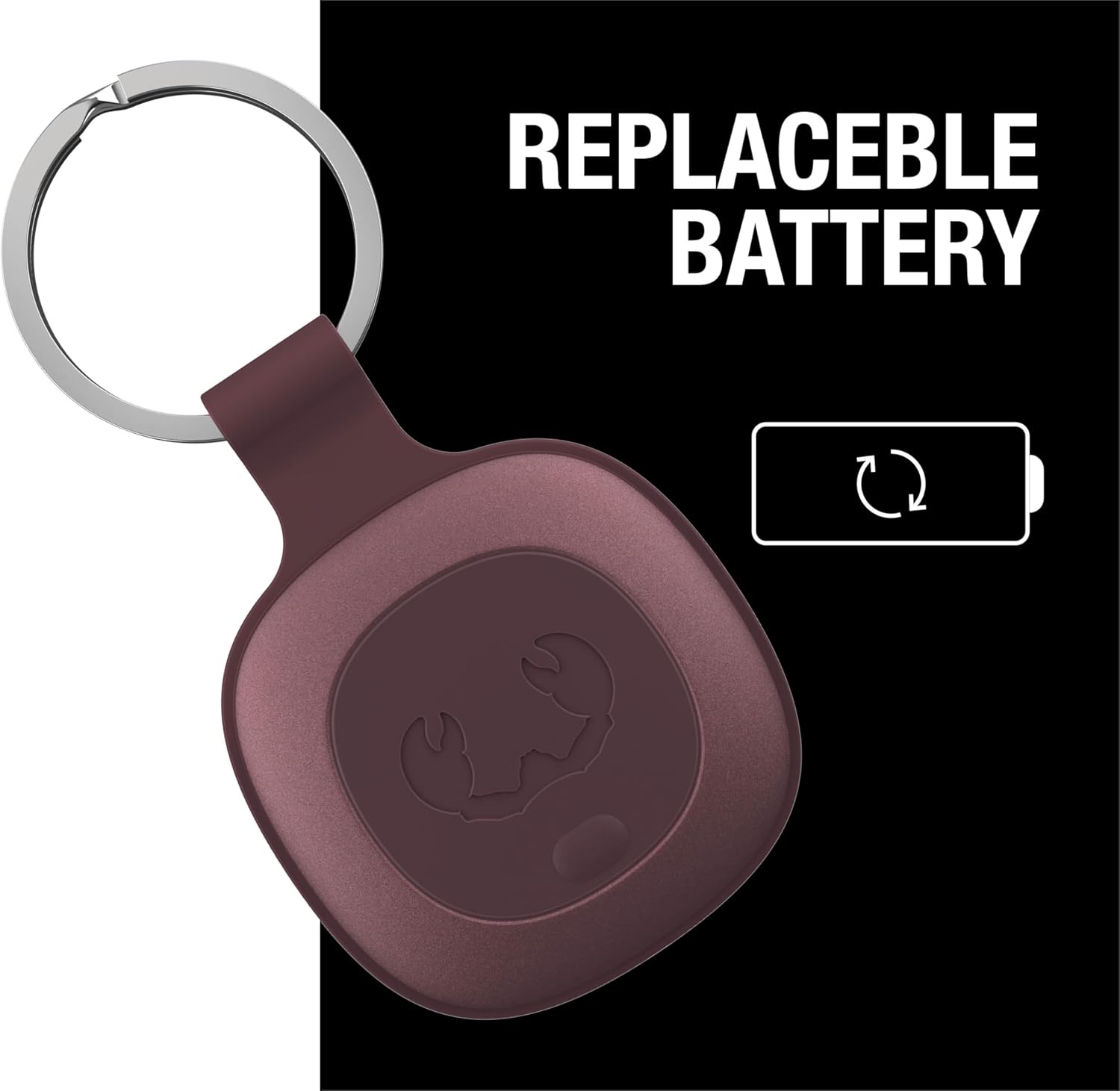
Image: The Fresh 'n Rebel Smart Finder attached to a set of keys, with sound waves emanating from it, illustrating its ability to play a sound to help locate lost items. The text "PLAY A SOUND" and "Follow the sound to find your item back" are prominently displayed.

Image: An iPhone screen displaying the Apple Find My app, showing the location of the Fresh 'n Rebel Smart Finder on a map of London. The image emphasizes the map-based tracking capability of the device.

Image: The Fresh 'n Rebel Smart Finder attached to a piece of luggage, juxtaposed with a world map indicating "GLOBAL COVERAGE." This image highlights the device's ability to track items anywhere in the world via the Find My network.
2. Lost Mode and Notifications
For enhanced security, the Smart Finder supports Lost Mode and custom notifications:
- Жоголгон режим: If your item is truly lost, you can enable Lost Mode in the Find My app. This allows anyone who finds your Smart Finder to see a message with your contact information (if you choose to provide it).
- Табылганда кабарлоо: Receive an alert when your lost item is detected by another device in the Find My network.
- Артында калганда кабарлоо: Get an immediate notification on your device if you leave your Smart Finder (and the item it's attached to) behind at an unfamiliar location.

Image: The Fresh 'n Rebel Smart Finder with a set of keys, accompanied by a phone screen displaying a "keys left behind" notification. This illustrates the "Notify When Left Behind" feature, alerting users when they are separated from their tracked items.
Техникалык тейлөө
Батареяны алмаштыруу
The Fresh 'n Rebel Smart Finder uses a standard CR-2032 coin cell battery, which provides approximately 16 months of battery life. When the battery is low, you will receive a notification in the Find My app. To replace the battery, follow the steps outlined in the "Battery Installation" section under Setup.
Колдонулган батарейкаларды ар дайым жергиликтүү эрежелерге ылайык таштаңыз.
Проблемаларды чечүү
- Smart Finder not connecting:
- Ensure your iOS device is running the latest software.
- Батарея туура орнотулганын жана жетиштүү заряддалганын текшериңиз.
- Try resetting the Smart Finder by removing and reinserting the battery.
- iOS түзмөгүңүздө Bluetooth иштетилгенин текшериңиз.
- No sound from Smart Finder:
- Verify the Smart Finder is within Bluetooth range of your iOS device or another device in the Find My network.
- Батареянын деңгээлин текшериңиз.
- Так эмес жайгашкан жер:
- Location accuracy depends on the density of Apple devices in the area. In remote areas, location updates might be less frequent.
- Ensure your iOS device has a stable internet connection.
- Батарея бат эле түгөнөт:
- Ensure you are using a fresh, high-quality CR-2032 battery.
- Экстремалдуу температуралар батареянын иштешине таасир этиши мүмкүн.
Техникалык шарттар
| Модель номери | 6SFT1DM |
| Өлчөмдөр | 40L x 40W x 5Th millimetres (4 x 4 x 0.5 cm) |
| Салмагы | 60 г |
| Батарея түрү | 1 x CR-2032 Lithium Metal (included) |
| Батареянын иштөө мөөнөтү | Болжол менен 16 ай |
| Суу өткөрбөйт рейтинги | IP67 чаң жана суу өткөрбөйт |
| Материал | Пластик |
| Байланыш | Apple Find My network (iOS only) |
| Өндүрүүчү | Smart Finder |
| Келип чыккан өлкө | Кытай |
Кепилдик жана колдоо
Fresh 'n Rebel products are designed and manufactured to the highest quality standards. For information regarding warranty coverage and customer support, please refer to the official Fresh 'n Rebel webсайтка же түздөн-түз кардарларды тейлөөгө кайрылыңыз. Ар кандай кепилдик дооматтары үчүн сатып алганыңыздын далилин сактаңыз.
Кошумча жардам алуу үчүн, баш багыңыз Fresh 'n Rebel Store on Amazon.