
Introduction
The Vieta Pro Way 3 headphones are designed to provide a versatile audio experience with multiple connectivity options and features. This device supports Bluetooth wireless connection, an Aux-in port for wired use, an integrated microphone for hands-free communication, a dedicated gaming mode, and Dual Pairing functionality. With an impressive battery life of up to 50 hours, these headphones are suitable for extended listening sessions.
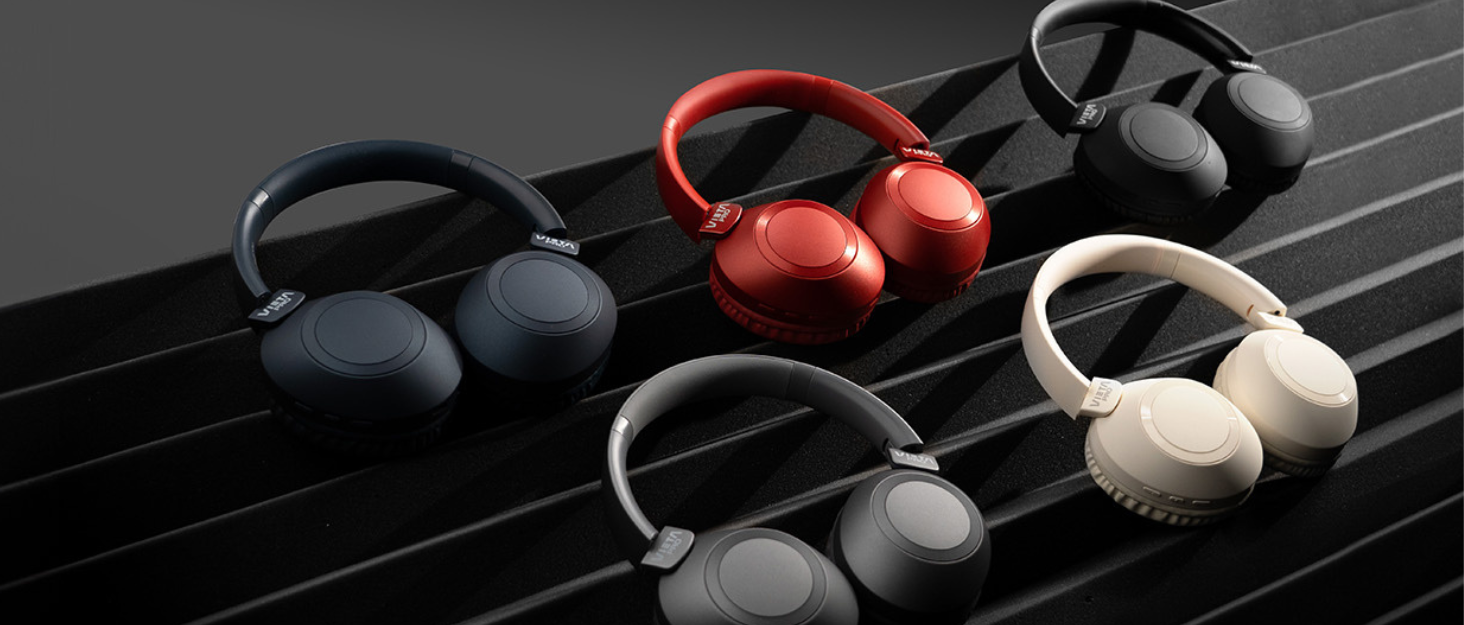
Image: Vieta Pro Way 3 headphones displayed in multiple color options.
Жайгашуу
1. Наушниктерди заряддоо
Before initial use, ensure the headphones are fully charged. The Vieta Pro Way 3 headphones support wireless charging. A full charge provides up to 50 hours of continuous playback.
- Connect the provided charging cable to the charging port on the headphones and to a compatible USB power source.
- Alternatively, place the headphones on a compatible wireless charging pad.
- The indicator light will show the charging status and turn off or change color once fully charged.
2. Күйгүзүү / Өчүрүү
- Күйгүзүү үчүн: Индикатор жарыгы күйгүчө кубат баскычын болжол менен 3 секунд басып туруңуз.
- Өчүрүү үчүн: Күйгүзүү баскычын болжол менен 3 секунд басып, индикатор өчкөнчө кармап туруңуз.
3. Bluetooth Жупташтыруу
Кулакчындарды түзмөккө зымсыз туташтыруу үчүн:
- Наушниктердин өчүрүлгөнүн текшериңиз.
- Жупташтыруу режимин көрсөткөн индикатор жарыгы тез күйүп-өчкөнгө чейин Кубат баскычын болжол менен 5-7 секунд басып туруңуз.
- Смартфонуңузда, планшетиңизде же компьютериңизде Bluetooth'ду күйгүзүп, жеткиликтүү түзмөктөрдү издеңиз.
- Select "Vieta Pro Way 3" from the list of found devices.
- Once connected, the indicator light will stop flashing and remain solid or flash slowly.
4. Кошумча туташуу
For a wired connection, use a 3.5mm audio cable:
- Connect one end of the 3.5mm audio cable to the Aux-in port on the headphones.
- Connect the other end to the 3.5mm audio output of your audio source.
- The headphones will automatically switch to Aux-in mode when a cable is detected.
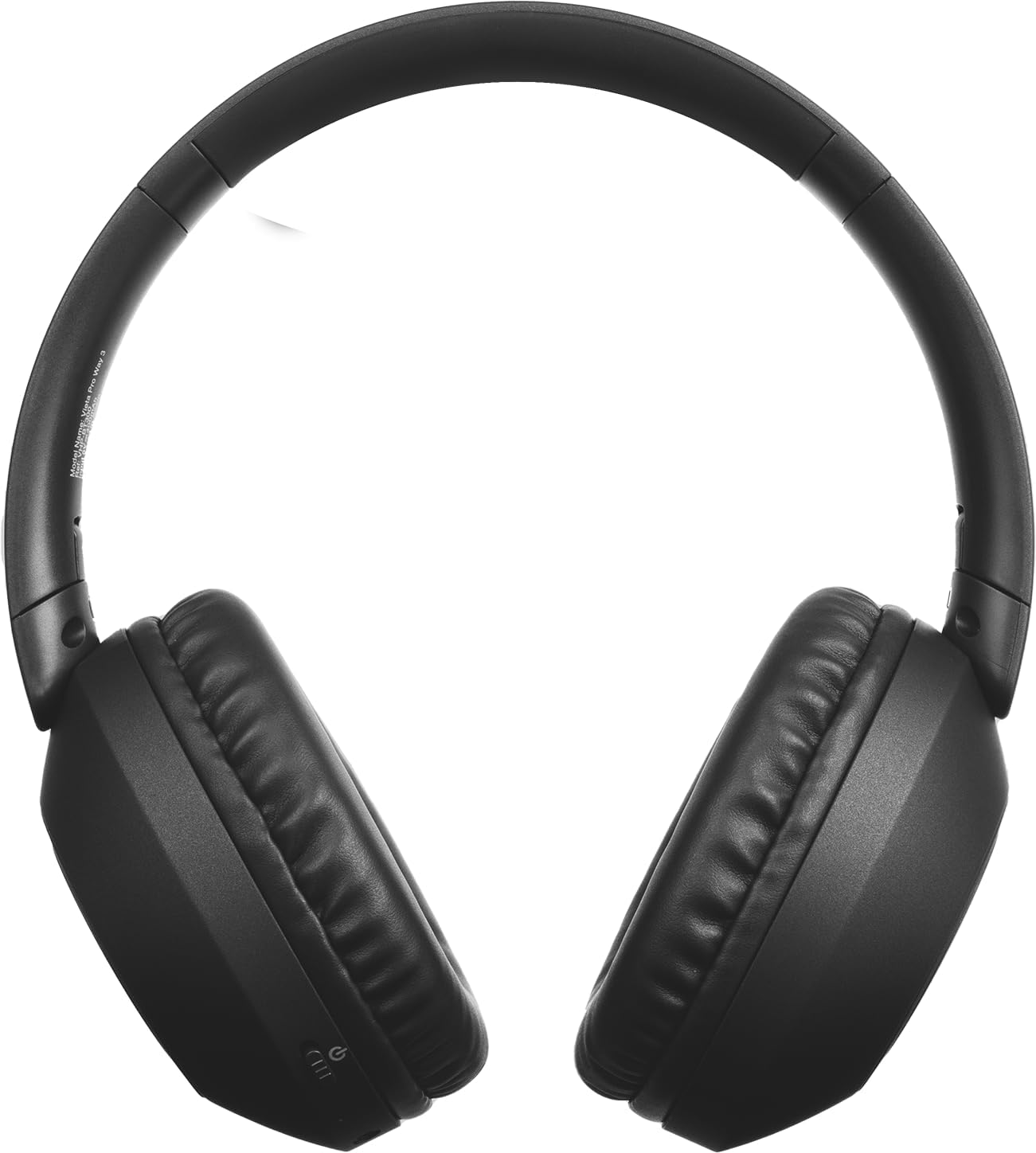
Сүрөт: алдыңкы view of the Vieta Pro Way 3 headphones, showing the earcups and headband.
Иштөө нускамалары
1. Музыканы ойнотуу
When connected via Bluetooth or Aux-in, you can control your music:
- Ойнотуу/тындыруу: Көп функциялуу баскычты бир жолу басыңыз.
- Кийинки трек: Үнүн жогорулатуу баскычын басып, кармап туруңуз.
- Мурунку трек: Үндү азайтуу баскычын басып, кармап туруңуз.
- Көлөмү: Үндү жогорулатуу баскычын кыскача басыңыз.
- Үнүн азайтуу: Үндү азайтуу баскычын кыскача басыңыз.
2. Чалууларды башкаруу
The integrated microphone allows for hands-free calls when connected via Bluetooth:
- Чалууга жооп берүү/аяктоо: Көп функциялуу баскычты бир жолу басыңыз.
- Чакырууну четке кагуу: Көп функциялуу баскычты 2 секунд басып туруңуз.
- Үн жардамчысы: Double-press the Multi-function button to activate your device's voice assistant.
3. Оюн режими
Activate the dedicated gaming mode for optimized audio performance during gameplay, reducing latency and enhancing sound effects.
- Оюн режимин иштетүү: Refer to the specific button or gesture indicated in the quick start guide for your model. (Typically a dedicated button or a long press on a volume button).
4. Кош жупташтыруу
The Dual Pairing feature allows the Vieta Pro Way 3 headphones to connect to two different Bluetooth devices simultaneously. This enables seamless switching between audio sources without the need to disconnect and re-pair.
- Pair the headphones with your first device following the Bluetooth Pairing instructions.
- Биринчи түзмөктөгү Bluetooth'ду убактылуу ажыратыңыз.
- Pair the headphones with your second device.
- Биринчи түзмөктө Bluetooth'ту кайра иштетиңиз. Эми кулакчындар эки түзмөккө тең туташтырылышы керек.
- Audio will play from the active source, and you can switch by pausing one and playing the other.

Image: A person wearing the Vieta Pro Way 3 headphones, demonstrating comfortable use.
Техникалык тейлөө
1. Тазалоо
- Наушниктерди жумшак, кургак, түксүз чүпүрөк менен сүртүңүз.
- Абразивдүү тазалоочу каражаттарды, эриткичтерди же күчтүү химиялык заттарды колдонбоңуз, анткени алар бетине же ички компоненттерине зыян келтириши мүмкүн.
- Ар кандай тешиктерге ным кирүүдөн сактаңыз.
2. Сактоо
- Кулакчындарды салкын, кургак жерде, күн нуру түз тийбеген жана өтө жогорку температурадан алыс сактаңыз.
- When not in use for extended periods, store them in their protective case (if included) to prevent dust and damage.
3. Батареяга кам көрүү
- To prolong the lifespan of the battery, avoid fully discharging the headphones frequently.
- Кулакчындарды тез-тез колдонбосоңуз да, үзгүлтүксүз кубаттап туруңуз.
Проблемаларды чечүү
1. Үн жок
- Наушниктердин күйгүзүлгөнүн жана кубатталганын текшериңиз.
- Кулакчындардын жана туташкан түзмөктүн үн деңгээлин текшериңиз.
- Verify that the headphones are properly paired via Bluetooth or securely connected via the Aux-in cable.
- Кулакчындарды да, аудио булак түзмөгүн да өчүрүп-күйгүзүп көрүңүз.
2. Жупташтыруу маселелери
- Ensure the headphones are in Bluetooth pairing mode (indicator light flashing rapidly).
- Түзмөгүңүздөгү Bluetooth'ду өчүрүп, кайра иштетиңиз.
- Move the headphones closer to your device to ensure a strong signal.
- Clear previous Bluetooth connections from your device's Bluetooth settings and try pairing again.
3. Заряддоо маселелери
- Verify that the charging cable is securely connected to both the headphones and the power source, or that the headphones are correctly placed on the wireless charging pad.
- Ensure the power source (USB adapter, computer port, wireless charger) is functional.
- Check the charging port on the headphones for any debris that might obstruct the connection.
Техникалык шарттар
| Бренд | Vieta Pro |
| Модел | 3-жол |
| Форма фактору | Over-ear (Headband) |
| Байланыш технологиясы | Wireless (Bluetooth), Wired (Aux-in) |
| Зымсыз байланыш | Bluetooth |
| Батареянын иштөө мөөнөтү | 50 саатка чейин (ойнотуу) |
| Өзгөчөлүктөр | Wireless Charging, Built-in Microphone, Gaming Mode, Dual Pairing |
| Өндүрүүчү | FRAMASON AUDIO SA |
| ASIN | B0CRL99NBD |
Эскертүү: Техникалык мүнөздөмөлөр эскертүүсүз өзгөртүлүшү мүмкүн.
Кепилдик жана колдоо
For detailed warranty information, product registration, or technical assistance, please refer to the official Vieta Pro website or contact their customer support directly. It is recommended to retain your purchase receipt as proof of purchase for any warranty claims.
- Официалдуу Webсайт: Visit www.vietapro.com (or relevant regional site) for support resources.
- Кардарларды тейлөө: Contact information can typically be found on the official webсайт.