Introduction
The Fenix HM65R-T V2.0 is a high-performance running headlamp designed for trail running and outdoor activities. It features a powerful 1600-lumen white light and a warm white dual beam, offering versatile illumination for various conditions. Built with a lightweight magnesium alloy body, it is durable, USB-C rechargeable, and includes a comfortable, adjustable headband.

Image: The Fenix HM65R-T V2.0 Running Headlamp in Dark Purple, showcasing анын компакт дизайны жана кош жарык булактары.
Жайгашуу
Кутуда эмне бар
- Fenix HM65R-T V2.0 баштыкчасыamp
- Баш боо
- USB-C заряддоо кабели
- Запастык шакек
Батарея орнотуу
- Баштын куйрук капкагын бурап алыңызamp.
- Insert the included Fenix ARB-L18-3400 battery with the anode (+) side facing the headlamp баш.
- Куйрук капкагын кайра бекем буруңуз.
Башчыamp is also compatible with two CR123A batteries for alternative power.
Заряддоо
- Башындагы USB-C заряддоо портун табыңызamp body, usually protected by a rubber boot.
- Open the rubber boot and connect the USB-C charging cable to the port.
- Кабелдин экинчи учун USB кубат булагына туташтырыңыз.
- The battery level indicators will illuminate to show charging status. Charging typically takes approximately 3 hours.
- Once fully charged, disconnect the cable and securely close the rubber boot to maintain water resistance.

Image: The Fenix HM65R-T V2.0 headlamp connected to a USB-C charging cable, illustrating the charging process.
Баш боосун тууралоо
Башчыamp features a two-way SPORT fit system fastener for easy adjustment. Simply rotate the dial clockwise to tighten the headband or counter-clockwise to loosen it, ensuring a steady and comfortable fit during use.

Image: A person adjusting the headband of the Fenix HM65R-T V2.0, demonstrating the two-way SPORT fit system.
Иштөө нускамалары
The Fenix HM65R-T V2.0 features dual top switches for simple and accurate operation, with separate controls for the white light and warm white light.
Сүрөт: деталдуу view of the Fenix HM65R-T V2.0 headlamp, highlighting its dual top switches for independent control of light modes.
Күйгүзүү/өчүрүү
- Күйгүзүү: Press and hold either of the switches for 0.5 seconds.
- Өчүрүү: Press and hold either of the switches for 0.5 seconds.
Mode Switching (White Light)
With the white light on, single-click the white light switch to cycle through Low, Medium, and High modes.
Mode Switching (Warm White Light)
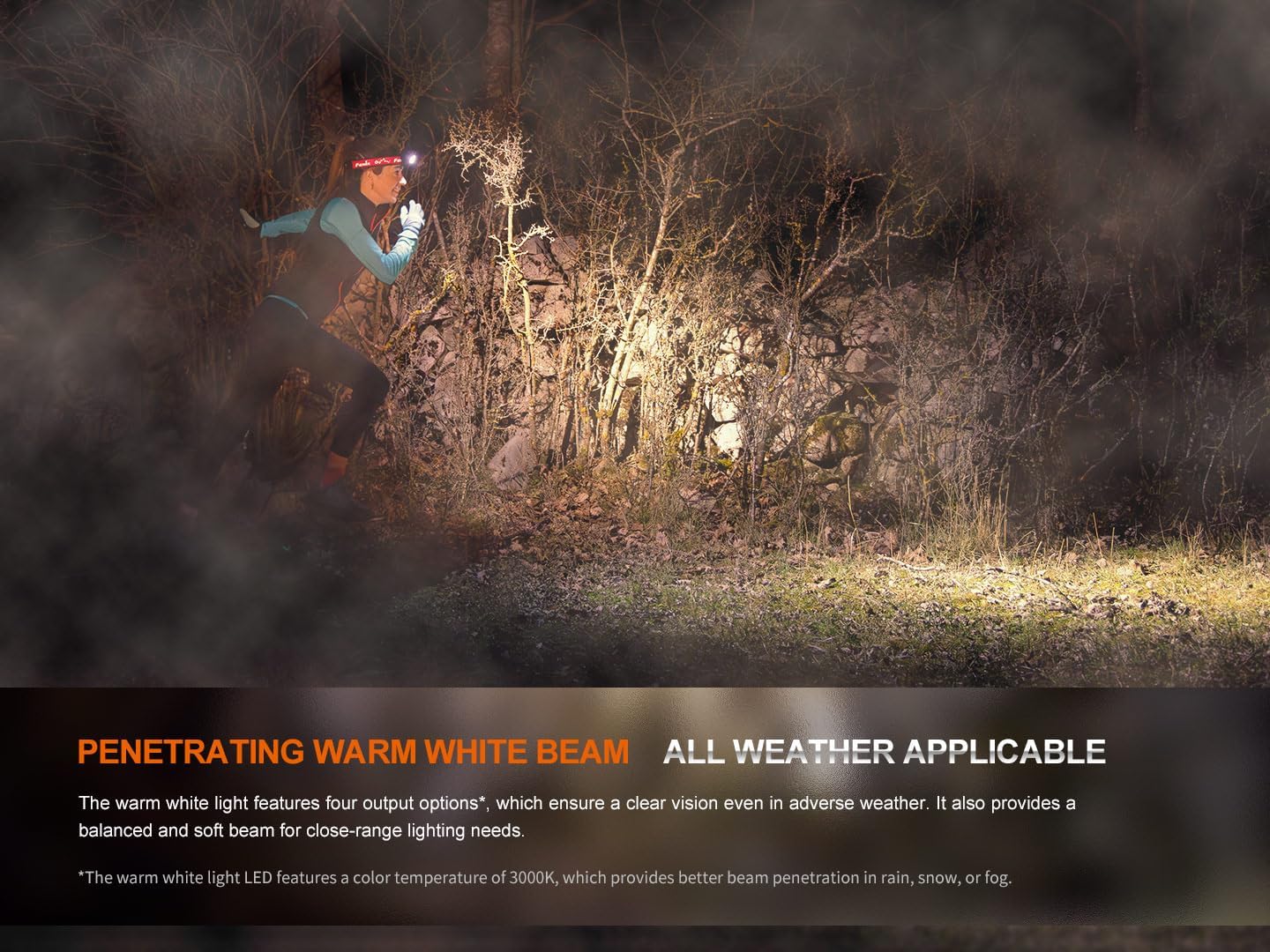
With the warm white light on, single-click the warm white light switch to cycle through Eco, Low, Medium, and High modes.
SOS режими
To activate SOS mode, press and hold the warm white light switch for 1.2 seconds. The headlamp will emit a flashing SOS signal at 5 lumens.
Electronic Lockout Function
- Бекитүү: Баш мененamp off, press and hold both switches simultaneously for 3 seconds. The headlamp will flash 4 times in Eco mode to indicate it is locked.
- Кулпуну ачуу үчүн: Press and hold both switches simultaneously for 3 seconds. The headlamp will flash 4 times in Eco mode and then turn on in Eco mode to indicate it is unlocked.
Батарея деңгээлинин көрсөткүчү
Качан башamp is off, single-click either switch to activate the battery level indicators located in the middle of the switches. The indicators will show the remaining battery percentage:
- 4 lights on: 100% - 80%
- 3 lights on: 80% - 60%
- 2 lights on: 60% - 40%
- 1 light on: 40% - 20%
- 1 light flashes: 20% - 1%
Official Product Video: HM65R-T V2 Full Review
Видео: Ар тараптуу карооview of the Fenix HM65R-T V2.0 headlamp, detailing its features, operation, and comparison with previous models. This video provides visual demonstrations of setup, light modes, and adjustment mechanisms.
Техникалык тейлөө
Тазалоо
Үзгүлтүксүз башын тазалапamp жумшак, d менен корпус жана линзаamp кездеме. Каптамага же оптикалык компоненттерге зыян келтириши мүмкүн болгон абразивдүү тазалоочу каражаттарды же эриткичтерди колдонуудан алыс болуңуз.
Батареяга кам көрүү
To ensure optimal performance and longevity, store the battery in a cool, dry place. Recharge the battery regularly, even if not in frequent use, to prevent deep discharge. If using CR123A batteries, ensure they are of high quality and from a reputable brand.
O-шакек алмаштыруу
Periodically inspect the O-ring for wear and tear. If damaged, replace it with the provided spare O-ring to maintain the headlampIP68 суу өткөрбөйт рейтинги.
Проблемаларды чечүү
Headlamp күйгүзүлбөйт
- Check if the battery is correctly installed with the correct polarity.
- Ensure the battery is charged. Refer to the Battery Level Indication section.
- Баштын экенин текшериңизamp is not in Electronic Lockout mode. Follow the unlocking procedure.
- Clean the battery contacts and the contact points inside the headlamp таза чүпүрөк менен.
Күңүрт же бүлбүлдөгөн жарык
- The battery may be low. Recharge or replace the battery.
- Ensure the battery contacts are clean and free from debris.
- Check for any loose connections or damage to the headlamp.
Заряддоо маселелери
- USB-C кабели эки баштыкка тең туура туташтырылганын текшериңизamp жана энергия булагы.
- Башка USB-C кабелин же кубат адаптерин колдонуп көрүңүз.
- Verify that the charging port is clean and free from obstructions.
Техникалык шарттар
| Өзгөчөлүк | Нарк |
|---|---|
| Модел | HM65R-T V2.0 |
| Бренд | Fenix |
| Ак жарыктык (макс.) | 1600 Lumens |
| Warm White Brightness (Max) | 800 Lumens |
| Power Source | Battery Powered (1 Lithium Ion battery included, compatible with 2 CR123A) |
| Материал | Магний эритмеси |
| Сууга туруктуулук деңгээли | Суу өткөрбөйт (IP68) |
| Таасирге каршылык | 2 метр |
| Элемент Салмагы | 5 унция (0.31 фунт) |
| Продукциянын өлчөмдөрү | 1.37"D x 1.84"W x 3.15"H |
| Өзгөчөлүктөр | Adjustable Light Modes, Adjustable Strap, Durable, High Lumens, Rechargeable |
| Камтылган компоненттер | Charging Cable, Head Band, Headlamp |
Кепилдик жана колдоо
Кепилдик маалымат
The Fenix HM65R-T V2.0 comes with a Limited Warranty. For specific details regarding the warranty period and coverage, please refer to the warranty card included in your product packaging or visit the official Fenix webсайт.
Кардарларды колдоо
For any questions, technical assistance, or warranty claims, please contact Fenix customer support through their official webсайт же продукт документациясында көрсөтүлгөн байланыш маалыматы.


