
Introduction
Thank you for choosing the Portronics Harmonics Z10 In-Ear Bluetooth Headphone. This manual provides essential information for setting up, operating, maintaining, and troubleshooting your device. Please read it thoroughly to ensure optimal performance and longevity of your headphones.

The Portronics Harmonics Z10 In-Ear Bluetooth Headphone, featuring a neckband design and magnetic earbuds for secure wear and storage.
Жайгашуу
1. Кутудан чыгаруу жана Пакеттин мазмуну
Баштоодон мурун, пакетте бардык элементтер бар экенин текшериңиз:
- 1N Headset (Portronics Harmonics Z10)
- 1N Charging Cable (Type-C)
- 1N Documentation (User Manual)
2. Наушниктерди заряддоо
The Harmonics Z10 features a Type-C fast charging port. For initial use, fully charge the headphones. A 10-minute charge provides up to 2 hours of playback, and a full charge offers an impressive 35 hours of playtime.
- Locate the Type-C charging port on the neckband.
- Connect the included Type-C charging cable to the headphone's charging port.
- Кабелдин экинчи учун туура келген USB кубат булагына туташтырыңыз (мисалы, дубал адаптери, компьютердин USB порту).
- LED индикатору кубаттоо абалын көрсөтөт (чоо-жайын LED индикатору бөлүмүн караңыз).

Жакын план view of the Type-C fast charging port on the Portronics Harmonics Z10 neckband, illustrating the charging connection.
3. Түзмөгүңүз менен жупташтыруу
The Harmonics Z10 uses Bluetooth 5.3 for seamless and stable connectivity up to a range of 10 meters.
- Кулакчындарыңыз кубатталганын жана күйүп турганын текшериңиз.
- Activate Bluetooth on your smartphone, tablet, or other audio device.
- Издөө available Bluetooth devices. The Harmonics Z10 will appear as "Harmonics Z10" or similar.
- Select "Harmonics Z10" from the list to pair.
- Once paired, the headphones will automatically connect to your device in the future when in range and Bluetooth is active.
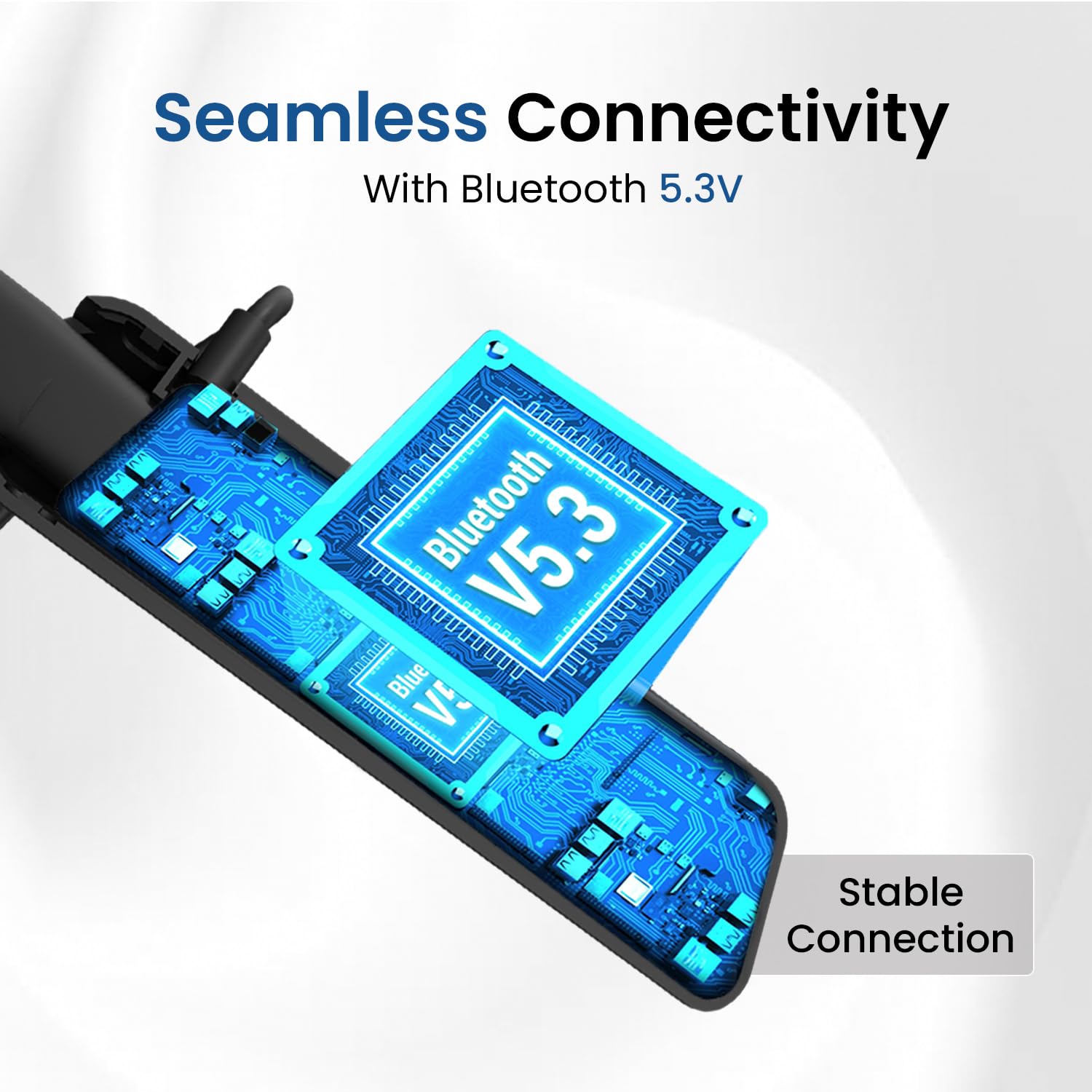
An illustration depicting the seamless Bluetooth 5.3 connectivity of the Harmonics Z10, highlighting the stable connection.
Наушниктерди иштетүү
1. In-Line Controls
The Harmonics Z10 features integrated in-line controls for easy management of audio playback and calls.
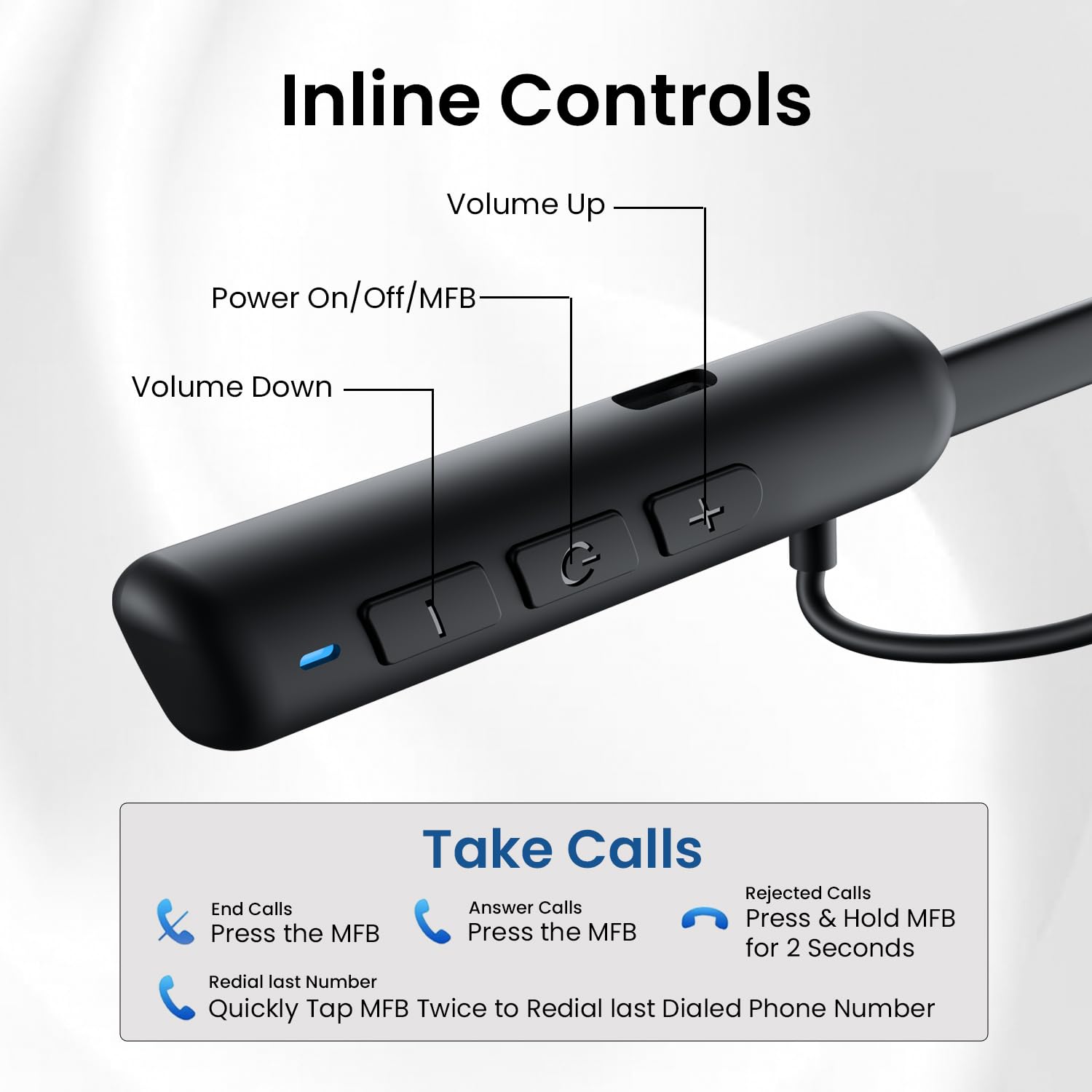
Detailed diagram of the in-line controls on the Harmonics Z10 neckband, showing buttons for volume, power/MFB, and call management functions.
- Power On/Off/MFB (Multi-Function Button): Press and hold to power on/off. Single press for play/pause, answer/end calls.
- Үнүн жогорулатуу (+): Үнүн жогорулатуу үчүн кыска басыңыз.
- Үнүн төмөндөтүү (-): Үндү азайтуу үчүн кыска басыңыз.
- Кийинки трек: Long press Volume Up (+) button.
- Мурунку трек: Long press Volume Down (-) button.
2. Чалууларды башкаруу
- Чакырууга жооп берүү: MFB бир жолу басыңыз.
- Чакырууну аяктоо: Чалуу учурунда MFB баскычын бир жолу басыңыз.
- Чакырууну четке кагуу: MFBди 2 секунд басып туруңуз.
- Акыркы номерди кайра терүү: Quickly tap the MFB twice.
3. Үн жардамчысы
The Harmonics Z10 supports voice assistants like Google Assistant and Siri.
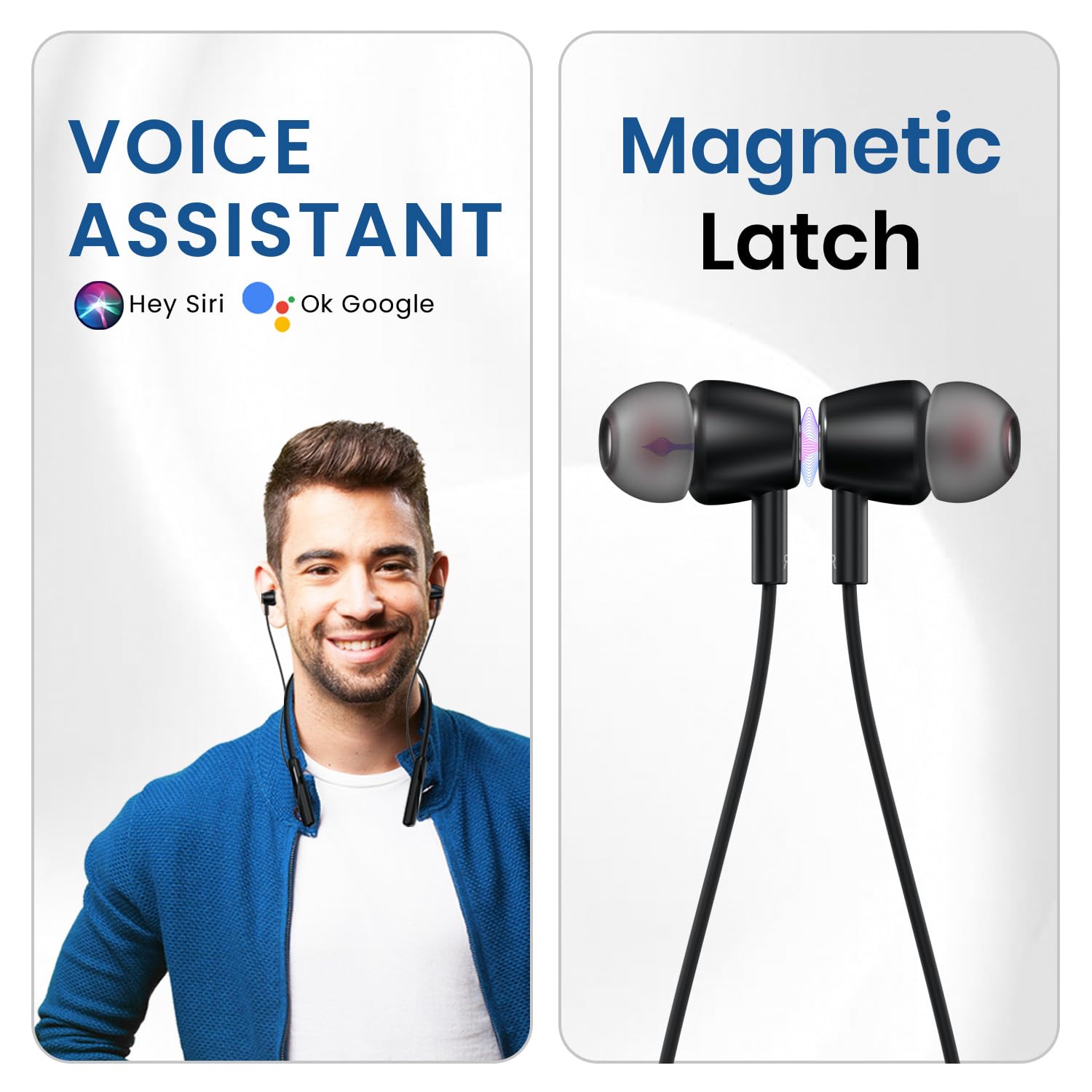
An image illustrating the voice assistant compatibility (Hey Siri, Ok Google) and the magnetic latch feature of the earbuds.
- Үн Жардамчысын жандыруу: Press and hold the MFB for approximately 2 seconds (or as per specific model instruction) until you hear a prompt.
4. Аудио ойнотуу
Equipped with 10mm bass drivers, the Harmonics Z10 delivers crystal-clear sound with rich bass and crisp details for an immersive audio experience.
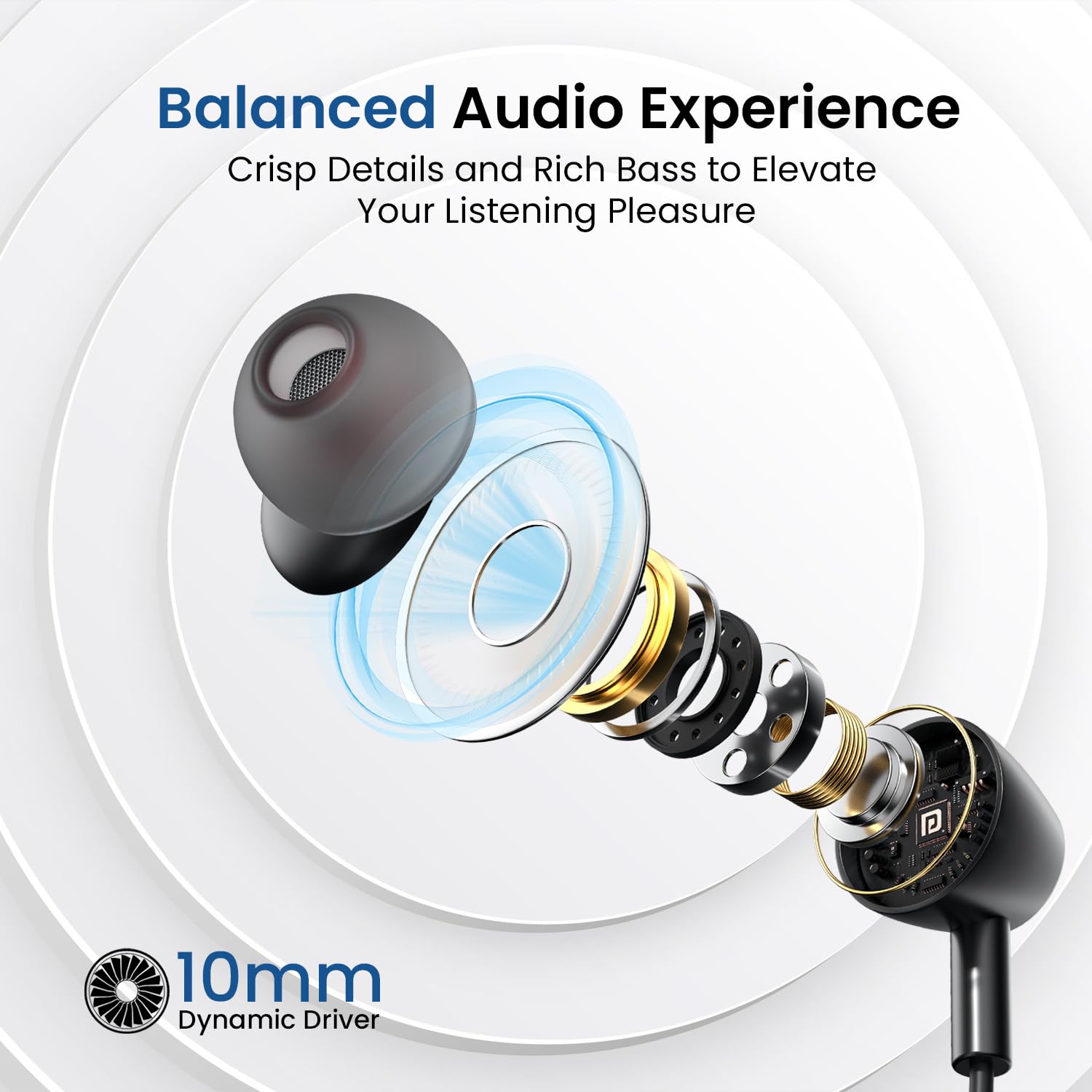
А жарылды view of the 10mm dynamic driver, emphasizing the balanced audio experience with crisp details and rich bass.
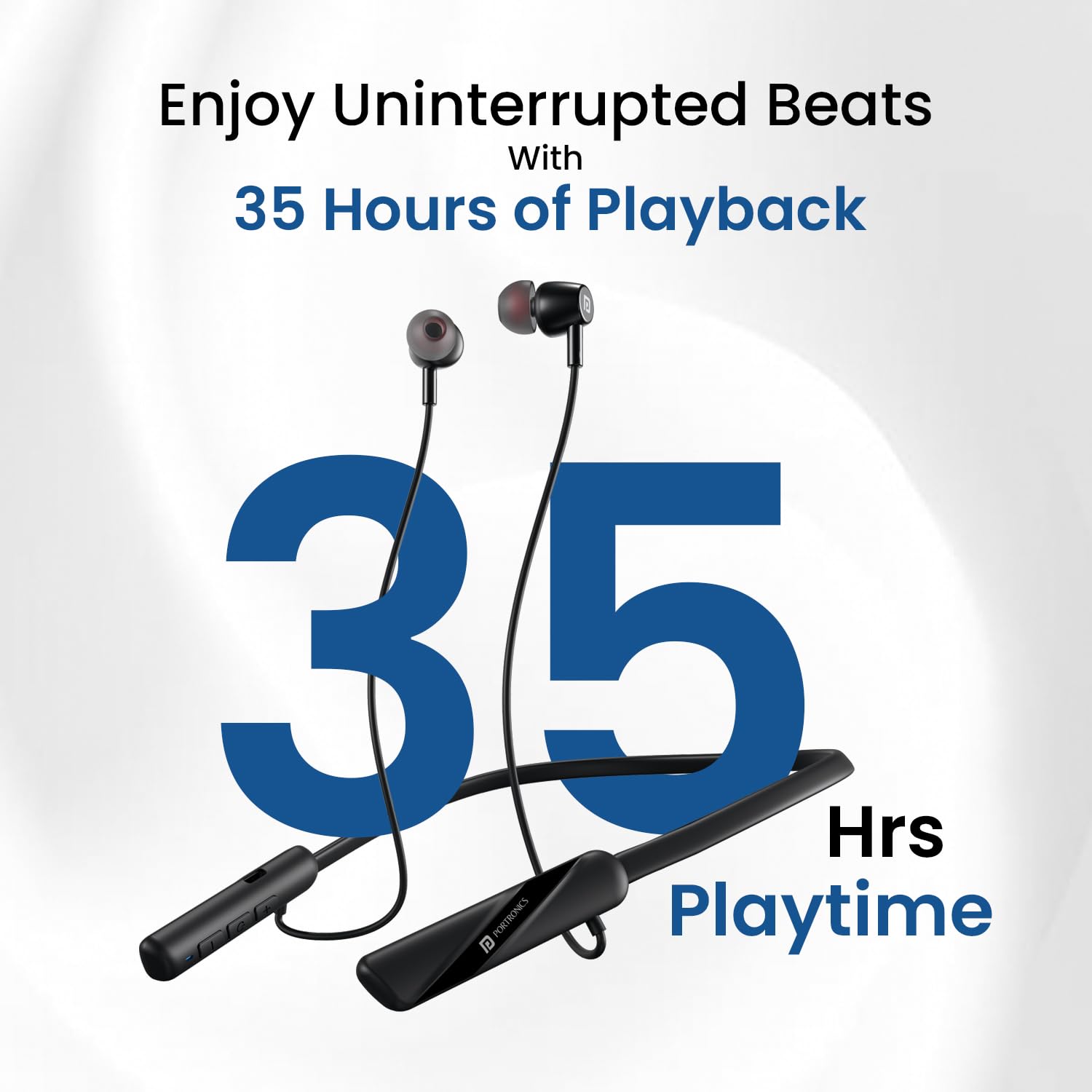
A visual representation highlighting the impressive 35 hours of playback time offered by the Harmonics Z10 headphones.
Техникалык тейлөө
1. Тазалоо
Наушникиңиздин иштешин жана көрүнүшүн сактоо үчүн:
- Моюнга тагылуучу боону жана кулакчындарды жумшак, кургак, мамыксыз чүпүрөк менен сүртүңүз.
- Катуу химиялык заттарды, тазалоочу эриткичтерди же күчтүү жуучу каражаттарды колдонбоңуз.
- Gently clean ear tips with a slightly damp кездеме менен ороп, кайра орнотуудан мурун толугу менен кургатыңыз.
2. Сактоо
When not in use, store your headphones in a cool, dry place away from direct sunlight and extreme temperatures. The magnetic earbuds help prevent tangling during storage.
3. Сууга жана терге туруктуулук
The Harmonics Z10 is rated IPX4, providing protection against water splashes and sweat. This makes them suitable for workouts and outdoor activities. However, they are not designed for submersion in water.
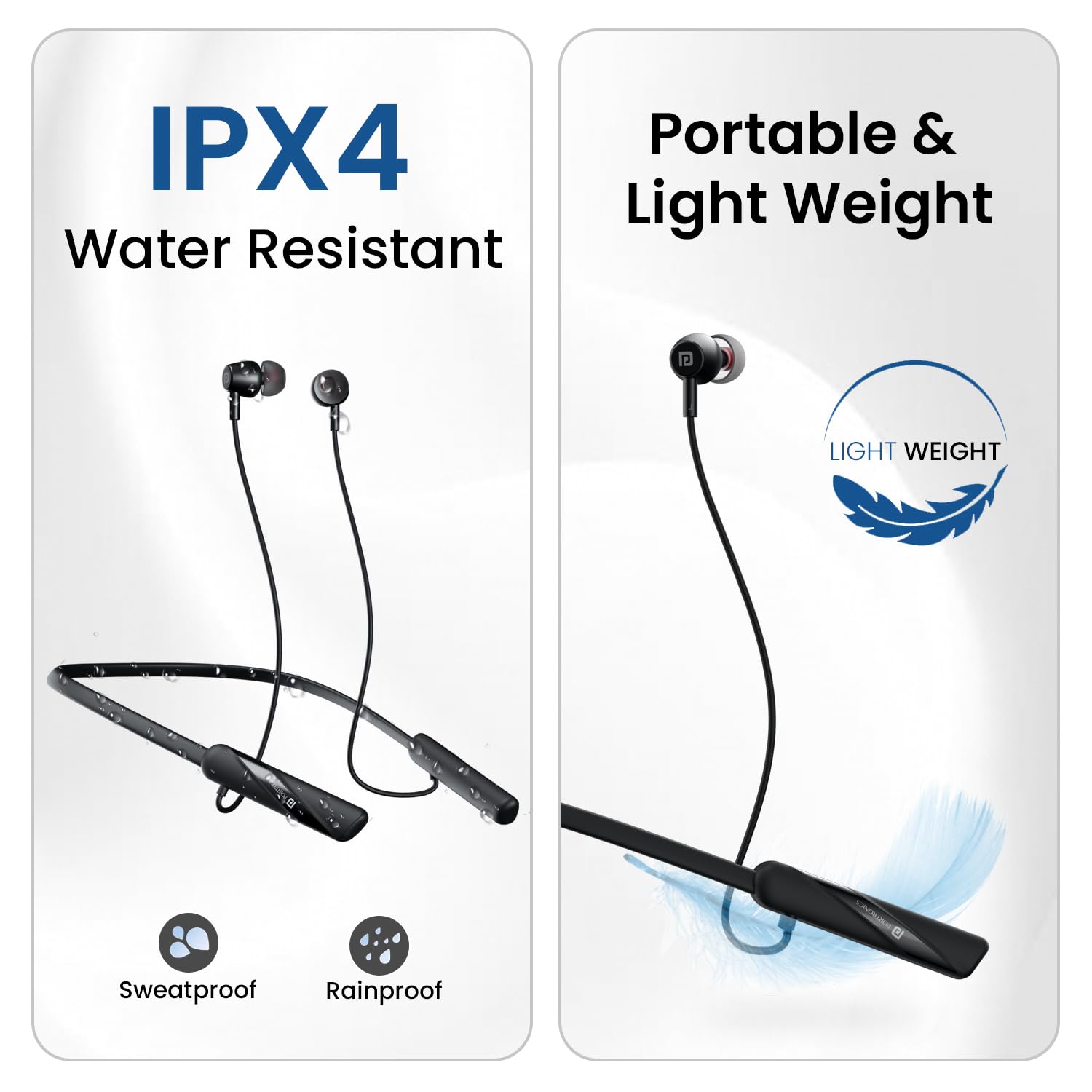
Сүрөт шоуcasing the IPX4 water resistance (sweatproof and rainproof) and the portable, lightweight design of the Harmonics Z10.
Проблемаларды чечүү
If you encounter issues with your Harmonics Z10 headphones, refer to the following common problems and solutions:
| Көйгөй | Мүмкүн себеп | Чечим |
|---|---|---|
| Наушник күйбөй жатат | Батареянын аздыгы; Кубат баскычы туура басылган жок | Charge the headphones fully; Press and hold the Power/MFB button for 3-5 seconds. |
| Түзмөк менен жупташтыруу мүмкүн эмес | Bluetooth off; Headphones not in pairing mode; Device too far; Interference | Ensure Bluetooth is on for both devices; Make sure headphones are discoverable; Move devices closer; Turn off other Bluetooth devices. |
| Үн жок же үнү төмөн | Үн өтө төмөн; Туташтырылган эмес; Аудио чыгышы туура эмес | Increase volume on both headphones and device; Re-pair the headphones; Check device's audio output settings. |
| Заряддоо маселелери | Бузулган кабель/адаптер; Кубаттоо порту кир | Try a different Type-C cable and power adapter; Gently clean the charging port. |
| Чалуу сапаты начар | Айлана-чөйрөдөгү ызы-чуу; Алсыз сигнал | Move to a quieter environment; Ensure strong Bluetooth connection. |
Техникалык шарттар
| Өзгөчөлүк | Деталь |
|---|---|
| Модель аты | Гармония Z10 |
| Модель номери | POR-2404 |
| Байланыш технологиясы | Зымсыз (Bluetooth) |
| Bluetooth версиясы | 5.3 |
| Bluetooth диапазону | 10 метр |
| Батареянын иштөө мөөнөтү | 35 саат ойноо убактысы |
| Заряддоо убактысы | 2 сааттык ойнотуу үчүн болжол менен 10 мүнөт |
| Аудио драйвер түрү | 10мм динамикалык драйвер |
| Сууга туруктуулук деңгээли | IPX4 (Water Splash and Sweat Resistant) |
| Башкаруу түрү | In-Line Controls, Voice Control |
| Микрофон форматы | In-Line |
| Элемент Салмагы | 100 грамм |
| Продукциянын өлчөмдөрү | 19 x 15 x 3.5 см |
| Материал | Пластик |
| Камтылган компоненттер | Headset 1N, Cable 1N, Documentation 1N |
| Өндүрүүчү | Портроника |
| Келип чыккан өлкө | Кытай |
Кепилдик жана колдоо
Кепилдик маалымат
For detailed warranty terms and conditions, please refer to the documentation included with your product or visit the official Portronics website. Extended warranty options may also be available.
Кардарларды колдоо
Should you require assistance or have any questions regarding your Portronics Harmonics Z10 headphones, please contact Portronics customer support:
- Электрондук почта: help@portronics.com
- Телефон: +91 9555-245-245
- Дарек: First Floor Property No D 8 Upper Basement Sector 8 Noida Uttar Pradesh 201301