
Introduction
Thank you for choosing the BoxWave MagnetoSnap PD AllCharge Cable (100W). This versatile charging and data transfer cable is designed for convenience and high performance, featuring interchangeable magnetic tips and support for up to 100W Power Delivery. This manual provides essential information for the proper setup, operation, and maintenance of your cable.

Image: The BoxWave MagnetoSnap PD AllCharge Cable with its main cable and three interchangeable magnetic tips (USB-C, Micro USB, and a third type).
Орнотуу нускамалары
- Түзмөгүңүздүн заряддоо портун аныктаңыз: Determine if your device uses USB-C, Micro USB, or another compatible port type.
- Insert the Magnetic Tip: Select the appropriate magnetic tip (USB-C, Micro USB, or other included connector) and gently insert it into your device's charging port. This tip can remain in your device for convenience.
- Кабелди туташтыруу: Bring the main cable end close to the inserted magnetic tip. The magnetic connection will automatically snap into place, establishing the charging or data transfer connection.
- Кубат Булагына туташуу: Plug the other end of the MagnetoSnap cable into a power source. The cable features a built-in USB-A adapter that can be pulled away to reveal a USB Type-C port, allowing connection to either a traditional USB-A charger or a USB Type-C Power Delivery (PD) charger for higher wattage заряддоо.

Сүрөт: жакын план view illustrating the interchangeable magnetic tips and how they connect to the main cable via magnetic force.

Image: The end of the BoxWave cable showing the built-in USB-A adapter and how it can be pulled back to reveal a USB Type-C connector.
Иштөө нускамалары
Түзмөгүңүздү заряддоо
Once connected, the MagnetoSnap cable will begin charging your device. It supports Power Delivery (PD) up to 100W, making it suitable for charging a wide range of devices, including laptops, tablets, and smartphones. Ensure your power adapter also supports the desired wattagоптималдуу заряддоо ылдамдыгы үчүн e.
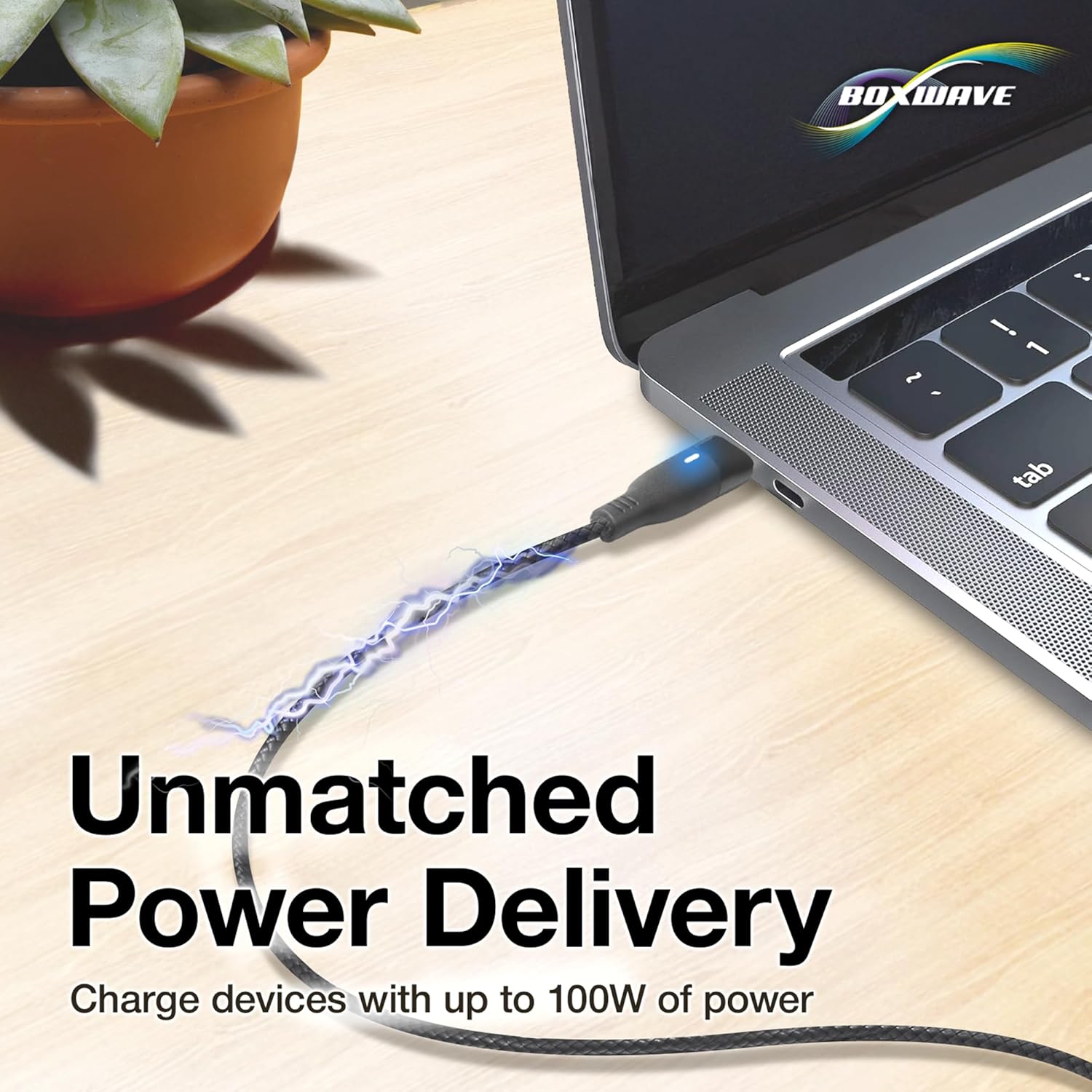
Image: A laptop being charged by the BoxWave MagnetoSnap cable, illustrating its high power delivery capability.
Маалыматтарды өткөрүү
Connect the MagnetoSnap cable to a computer to transfer data at speeds up to 480Mbps. This allows for quick syncing of files, photos, and videos between your device and computer while simultaneously charging.

Image: A smartphone and a laptop connected by the BoxWave MagnetoSnap cable, demonstrating simultaneous charging and data synchronization.
Benefits of Magnetic Connection
The magnetic design helps protect your device's charging port from wear and tear caused by constant plugging and unplugging. By leaving the magnetic tip in your device, you reduce physical stress on the port, potentially extending its lifespan.
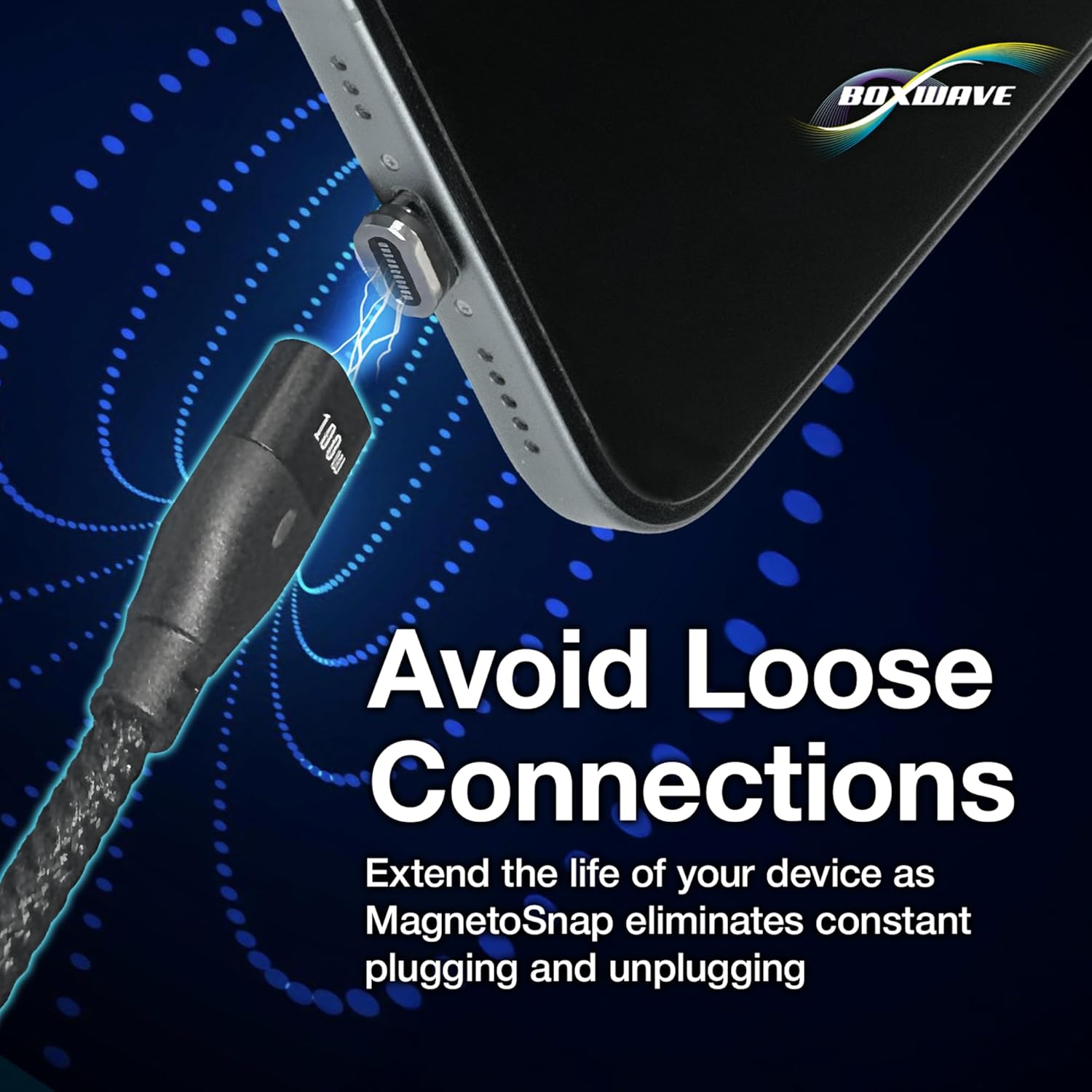
Image: A close-up of a magnetic tip inserted into a smartphone's charging port, highlighting how it helps avoid loose connections.
Техникалык тейлөө
- Тазалоо: Use a soft, dry cloth to clean the cable and magnetic tips. Avoid using harsh chemicals or abrasive materials. Ensure the magnetic contacts are free of dust and debris for optimal connection.
- Сактагыч: Store the cable in a cool, dry place away from direct sunlight and extreme temperatures. Avoid tightly coiling the cable to prevent internal wire damage. The braided nylon design offers enhanced durability against tangles and fraying.
- Колдонуу: Always pull from the connector head, not the cable itself, when disconnecting. Avoid bending the cable sharply at the connectors.
Проблемаларды чечүү
- Issue: Device is not charging.
- Чечим:
- Ensure the magnetic tip is fully inserted into your device's charging port.
- Verify the magnetic connection between the cable and the tip is secure.
- Check that the cable is securely plugged into a functional power source.
- Confirm your power adapter is providing sufficient power for your device.
- Try a different power source or adapter.
- Issue: Slow charging speed.
- Чечим:
- Ensure your power adapter supports Power Delivery (PD) and provides adequate wattage (up to 100W for this cable) for your device.
- Close unnecessary applications on your device that might be consuming power.
- Check for any debris on the magnetic contacts that might impede current flow.
- Issue: Data transfer not working.
- Чечим:
- Ensure the cable is securely connected to both your device and the computer.
- Verify your device's settings allow for data transfer (e.g., 'File Android түзмөктөрүндө өткөрүп берүү режими).
- Компьютериңиздеги башка USB портуна туташып көрүңүз.
- Түзмөгүңүздү да, компьютериңизди да өчүрүп-күйгүзүңүз.
Техникалык шарттар
| Өзгөчөлүк | Деталь |
|---|---|
| Бренд | BoxWave |
| Модел | MagnetoSnap PD AllCharge Cable (100W) |
| Туташтыргыч түрү | USB (with interchangeable magnetic tips: USB-C, Micro USB) |
| Ватtage | Up to 100 watts (Power Delivery) |
| Маалыматтарды өткөрүү ылдамдыгы | 480 Мбит/сек |
| Өзгөчө өзгөчөлүк | Magnetic, Braided Nylon Cable |
| Шайкеш түзмөктөр | Laptops, Tablets, Smartphones (with compatible ports) |
| Түс | Jet Black |
| Элемент Салмагы | 0.8 унция |
Кепилдик маалымат
Specific warranty details for the BoxWave MagnetoSnap PD AllCharge Cable (100W) are typically provided at the point of purchase or on the official BoxWave webсайт. Сатып алуу документтерин же өндүрүүчүнүн webэң акыркы кепилдик шарттары жана эрежелери үчүн сайтты караңыз.
Кардарларды колдоо
For technical assistance or inquiries regarding your BoxWave MagnetoSnap PD AllCharge Cable, you may contact BoxWave Corporation directly. Limited third-party technical support for your device (up to 3 inquiries via messaging) is included, but please note this is not affiliated with or endorsed by Prilotte.
For further support, please visit the official BoxWave webсайтка же продуктунун таңгагында берилген байланыш маалыматына кайрылыңыз.