
Introduction
This manual provides essential instructions for the proper use and care of your Samsung Galaxy A55 5G Smart View Wallet Case. This case is designed to protect your device while offering convenient smart view features and a card slot.
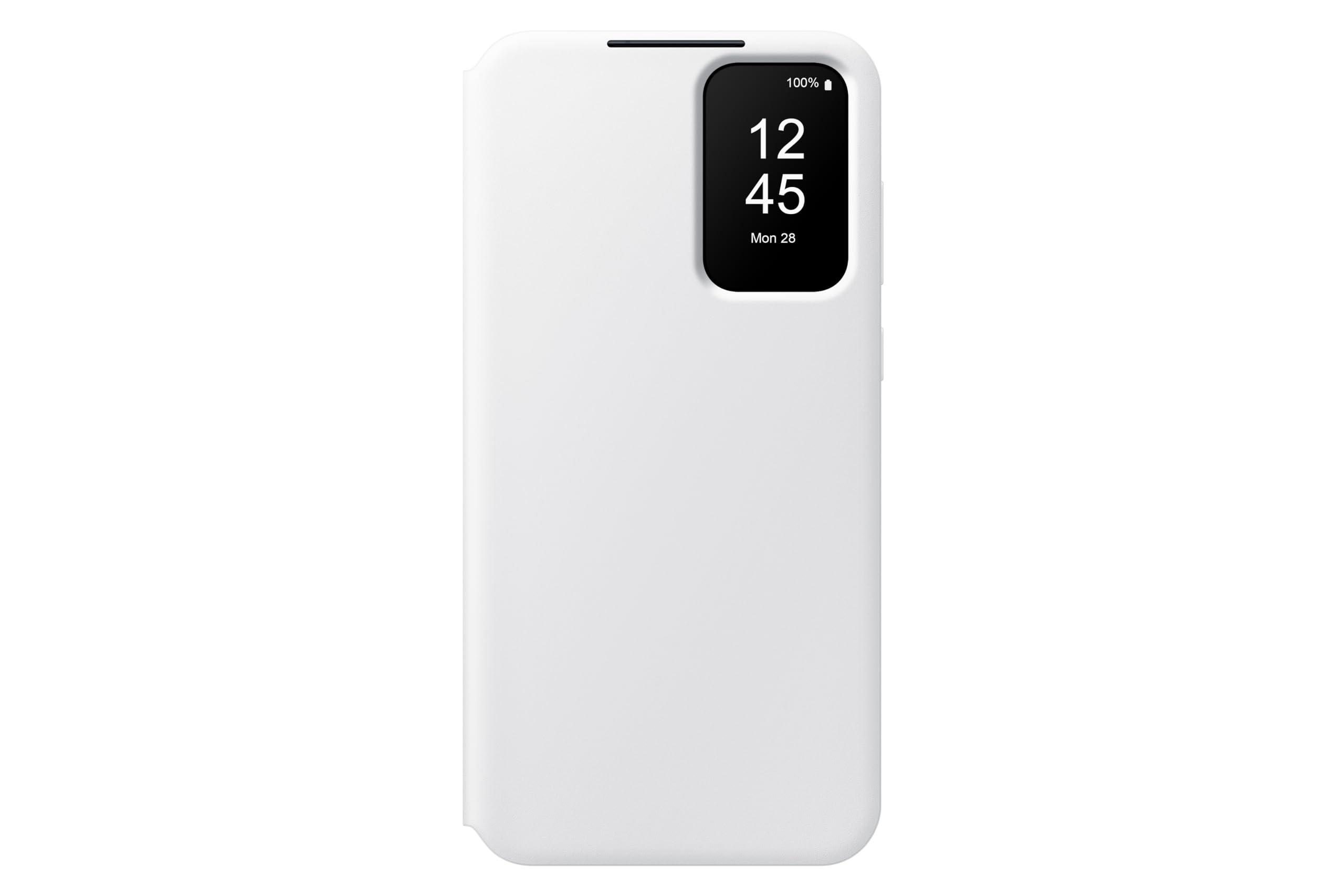
Image: The Samsung Galaxy A55 5G Smart View Wallet Case in white, shown in its closed position.
Орнотуу нускамалары
1. Installing the Case
- Ensure your Samsung Galaxy A55 5G device is clean and free of dust or debris.
- Align the phone with the case, starting with the camera module side.
- Gently press the phone into the case, ensuring all edges are securely fitted. The case is designed for a snug fit to provide optimal protection.

Image: A Samsung Galaxy A55 5G phone being carefully inserted into the white Smart View Wallet Case.
2. Removing the Case
- Start by gently peeling back one corner of the case from the phone.
- Work your way around the edges until the phone can be safely lifted out of the case. Avoid excessive force to prevent damage to the phone or case.
Иштөө нускамалары
Акылдуу экран View Функционалдык
Акылдуу View Wallet Case features an innovative window display that allows you to interact with your phone without opening the cover. This includes:
- Дата жана убакыт: View учурдагы дата жана убакыт.
- Кирүүчү чалуулар: Answer or reject calls directly through the smart view терезе.
- Ойготкучтар: Manage alarms.
- График: Check your upcoming schedule.
- Weather/Health: Access quick updates on weather or health data.
For detailed interaction with these features, refer to your Samsung Galaxy A55 5G's user manual for specific settings related to smart view учурлар.
Card Sleeve Usage
The case includes a convenient card sleeve on the inside of the front cover. This slot is designed to hold one standard-sized card, such as an ID card or credit card.
- Insert your card gently into the designated slot.
- Avoid overfilling the slot, as this may stretch the material or prevent the case from closing properly.
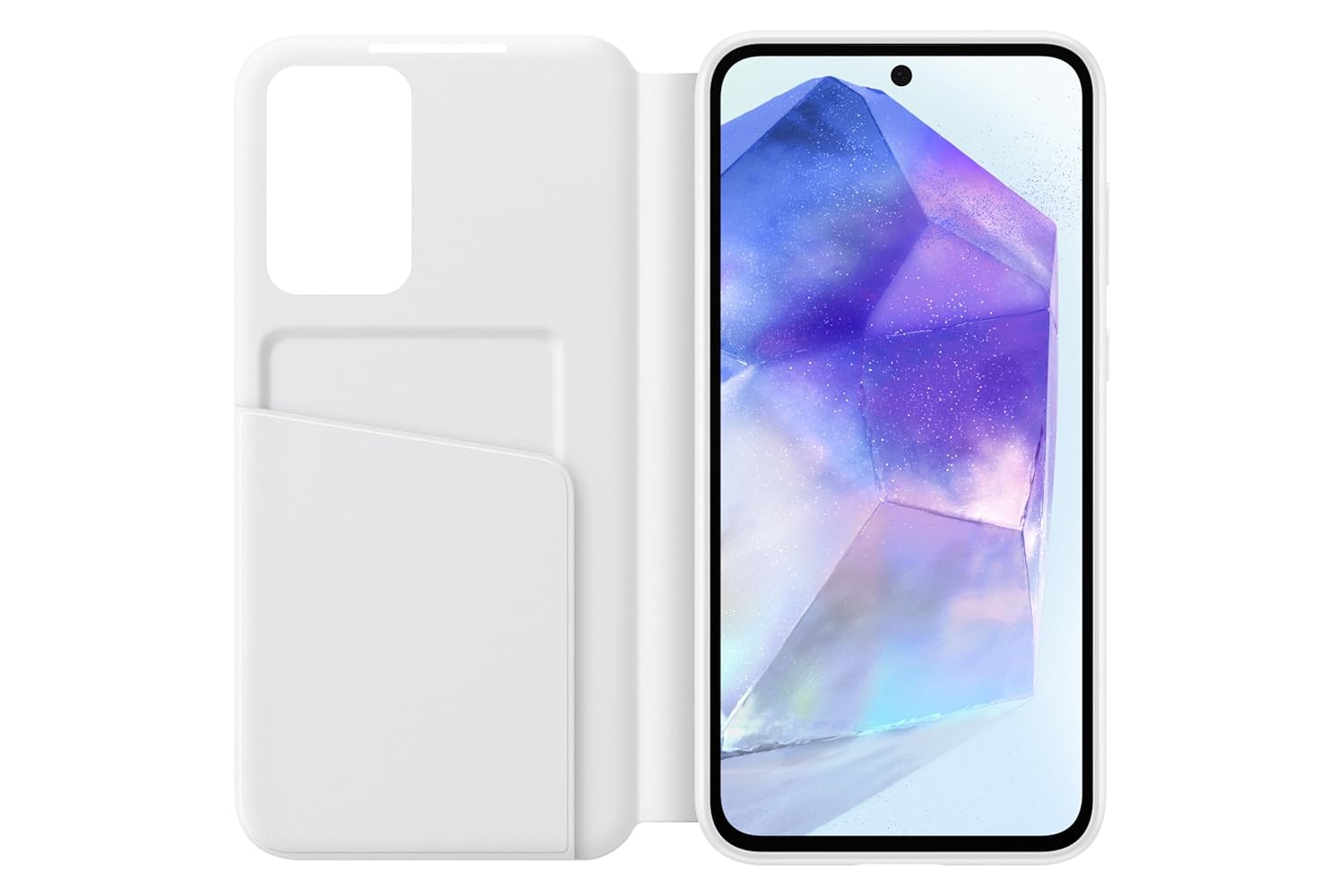
Image: The white Smart View Wallet Case opened, revealing the phone screen and the integrated card slot on the left flap.
Техникалык тейлөө жана кам көрүү
Ишти тазалоо
- To clean the exterior, gently wipe with a soft, damp кездеме.
- For stubborn stains, use a mild soap solution and then wipe with a clean, damp кездеме.
- Avoid using harsh chemicals, abrasive cleaners, or solvents, as these can damage the case material.
- Ensure the case is completely dry before re-installing your phone.
Жалпы кам көрүү
- Корпусту узак убакыт бою өтө жогорку температурага же түз күн нуруна дуушар кылбаңыз.
- Do not bend or twist the case excessively, as this may compromise its structural integrity.
- Keep the card slot free from sharp objects to prevent damage.
Проблемаларды чечүү
Case Not Closing Properly
- Тоскоолдуктарды текшерүү: Ensure no foreign objects or too many cards are in the card slot.
- Re-seat phone: Remove and re-install the phone to ensure it is correctly seated within the case.
Акылдуу View Маселелерди көрсөтүү
- Телефон тууралоолору: Verify that your phone's settings for smart covers or accessories are enabled.
- Таза экран: Ensure the phone screen and the smart view window are clean and free of smudges.
- Restart phone: A simple phone restart can often resolve minor software glitches affecting accessory recognition.
If issues persist, contact Samsung customer support for further assistance.
Техникалык шарттар
| Бренд | Samsung |
| Модель аты | Акылдуу View Wallet Case |
| Модель номери | EF-ZA556C |
| Шайкеш телефон моделдери | Samsung Galaxy A55 5G |
| Түс | Ак |
| Материал | Polycarbonate, Polyurethane, Thermoplastic Polyurethane |
| Продукт өзгөчөлүктөрү | Card Slot, Shock Absorbent |
| Элементтин өлчөмдөрү (L x W x Y) | 165 x 83 x 15 Миллиметр |
| Элемент Салмагы | 73 грамм |
| кутучанын мазмуну | 1 Акылдуу View Wallet Case |
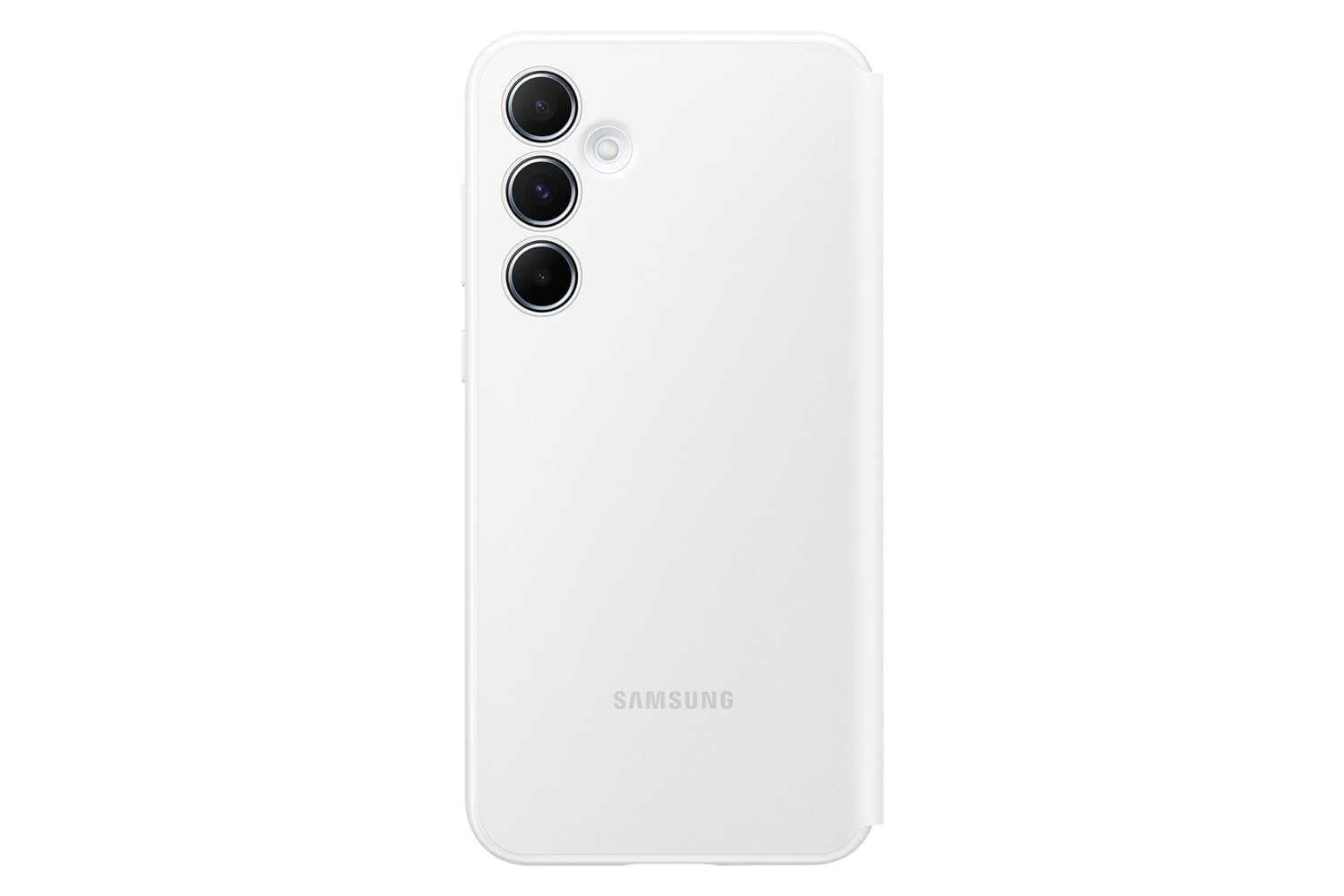
Сүрөт: Арткы view of the white Smart View Wallet Case, highlighting the camera cutouts and Samsung branding.

Сүрөт: Интерьер view of the white Smart View Wallet Case, showing the soft lining and product information.
Кепилдик маалымат
This Samsung Galaxy A55 5G Smart View Wallet Case comes with a 3 ай Өндүрүүчүнүн Кепилдиги сатып алынган күндөн тартып. Бул кепилдик нормалдуу колдонуудагы өндүрүш кемчиликтерин камтыйт. Кепилдик дооматтары үчүн сатып алганыңыздын далилин сактап коюңуз.
For warranty service or inquiries, please contact Samsung customer support using the details provided in the Support section.
Колдоо жана Байланыш маалыматы
For technical assistance, product inquiries, or warranty support, please contact Samsung customer service:
- Импорттоочунун байланыш маалыматы: Samsung India Electronics Pvt ltd, 6th Floor, DLF Centre, Sansad Marg, New Delhi - 110001.
- Электрондук почта: support.india@samsung.com
- Акысыз телефон: 1800-40-7267864
You can also visit the official Samsung webкөбүрөөк маалымат жана колдоо булактары үчүн сайт.