
Продукт бүттүview
This manual provides detailed instructions for the installation, operation, and maintenance of the AGCUT LCD Screen Replacement for Honor X6 mobile phones. This replacement part is compatible with Honor X6 models VNE-LX1, VNE-LX2, and VNE-LX3.
The replacement screen features a 6.5-inch display with a resolution of 720x1600 pixels. It is designed to address issues such as incorrect screen response, display malfunctions, pixel distortion, cracked LCD screens, and color errors.
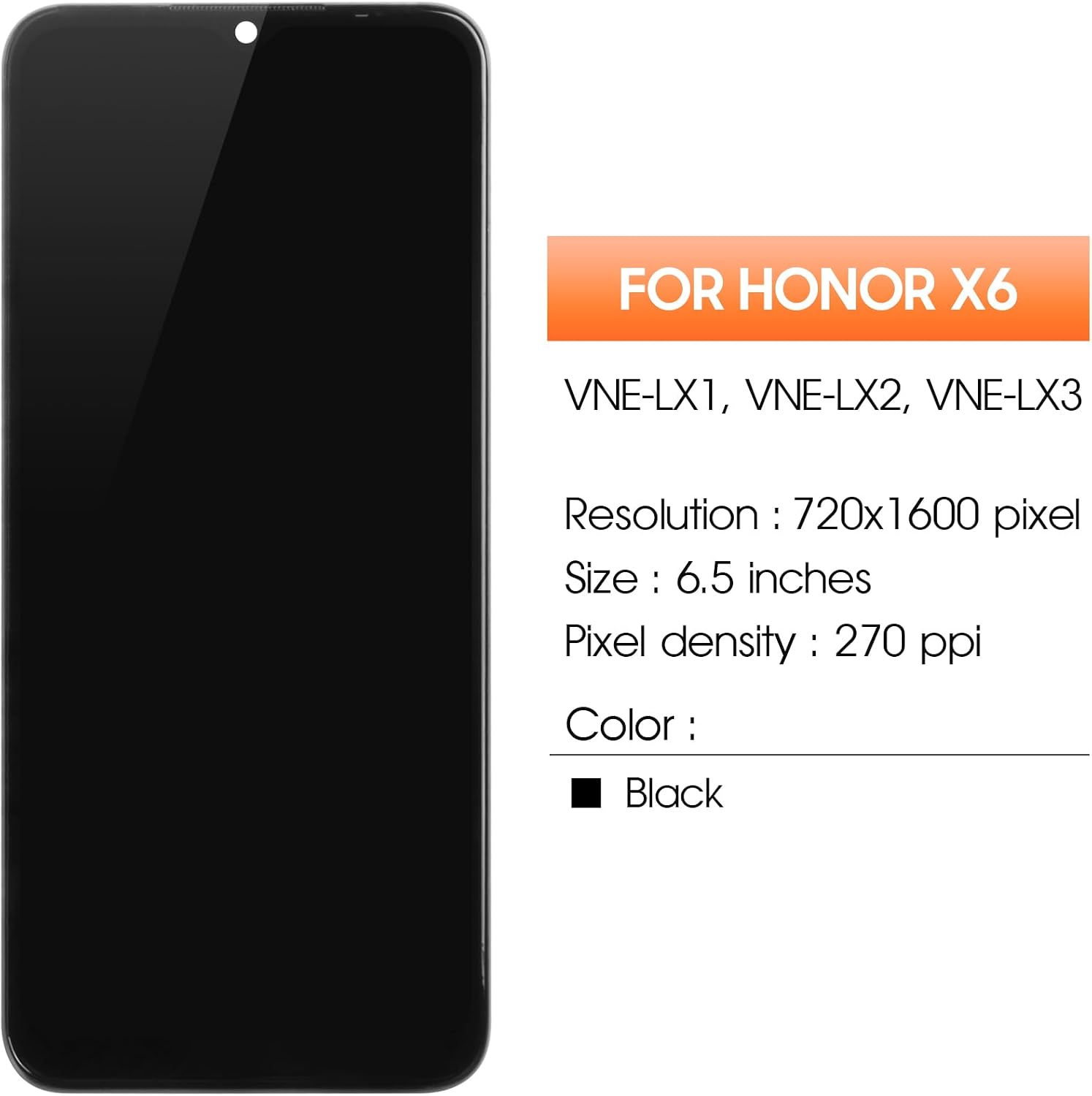
Сүрөт: алдыңкы view of the AGCUT Honor X6 LCD screen replacement.
Пакеттин мазмуну
Before beginning the installation, please verify that all components are present in the package:
- 1x AGCUT Honor X6 LCD Screen Replacement (with frame)
- 1x Explosion-proof Box
- 1x HD Glass (Screen Protector)
- 1x Dust Absorber
- 1x Set of Removal Tools (screwdrivers, pry tools, suction cup)
- 1x Double-sided Adhesive Tape
- 1x Disassembly Tool Card
- 1x Disassembly Card

Image: Contents of the AGCUT Honor X6 screen replacement package, including the screen, tools, and accessories.
Орнотуу жана орнотуу
Маанилүү коопсуздук эскертүүсү:
- • Professional Installation Recommended: Screen replacement requires technical expertise. Non-professional installation may lead to damage to the screen or device.
- • Pre-Installation Testing: Before fully installing the screen, connect the flex cables to the motherboard and test the display and touch functionality. Do not remove any protective films or labels until you have confirmed the screen is fully functional.
- • Static Electricity: Be aware of static electricity during installation. Ground yourself or use anti-static tools to prevent damage to electronic components.
Орнотуу кадамдары:
- Түзмөктү өчүрүү: Ensure your Honor X6 phone is completely powered off before starting.
- SIM салгычты алып салуу: Use the SIM ejector tool to remove the SIM card tray.
- Heat and Separate Back Cover: Carefully apply heat to the edges of the phone's back cover using a heat gun or hairdryer to soften the adhesive. Use a thin pry tool to gently separate the back cover from the frame.
- Батареяны ажыратыңыз: Locate and disconnect the battery flex cable to prevent short circuits during the repair.
- Эски экранды алып салуу: Disconnect the old screen's flex cables from the motherboard. If the old screen is cracked, be careful of glass shards. Apply heat to the edges of the old screen to loosen its adhesive and carefully pry it off the frame.
- Таза кадр: Thoroughly clean any remaining adhesive or glass fragments from the phone's frame. A clean surface is crucial for proper adhesion of the new screen.
- Орнотуу алдындагы тест: Connect the new screen's flex cables to the motherboard. Reconnect the battery and power on the phone to test the display, touch response, and all screen functions. If any issues arise, disconnect and recheck connections.
- Желимди колдонуу: Once testing is successful, power off the phone and disconnect the battery. Apply the provided double-sided adhesive tape evenly around the frame where the screen will sit.
- Жаңы экранды орнотуу: Carefully align the new screen with the phone's frame and gently press it into place, ensuring a secure fit.
- Компоненттерди кайра туташтыруу: Reconnect the battery flex cable and any other components that were disconnected.
- Түзмөктү кайра чогултуу: Reattach the back cover, ensuring it is properly sealed. Reinsert the SIM tray.
- Акыркы текшерүү: Power on the phone and perform a final check of all screen functions.
For visual guidance, search for "Honor X6 screen replacement" on YouTube for detailed video tutorials.


Image: A person performing a phone repair with a screwdriver, alongside an image of the included repair tools.
Operating the New Screen
Once installed, the new AGCUT LCD screen functions identically to the original display. It provides high color saturation, resolution, and smooth touch response.
- Тийүү сезгичтиги: The screen is designed for high touch sensitivity, ensuring accurate and responsive interaction.
- Дисплейдин сапаты: Enjoy clear visuals with high brightness and resolution.

Image: Visual representation highlighting high brightness, high resolution, and high sensitivity of the screen.
Техникалык тейлөө
Жаңы экраныңыздын узак мөөнөттүү иштешин жана оптималдуу иштешин камсыз кылуу үчүн, төмөнкү техникалык тейлөө көрсөтмөлөрүн аткарыңыз:
- Тазалоо: Жумшак, түксүз кездемени колдонуңуз, бир аз dampened with water or a screen cleaner, to gently wipe the screen. Avoid harsh chemicals or abrasive materials.
- Коргоо: Apply the included HD glass screen protector to guard against scratches and minor impacts.
- Кысымдан качуу: Do not apply excessive pressure to the screen, as this can cause damage to the LCD panel.
- Температура: Avoid exposing the device to extreme temperatures, which can affect screen performance and lifespan.
Проблемаларды чечүү
If you encounter any issues after installation, refer to the following common problems and solutions:
| Көйгөй | Мүмкүн себеп | Чечим |
|---|---|---|
| Screen Not Turning On / No Display | Loose flex cable connection, battery not connected, damaged screen during installation. | Ensure all flex cables are securely connected. Reconnect the battery. If the screen was damaged, it may need replacement. |
| Incorrect Touch Response / Unresponsive Touch | Loose touch digitizer flex cable, debris under the screen, software issue. | Check the touch digitizer flex cable connection. Clean the screen surface. Restart the phone. |
| Display Issues (e.g., lines, dead pixels, wrong colors) | Damaged LCD panel, loose display flex cable. | Ensure the display flex cable is properly seated. If issues persist after rechecking connections, the screen may be defective and require replacement. |
| Screen Disconnection / Freezing | Loose connections, software conflict. | Verify all internal connections. Perform a factory reset (backup data first) if software is suspected. |

Сүрөт: Visual examples of common screen display issues such as dead pixels, pixel lines, and touch response problems.
Техникалык шарттар
| Өзгөчөлүк | Деталь |
|---|---|
| Продукт аты | AGCUT LCD Screen Replacement for Honor X6 |
| Шайкеш моделдер | Honor X6 (VNE-LX1, VNE-LX2, VNE-LX3) |
| Дисплей өлчөмү | 6.5 дюйм |
| Резолюция | 720x1600 пиксел |
| Түс | Кара |
| Элемент Салмагы | 6 унция (болжол менен 170 грамм) |
| Пакеттин өлчөмдөрү | 7.6 x 4.84 x 1.14 дюйм |

Image: Detailed specifications of the Honor X6 screen, including compatible models, resolution, and size.
Кепилдик жана колдоо
Information regarding specific warranty terms for this product is not provided in the product details. Please refer to the seller's return policy or contact the seller directly for warranty inquiries.
For additional support or installation guidance, please search for "Honor X6 screen replacement" on YouTube for various video tutorials. If you require further assistance, contact the seller through the platform where the purchase was made.