1. Киришүү
The Generic CTC 7805N is a 2DIN Android 12.2 car stereo designed to enhance your in-car entertainment and navigation experience. Featuring a 7-inch HD capacitive touchscreen, this multimedia player offers clear audio and visual performance. It includes integrated Bluetooth for hands-free calling and music streaming, built-in WiFi for internet connectivity, and GPS for navigation. The system supports various multimedia formats and offers advanced features like Mirror Link, Apple CarPlay, and Android Auto compatibility.

Image: Generic CTC 7805N Car Stereo highlighting key features.
2. Кутуда эмне бар
Upon unboxing your Generic CTC 7805N car stereo, please ensure all the following components are present:
- 1 x Android Car Stereo Player
- 1 x Bracket and Screws
- 1 x GPS антеннасы
- 1 x Universal Power Cable
- 1 x ISO Power Cable
- 1 x RCA Cable (CVBS-IN-1, AMP CONT, AUX L IN, AUX R IN, VIDEO OUT, LINE OUT SUB WOOF, FR OUT, FL OUT)
- 1 x Backup Camera Input Cable
- 2 х USB кабелдери
- 1 x Англис колдонуучу колдонмо

Сүрөт: алдыңкы view продуктунун таңгагынын.

Сүрөт: каптал view продуктунун таңгагынын.
3. Орнотуу жана орнотуу
Professional installation by a certified auto electrician is recommended to ensure proper functionality and to maintain warranty validity.
3.1. Зымдардын схемасыview
Refer to the following image for a general overview of the rear connections and wiring harness. Ensure all connections are secure and correctly matched to your vehicle's wiring system.
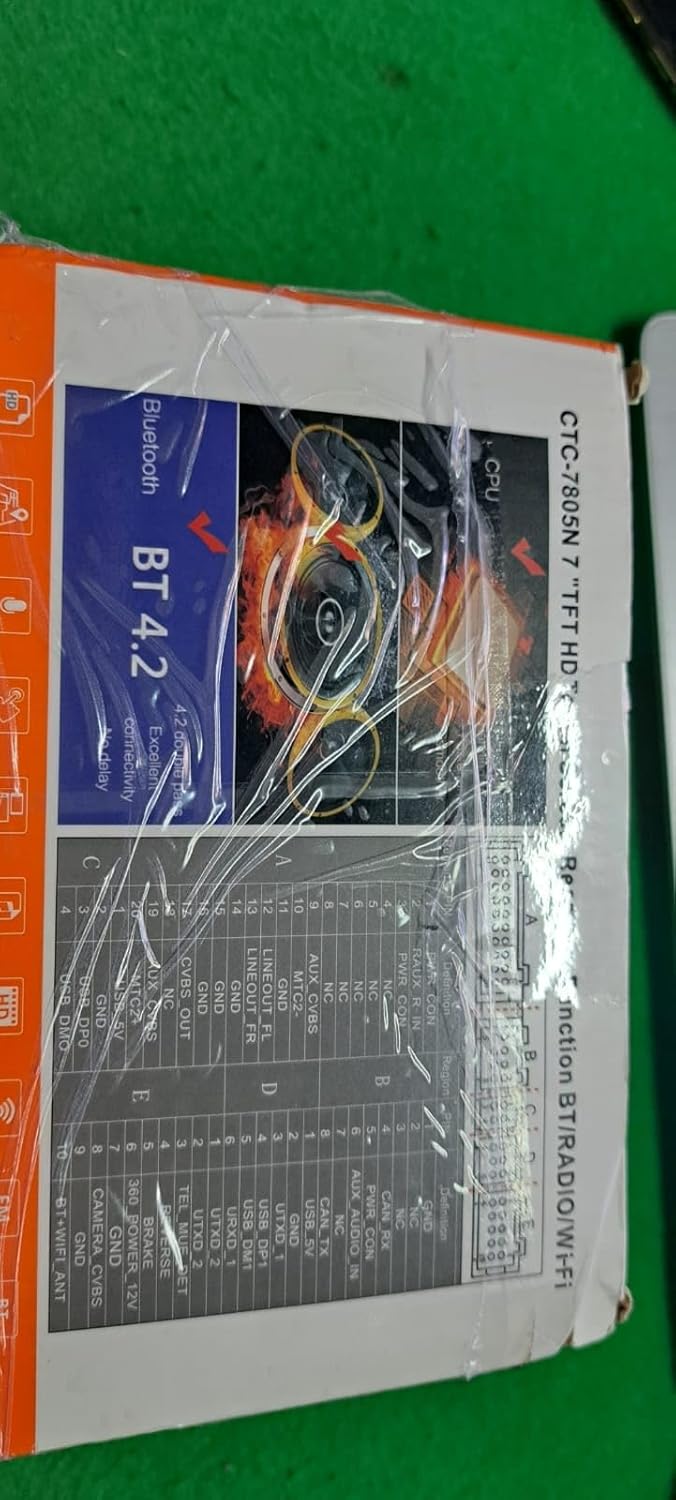
Сүрөт: Арткы view of the car stereo with connection points.
3.2. Power and Signal Cable Connections
Connect the provided power cables, RCA cables, and USB cables to the corresponding ports on the car stereo and your vehicle's wiring harness. Ensure the GPS antenna and radio antenna are also securely connected.
Video: Tutorial on installing the 2 DIN car stereo, including power and signal cable connections.
Video: Instructional video on wiring the car radio, demonstrating various cable connections.
3.3. Арткы View Камераны орнотуу (кошумча)
Эгер сиз арткы бөлүгүн орнотуп жатсаңыз view camera, connect its video output to the 'CVBS-IN-1' port and its power cable to the reverse light circuit of your vehicle. This allows the display to automatically switch to the camera view артка кайтканда.
Video: Demonstrates the wiring and operation of a rear view camera with the car stereo.
4. Иштөө нускамалары
This section covers the basic operation of your CTC 7805N car stereo.
4.1. Initial Setup and UI Navigation
Upon first power-on, the system will boot to the main interface. You can navigate through applications and settings using the touchscreen. The system runs on Android 12.2, offering a familiar smartphone-like experience.
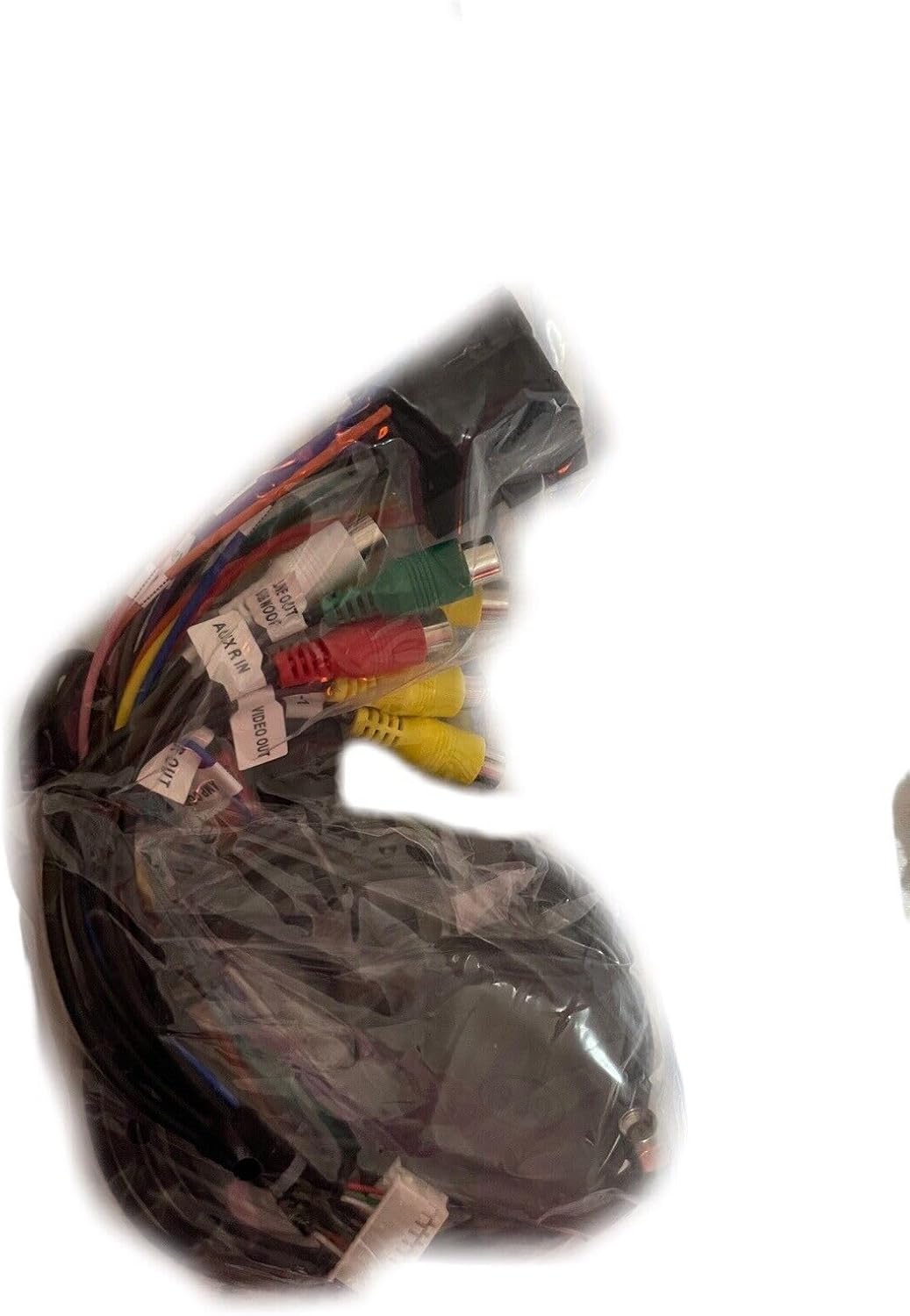
Image: Main user interface of the car stereo.
4.2. Bluetooth Hands-Free Calling and Music
To use Bluetooth features, enable Bluetooth on your smartphone and pair it with the car stereo. You can then make and receive calls hands-free and stream audio directly to the stereo.
Video: Demonstrates Bluetooth hands-free calling and music playback on the car stereo.
4.3. Apple CarPlay жана Android Auto
Connect your smartphone via USB or Bluetooth to access Apple CarPlay or Android Auto. This allows you to use compatible apps, navigation, and voice commands directly from the car stereo's display.
Video: Shows CarPlay connection and functionality.
Video: Demonstrates Android Auto connection and operation.
4.4. Күзгү шилтемесинин функциясы
Mirror Link allows you to mirror your smartphone's screen onto the car stereo display. This feature supports both Android and iOS devices via USB or Wi-Fi.
Video: Shows Mirror Link functionality for screen mirroring.
4.5. FM радиосу
Access the FM radio tuner to listen to your favorite stations. The system supports frequencies from 87.5-108 MHz.
Video: Demonstrates FM radio tuning.
4.6. Рулду башкаруу элементтери
If your vehicle supports it, you can configure the car stereo to work with your steering wheel controls for convenient operation of volume, track changes, and other functions.
Video: Shows how to set up and use steering wheel controls.
4.7. Эквалайзердин (EQ) жөндөөлөрү
Customize your audio experience using the built-in equalizer. Adjust bass, treble, and other frequency bands to match your preferences.
Video: Demonstrates adjusting the equalizer settings.
4.8. Change Wallpaper
Personalize your car stereo's interface by changing the wallpaper. Navigate to the settings menu to select from available options or upload your own images.
Video: Shows how to change the wallpaper on the car stereo.
5. Техникалык шарттар
| Өзгөчөлүк | Description |
|---|---|
| Операция системасы | Android 12.2 |
| CPU | Quad-Core |
| RAM | 4 ГБ |
| ROM | 64 ГБ |
| Дисплей | 7-inch HD Capacitive Touchscreen (1024x600) |
| Bluetooth | Version 4.1 (Hands-free, Music) |
| WiFi | 802.11b/g/n, supports 3G/4G hotspot |
| GPS | Built-in, supports online/offline maps |
| USB | Max 32 GB external memory (U disk not included) |
| Power Output | 4 * 55 W max (220 Watt total) |
| Аудио форматтары | MP3/WMA/WAV/FLAC |
| Видео форматтары | MP4 / MP5 / MKV / AVI (up to 4K) |
| FM радиосу | 87.5-108 МГц |
| Байланыш | Bluetooth, USB, WiFi, RCA |
| Шайкеш түзмөктөр | Smartphone (Android Auto, Apple CarPlay, Mirror Link) |
6. Кыйынчылыктарды
If you encounter any issues with your car stereo, please refer to the following general troubleshooting tips:
- Кубат жок: Check all power connections and fuses. Ensure the ignition wire is correctly connected.
- Үн жок: Динамиктердин туташууларын жана аудио жөндөөлөрүн текшериңиз. Үн өчүрүлгөн же өтө төмөн экенин текшериңиз.
- Bluetooth туташуу маселелери: Стерео системаңызда да, телефонуңузда да Bluetooth күйгүзүлгөнүн текшериңиз. Түзмөктөрдү ажыратып, кайра жупташтырып көрүңүз.
- GPS иштебейт: GPS антеннасынын туура орнотулганын жана ачык экенин текшериңиз view асмандын. Системада GPS орнотууларын текшериңиз.
- Сенсордук экран жооп бербейт: Түзмөктү өчүрүп күйгүзүп көрүңүз. Эгер маселе чечилбесе, баштапкы абалга кайтаруу зарыл болушу мүмкүн (эскертүү: бул колдонуучунун бардык маалыматтарын өчүрөт).
- Системанын кечигүү/тоңдуруу: Close unnecessary background applications. Ensure sufficient free storage space.
For persistent problems, consult a certified auto electrician or contact customer support.
7. Техникалык тейлөө
To ensure the longevity and optimal performance of your Generic CTC 7805N car stereo, follow these maintenance guidelines:
- Тазалоо: Экранды жана сыртын тазалоо үчүн жумшак, кургак чүпүрөк колдонуңуз. Дисплейге же сырткы көрүнүшүнө зыян келтириши мүмкүн болгон абразивдүү тазалоочу каражаттардан же эриткичтерден алыс болуңуз.
- Температура: Аппаратты өтө ысык жана муздак температурага узак убакытка дуушар кылуудан алыс болуңуз.
- Программалык камсыздоо жаңыртуулары: Periodically check for available software updates to ensure the system has the latest features and security patches.
- Кабелдик башкаруу: Ensure all cables are securely connected and not pinched or damaged, which can lead to intermittent issues.
8. Кепилдик жана колдоо
This product comes with a 2-year warranty. To validate the warranty, you must present a certificate of correct installation issued by a certified auto electrician. For technical support or warranty claims, please contact your retailer or the manufacturer directly.


