
Introduction
Thank you for choosing the GEQUDIO GB-2 Bluetooth Headset. This manual provides detailed instructions to help you set up, operate, and maintain your headset, ensuring optimal performance and a clear communication experience. The GB-2 headset is designed for clear sound quality, passive noise reduction, and multi-device connectivity, making it ideal for both professional and personal use.
Жеткирүү чөйрөсү
Пакетти ачканда, бардык компоненттердин бар экенине ынаныңыз:
- GEQUDIO GB-2 Headset
- Заряддоо док
- USB-C заряддоо кабели
- Колдонуучунун Колдонмосу (бул документ)
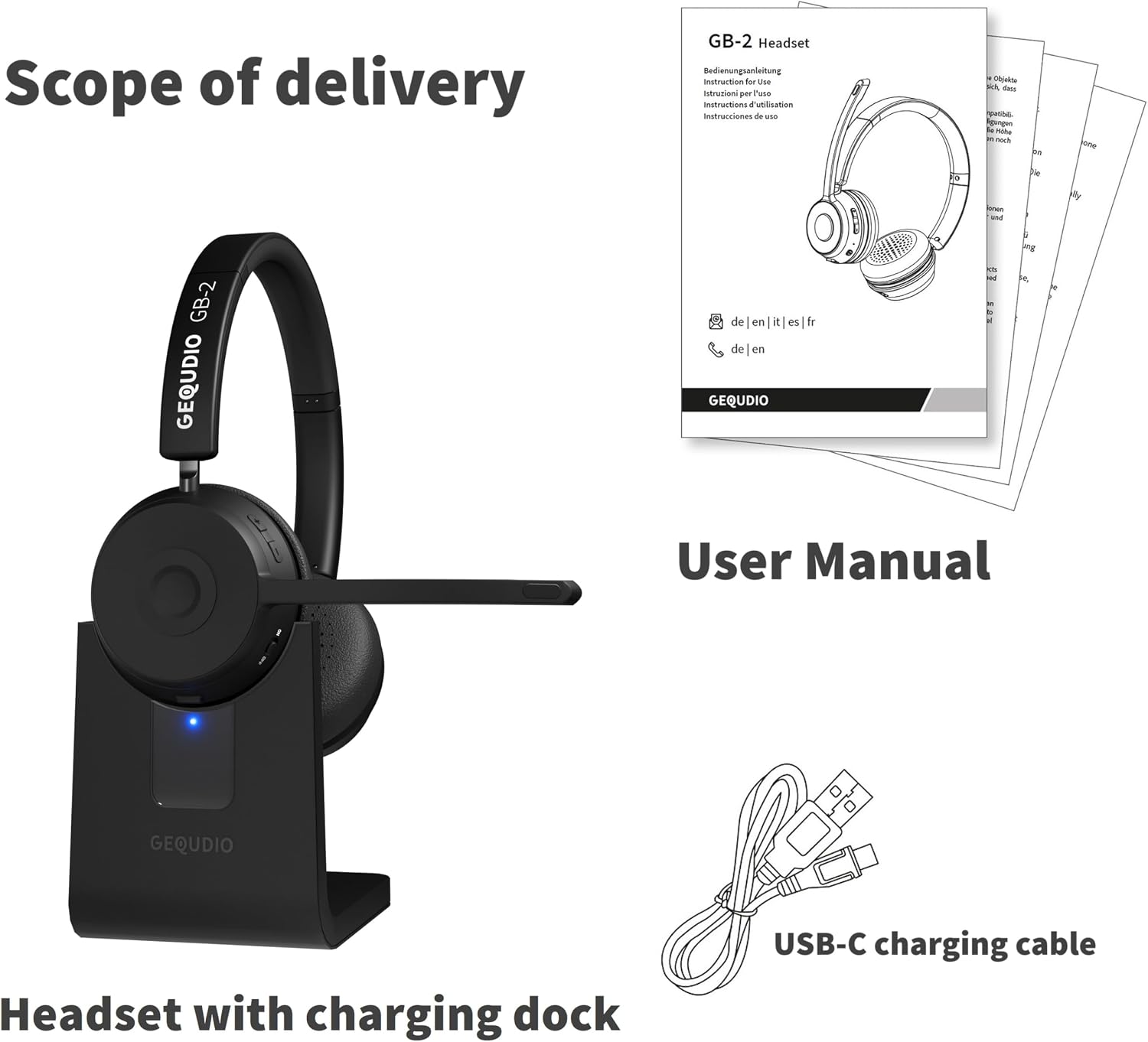
Image: Contents of the GEQUDIO GB-2 package, including the headset, charging dock, USB-C cable, and user manual.
Жайгашуу
1. Гарнитураны заряддоо
Before first use, fully charge your GEQUDIO GB-2 headset. A full charge takes approximately 2 hours and provides up to 39 hours of music playback or 37 hours of talk time, with a standby time of up to 500 hours.
- Connect the USB-C charging cable to the charging dock or directly to the headset's USB-C port.
- Connect the other end of the USB-C cable to a compatible USB power source (e.g., computer, wall adapter).
- The indicator light on the headset/dock will show charging status (e.g., red for charging, blue for fully charged).

Image: The GEQUDIO GB-2 headset offers fast charging and extended standby time, as shown by a user working comfortably.
2. Күйгүзүү / Өчүрүү
To power on or off the headset, locate the On/Off button on the earcup.
- Күйгүзүү: Press and hold the On/Off button for approximately 3 seconds until you hear an audible prompt or see the indicator light flash.
- Өчүрүү: Press and hold the On/Off button for approximately 3 seconds until you hear an audible prompt or see the indicator light turn off.

Image: A user's hands operating the power button on the GEQUDIO GB-2 headset, which supports auto-pairing upon activation.
3. Bluetooth Жупташтыруу
The GEQUDIO GB-2 headset uses Bluetooth for wireless connection. It supports auto-pairing after the initial setup.
- Гарнитура өчүрүлгөнүн текшериңиз.
- Press and hold the On/Off button for approximately 5-7 seconds until the indicator light flashes blue and red alternately, indicating pairing mode.
- On your device (smartphone, PC, laptop), enable Bluetooth and search for available devices.
- Select "GEQUDIO GB-2" from the list of found devices.
- Once connected, the indicator light on the headset will flash blue periodically.

Image: The GEQUDIO GB-2 headset being held near a laptop, illustrating its readiness for wireless connection.
4. Multi-Device Connectivity (Multipoint)
The GEQUDIO GB-2 headset can connect to two devices simultaneously, allowing seamless switching between them (e.g., a smartphone and a laptop).
- Pair the headset with the first device following the steps above.
- Биринчи түзмөктө Bluetooth'ду өчүрүңүз.
- Гарнитураны кайра жупташтыруу режимине коюп, экинчи түзмөк менен жупташтырыңыз.
- Re-enable Bluetooth on the first device. The headset should now be connected to both devices.

Image: A visual representation of the GEQUDIO GB-2 headset's multipoint feature, connecting to two devices like a smartphone and a laptop with a range of up to 50 meters.
Гарнитураны иштетүү
The headset features intuitive controls for managing calls and media playback.

Сүрөт: деталдуу view of the GEQUDIO GB-2 headset controls, highlighting multi-function buttons for calls and media, volume adjustment, power, and microphone mute.
1. Чалууларды башкаруу
- Чакырууга жооп берүү: Көп функциялуу баскычты бир жолу басыңыз.
- Чакырууну аяктоо: Чалуу учурунда Көп функциялуу баскычты бир жолу басыңыз.
- Чакырууну четке кагуу: Көп функциялуу баскычты болжол менен 2 секунд басып, кармап туруңуз.
- Акыркы номерди кайра терүү: Чалуу учурунда эмес кезде Көп функциялуу баскычты эки жолу басыңыз.
- Микрофондун үнүн басуу: Press the Mute button on the microphone boom. Press again to unmute.

Image: A user engaged in a hands-free call using the GEQUDIO GB-2 headset, highlighting its integrated microphone.
2. Музыканы ойнотуу
- Ойнотуу/тындыруу: Көп функциялуу баскычты бир жолу басыңыз.
- Көлөмү: Үнүн жогорулатуу баскычын басыңыз.
- Үнүн азайтуу: Үндү азайтуу баскычын басыңыз.

Image: A user adjusting the GEQUDIO GB-2 headset, emphasizing its crystal-clear audio quality for both music and calls.
3. Гарнитураны тагынуу
The GEQUDIO GB-2 is designed for comfort during extended use. Adjust the headband for a snug fit and position the microphone boom close to your mouth for optimal voice clarity.
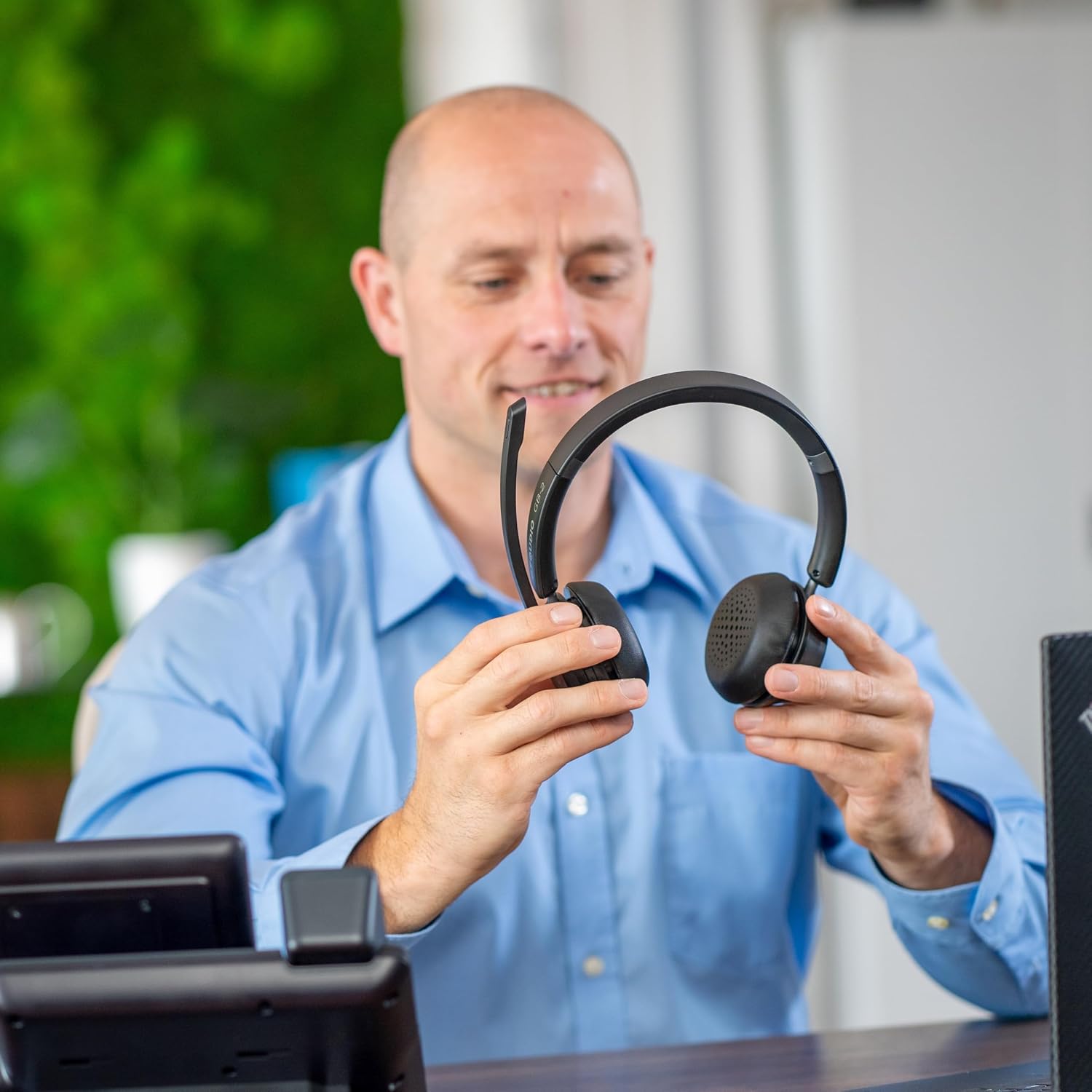
Image: A user examining the GEQUDIO GB-2 headset, demonstrating its ergonomic design for comfortable wear.
Техникалык тейлөө
Proper care ensures the longevity and performance of your GEQUDIO GB-2 headset.
- Тазалоо: Use a soft, dry cloth to wipe the headset. Do not use abrasive cleaners or solvents.
- Сактагыч: Гарнитураны күн нурунан жана экстремалдык температурадан алыс салкын, кургак жерде сактаңыз.
- Батареяга кам көрүү: Батареянын кубатын сактоо үчүн, гарнитуранын тез-тез толук зарядын жоготпоңуз. Аны көпкө чейин колдонбосоңуз да, үзгүлтүксүз кубаттап туруңуз.
- Суу каршылык: The headset is rated as water-resistant, but it is not waterproof. Avoid submerging it in water or exposing it to heavy rain.
Проблемаларды чечүү
If you encounter issues with your GEQUDIO GB-2 headset, refer to the following common solutions:
| Көйгөй | Мүмкүн себеп | Чечим |
|---|---|---|
| Гарнитура күйбөйт. | Батарея аз. | Гарнитураны 30 мүнөттөн кем эмес заряддаңыз. |
| Түзмөк менен жупташтыруу мүмкүн эмес. | Гарнитура жупташтыруу режиминде эмес; түзмөктө Bluetooth өчүк; аппарат өтө алыс. | Ensure headset is in pairing mode (flashing red/blue). Turn on Bluetooth on your device. Move device closer to headset (within 10 meters). |
| Үн жок же үн сапаты начар. | Үнү өтө төмөн; гарнитура аудио чыгаруу катары тандалган эмес; тоскоолдук. | Increase headset and device volume. Check device's audio settings to ensure GB-2 is selected. Move away from other wireless devices. |
| Микрофон иштебей жатат. | Microphone muted; headset not selected as input device. | Press the Mute button to unmute. Check device's sound settings to ensure GB-2 is selected as the input device. |
| Гарнитура бат-баттан ажыратылат. | Out of range; low battery; interference. | Stay within range (up to 50m with direct connection). Charge the headset. Reduce interference sources. |
If the problem persists after trying these solutions, please contact GEQUDIO customer support.
Техникалык мүнөздөмөлөр
| Өзгөчөлүк | Спецификация |
|---|---|
| Модель аты | GEQUDIO GB-2 |
| Элемент моделинин номери | WA9712 |
| Зымсыз технология | Bluetooth |
| Байланыш технологиясы | Зымсыз |
| Наушник уясы | Bluetooth |
| Кулак жайгаштыруу | Кулак үстүндөгү (Уккулактын үстүндөгү) |
| Форма фактору | Over-Ear (Supra-Aural) |
| Ызы-чуу изоляциясы | Acoustic Isolation (Passive Noise Reduction) |
| Импеданс | 32 Ом |
| Frequency Response | 20000 Гц |
| Башкаруу ыкмасы | Тактиль (баскычтар) |
| Шайкеш түзмөктөр | Phones, PCs, Laptops (Bluetooth enabled) |
| Өзгөчөлүктөр | Very long battery life, Multi-device connectivity |
| Батарея түрү | Литий-полимер |
| Заряддалуучу батарея | Ооба |
| Заряддоо убактысы | 2 саат |
| Музыканы ойнотуу убактысы | 39 саатка чейин |
| Talk Time | 37 саатка чейин |
| Күтүү убактысы | 500 саатка чейин |
| Салмагы | 225 грамм |
| Материал | Акрилонитрил бутадиен стирол (ABS) |
| Сууга туруктуулук деңгээли | Сууга чыдамдуу |
| Түс | Кара |
Кепилдик жана колдоо
Кепилдик маалымат
GEQUDIO products are manufactured to high-quality standards. Spare parts availability is guaranteed for 2 years from the date of purchase.
Кардарларды колдоо
For any questions, technical assistance, or warranty claims, please contact GEQUDIO customer service. Refer to the contact information provided with your purchase or visit the official GEQUDIO webколдоо чоо-жайы үчүн сайт.

Image: GEQUDIO logo indicating German Customer Service, emphasizing support availability.