
Anker Soundcore K20i
Anker Soundcore K20i чыныгы зымсыз кулакчындарды колдонуучунун колдонмосу
Model: K20i | Brand: Anker Soundcore
1. Киришүү
The Anker Soundcore K20i are true wireless earbuds designed for comfortable, extended listening. They feature Bluetooth 5.3 connectivity, IPX5 water resistance, and up to 36 hours of total playback with the charging case. Enjoy powerful bass and clear calls with AI noise reduction.

Image: Anker Soundcore K20i earbuds and charging case in black, white, purple, and blue.
2. Пакеттин мазмуну
Продукцияңыздын таңгагында бардык элементтер бар экенин текшериңиз:
- Soundcore K20i True Wireless Earbuds
- Заряддоо кутусу
- USB-C & USB-A Charging Cable
- Safety Manual & Quick Start Guide

Image: The Anker Soundcore K20i earbuds, their charging case, and the included USB-C charging cable.
3. Орнотуу
3.1. Заряддоо
Биринчи колдонуудан мурун, кулакчындарды да, кубаттоочу кутучаны да толук заряддаңыз.
- Place the earbuds into the charging case. Close the case to begin charging the earbuds.
- Заряддоо кутусун берилген USB-C кабели аркылуу кубат булагына туташтырыңыз.
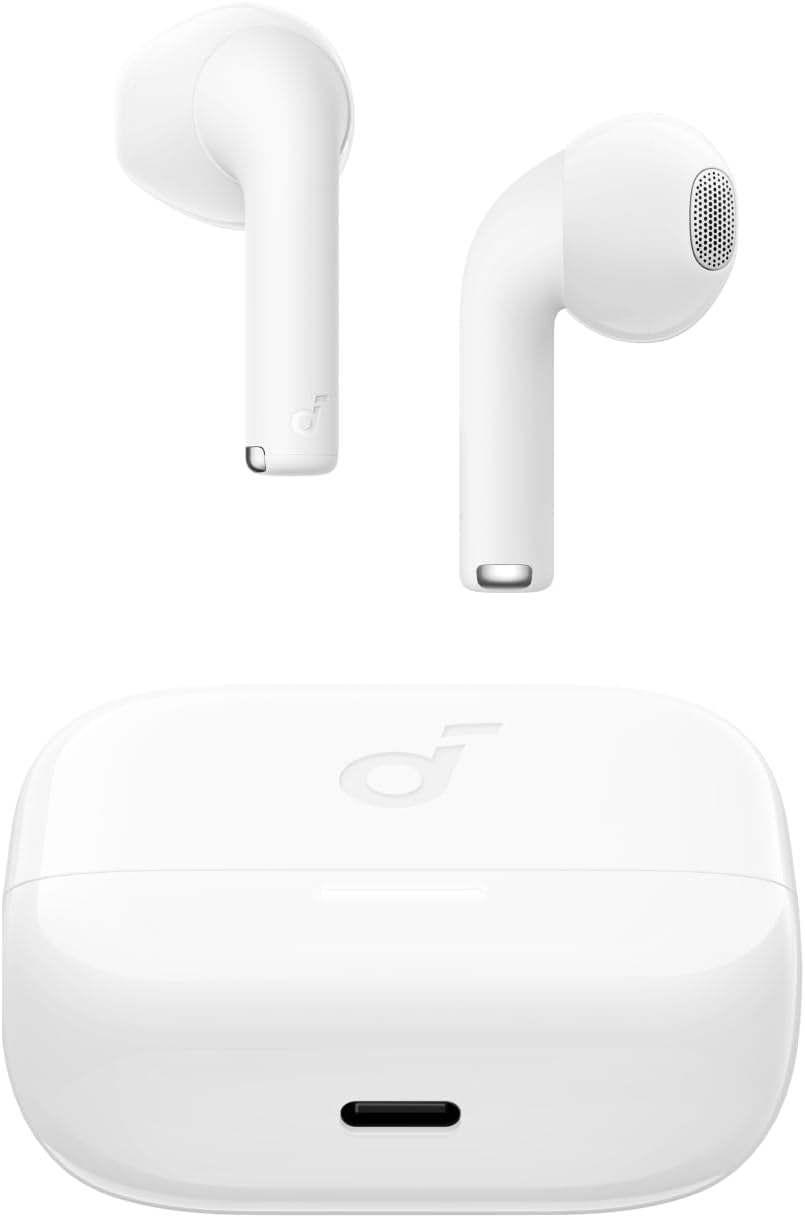
Image: The Anker Soundcore K20i earbuds resting in their open charging case, with the USB-C charging port visible at the front of the case.
3.2. Жупташуу
Кулакчыныңызды Bluetooth иштетилген түзмөк менен жупташтыруу үчүн төмөнкү кадамдарды аткарыңыз:
- Заряддоо кутучасын ачыңыз. Кулакчындар Bluetooth жупташтыруу режимине автоматтык түрдө кирет.
- On your device (smartphone, PC), enable Bluetooth and search for 'Soundcore K20i'.
- Select 'Soundcore K20i' to connect.
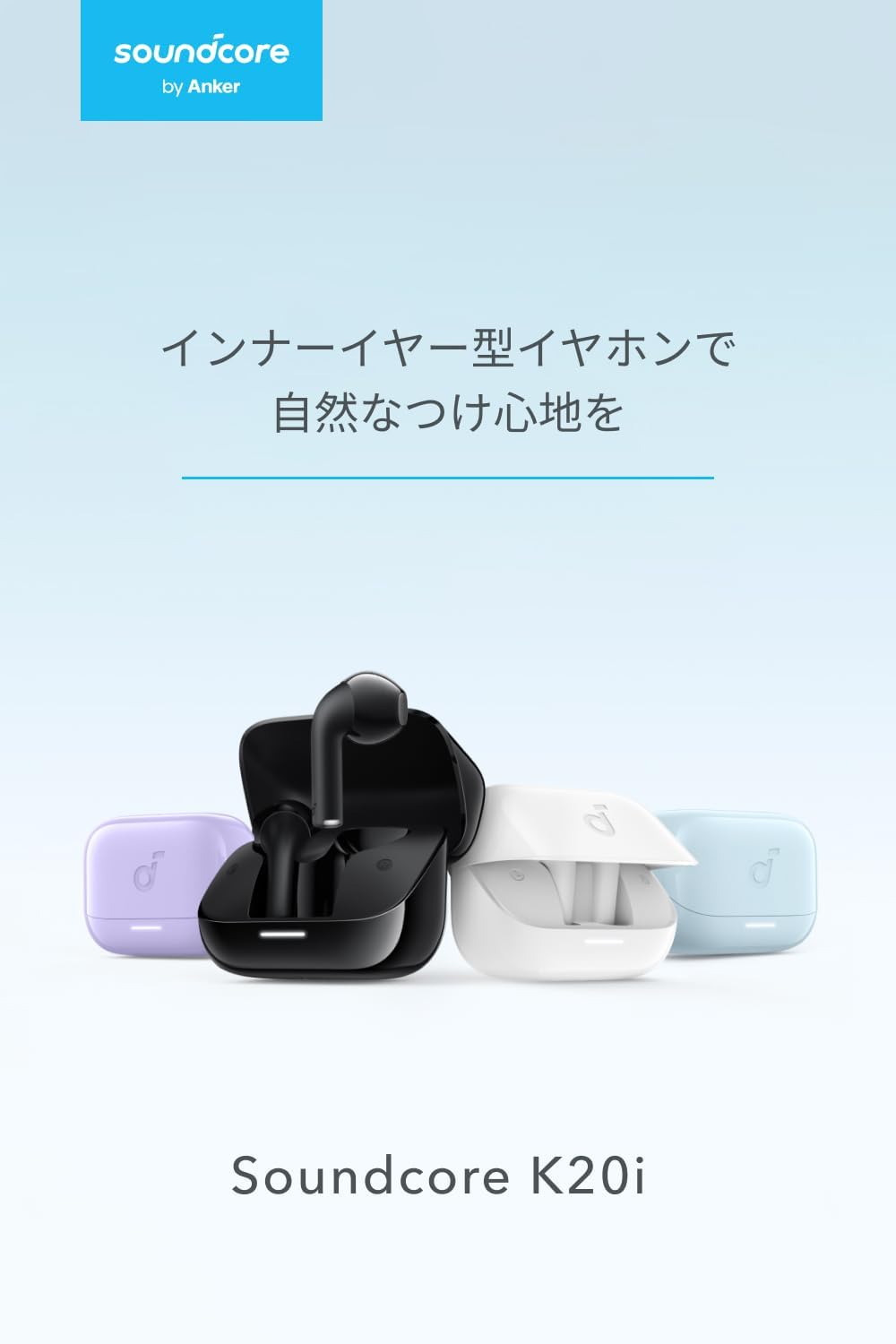
Image: The Anker Soundcore K20i earbuds removed from their charging case, indicating they are ready for Bluetooth pairing.
4. Иштөө нускамалары
4.1. Кулакчын тагынуу
For optimal comfort and sound quality, ensure the earbuds are properly seated in your ears.
- Insert the earbuds into your ears and gently rotate them until they fit snugly and comfortably.
- Each earbud weighs approximately 3.3g, designed for extended comfortable wear without ear tips.

Image: A diagram illustrating the correct way to position the Anker Soundcore K20i earbud in the ear canal for a secure and comfortable fit.
4.2. Негизги башкаруу элементтери
The Soundcore K20i earbuds feature touch controls for various functions. Specific actions for single, double, or triple taps can often be customized via the Soundcore app.
4.3. Soundcore колдонмосу
Soundcore колдонмосун жүктөп алуу менен угуу тажрыйбаңызды жакшыртыңыз. Колдонмо сизге мүмкүнчүлүк берет:
- Customize sound settings and adjust the equalizer.
- Кулакчындар туура эмес коюлган болсо, аны табыңыз.
- Наушник микропрограммасын жаңыртыңыз.

Image: A user interacting with the Soundcore application on a smartphone, displaying various sound customization options for the earbuds.
5. Техникалык тейлөө
5.1. Тазалоо
Үзгүлтүксүз тазалоо оптималдуу натыйжалуулукту жана гигиенаны сактоого жардам берет:
- Regularly clean the earbuds and charging case with a dry, soft, lint-free cloth.
- Катуу химиялык заттарды же абразивдүү материалдарды колдонуудан алыс болуңуз.
5.2. Сууга туруктуулук (IPX5)
The earbuds are IPX5 water-resistant, meaning they can withstand splashes and sweat. This makes them suitable for workouts and light rain. Аларды сууга батырбаңыз.

Image: Two Anker Soundcore K20i earbuds covered in water droplets, illustrating their IPX5 water-resistant design.
5.3. Сактоо
Store the earbuds in their charging case when not in use to protect them from damage and ensure they remain charged.
6. Кыйынчылыктарды
If you encounter issues with your Soundcore K20i earbuds, try the following solutions:
- Кулакчындар жупташкан жок: Ensure both earbuds are charged and within range of your device. Turn off and on your device's Bluetooth.
- Only one earbud plays sound: Try placing both earbuds back into the charging case, closing it for a few seconds, then reopening. Refer to the quick start guide for specific earbud reset instructions.
- Үн сапаты начар: Ensure the earbuds are properly seated in your ears. Try adjusting equalizer settings in the Soundcore app.
- Заряддоо маселелери: Verify the charging cable is securely connected to both the case and the power source. Ensure the charging contacts on the earbuds and inside the case are clean.
7. Техникалык шарттар
| Өзгөчөлүк | Спецификация |
|---|---|
| Модель аты | Саундкор K20i |
| Байланыш технологиясы | Зымсыз (Bluetooth 5.3) |
| Кулак жайгаштыруу | In-Ear |
| Наушник стили | In-Ear |
| Импеданс | 16 Ом |
| Noise Control | None (AI Noise Reduction for calls) |
| Ойнотуу убактысы (наушник) | 6 саатка чейин |
| Жалпы ойнотуу убактысы (кеп менен) | 36 саатка чейин |
| Тез заряддоо | 10 minutes charge for approx. 2 hours playback |
| Earbud Weight (per earbud) | Болжол менен 3.3г |
| Продукт Салмагы | 42.6г |
| Суу каршылык | IPX5 |
| Өндүрүүчү моделдин номери | A3994 |
| Шайкеш түзмөктөр | Smartphones, PCs, and other Bluetooth-compatible devices |
8. Кепилдик жана колдоо
Anker Soundcore K20i comes with an 18 айлык продукт кепилдик from the date of purchase. For registered members, an additional 6 айлык узартылган кепилдик is provided, totaling 24 months of coverage.
For product or delivery-related inquiries, please contact customer support. Anker provides dedicated Japanese customer support.

Image: Details on Anker's 18-month product warranty, an additional 6-month extended warranty for members, and information for contacting Japanese customer support.
Ask a question about this manual
Ask about setup, troubleshooting, compatibility, parts, safety, or missing instructions. Manuals+ will review the question and use this page’s manual context to help answer it.