
1. Киришүү
The Yesido TV12 Gaming TV Box is a versatile device designed to transform your television into a smart entertainment hub. It combines 4K media streaming capabilities with extensive gaming emulation, offering a comprehensive entertainment experience. This manual provides essential information for setting up, operating, maintaining, and troubleshooting your device.
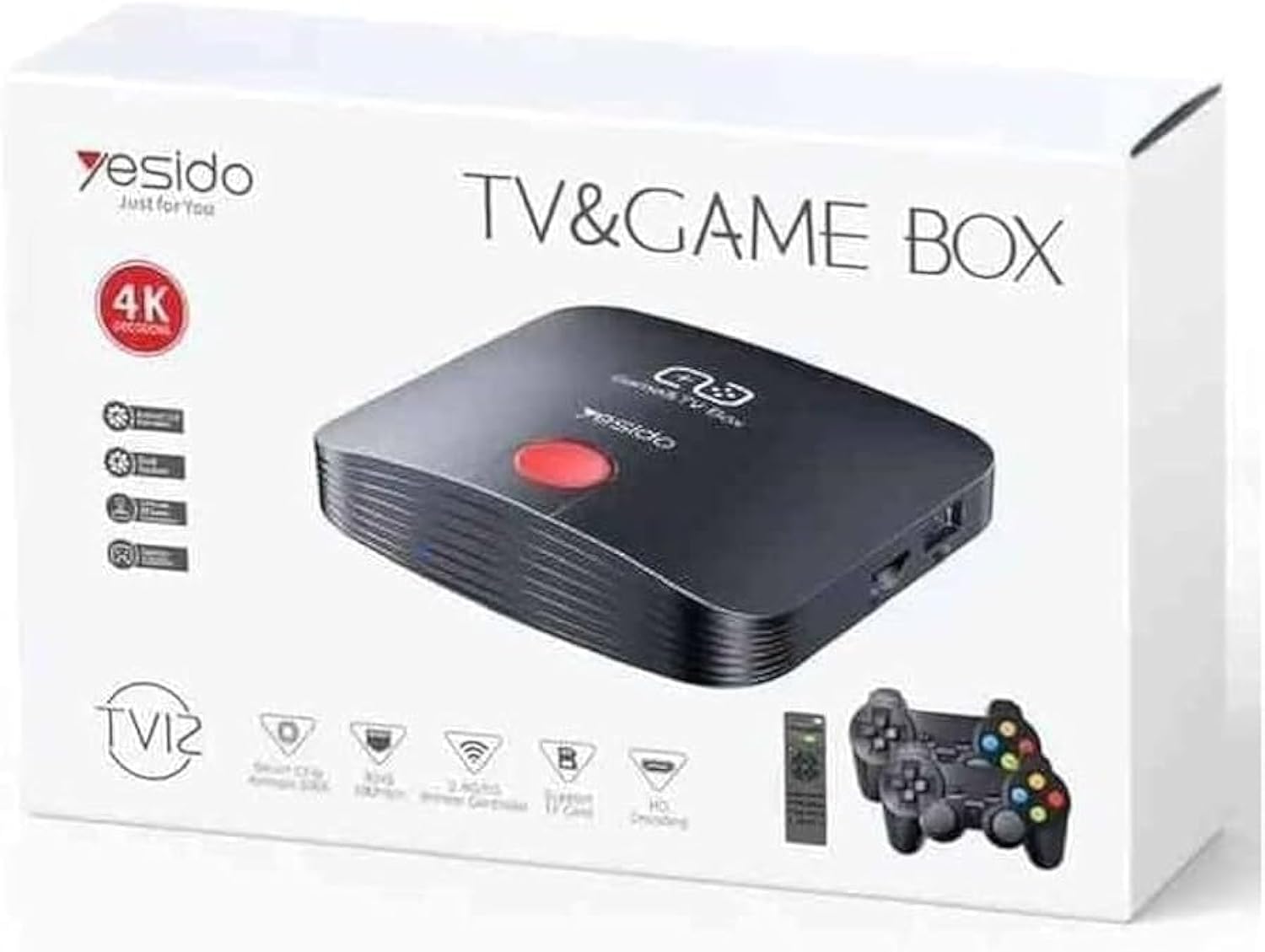
Image 1.1: The Yesido TV12 Gaming TV Box and included game controllers.
2. Продукт бүтүп калдыview
The Yesido TV12 is a high-tech smart TV box that supports high-definition 4K resolution, allowing you to enjoy movies and TV shows with stunning clarity. It features an Amlogic S905 smart chip and runs on an Android 12.0 dual system. The device is equipped with 2GB RAM and 16GB internal storage, facilitating multitasking and storage of your favorite media and games. A powerful Mali-G31 MP2 GPU ensures smooth performance for demanding games.
Негизги өзгөчөлүктөрү:
- 4K HD Resolution Support (1080P to 4K)
- Android 12.0 Dual System
- Amlogic S905 Smart Chip
- Mali-G31 MP2 GPU
- 2 ГБ оперативдүү эс тутум жана 16 ГБ сактагыч
- Supports over 10,000 game emulations (14 types)
- Integrated 2.4G/5G Wi-Fi and 100Mbps RJ45 Ethernet
- Compatible with popular streaming services (Netflix, Hulu, Amazon Prime Video, Disney+)
- Voice-controlled remote for easy navigation
- Compatible with two game controllers
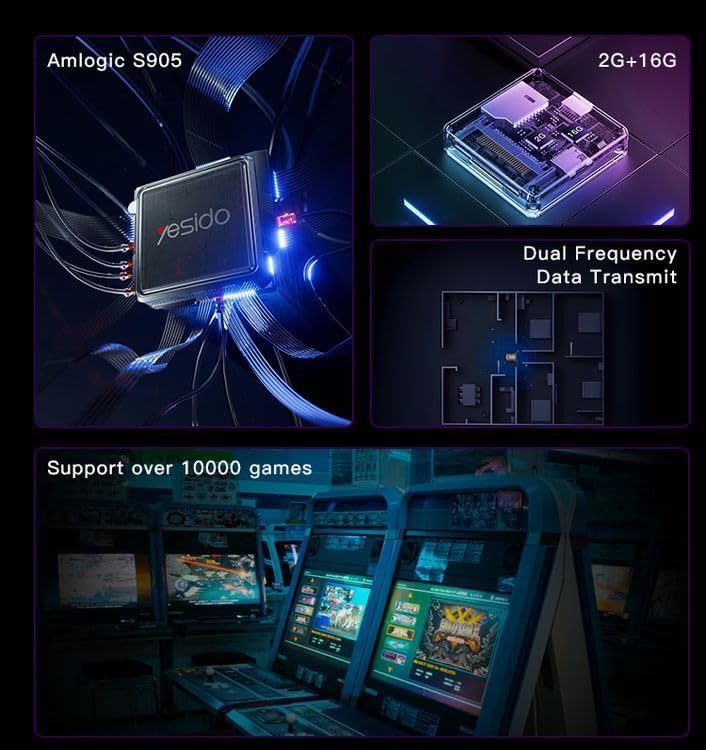
Image 2.1: Internal architecture highlighting the Amlogic S905 chip, memory, and data transmission capabilities.
3. Орнотуу колдонмосу
3.1 Кутудан чыгаруу жана компоненттер
Таңгактан бардык буюмдарды этияттык менен алып салыңыз. Төмөнкү компоненттердин бар экенин текшериңиз:
- Yesido TV12 Gaming TV Box
- Кубаттуу адаптер
- HDMI кабели
- Алыстан башкаруу
- Game Controllers (quantity may vary)
- Колдонуучунун Колдонмосу (бул документ)
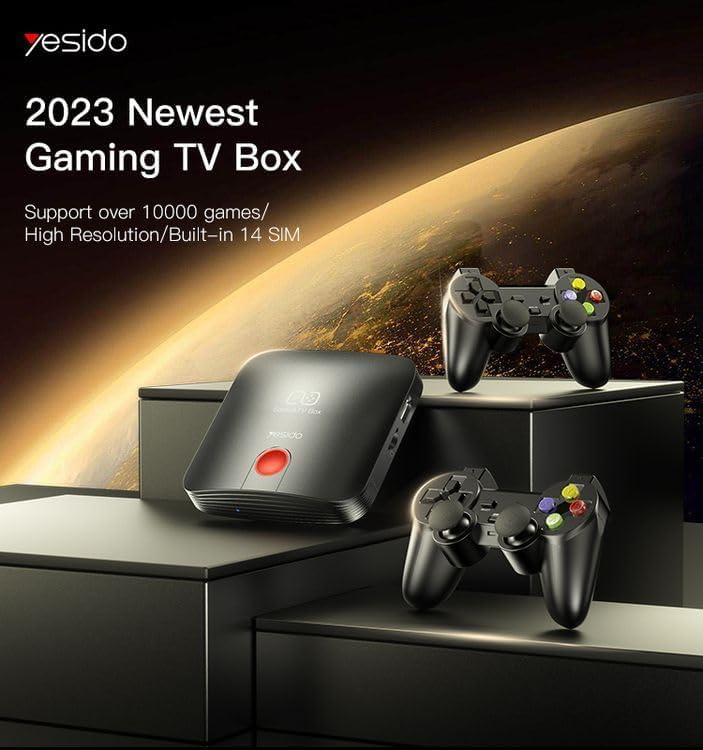
Image 3.1: The TV Box and game controllers, ready for setup.
3.2 Телевизоруңузга туташуу
- Connect one end of the HDMI cable to the HDMI port on the Yesido TV12.
- HDMI кабелинин экинчи учун телевизоруңуздагы жеткиликтүү HDMI киргизүү портуна туташтырыңыз. HDMI киргизүү номерин белгилеп алыңыз (мисалы, HDMI 1, HDMI 2).
3.3 Күйгүзүү
- Кубат адаптерин TV Box'тогу DC IN портуна туташтырыңыз.
- Кубат адаптерин розеткага сайыңыз.
- Turn on your television and select the corresponding HDMI input using your TV remote.
- The TV Box will automatically power on and display the boot-up screen.
3.4 Тармактык туташуу
For internet access, you can connect via Wi-Fi or Ethernet.
- Wi-Fi: Navigate to Settings > Network > Wi-Fi. Select your network from the list, enter the password, and connect.
- Ethernet: Connect an Ethernet cable from your router to the RJ45 port on the TV Box. The connection should be established automatically.
3.5 Remote Control and Gamepad Pairing
The included remote control is typically pre-paired. If not, or if pairing gamepads:
- Ensure batteries are inserted correctly into the remote/gamepad.
- For Bluetooth gamepads, go to Settings > Connected Devices > Pair new device and follow the on-screen instructions.
4. Иштөө нускамалары
4.1 Интерфейсте навигация
Use the remote control to navigate the Android 12.0 interface. The directional buttons move the cursor, the OK button selects, and the Back button returns to the previous screen. The Home button returns to the main launcher screen.
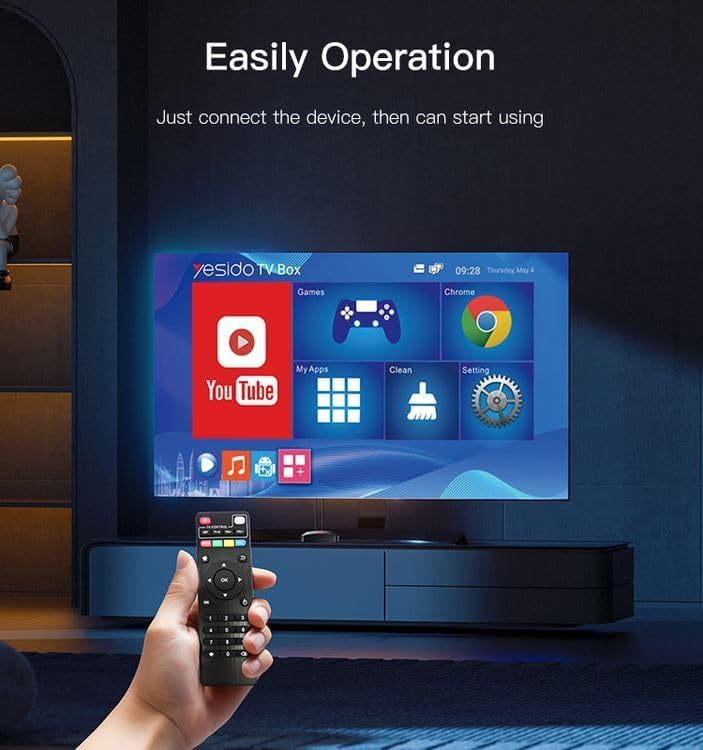
Image 4.1: Navigating the Yesido TV Box interface with the remote control.
4.2 Streaming Media
The TV Box supports various streaming applications. Pre-installed apps like YouTube are available, and you can download more from the app store (e.g., Netflix, Hulu, Amazon Prime Video, Disney+).
- Select the desired streaming app from the home screen or 'My Apps' section.
- Каттоо эсебиңиздин дайындары менен кириңиз.
- Browse and select content to watch.
4.3 Оюндар
The Yesido TV12 is designed for gaming, supporting over 10,000 game emulations. Connect your game controllers as described in Section 3.5.
- Access the 'Games' or 'Emulator' section from the home screen.
- Select your desired game or emulator.
- Use the connected game controllers for an immersive gaming experience.

Image 4.2: The wireless gamepads compatible with the TV Box.
4.4 Үн менен башкаруу
If your remote control supports voice input, press the voice button and speak your commands or search queries. This allows for hands-free content search and device control.
5. Техникалык тейлөө
5.1 Аппаратты тазалоо
To maintain optimal performance and appearance, regularly clean the TV Box:
- Тазалоодон мурун аппаратты розеткадан сууруп алыңыз.
- Сырткы беттерди сүртүү үчүн жумшак, кургак чүпүрөктү колдонуңуз.
- Суюк тазалоочу каражаттарды, аэрозолдорду же абразивдүү материалдарды колдонбоңуз, анткени алар түзмөккө зыян келтириши мүмкүн.
5.2 Программалык камсыздоо жаңыртуулары
Keep your device's software updated to ensure the best performance and access to new features:
- Connect the TV Box to the internet.
- Navigate to Settings > About > System Update.
- Жеткиликтүү жаңыртууларды текшерүү жана орнотуу үчүн экрандагы көрсөтмөлөрдү аткарыңыз.
5.3 Сактагычты башкаруу
With 16GB of internal storage, managing your space is important:
- Орнотуулар > Сактагычка өтүңүз view сактоо пайдалануу.
- Uninstall unused applications or delete unnecessary fileорун бошотуу үчүн.
- The device supports TF cards for expandable storage.
6. Кыйынчылыктарды
6.1 Күч жок
- Кубат адаптери сыналгы кутусуна жана иштеген электр розеткасына бекем туташтырылганын текшериңиз.
- Башка электр розеткасын колдонуп көрүңүз.
6.2 No Signal / No Display
- HDMI кабели сыналгы кутусуна жана сыналгыга бекем туташтырылганын текшериңиз.
- Сыналгыңыз туура HDMI киргизүү булагына коюлганын текшериңиз.
- Сыналгыңыздагы башка HDMI кабелин же HDMI портун колдонуп көрүңүз.
6.3 Тармакка туташуу маселелери
- Wi-Fi: Check if your Wi-Fi router is working correctly. Re-enter the Wi-Fi password in Settings > Network.
- Ethernet: Ensure the Ethernet cable is properly connected to both the TV Box and the router.
- Роутериңизди жана TV Box'ту өчүрүп-күйгүзүңүз.
6.4 Алыстан башкаруучу жооп бербейт
- Пульттун батареяларын текшерип, алмаштырыңыз.
- Пульт менен сыналгы кутусунун ортосунда эч кандай тоскоолдук жок экенин текшериңиз.
- Re-pair the remote control if necessary (refer to Section 3.5).
6.5 Game Performance Issues
- Close any background applications to free up RAM.
- Жеткиликтүү сактоо мейкиндигин камсыз кылыңыз.
- For online games, check your internet connection stability.
7. Техникалык шарттар
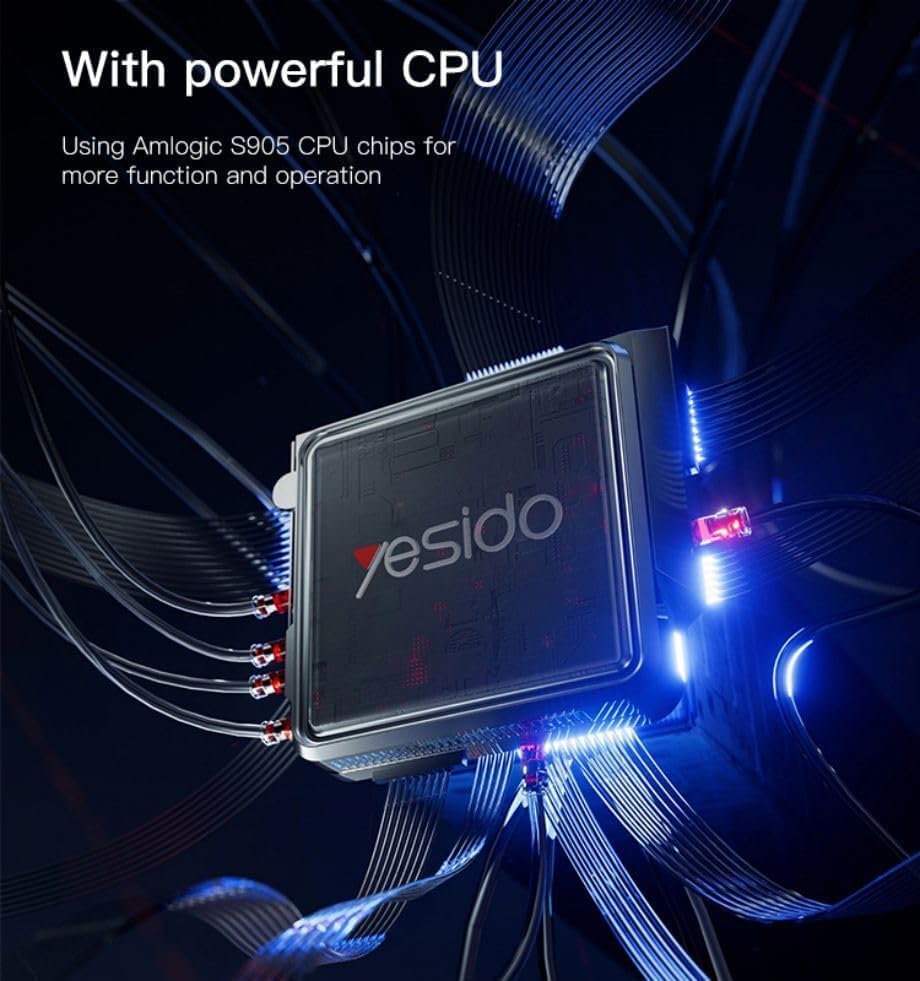
Image 7.1: The powerful Amlogic S905 CPU at the core of the TV Box.
| Өзгөчөлүк | Description |
|---|---|
| Бренд аты | Yesido |
| Модель аты | TV12 |
| Операция системасы | Android 12.0 Dual System |
| CPU | Amlogic S905 |
| GPU | Мали-G31 MP2 |
| Орнотулган RAM | 2 ГБ |
| Эстутум сактоо сыйымдуулугу | 16 ГБ |
| Video Output токтому | 1080P to 4K |
| Байланыш технологиясы | HDMI, Wi-Fi (2.4G/5G), RJ45 (100Mbps) |
| Туташтыргыч түрү | HDMI |
| Колдоого алынган Интернет кызматтары | Netflix, Hulu, Amazon Prime Video, Disney+ |
| Шайкеш түзмөктөр | Телевидение |
| Камтылган компоненттер | TV Box, Controllers |
| Түс | Кара |
| Элемент Салмагы | 1200 грамм |
| Продукциянын өлчөмдөрү (L x W x Y) | 20 x 5 x 10 см |
8. Кепилдик жана колдоо
8.1 Кепилдик маалыматы
The Yesido TV12 Gaming TV Box comes with a standard manufacturer's warranty. Please refer to the warranty card included in your product packaging for specific terms, conditions, and duration. Keep your proof of purchase for warranty claims.
8.2 Кардарларды колдоо
If you encounter any issues not covered in this manual or require further assistance, please contact Yesido customer support. Contact details can typically be found on the product packaging, the official Yesido webсайтына же сатуучуңуздун колдоо баракчасына кайрылыңыз.