
1. Киришүү
This manual provides essential information for the proper use and maintenance of your Andoer Mini Digital Video Camera. Please read it thoroughly before operating the device to ensure optimal performance and longevity.
2. Пакеттин мазмуну
Төмөндө тизмеленген нерселердин баары пакетиңизге камтылганын текшериңиз:
- Andoer Mini Digital Video Camera
- USB заряддоо кабели
- Колдонуучунун Колдонмосу (бул документ)
Note: A Micro SD card is required for operation and is not included in the package.
3. Продукт бүтүп калдыview
The Andoer Mini Digital Video Camera is a compact and lightweight device designed for capturing photos and 1080P videos. It features a built-in LCD screen for direct viewing and a flash for improved low-light performance.

Image: The Andoer Mini Digital Video Camera, demonstrating its small form factor when held in hand.
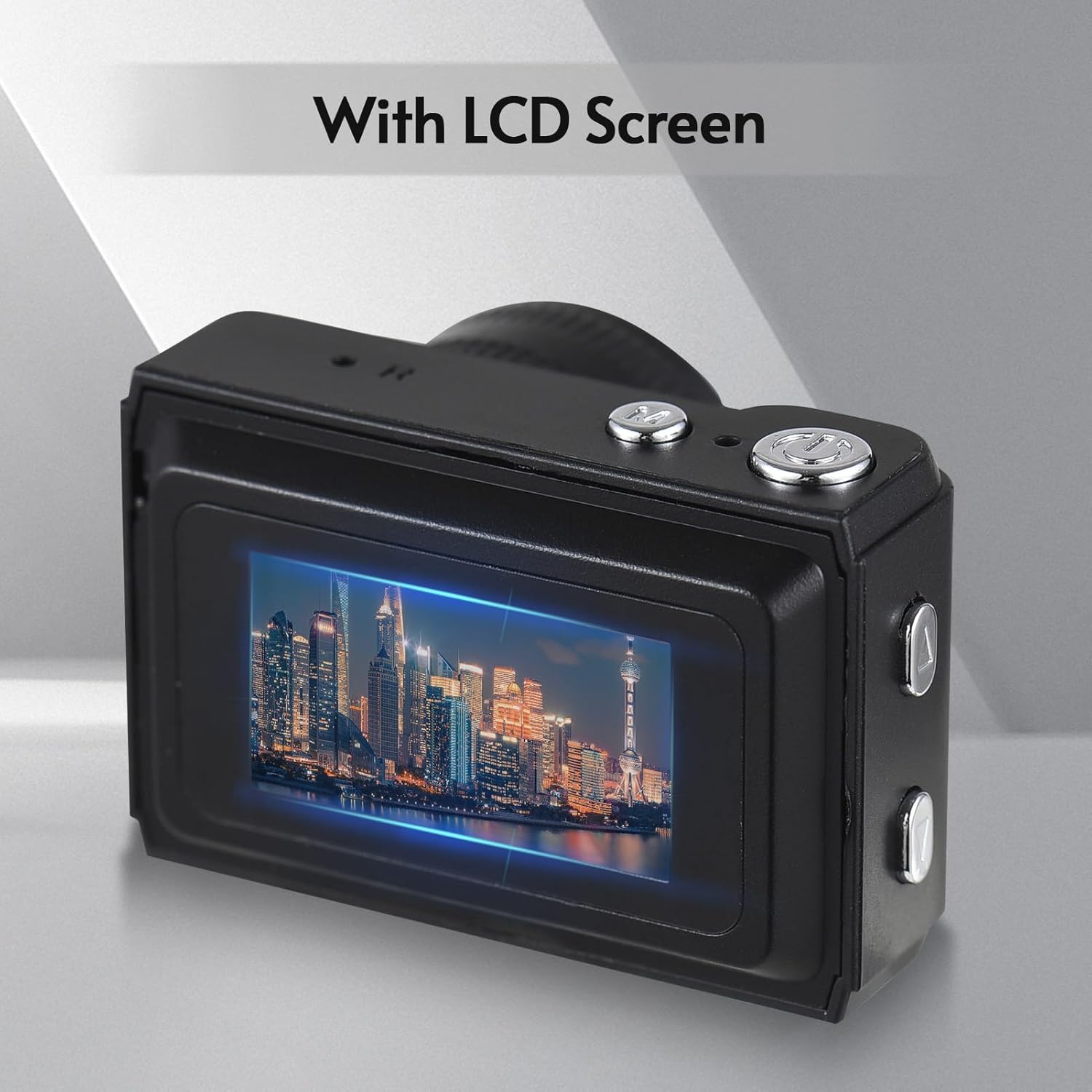
Сүрөт: Арткы view of the camera, highlighting the integrated LCD screen displaying an image.

Сүрөт: каптал view of the camera with approximate dimensions indicated, showing its compact design.
4. Орнотуу
4.1. Батареяны заряддоо
The camera features a built-in rechargeable battery. Before first use, fully charge the camera using the provided USB charging cable.
- USB кабелинин кичинекей учун камеранын USB портуна туташтырыңыз.
- USB кабелинин чоңураак учун USB кубат адаптерине (кошулмада жок) же компьютердин USB портуна туташтырыңыз.
- Заряддоо индикаторунун жарыгы күйөт. Толук заряддалгандан кийин жарыктын түсү өзгөрүшү же өчүшү мүмкүн.

Image: Illustration of the camera's built-in rechargeable battery and its USB charging interface.
4.2. Micro SD картаны салуу
A Micro SD card (not included) is required to store photos and videos. The camera supports Micro SD cards up to a certain capacity (refer to specifications for details).
- Камерадагы Micro SD карта уячасын табыңыз.
- Insert the Micro SD card with the metal contacts facing down until it clicks into place.
- Чыгаруу үчүн картаны сыртка чыкканга чейин акырын түртүңүз.
5. Иштөө нускамалары
5.1. Күйгүзүү / Өчүрүү
Камераны күйгүзүү же өчүрүү үчүн Кубат баскычын (адатта үстү же капталында жайгашкан) бир нече секунд басып туруңуз.
5.2. Сүрөт тартуу
The camera can capture still images with 1080P resolution.
- Ensure the camera is in photo mode (indicated on the LCD screen).
- ЖК экранды колдонуп кадрыңызды тартыңыз.
- Press the Shutter button (typically on top) to take a photo.
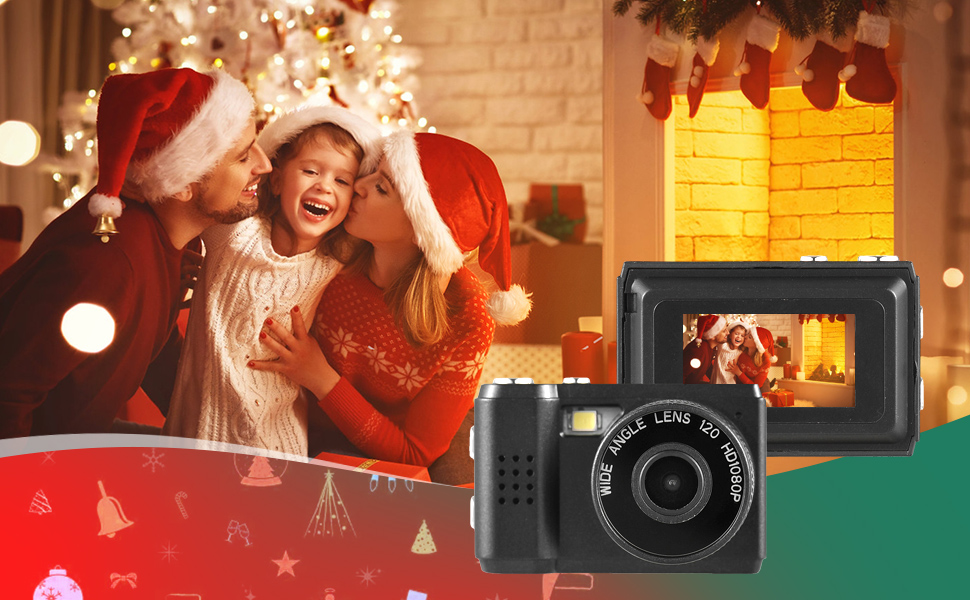
Сүрөт: Мисamples of scenes that can be captured with the camera's photo and video functions.
5.3. Видеолорду жаздыруу
Record videos in 1080P resolution.
- Камераны видео жазуу режимине которуңуз.
- Press the Record button (often the same as the Shutter button, or a dedicated button) to start recording.
- Жазууну токтотуу үчүн Record баскычын кайра басыңыз.
5.4. Камтылган Flash колдонуу
The camera includes a built-in flash for illuminating subjects in low-light conditions.
- Access the flash settings through the camera's menu.
- Select the desired flash mode (e.g., Auto, On, Off).
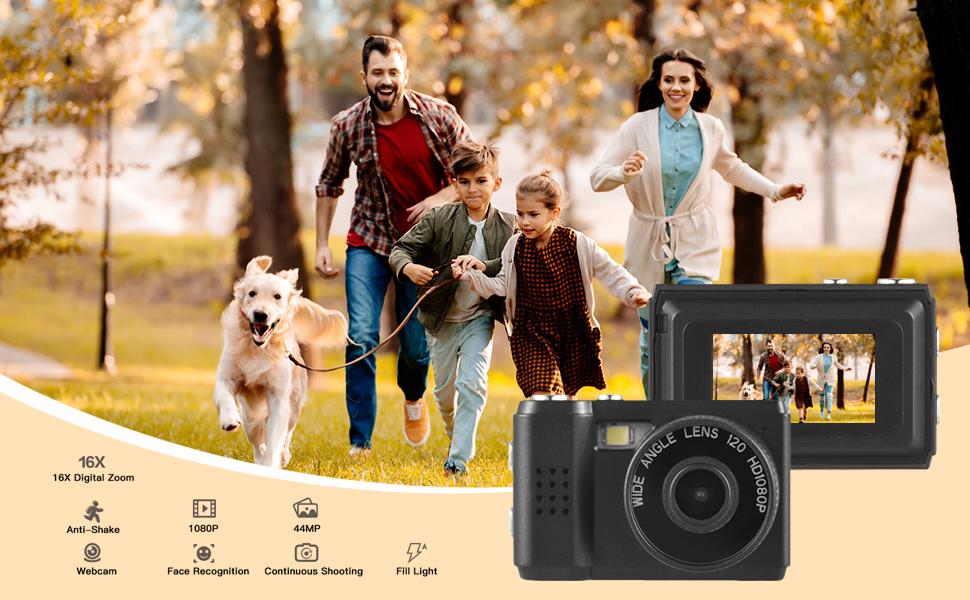
Image: The camera's built-in flash in operation, providing illumination for a photo.
5.5. Applying Filter Effects
The camera offers various filter effects to enhance your photos.
- In photo mode, navigate to the filter settings in the menu.
- Select from the available filter options to apply them to your images.
5.6. Компьютерге туташуу
You can transfer photos and videos to your computer using the USB cable.
- Камера күйгүзүлгөнүн текшериңиз.
- USB кабелин колдонуп, камераны компьютериңизге туташтырыңыз.
- The camera should appear as a removable disk drive on your computer.
- Сакталганга кирүү files and copy them to your computer.
6. Техникалык тейлөө
- Тазалоо: Use a soft, dry cloth to clean the camera body. For the lens and LCD screen, use a specialized lens cleaning cloth. Avoid abrasive materials or harsh chemicals.
- Сактагыч: Камераны салкын, кургак жерде, күндүн түз тийген нурунан жана өтө жогорку температурадан алыс сактаңыз. Узак убакытка сактасаңыз, Micro SD картаны алып салыңыз.
- Батареяга кам көрүү: To maintain battery health, avoid fully discharging the battery frequently. Charge it regularly, even if not in use.
7. Кыйынчылыктарды
- Камера күйбөй жатат: Ensure the battery is charged. If the issue persists, try charging for a longer period.
- "No SD Card" error: Verify that a Micro SD card is properly inserted and that it is not full or corrupted. Try reinserting the card or using a different one.
- Сүрөт/видео сапаты начар: Ensure adequate lighting. Check lens for smudges or dirt. Note that image quality may vary based on environmental conditions and the camera's compact sensor.
- Камера тоңуп калат: If the camera becomes unresponsive, try pressing and holding the Power button for an extended period (e.g., 10-15 seconds) to force a shutdown.
8. Техникалык шарттар
| Өзгөчөлүк | Спецификация |
|---|---|
| Бренд | Андоер |
| Модель номери | d26ed34e-1e4d-4f4c-8a08-ff20d919aeaa |
| Video Resolution | 1080p |
| Натыйжалуу дагы эле чечим | 1.92 депутат |
| Фото сенсор технологиясы | CMOS |
| Screen Size | 4.2 Centimeters (LCD) |
| Image Stabilization | Оптикалык |
| Flash эс тутум түрү | Микро SD |
| Жаздыруу мүмкүнчүлүгү | 330 мүнөт |
| Байланыш технологиясы | USB |
| Элемент Салмагы | 0.05 килограмм |
| Батареялар камтылган | Ооба (Катылган) |
| Түс | Кара |
9. Кепилдик жана колдоо
For warranty information and technical support, please refer to the documentation provided with your purchase or contact Andoer customer service through their official webсайт. Кепилдик дооматтар үчүн сатып алганыңыздын далилин сактаңыз.