
Introduction
This manual provides comprehensive instructions for the JBL PartyBox Club 120 portable wireless speaker. It covers essential information regarding product setup, operation, maintenance, and troubleshooting to ensure optimal performance and longevity of your device. Please read this manual thoroughly before using the speaker.
Кутуда эмне бар
Таңгактан чыгарганда, төмөнкү нерселердин бардыгы бар экенин текшериңиз:
- 1 x JBL PartyBox 120 Portable Wireless Speaker
- 1 х AC чыңалуу
- 1 x Көмөкчү кабель
- 1 x Микрофибра кездеме

Сүрөт: алдыңкы view of the JBL PartyBox Club 120 speaker, showcasing its grille and illuminated JBL logo.
Жайгашуу
1. Динамикти кубаттоо
Before initial use, fully charge the speaker. Connect the provided AC power cord to the speaker's power input and then to a wall outlet. The charging indicator will show the battery status. A full charge provides approximately 12 hours of playtime.
2. Күйгүзүү / Өчүрүү
- To power on: Press the Power button located on the control panel.
- To power off: Press and hold the Power button until the speaker shuts down.
3. Bluetooth Жупташтыруу
- Динамик күйгүзүлгөнүн текшериңиз.
- Press the Bluetooth button on the speaker. The Bluetooth indicator will flash, indicating it is in pairing mode.
- On your mobile device (smartphone, tablet, or laptop), enable Bluetooth and search for available devices.
- Select "JBL PartyBox Club 120" from the list of devices.
- Once paired, the Bluetooth indicator will glow solid, and you will hear a confirmation sound.
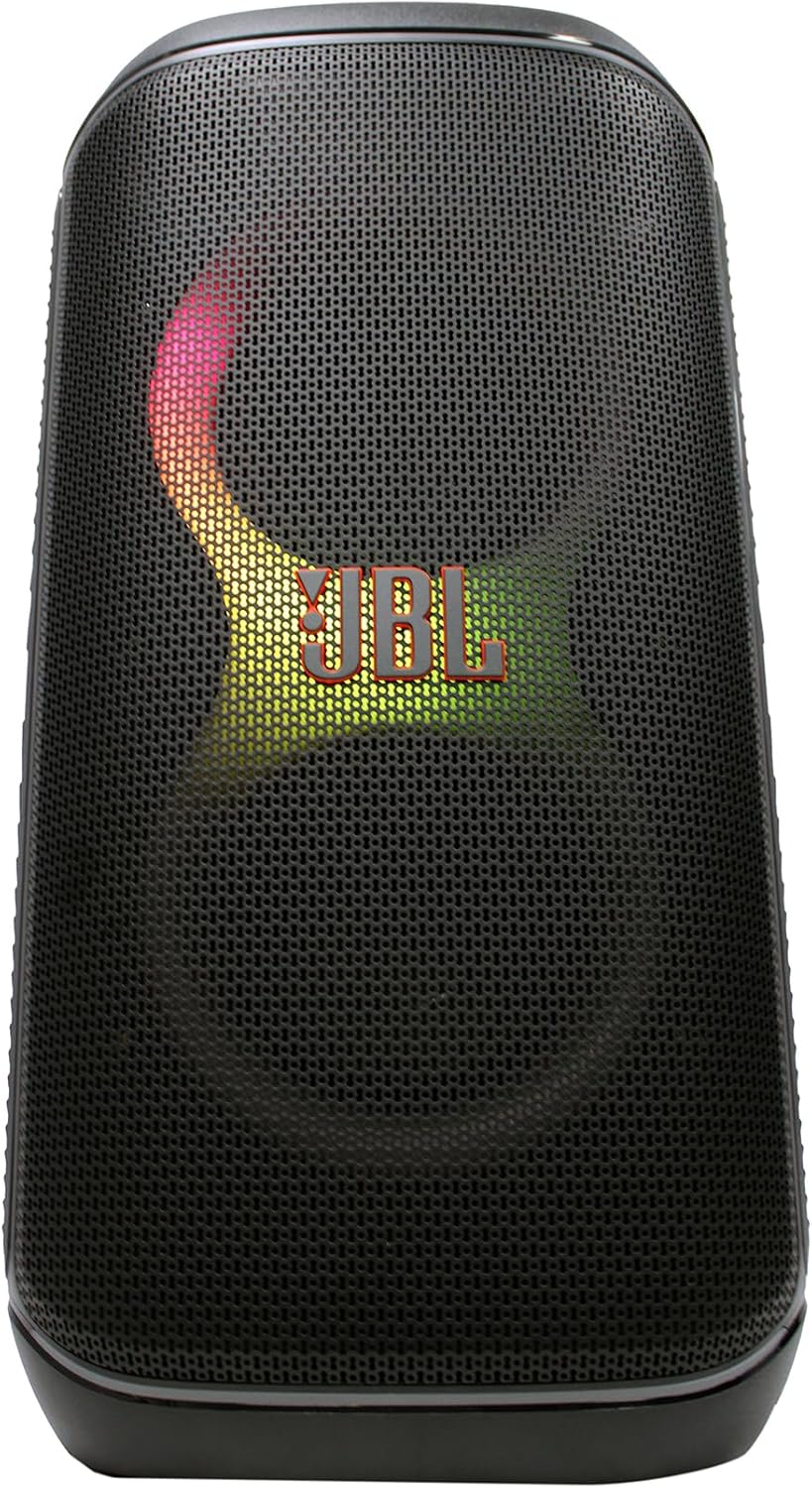
Сүрөт: алдыңкы view of the JBL PartyBox Club 120 speaker, displaying dynamic multi-color lighting effects.
4. AUX туташуу
Аудио түзмөгүн кошумча киргизүү аркылуу туташтыруу үчүн:
- Connect one end of the provided auxiliary cable to the AUX IN port on the speaker.
- Connect the other end of the auxiliary cable to the headphone jack or audio output of your device.
- The speaker will automatically switch to AUX input mode, or you may need to select it manually using the input source button.
Иштөө нускамалары
1. Аудио ойнотуу
- Үндү көзөмөлдөө: Use the volume up (+) and volume down (-) buttons on the speaker or your connected device to adjust the audio level.
- Ойнотуу/тындыруу: Аудио ойнотууну баштоо же токтотуу үчүн Play/Pause баскычын басыңыз.
- Трек навигациясы: Use the skip forward and skip backward buttons to change tracks.
2. Light Show Features
The JBL PartyBox Club 120 features dynamic LED lighting effects that synchronize with your music. Use the dedicated Light Mode button on the speaker to cycle through different light patterns or turn the lights off.
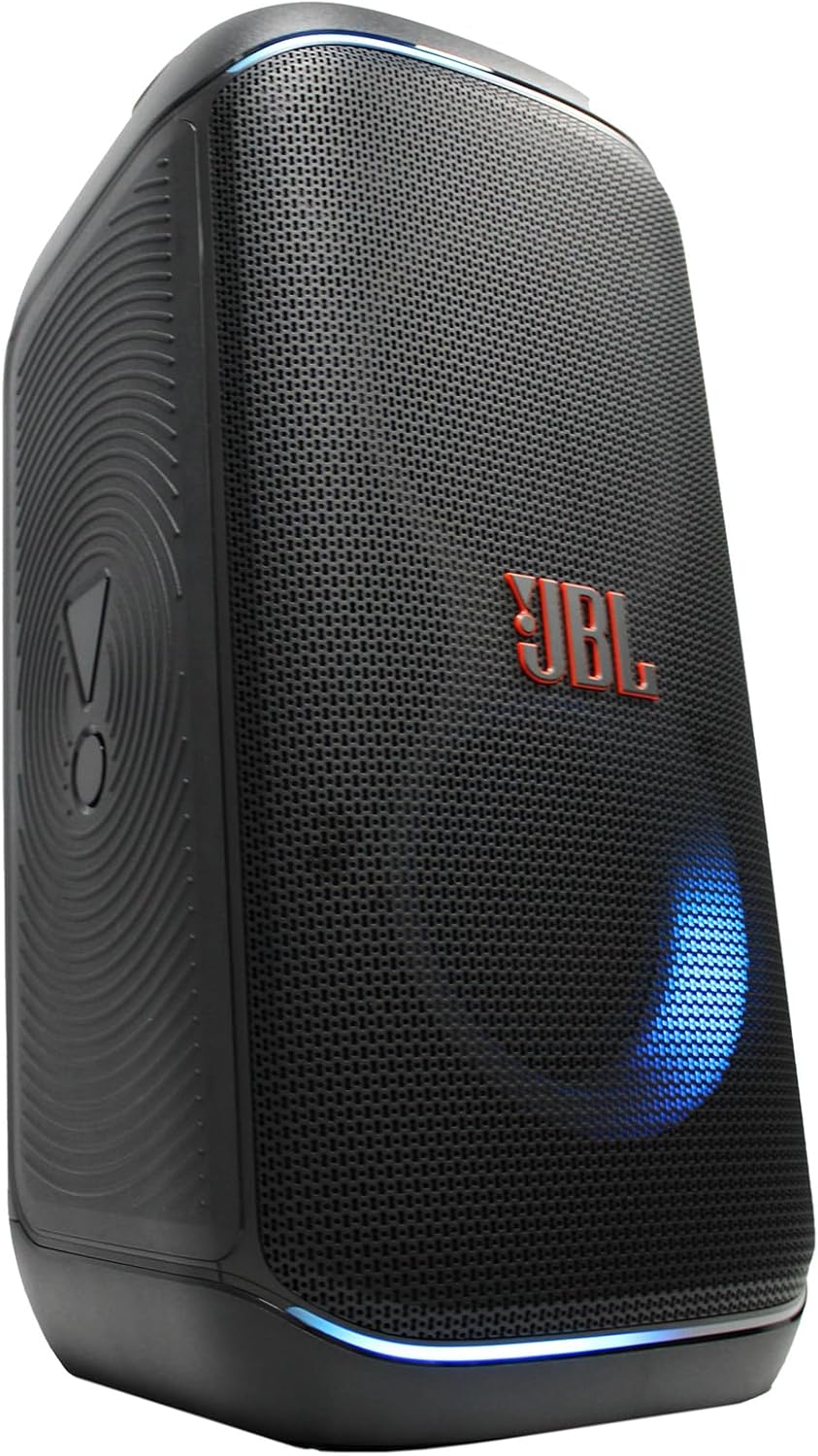
Сүрөт: каптал view of the JBL PartyBox Club 120 speaker, showing its robust design and a blue light effect.
3. Чачыраганга туруктуу дизайн
The speaker is designed to be splash-proof, making it suitable for outdoor use and near water. However, it is not fully waterproof and should not be submerged in water. Ensure all port covers are securely closed to maintain splash resistance.
Техникалык тейлөө
- Тазалоо: Use the provided microfiber cloth or a soft, damp динамиктин сыртын тазалоо үчүн кездеме колдонуңуз. Абразивдүү тазалоочу каражаттарды же эриткичтерди колдонуудан алыс болуңуз.
- Сактагыч: Динамикти түз күн нурунан жана өтө температурадан алыс салкын, кургак жерде сактаңыз.
- Батареяга кам көрүү: Батареянын иштөө мөөнөтүн узартуу үчүн, бат-баттан батарейканы толук зарядсыздандырбаңыз. Узак убакыт колдонулбаса да, динамикти үзгүлтүксүз заряддап туруңуз.
Проблемаларды чечүү
| Көйгөй | Мүмкүн себеп | Чечим |
|---|---|---|
| Күч жок | Батарея түгөнгөн; Кубат шнуру туташтырылган эмес | Charge the speaker; Ensure power cord is securely connected to speaker and outlet |
| Үн жок | Volume too low; Incorrect input source; Device not playing audio | Increase volume on speaker and device; Select correct input source (Bluetooth/AUX); Ensure audio is playing on connected device |
| Bluetooth туташпай жатат | Динамик жупташтыруу режиминде эмес; Түзмөктүн Bluetooth өчүк; Спикерден өтө алыс | Press Bluetooth button to enter pairing mode; Enable Bluetooth on device; Move device closer to speaker (within 30 feet) |
| Жарык шоусу иштебей жатат | Light mode off; Speaker malfunction | Press Light Mode button to activate; Contact support if issue persists |
Техникалык шарттар
| Бренд | JBL |
| Модель номери | JBLPARTYBOX120AM |
| Чыгуу Wattage | 160 Ватт |
| Байланыш технологиясы | AUX, Bluetooth |
| Power Source | Батарея менен иштейт, электр зымдары |
| Батарея түрү | Зарядкалуу |
| Элементтин өлчөмдөрү (L x W x Y) | 11.6 x 11.8 x 22 дюйм |
| Элемент Салмагы | 25 фунт |
| Түс | Кара |
| Материал | Пластмасса, резина |
| Шайкеш түзмөктөр | Смартфон, планшет, ноутбук |
| Монтаж түрү | Стол үстү |
| UPC | 094148647852 |
Кепилдик жана колдоо
For detailed warranty information, please refer to the warranty card included with your product or visit the official JBL website. For technical support, product registration, or service inquiries, please contact JBL customer support through their official channels.
Note: This manual provides general guidance. Specific features and operations may vary. Always refer to the latest information available from the manufacturer.