
1. Коопсуздук боюнча маанилүү маалымат
Please read these safety instructions carefully before operating your TV and retain them for future reference. Always follow basic safety precautions to reduce the risk of fire, electric shock, and injury.
- Күч: Connect the TV to an AC power outlet only. Do not overload wall outlets. Ensure the power cord is not damaged or pinched.
- Вентиляция: Do not block ventilation openings. Install the TV in a location with adequate airflow.
- Тазалоо: Тазалоодон мурун сыналгыдан ажыратыңыз. Жумшак, кургак чүпүрөктү колдонуңуз. Суюк тазалагычтарды же аэрозолдук спрейлерди колдонбоңуз.
- Суу жана ным: Телевизорду жамгырга же нымга тийгизбеңиз. Сыналгыга суюктук толтурулган нерселерди койбоңуз.
- Туруктуулук: Ensure the TV is placed on a stable surface or securely mounted to prevent it from falling.
2. Эмнелер камтылган
Таңгакта бардык компоненттер бар экенин текшериңиз:
- LG 55QNED85T 55-inch 4K QNED Smart TV
- Base (Stand)
- Ажыратылуучу электр кабели
- Magic Remote (MR 24Y)
- AA батарейкалар x 2
3. Орнотуу
3.1 Пакеттен чыгаруу
Carefully remove the TV and all accessories from the packaging. It is recommended to keep the packaging materials for future transport or service needs.
3.2 Стендди орнотуу
Телевизор стенди орнотуу үчүн:
- Экранга зыян келтирбөө үчүн телевизорду жумшак, тегиз бетке ылдый каратып коюңуз.
- Стенд компоненттерин телевизордун астыңкы жагындагы тиешелүү уячаларга тууралаңыз.
- Берилген бурамалар менен стендди бекитиңиз. Бардык бурамалар бекем бекемделгенин текшериңиз.

Фронт view of the LG 55QNED85T 55-inch 4K QNED Smart TV with its stand installed.

Side view of the LG 55QNED85T 55-inch 4K QNED Smart TV showing its slim profile жана тура.
3.3 Дубалга орнотуу (кошумча)
If you choose to wall mount your TV, refer to the instructions provided with your wall mount bracket. Ensure the bracket is compatible with VESA standards for your TV model and installed by a qualified professional.
3.4 Перифериялык түзүлүштөрдү туташтыруу
Connect external devices such as set-top boxes, gaming consoles, or sound systems to the TV's ports. The TV features HDMI, USB, Ethernet, Bluetooth, and Wi-Fi connectivity.

Арткы view of the LG 55QNED85T 55-inch 4K QNED Smart TV showing various input and output ports.
3.5 Кубат туташтыруу
After connecting all desired devices, plug the detachable power cable into the TV's power input and then into a wall outlet.
3.6 Баштапкы орнотуу
Upon first power-on, the TV will guide you through the initial setup process. This includes selecting your language, connecting to a network (Wi-Fi or Ethernet), and scanning for channels.
4. Сыналгыңызды иштетүү
4.1 Magic Remote (MR 24Y)
The LG Magic Remote allows for intuitive control of your TV. It functions like an air mouse, allowing you to point and click. It also features a dedicated AI button for smart functions.

The LG AI Magic Remote offers dedicated buttons and features for AI functions, including AI Chatbot, AI Concierge, AI Search, AI Picture Wizard, AI Voice ID, and AI Sound Wizard.
4.2 WebOS 24 Smart Features
LG QNED сыналгыңыз иштеп жатат webOS 24, offering a smart and user-friendly interface. Key features include:
- LG ThinQ AI: Integrated artificial intelligence for enhanced control and personalization.
- Amazon Alexa камтылган: Use voice commands for various TV functions and smart home control.
- Intelligent Voice Recognition: Control your TV and search for content using your voice.
- App Remote Control (LG ThinQ): Control your TV from your smartphone using the LG ThinQ app.
- AI Консьерж: Provides personalized keyword suggestions and recommendations based on your viewтарыхка кирүү.

The AI Concierge feature provides personalized keyword suggestions and recommendations based on your search and viewтарыхка кирүү.
- AI издөө: Microsoft Copilot менен суроолоруңуз боюнча жекелештирилген сунуштарды жана кошумча чечимдерди сунуштайт.

AI Search provides personalized recommendations for your queries and can integrate with Microsoft Copilot for additional solutions.
- AI Voice ID: Recognizes each user's vocal signature and offers personalized recommendations as you speak.

AI Voice ID recognizes individual user voices to provide personalized content recommendations.
4.3 Сүрөт орнотуулары
Your QNED TV combines Quantum Dot and NanoCell technologies for vibrant and accurate colors. The α8 AI Processor Gen 2 optimizes picture quality.
- QNED Dynamic Colors: LG's wide color gamut technology provides enhanced color reproduction.
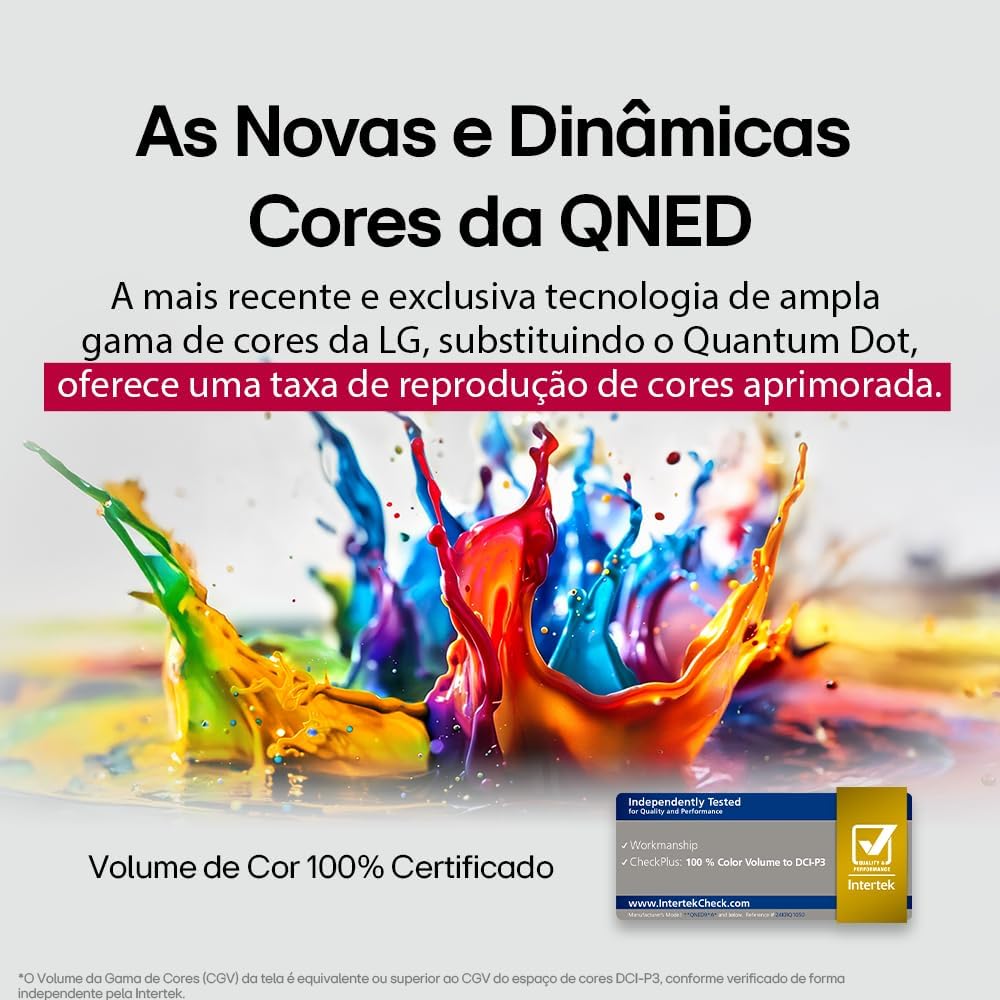
LG's QNED technology delivers new and dynamic colors, offering an improved color reproduction rate with 100% Certified Color Volume to DCI-P3.
- MiniLED: This technology enhances sharpness and provides superior contrast for an immersive viewтажрыйбасы.
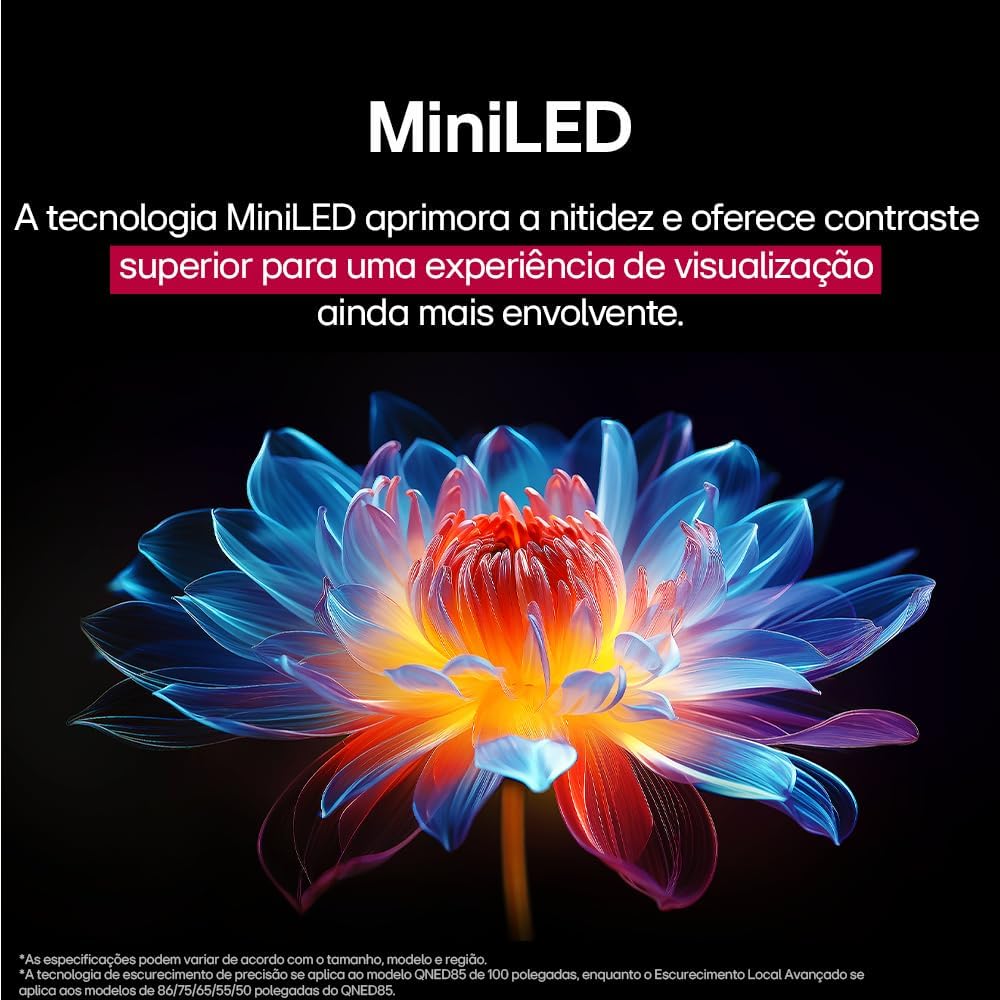
MiniLED technology improves sharpness and offers superior contrast for an immersive viewтажрыйбасы.
- α8 AI Processor Gen 2: This processor enhances 4K visuals with impressive colors and brightness.
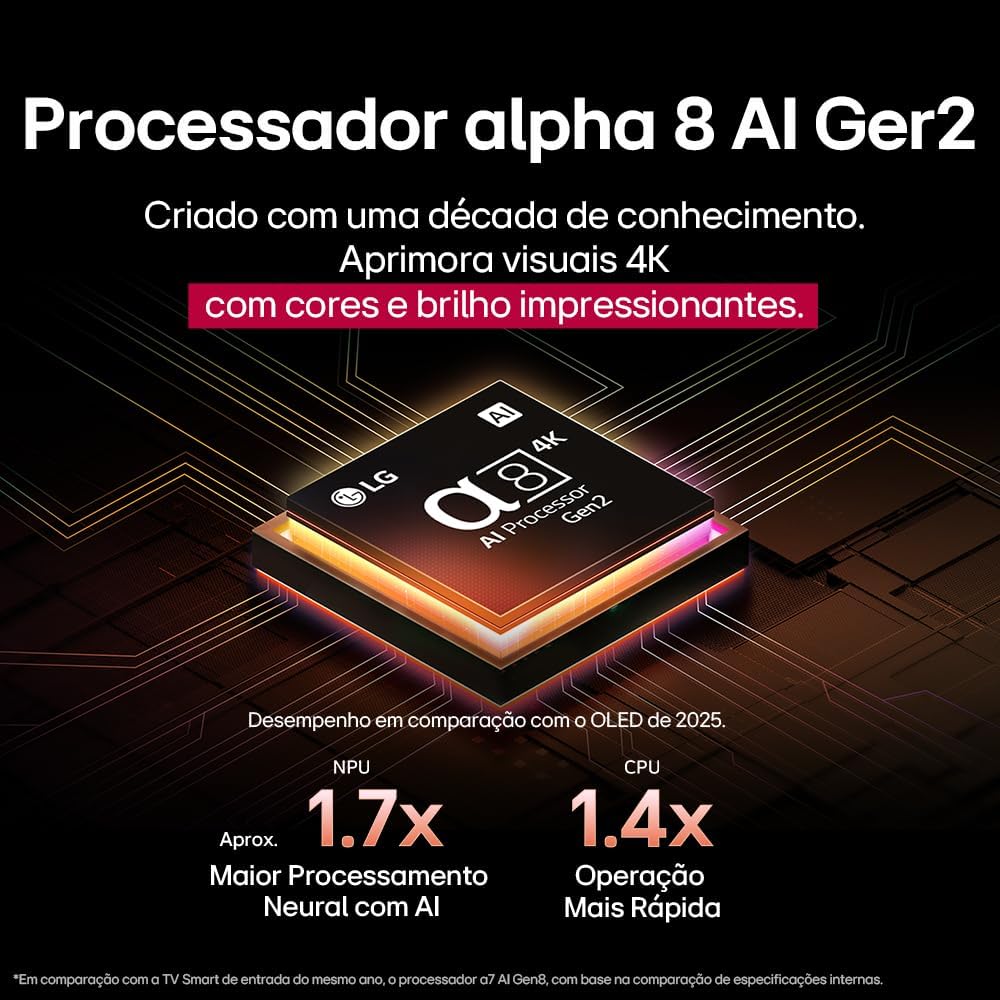
The Alpha 8 AI Processor Gen 2 enhances 4K visuals with impressive colors and brightness, offering approximately 1.7x greater neural processing with AI and 1.4x faster operation compared to previous generations.
- AI Picture Pro: Analyzes each frame, enhancing resolution, brightness, depth, and clarity to bring every scene to life.

AI Picture Pro analyzes each frame, enhancing resolution, brightness, depth, and clarity to bring every scene to life.
4.4 Үн орнотуулары
The TV includes AI Sound Wizard features to optimize audio output based on your environment and content.
4.5 Байланыш
Your TV supports various connectivity options:
- Wi-Fi: Connect to your home wireless network for internet access and smart features.
- Ethernet: Use a wired connection for stable internet access.
- HDMI: Connect high-definition devices like Blu-ray players, game consoles, and soundbars.
- USB: Медиа ойнотуу fileUSB сактагыч түзмөктөрүнөн.
- Bluetooth: Connect wireless headphones, speakers, or other compatible devices.
4.6 Оюн функциялары
The LG 55QNED85T is equipped with features for an enhanced gaming experience:
- 120Hz Panel: Тез темптеги оюндар үчүн жылмакай кыймылды камсыз кылат.
- FreeSync: Reduces screen tearing and stuttering when connected to compatible gaming devices.
5. Техникалык тейлөө
5.1 Тазалоо
- Экран: Экранды жумшак, түксүз чүпүрөк менен акырын сүртүңүз. өжөр белгилери үчүн, жеңил гampчүпүрөккө суу же атайын экран тазалагыч (экранга түздөн-түз чачпаңыз).
- Рамка жана стенд: Жумшак, кургак чүпүрөк менен сүртүңүз.
- Алыстан башкаруу: Use a soft, dry cloth to clean the remote.
5.2 Программалык камсыздоо жаңыртуулары
Your TV may receive software updates to improve performance and add new features. You can usually check for and install updates through the TV's settings menu (Settings > General > About This TV > Check for Updates).
6. Кыйынчылыктарды
Телевизоруңузда көйгөйлөргө туш болсоңуз, төмөнкү жалпы чечимдерди караңыз:
| Көйгөй | Мүмкүн чечим |
|---|---|
| Күч жок | Кубат кабелинин телевизорго жана дубалдагы розеткага бекем туташтырылганын текшериңиз. Розетканын иштеп турганын текшериңиз. |
| Сүрөт жок, бирок Үн бар | Check the input source. Ensure external devices are powered on and connected correctly via HDMI. |
| Үн жок, бирок Сүрөт бар | Check the volume level and mute status. Verify audio output settings (e.g., internal speakers, external soundbar). |
| Пульт иштебейт | Батареяларды алмаштырыңыз. Пульт менен сыналгынын ортосунда эч кандай тоскоолдук жок экенин текшериңиз. Керек болсо, сыйкырдуу пультту кайра жуптаңыз. |
| Тармакка туташуу маселелери | Restart your router and modem. Check Wi-Fi password. Try a wired Ethernet connection if possible. |
| Сүрөттүн сапаты маселелери | Сүрөт жөндөөлөрүн тууралаңыз (жарыктык, контраст, тактык). Киргизүү булагы жогорку сапаттагы сигнал берип жатканын текшериңиз. |
If the problem persists, try performing a factory reset (refer to the TV's settings menu) or contact LG customer support.
7. Техникалык шарттар
Detailed specifications for the LG 55QNED85T 55-inch 4K QNED Smart TV:
| Өзгөчөлүк | Спецификация |
|---|---|
| Screen Size | 55 дюйм |
| Бренд | LG |
| Дисплей технологиясы | LED (QNED, MiniLED) |
| Резолюция | 4K (3840 x 2160) |
| Жаңыртуу ылдамдыгы | 120 Гц |
| Өзгөчөлүктөр | QNED Dynamic Colors, MiniLED, α8 AI Processor Gen 2 |
| Байланыш технологиясы | Bluetooth, Ethernet, HDMI, USB, Wi-Fi |
| Аспект катышы | 16:9 |
| Продукциянын өлчөмдөрү (DxWxH) | 25.7D x 123.6W x 78.3H centimeters (with stand) |

Dimensions of the LG 55QNED85T 55-inch TV. Indicated values and actual measurements may differ.
8. Кепилдик жана колдоо
Your LG 55QNED85T Smart TV comes with a manufacturer's warranty. Please refer to the warranty card included in your product packaging for specific terms and conditions.
Техникалык колдоо, тейлөө же кепилдик боюнча дооматтар үчүн LG кардарларды тейлөө кызматына расмий аркылуу кайрылыңыз webсайтты же кепилдик документтериңизде көрсөтүлгөн байланыш маалыматын.