
Introduction
Thank you for choosing the Gvyugke Captain 500 Wireless Gaming Headset. This headset is designed to provide a versatile and immersive audio experience across multiple gaming platforms and devices. Featuring 2.4GHz wireless, Bluetooth 5.2, and 3.5mm wired connectivity, along with a detachable noise-cancelling microphone and RGB lighting, it offers flexibility and high-quality sound for your gaming and communication needs. Please read this manual carefully to ensure proper setup and operation.

The Gvyugke Captain 500 Wireless Gaming Headset, showcasing анын кооз дизайны.
Продукт бүттүview
Гарнитуранын компоненттери

А жарылды view illustrating the internal and external components of the headset, including the ear cushion, integrated head beam, game lights, ring transducer, neodymium magnet, and PET shockproof protector.
Негизги өзгөчөлүктөрү
- Triple Connection Modes: 2.4GHz Wireless, Bluetooth 5.2, and 3.5mm Wired for broad compatibility.
- Low Latency 2.4GHz Wireless: Provides a stable connection with less than 20ms delay for gaming.
- High-Performance Bluetooth 5.2: For mobile devices and general wireless use.
- Omni-directional Noise-Cancelling Microphone: Ажыратылуучу жана так байланыш үчүн ийкемдүү.
- Stunning RGB Lighting: Customizable lighting effects on the earcups.
- Эргономикалык дизайн: Features breathable memory foam ear cushions, a soft protective head beam, and adjustable sliders for comfort.
- 50 мм аудио драйверлери: Delivers rich stereo sound.
- Батареянын узак иштөө мөөнөтү: Up to 40 hours of gaming time.
Орнотуу жана туташуу
Гарнитураны заряддоо
Before first use, fully charge the headset. Connect the provided USB charging cable to the headset's charging port and a compatible USB power source. A full charge typically takes approximately 3 hours. The headset provides a voice alert when the battery level is below 3%.

An infographic detailing the headset's battery performance: 35-40 hours gaming, less than 3% battery voice alert, 15-20 hours lighting mode times, and 3 hours charging time. Note: Turn off RGB lights to extend usage time.
Connection Modes Overview

A diagram illustrating the three connection channels: 2.4GHz Wireless Mode, Bluetooth Mode, and 3.5mm Aux Cable Mode, along with their respective compatibilities and latency information.
1. 2.4 ГГц зымсыз туташуу
This mode offers low-latency wireless audio, ideal for gaming.
- 2.4 ГГц USB донглди түзмөгүңүздөгү жеткиликтүү USB портуна сайыңыз.
- Гарнитураны күйгүзүңүз. Гарнитура автоматтык түрдө донглге туташышы керек.
- Гарнитура системаңыздын жөндөөлөрүндө аудио чыгаруу/киргизүү түзмөгү катары тандалганын текшериңиз.
Шайкеш түзмөктөр: PC, PlayStation 4/5, Nintendo Switch (microphone may not be supported), Mac (microphone may not be supported). Note: Does not support Xbox All Series in this mode.

The headset connected wirelessly via a 2.4GHz dongle to a PlayStation 5 console, emphasizing a stable and low-latency connection.
2. Bluetooth туташуусу
Use Bluetooth for connecting to mobile devices and other Bluetooth-enabled systems.
- Power on the headset and switch to Bluetooth mode (refer to operating instructions for mode switching).
- Түзмөгүңүздө Bluetooth иштетиңиз жана жеткиликтүү түзмөктөрдү издеңиз.
- Select "Gvyugke Captain 500" (or similar name) from the list to pair.
Шайкеш түзмөктөр: Phones, Tablets, and other Bluetooth-enabled mobile devices. Note: Does not support Xbox All Series in this mode.
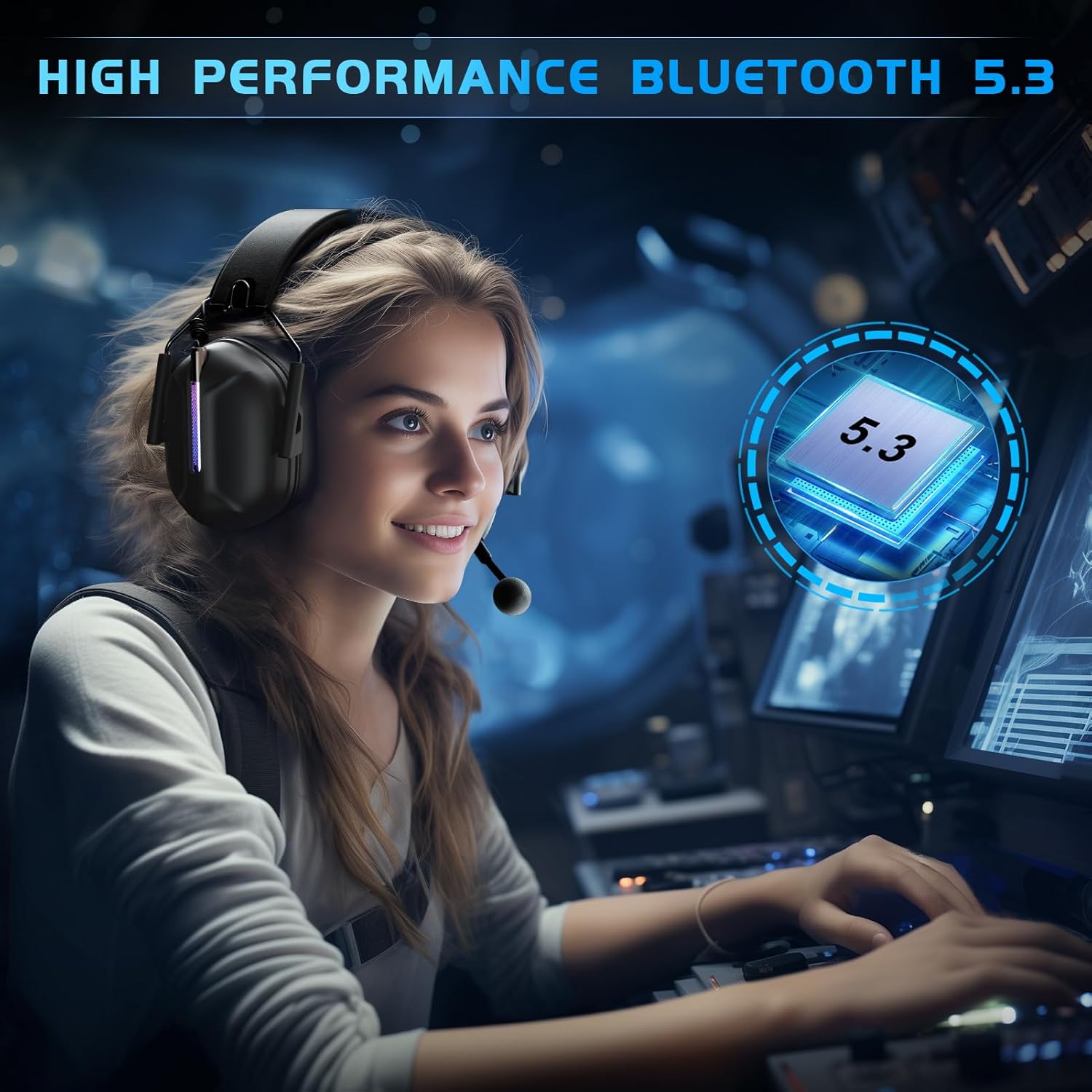
A user wearing the headset, highlighting the high-performance Bluetooth 5.3 connectivity for a seamless audio experience.
3. 3.5 мм зымдуу туташуу
For universal compatibility with devices featuring a 3.5mm audio jack.
- 3.5 мм аудио кабелди гарнитуранын 3.5 мм портуна туташтырыңыз.
- Connect the other end of the 3.5mm audio cable to your device's audio jack.
Шайкеш түзмөктөр: Any 3.5mm audio devices, Xbox Controller. Note: Older version Xbox controllers may require a headset adapter (not included in the package).

Жакын план view of the detachable microphone connecting via a 3.5mm jack, illustrating the Environmental Noise Cancellation (ENC) technology.
Иштөө нускамалары
Күйгүзүү/өчүрүү
- To power on, press and hold the Power button for approximately 3 seconds until the indicator light illuminates.
- To power off, press and hold the Power button for approximately 3 seconds until the indicator light turns off.
Үндү көзөмөлдөө
Adjust the volume using the dedicated volume roller or buttons located on the earcup. Roll up to increase volume, roll down to decrease.
Микрофонду колдонуу
- Тиркелүү/ажыратуу: The microphone is detachable. Align the microphone jack with the port on the headset and push firmly to attach. Pull gently to detach.
- Үнсүз/Ачуу: Use the microphone mute button on the headset to toggle the microphone on or off. An indicator light may show the microphone status.

A user wearing the headset, showcasing the flexible and detachable omni-directional noise-cancelling microphone with 360-degree pickup.
RGB жарык көзөмөлдөө
The headset features RGB lighting effects. Refer to the specific button on your headset (often a dedicated light button or a multi-function button) to cycle through lighting modes or turn the lights off. Turning off the RGB lights can extend battery life.

A user wearing the headset, highlighting the vibrant and stunning RGB lighting effect on the earcups.
Comfort and Ergonomic Design
The Gvyugke Captain 500 is designed for extended wear comfort.

An image detailing the comfort features: breathable memory foam ear cushions for reduced occlusion, a soft protective design for stress-free wear, and adjustable sliders for a customizable fit for both adults and children.
- Breathable Memory Foam: Ear cushions are designed to be highly breathable, reducing ear occlusion and discomfort during long sessions.
- Soft Protective Design: The head beam features soft cushioning to provide a comfortable, pressure-free fit.
- Жөнгө салынуучу Слайдер: The headband can be adjusted to fit various head sizes, ensuring a secure and comfortable fit for all users.
Техникалык тейлөө
Тазалоо
Wipe the headset with a soft, dry cloth. Do not use harsh chemicals or abrasive materials. For ear cushions, a slightly damp cloth can be used, ensuring they are completely dry before use.
Сактагыч
Гарнитураны салкын, кургак жерде, күн нуру түз тийбеген жана өтө жогорку температурадан алыс сактаңыз. Бузуп албоо үчүн, гарнитурага оор нерселерди койбоңуз.
Батареяга кам көрүү
Батареянын иштөө мөөнөтүн узартуу үчүн, гарнитуранын тез-тез толук зарядын жоготпоңуз. Гарнитураны көпкө чейин колдонулбаса дагы, аны үзгүлтүксүз кубаттап туруңуз.
Проблемаларды чечүү
Жалпы маселелер жана чечимдер
- Үн жок / Төмөн үнү:
- Check headset volume controls and device volume settings.
- Гарнитура туура туташтырылганын текшериңиз (2.4 ГГц донгл, Bluetooth жупташтырылган же 3.5 мм кабель толугу менен сайылган).
- Verify the correct audio output device is selected in your system settings.
- Микрофон иштебейт:
- Микрофондун бекем орнотулганын жана үнсүз эместигин текшериңиз.
- Түзмөгүңүздөгү микрофондун киргизүү жөндөөлөрүн текшериңиз.
- Note that the microphone may not be supported on Mac or Nintendo Switch in 2.4GHz mode.
- Connection Drops / Cannot Connect:
- For 2.4GHz, ensure the dongle is firmly inserted and within range (up to 49ft).
- Bluetooth үчүн, гарнитура жупташтыруу режиминде экенин жана түзмөгүңүздүн Bluetooth'у иштетилгенин текшериңиз. Жупташтырууну ажыратып, кайра жупташтырып көрүңүз.
- Тоскоолдукту азайтуу үчүн түзмөккө жакындаңыз.
- Гарнитура кубатталбай жатат:
- Verify the charging cable is properly connected to both the headset and the power source.
- Башка USB портун же кубаттоо кабелин колдонуп көрүңүз.
- Кубат булагынын иштешин текшериңиз.
Техникалык мүнөздөмөлөр
| Өзгөчөлүк | Деталь |
|---|---|
| Бренд | Gvyugke |
| Модель аты | Капитан 500 |
| Байланыш технологиясы | 2.4 ГГц зымсыз, Bluetooth 5.2, 3.5 мм зымдуу |
| Зымсыз байланыш диапазону (2.4 ГГц) | 49 фут (15 метр) чейин |
| Bluetooth версиясы | 5.2 |
| Bluetooth диапазону | 10 метр |
| Аудио драйверинин өлчөмү | 50мм динамикалык драйвер |
| Импеданс | 32 Ом |
| Frequency Response | 20 KHz (Up to 20,000 Hz) |
| Аудио кечигүүсү (2.4 ГГц) | Less than 20 Milliseconds |
| Батареянын орточо иштөө мөөнөтү | Up to 40 hours (gaming), 15-20 hours (with RGB lights) |
| Батареяны заряддоо убактысы | 3 саат |
| Микрофон | Omni-directional, Detachable, Noise Control (ENC) |
| Кулак жайгаштыруу | Кулак үстүндө |
| Башкаруу ыкмасы | тийүү |
| Шайкеш түзмөктөр | PS5, PC, PS4, Mac, Nintendo Switch, Gaming Consoles, Desktops, Laptops, Mobile Devices, Xbox Series (wired) |
| Элемент Салмагы | 590 г |
Кепилдик жана колдоо
Кепилдик маалымат
For detailed warranty information, please refer to the warranty card included with your product packaging or visit the official Gvyugke webсайт. Сатып алуу квитанциясын кепилдик дооматтары үчүн сатып алуунун далили катары сактаңыз.
Кардарларды колдоо
If you encounter any issues or have questions not covered in this manual, please contact Gvyugke customer support through the contact information provided on the official website or your retailer's support channels. Provide your product model (Captain 500) and a detailed description of the issue for faster assistance.