
1. Киришүү
Thank you for choosing the JESIMAIK DM600 Golf Laser Rangefinder. This manual provides essential information for the safe and effective use of your device. Please read it thoroughly before operation and keep it for future reference.
2. Продукт бүтүп калдыview жана Негизги өзгөчөлүктөрү
The JESIMAIK DM600 is a high-performance golf laser rangefinder designed for accurate distance measurement on the golf course. Its compact and lightweight design, combined with advanced features, enhances your game experience.
Негизги өзгөчөлүктөрү:
- Жогорку тактыктагы өлчөө: Measures targets from 3 to 660 yards with an error margin of less than 1 yard. Within 200m, measurements are displayed in 0.5-yard increments, ensuring detailed accuracy.
- Fast Measurement Speed: Achieves measurement results in as fast as 0.06 seconds.
- Slope Function (ON/OFF): Provides accurate distance measurement by considering the slope angle on undulating courses, aiding in appropriate club selection. The slope switch allows for competition-legal use.
- Pin Lock Function: Assists in targeting the pin flag. By long-pressing and scanning, the device identifies the closest target, switching the display to its distance. This is useful in situations where it's difficult to distinguish the pin from background objects.
- Жеңил жана ичке дизайн: Ergonomic design for a stable grip. Weighing only 150g, it reduces strain on the wrist and arm during measurement. Anti-slip texture on grip areas ensures secure handling.
- Таза View at Long Distances: Equipped with a high-transmittance LCD viewfinder featuring high-quality multi-layer coating and 6x magnification, ensuring a clear view of targets for all users.
- Узартылган батареянын иштөө мөөнөтү: Type-C rechargeable with battery level indicator. A single charge provides approximately 20,000 measurements, eliminating battery concerns.
- IP54 чаң жана суу өткөрбөйт: Designed to withstand dust and water splashes, allowing for use in various weather conditions.

Image: The DM600 rangefinder accurately measures distances from 3 to 660 yards on a golf course.

Image: The DM600 rangefinder highlights its rapid 0.06-second measurement capability.

Сүрөт: The viewfinder of the DM600 rangefinder demonstrating its 6x magnification for a clear field of view.

Image: The DM600 rangefinder shown with water droplets, illustrating its IP54 dustproof and waterproof rating.
3. Пакеттин мазмуну
Пакетте бардык буюмдар бар экенин текшериңиз:
- JESIMAIK DM600 Golf Laser Rangefinder
- USB Type-C кубаттоочу кабель
- Dedicated Storage Case
- Көрсөтмө (бул документ)
- Тазалоочу кездеме

Image: All components included in the JESIMAIK DM600 package.
4. Орнотуу
4.1 Аппаратты заряддоо
Before first use, fully charge the rangefinder. Connect the provided USB Type-C cable to the charging port on the device and to a standard USB power adapter (not included). The battery indicator will show charging status.

Image: The DM600 rangefinder being charged via its USB Type-C port.
4.2 Күйгүзүү/өчүрүү
- Күйгүзүү үчүн: Press the Power button once. The display will activate.
- Өчүрүү үчүн: The device will automatically power off after 20 seconds of inactivity to conserve battery. Alternatively, you can long-press the Power button to manually turn it off.
5. Иштөө нускамалары
5.1 Негизги өлчөө
Look through the eyepiece and align the aiming reticle with your target. Press the Power/Measurement button once to get an instant distance reading.
5.2 Mode Switching (Yard/Meter)
To switch between yards (Yd) and meters (M), press and hold the 'MODE' button until the unit changes on the display.
5.3 Pin Lock Function
When targeting a pin flag, especially with background objects, activate the Pin Lock function. Long-press the Power/Measurement button and slowly scan across the flag. The device will vibrate and lock onto the closest target (the flag), displaying its distance.

Image: The Pin Lock function in action, showing the rangefinder locking onto a flagstick.
5.4 Slope Function (ON/OFF)
The DM600 features a physical switch to enable or disable the slope compensation function. When ON, the device calculates and displays the adjusted distance based on elevation changes. When OFF, it provides only the linear distance, making it compliant for official tournaments.
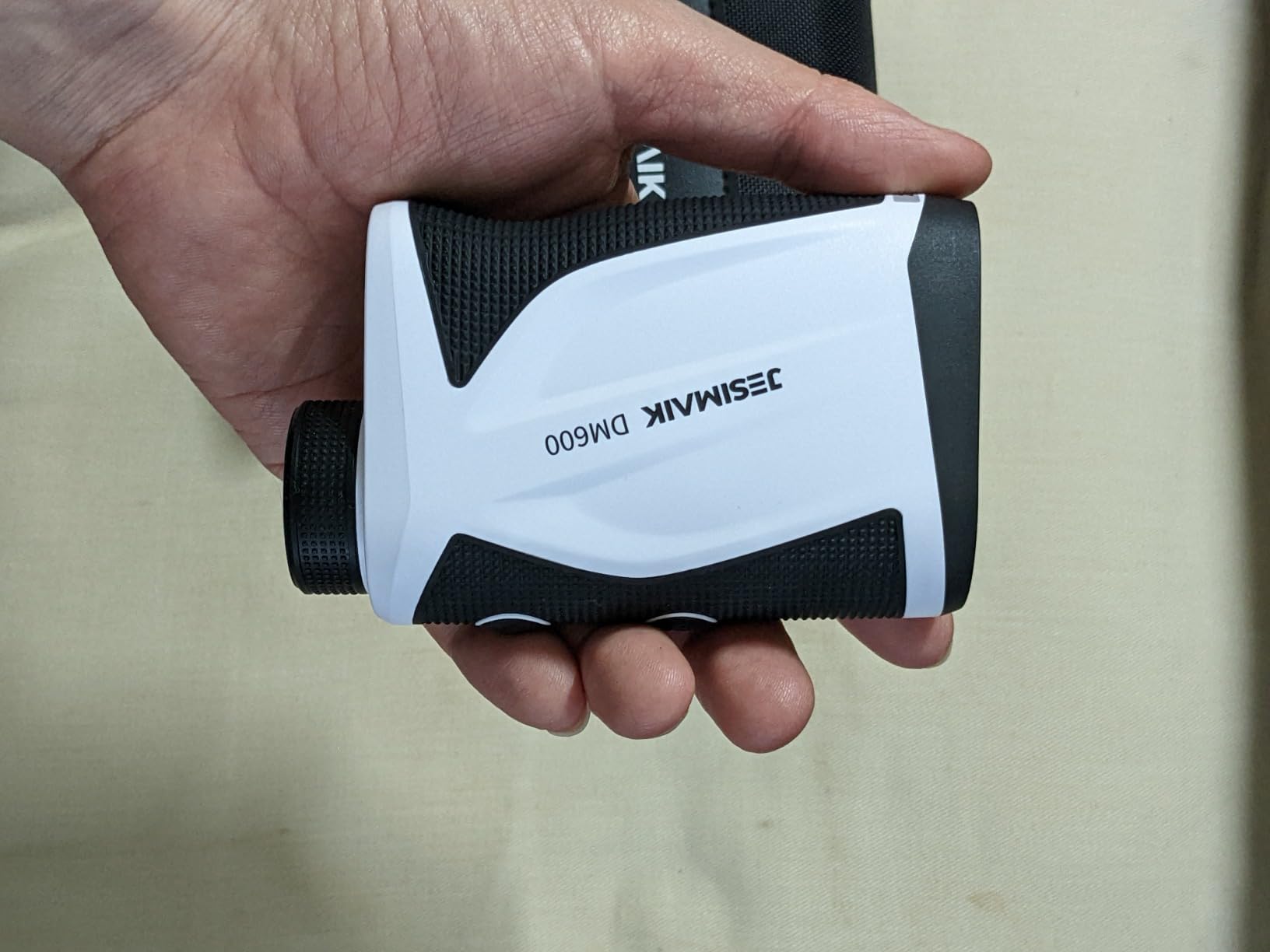
Image: The physical switch on the DM600 rangefinder to toggle the slope function between ON and OFF.

Image: A diagram explaining how the slope mode calculates adjusted distances based on elevation.
5.5 Continuous Scan Measurement
For continuous measurement of multiple targets or moving objects, long-press the Power/Measurement button. The device will continuously update the distance as you scan across the landscape.

Image: An illustration of the continuous scan feature, measuring distances to various points on a golf course.
6. Техникалык тейлөө
6.1 Тазалоо
Use the provided cleaning cloth to gently wipe the lenses and the body of the rangefinder. Do not use abrasive cleaners or solvents. Ensure lenses are free of dust and smudges for optimal performance.
6.2 Сактоо
Store the rangefinder in its dedicated case when not in use. Keep it in a cool, dry place, away from direct sunlight and extreme temperatures. Avoid dropping or subjecting the device to strong impacts.
7. Кыйынчылыктарды
If you encounter issues with your DM600 rangefinder, please refer to the following common solutions:
- Кубат жок: Аппараттын толук заряддалганын текшериңиз.
- Туура эмес окуулар: Check that the lenses are clean and free from obstructions. Ensure you are targeting a reflective surface.
- Difficulty Locking onto Pin: Use the Pin Lock function as described in Section 5.3. Ensure steady hands or brace the device.
- Дисплей маселелери: If the display is dim or flickering, recharge the battery.
Эгер көйгөйлөр чечилбесе, кардарларды колдоо кызматына кайрылыңыз.
8. Техникалык шарттар

Image: The compact size of the DM600 rangefinder, shown with its dimensions.
| Өзгөчөлүк | Деталь |
|---|---|
| Бренд | JESIMAIK |
| Модель номери | DM600 |
| Продукт түрү | Гольф лазердик диапазон |
| Түс | Ак |
| Материал | ABS |
| Өлчөө диапазону | 3 - 660 ярд |
| Өлчөө тактыгы | ±1 ярд |
| Максималдуу чоңойтуу | 6X |
| Суу өткөрбөйт рейтинги | IP54 |
| Батарея | Кайра заряддалуучу (С түрү) |
| Продукт Салмагы | 0.15 кг |
| Элементтин өлчөмдөрү (L x W x Y) | 10.8 x 6.8 x 3.8 см |
9. Коопсуздук маалыматы
Сураныч, төмөнкү коопсуздук чараларын сактаңыз:
- Do not look directly into the laser beam or aim it at others. This device uses a Class 1 laser product, which is safe under normal operating conditions, but direct eye exposure should be avoided.
- Аппаратты балдар жетпеген жерде сактаңыз.
- Түзмөктү өз алдынча бөлүктөргө бөлбөңүз же оңдоого аракет кылбаңыз. Тейлөө үчүн квалификациялуу адистерге кайрылыңыз.
- Аппаратты өтө ысык же муздак чөйрөдө колдонуудан алыс болуңуз.
10. Кепилдик жана колдоо
The JESIMAIK DM600 Golf Laser Rangefinder comes with a limited warranty. Please refer to the warranty card included in your package for specific terms and conditions. For technical support, troubleshooting assistance, or warranty claims, please contact JESIMAIK customer service through the retailer where you purchased the product.