
1. Продукт бүтүп калдыview
This bundle provides a robust wireless networking solution, combining the Ubiquiti UK-Ultra Swiss Army Knife Wi-Fi 5 Indoor and Outdoor Access Point with the Ubiquiti U-POE-af 48 VDC Passive PoE Adapter. Designed for expanding wireless coverage, this system offers reliable Wi-Fi connectivity for various environments.
Негизги өзгөчөлүктөрү:
- UK-Ultra Wi-Fi 5 Access Point: Provides high-speed Wi-Fi 5 (802.11ac) connectivity for both indoor and outdoor deployments.
- U-POE-af Passive PoE Adapter: Supplies power and data over a single Ethernet cable, simplifying installation.
- Кош тилкелүү операция: Supports both 2.4 GHz and 5 GHz frequency bands for flexible network performance.
- Ар тараптуу колдонуу: Suitable for business environments, handling large spaces, multiple floors, and numerous connected devices.
2. Кутуда эмне бар
The TWA Bundle includes the following components:
- Ubiquiti UK-Ultra Wi-Fi 5 Access Point
- Ubiquiti U-POE-af 48 VDC Passive PoE Adapter
3. Орнотуу колдонмосу
Follow these steps to set up your Ubiquiti UK-Ultra Access Point and U-POE-af PoE Adapter.
3.1. Физикалык орнотуу
- Жайгашкан жерди тандаңыз: Select a central location for the UK-Ultra Access Point to maximize Wi-Fi coverage. It can be mounted indoors or outdoors. For optimal performance, consider ceiling or wall mounting.
- Mount the Access Point: Securely mount the UK-Ultra Access Point using appropriate hardware (not included). Ensure proper cable routing.
- Connect the PoE Adapter:
- Тармак коммутаторуңуздан же роутериңизден Ethernet кабелин туташтырыңыз LAN port of the U-POE-af PoE Adapter.
- Башка Ethernet кабелин туташтырыңыз POE port of the U-POE-af PoE Adapter to the Ethernet port on the UK-Ultra Access Point. This cable will provide both data and power to the Access Point.
- Plug the U-POE-af PoE Adapter into a power outlet.
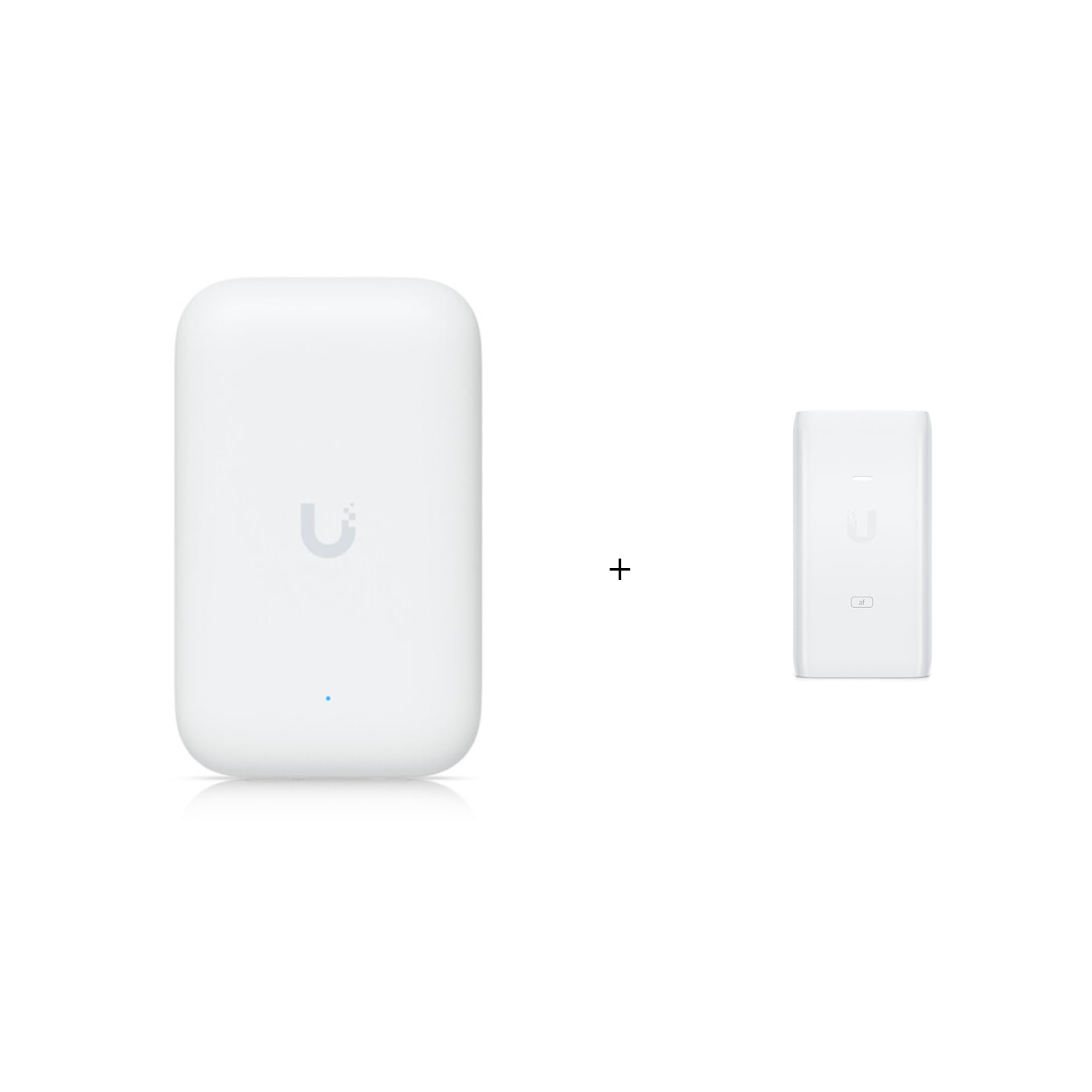
Figure 1: Ubiquiti UK-Ultra Wi-Fi 5 Access Point. This image shows the compact, white access point with a subtle 'U' logo and a small blue indicator light, designed for discreet placement.

Figure 2: Ubiquiti U-POE-af Passive PoE Adapter. This image displays the white PoE adapter with 'U' branding and 'af' label, featuring ports for LAN and POE connections.
3.2. Программанын конфигурациясы
- Download UniFi Network Application: Install the Ubiquiti UniFi Network application on your computer or mobile device. This application is essential for managing and configuring your Access Point.
- Discover and Adopt: Launch the UniFi Network application. It will automatically discover the newly connected UK-Ultra Access Point. Follow the on-screen prompts to "adopt" the device into your UniFi network.
- Wi-Fi жөндөөлөрүн конфигурациялоо: Once adopted, you can configure your Wi-Fi network (SSID, password, security settings) through the UniFi Network application.
- Программалык камсыздоонун жаңыртуулары: Ensure the Access Point's firmware is up to date for optimal performance and security. The UniFi Network application will typically notify you of available updates.
4. Иштөө нускамалары
Once configured, the Ubiquiti UK-Ultra Access Point will broadcast your Wi-Fi network. Connect your wireless devices (laptops, smartphones, tablets, smart home devices) to the configured SSID using the password you set.
Advanced Features (via UniFi Network Application):
- Конок мүмкүнчүлүгү: Create separate Wi-Fi networks for guests, providing internet access without compromising your main network security.
- Traffic Prioritization (QoS): Prioritize certain devices or applications to ensure smooth performance for critical tasks like video conferencing or gaming.
- Тармактык мониторинг: Monitor network performance, connected clients, and potential issues through the UniFi Network application dashboard.
- Үзгүлтүксүз роуминг: For multiple Access Point deployments, UniFi ensures seamless roaming between access points for uninterrupted connectivity.
5. Техникалык тейлөө
Regular maintenance helps ensure the longevity and optimal performance of your Access Point.
- Тазалыкты сактоо: Periodically wipe the exterior of the Access Point with a soft, dry cloth. Avoid using liquid cleaners or aerosols.
- Программалык камсыздоонун жаңыртуулары: Regularly check for and install firmware updates through the UniFi Network application. Updates often include performance improvements, security patches, and new features.
- Экологиялык шарттар: Ensure the Access Point operates within its specified temperature and humidity ranges. Avoid exposing it to direct sunlight or extreme weather conditions if installed outdoors.
6. Кыйынчылыктарды
Көйгөйгө туш болсоңуз, төмөнкү жалпы көйгөйлөрдү чечүү кадамдарын караңыз:
- Wi-Fi сигналы жок:
- Verify the PoE adapter is powered on and the Access Point's indicator light is active.
- Бардык Ethernet кабелдеринин туташууларын текшериңиз.
- Ensure the Access Point is adopted and configured in the UniFi Network application.
- Жай Wi-Fi ылдамдыгы:
- Check for interference from other wireless devices or networks.
- Ensure the Access Point is placed optimally for coverage.
- Интернет провайдериңиздин (ISP) ылдамдыгын текшериңиз.
- Update Access Point firmware.
- Cannot Access UniFi Network Application:
- Ensure your device is on the same network as the UniFi controller (if self-hosted) or has internet access (for cloud-based controllers).
- Restart the UniFi Network application or controller.
7. Техникалык шарттар
| Модель аты | UK-Ultra / U-POE-af |
| Өндүрүүчү | Ubiquiti |
| Brand (Bundle) | TWAComm.com |
| Зымсыз стандарт | 802.11ac (Wi-Fi 5) |
| Жыштык тилкесинин классы | Кош тилкелүү (2.4 ГГц / 5 ГГц) |
| Байланыш технологиясы | Ethernet |
| Антенна түрү | Оңдолду |
| Өзгөчө өзгөчөлүк | Кирүү чекитинин режими |
| Камтылган компоненттер | Access Point, POE Adapter |
| Сунушталган Колдонуулар | Бизнес |
| Шайкеш түзмөктөр | Gaming Console, Personal Computer, Printer, Security Camera, Smart Television |
8. Кепилдик жана колдоо
For warranty information and technical support, please refer to the official Ubiquiti documentation or contact TWAComm.com, the seller of this bundle. Keep your purchase receipt for warranty claims.
Онлайн ресурстар: